
Save time and money with our discounts!
In cart {{totalProductsCount}} item(s)
Your cart is empty
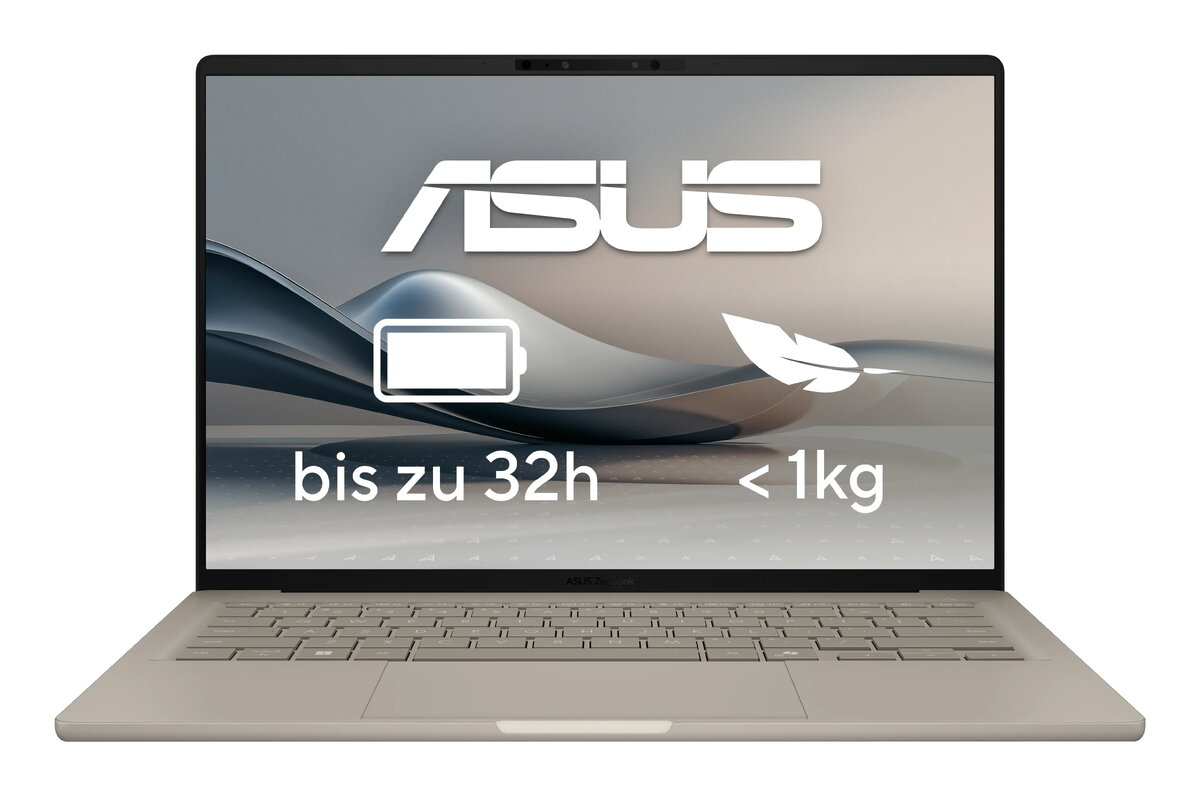
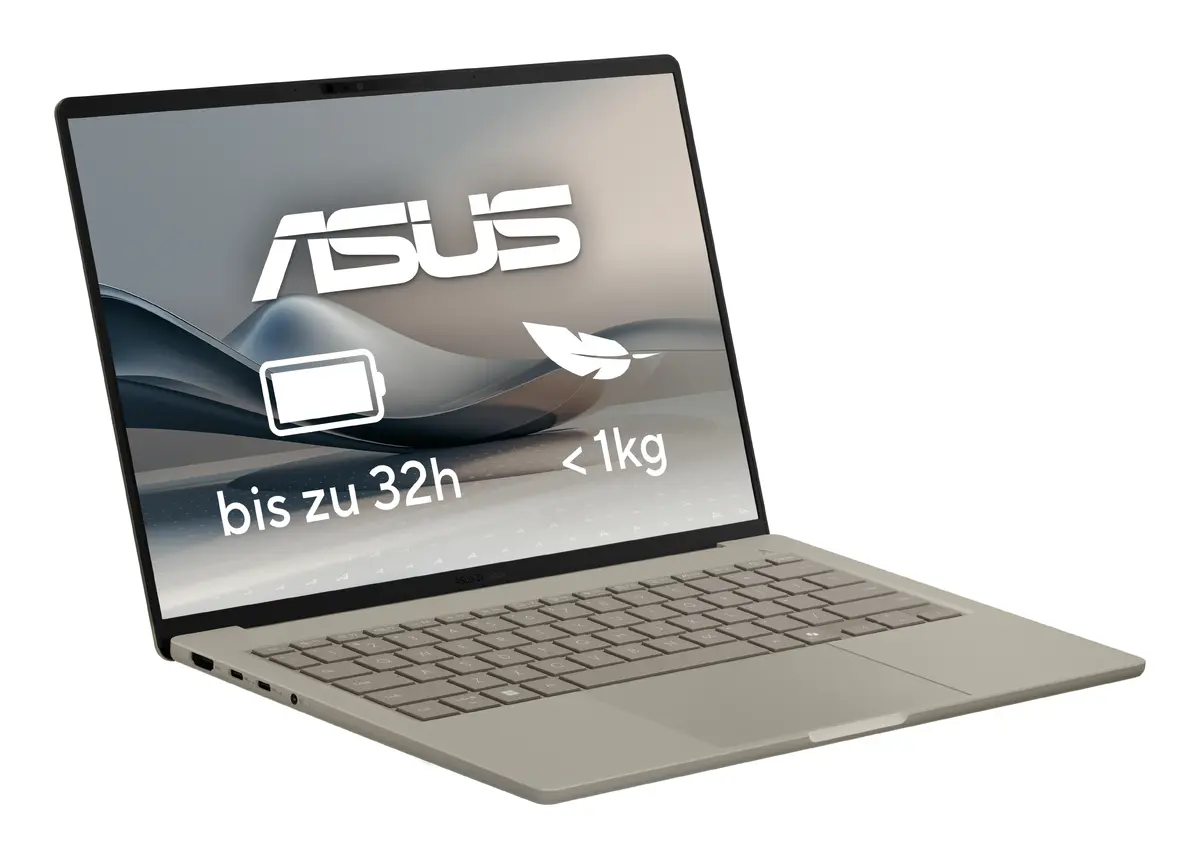
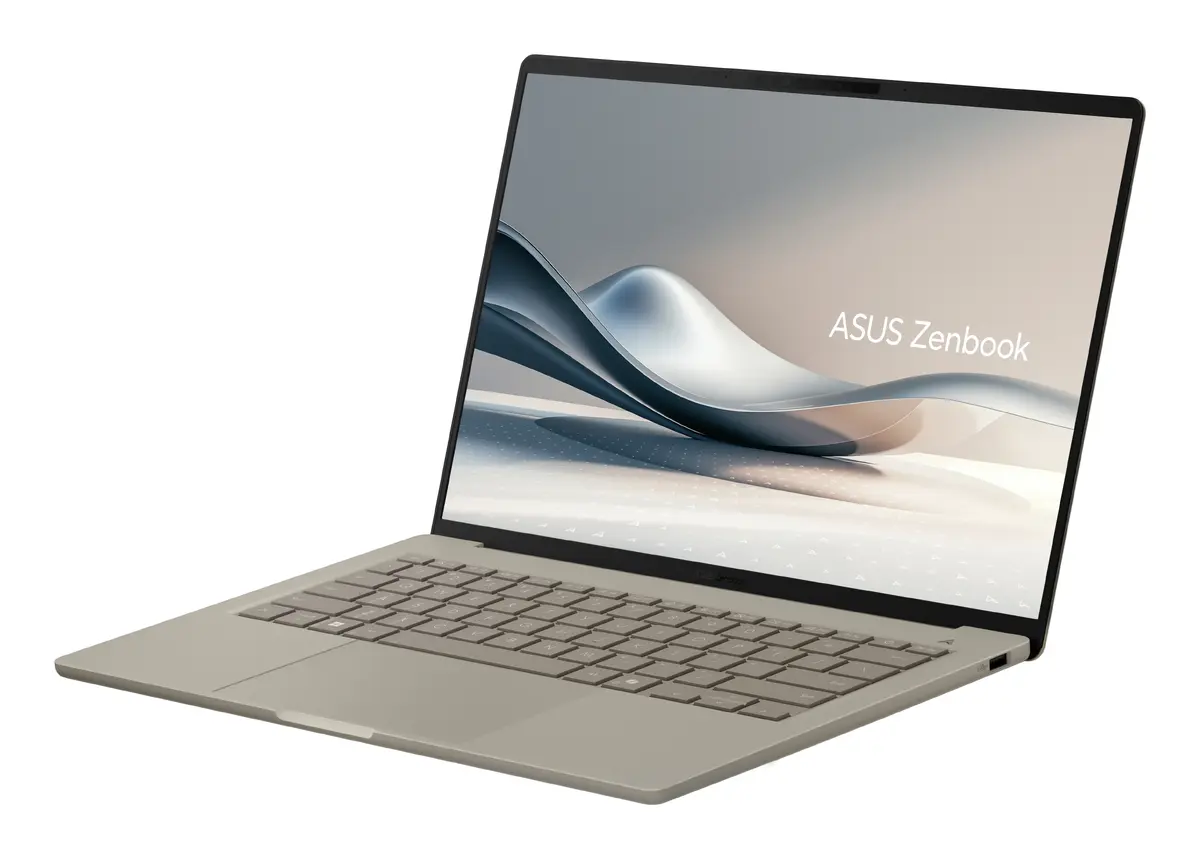
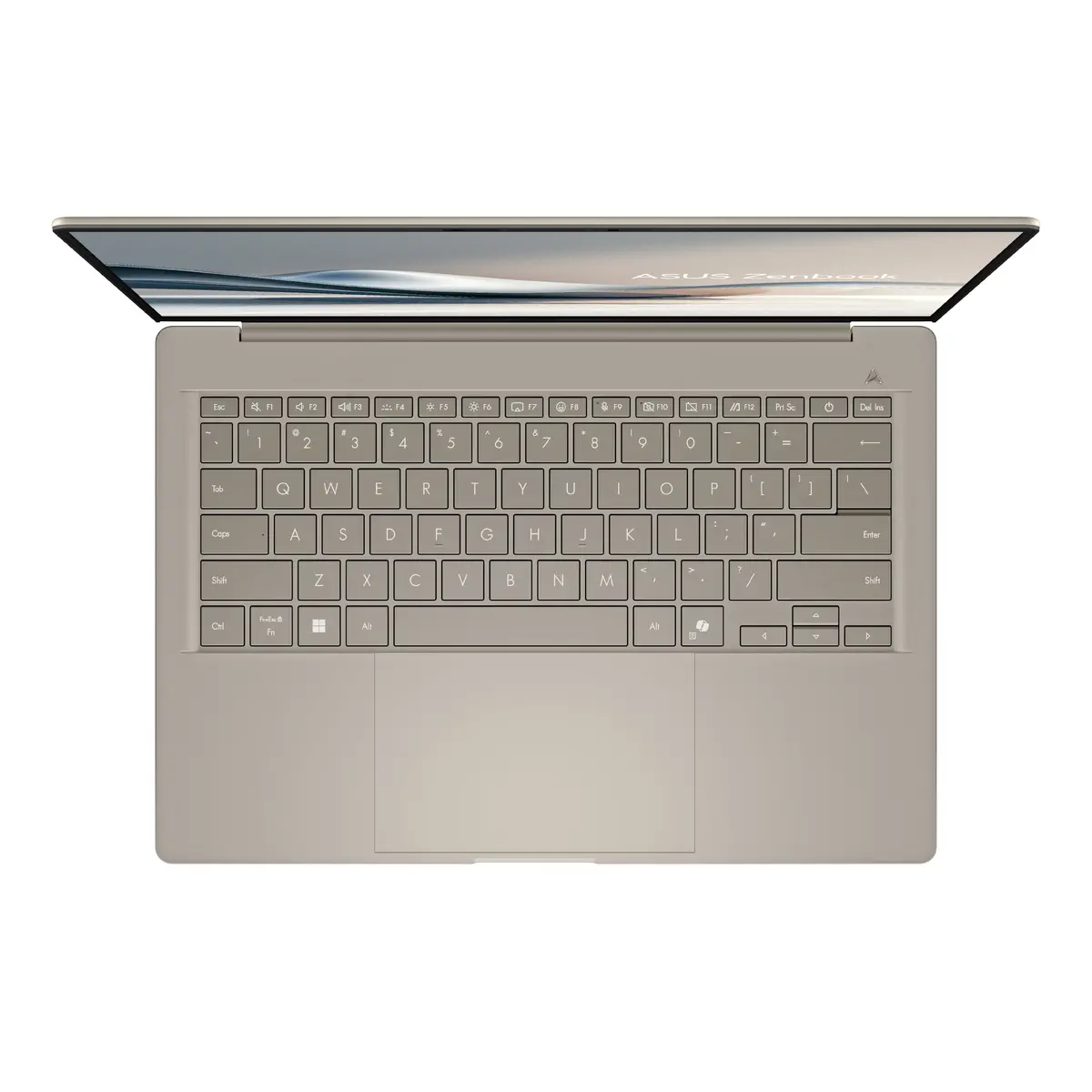
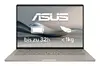
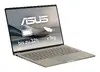
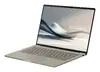
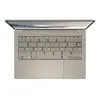
ASUS Zenbook A14 UX3407QA-QD305W Laptop, 14" WUXGA, Snapdragon X1-26-100, 32GB RAM, 1TB SSD, Windows 11 Home, Beige
The ASUS Zenbook A14 UX3407QA-QD305W is a premium, ultra-portable laptop designed for users who demand high performance in a lightweight package. As a Copilot+ PC, it leverages the advanced Snapdragon X1-26-100 processor to deliver efficient computing and AI-enhanced capabilities. With its elegant beige finish and durable construction, this 14-inch device is built for professionals and students who need a reliable machine that can easily transition between office, home, and travel environments.
The primary strength of this laptop lies in its exceptional portability, weighing less than one kilogram, which makes it an ideal companion for mobile users. The integration of the Snapdragon processor ensures a balance between high-speed performance and energy efficiency, allowing for extended productivity without frequent charging. The generous 32GB of LPDDR5x RAM combined with a spacious 1TB SSD provides a smooth multitasking experience and ample room for large files and applications. Furthermore, the WUXGA display offers crisp, clear visuals that enhance both work tasks and media consumption, while the modern design ensures a sophisticated aesthetic.
This laptop is not designed for high-end gaming or intensive 3D rendering tasks, as it relies on integrated graphics rather than a dedicated GPU. Users who require specific software compatibility that is not optimized for the ARM-based Snapdragon architecture should verify application support before purchase.
To begin using your ASUS Zenbook A14, simply open the lid to power on the device. Follow the initial Windows 11 setup prompts to configure your user account, network settings, and preferences. The laptop is optimized for immediate use, with the Copilot+ features integrated directly into the operating system to assist with daily tasks. Ensure the device is charged using the provided power adapter for the initial setup. You can connect peripherals via the available ports or use wireless connectivity options like Wi-Fi 6E and Bluetooth 5.3 for seamless integration with your existing devices.
Usage recommendations: To maintain the longevity of the battery, avoid exposing the laptop to extreme temperatures and keep the software updated through the Windows Update settings. Use a protective sleeve when traveling to preserve the finish of the chassis.
{{highlightedFeature.featureTitle}}:
{{getProductFeatureValueById(product, highlightedFeature.featureId)}}
{{ productComparisonGenerationError }}
