
Dreame vacuums for fast and efficient cleaning!
In cart {{totalProductsCount}} item(s)
Your cart is empty
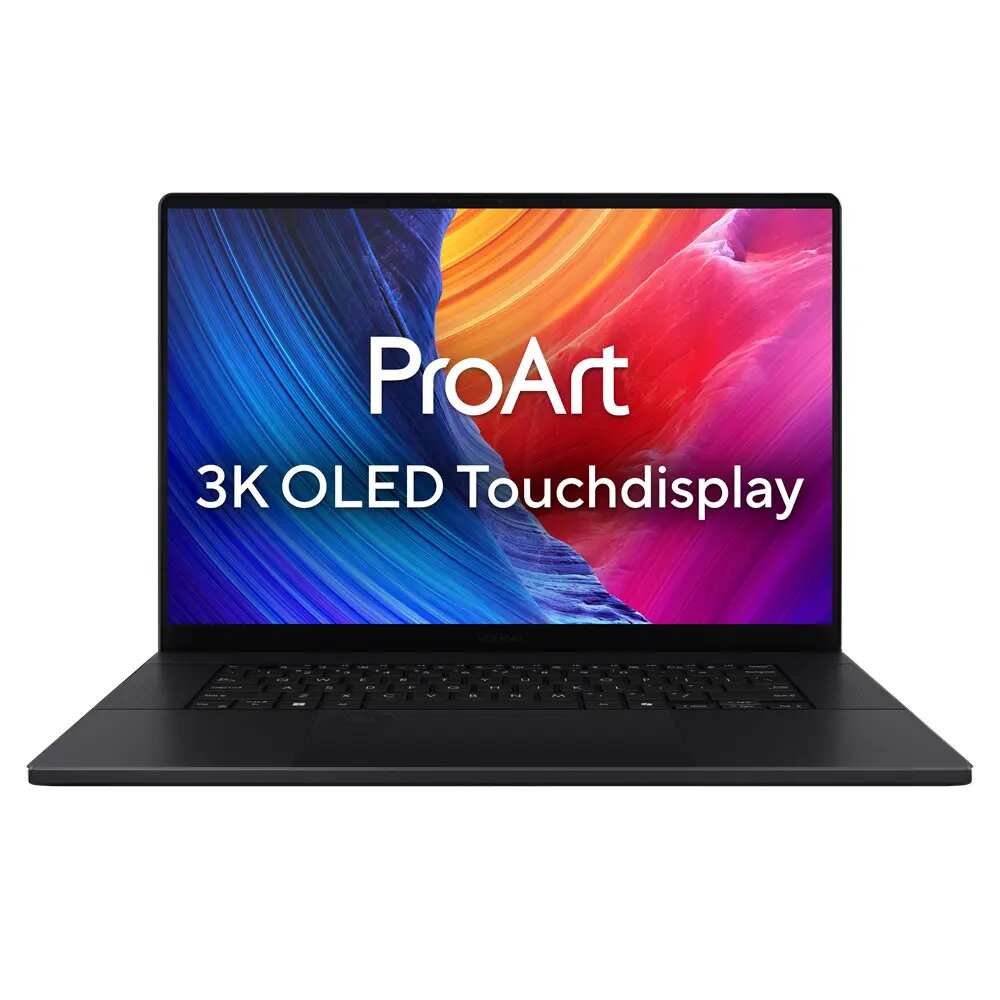
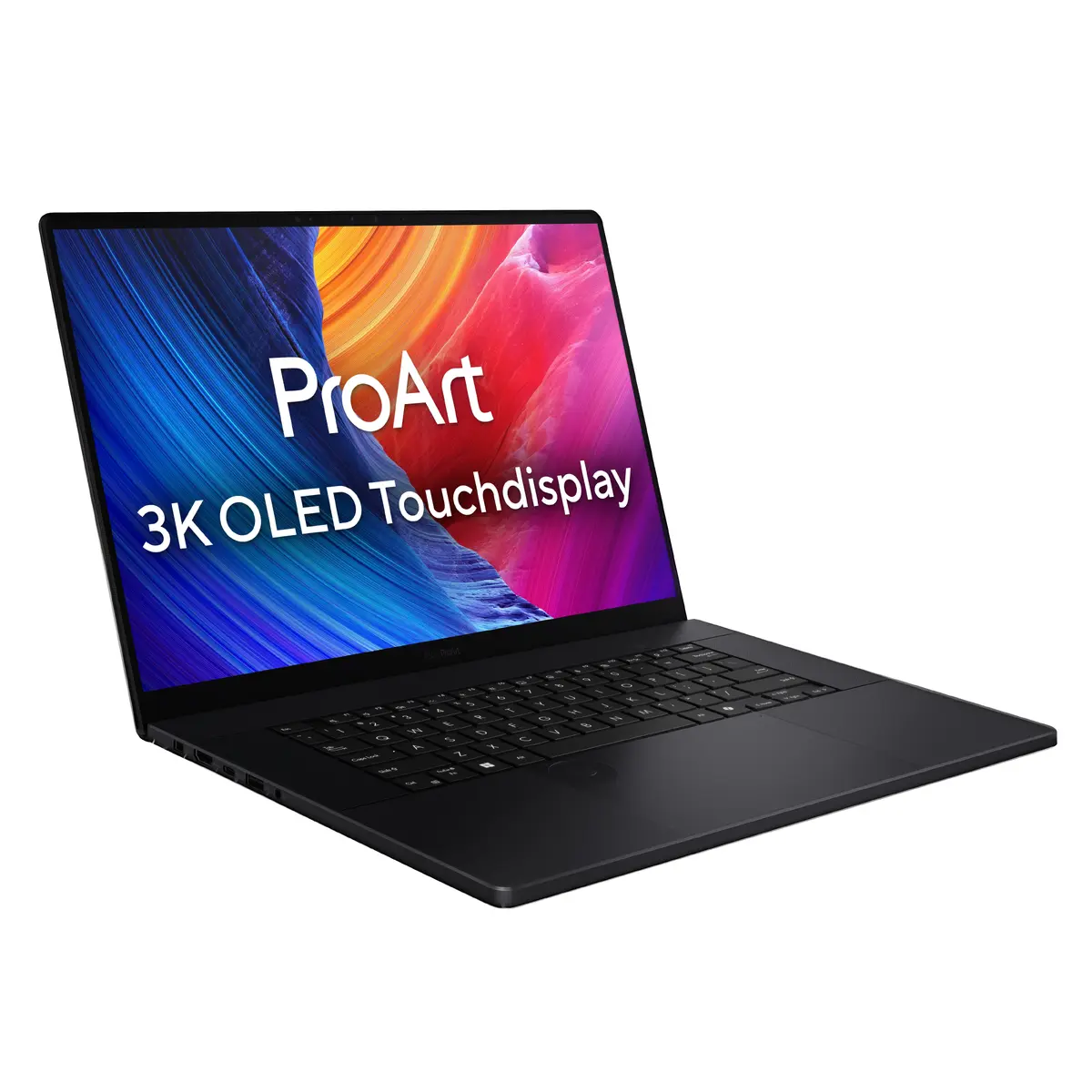
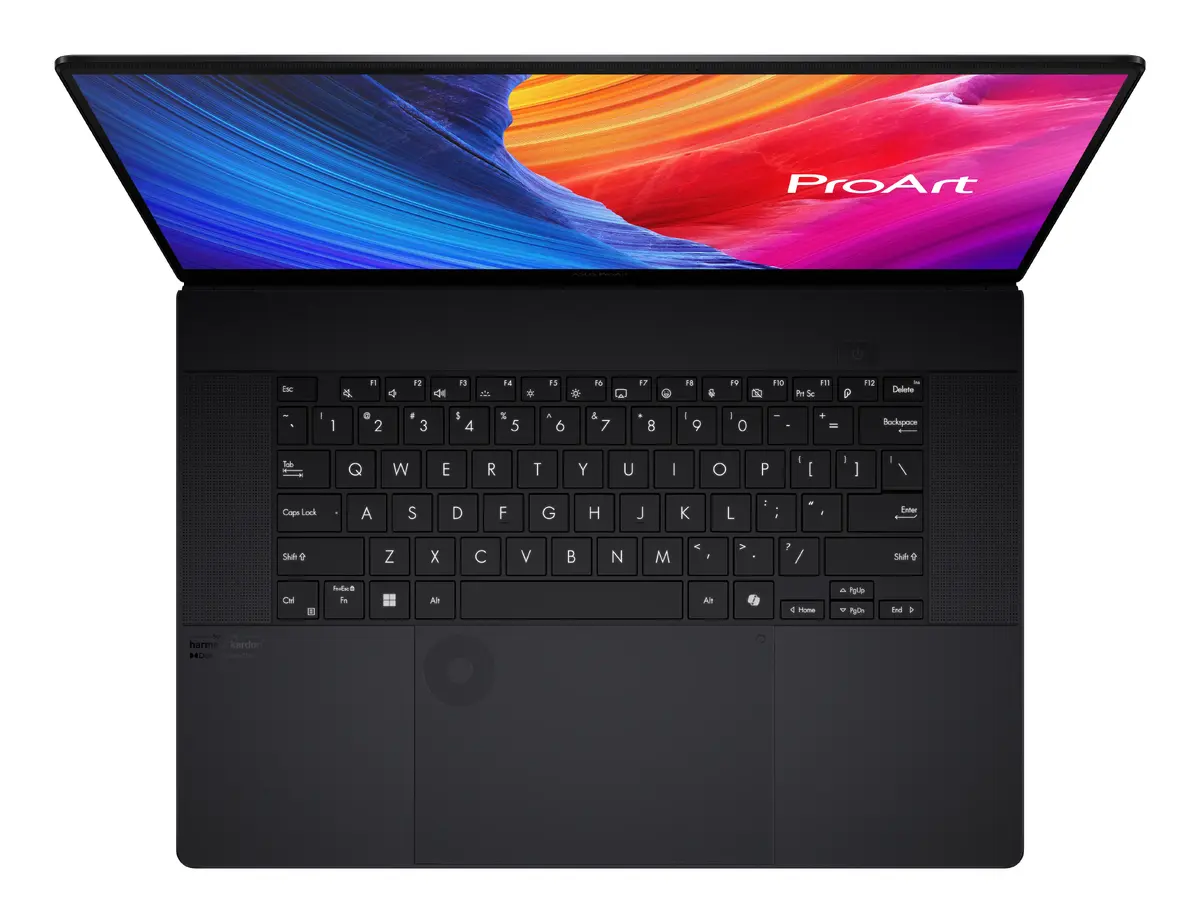
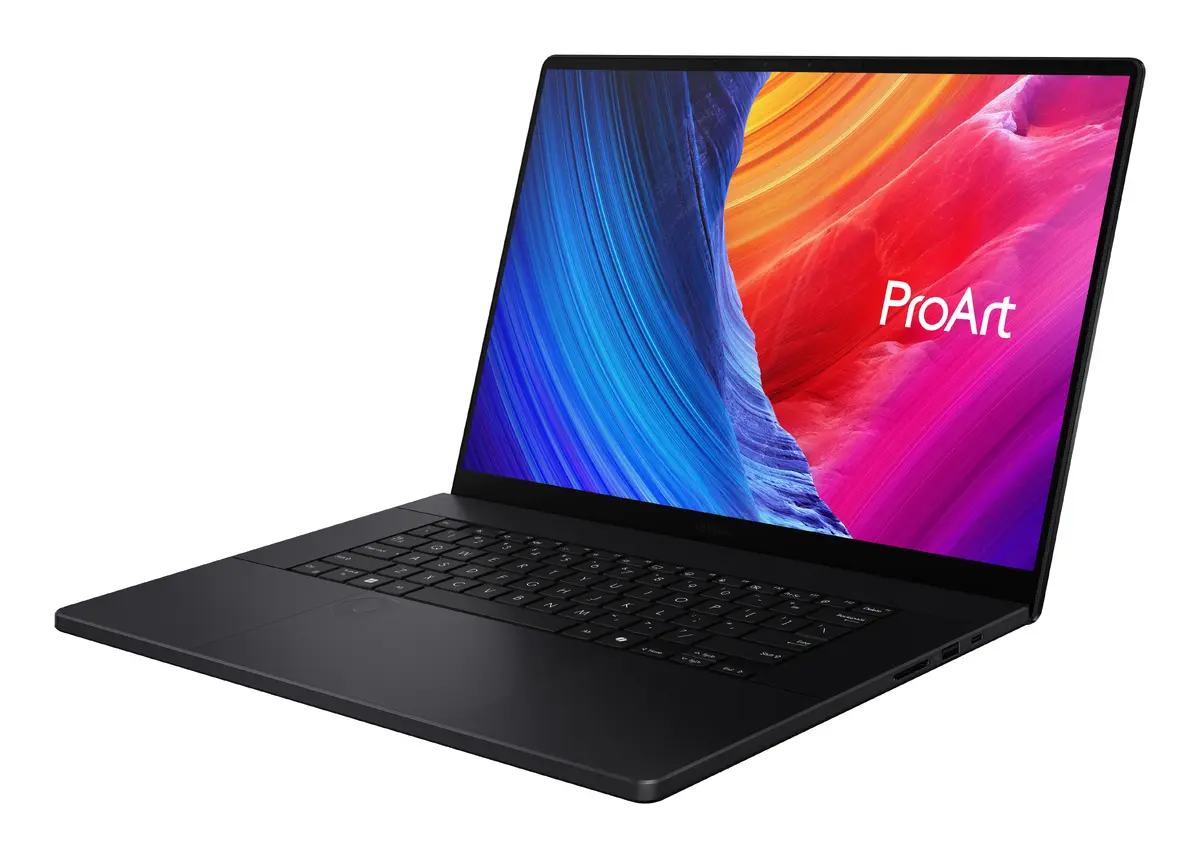
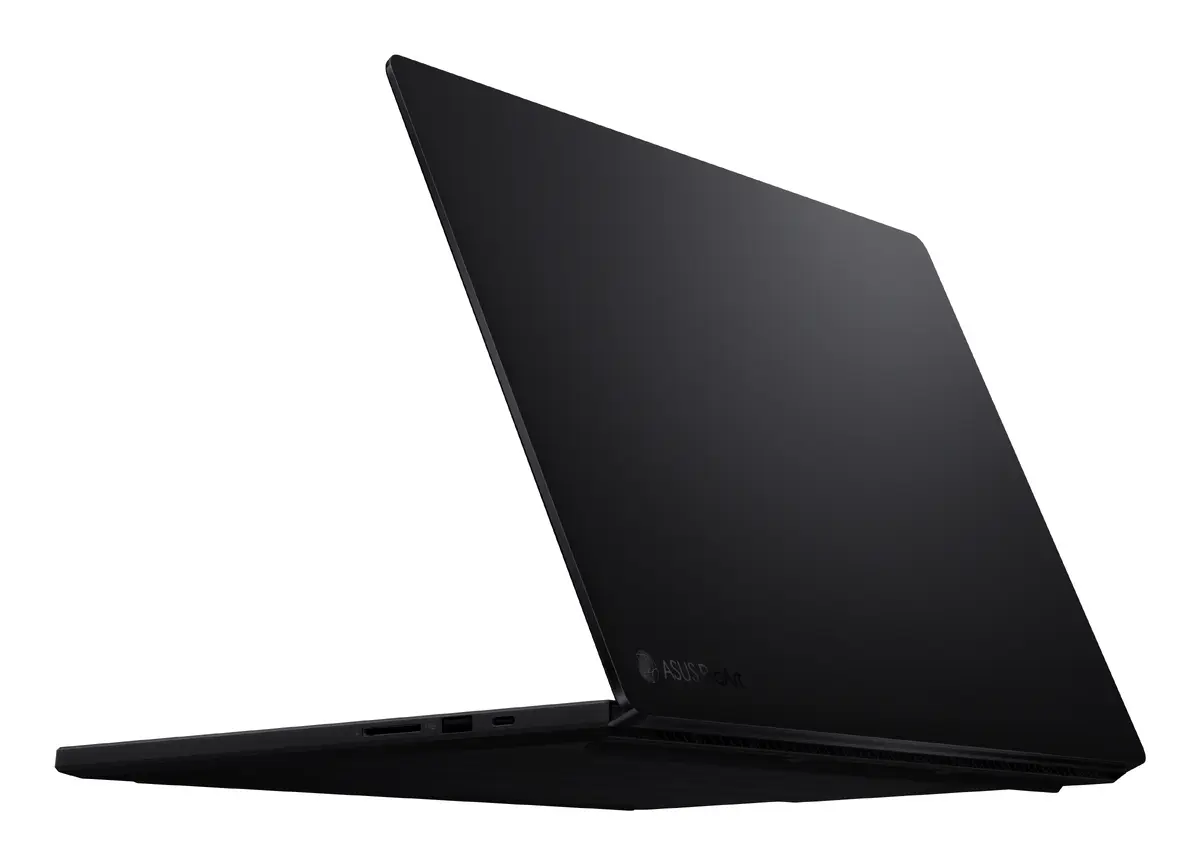
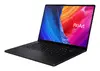
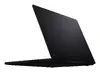
ASUS ProArt P16 H7606WM-RJ050W Laptop, 16" WQXGA+ Touchscreen, AMD Ryzen AI 9 HX 370, 32GB RAM, 2TB SSD, NVIDIA GeForce RTX 5060, Windows 11 Home
The ASUS ProArt P16 H7606WM-RJ050W is a high-performance laptop engineered specifically for creative professionals who require precision, power, and portability. Featuring a 16-inch WQXGA+ OLED touchscreen, this device delivers exceptional color accuracy and clarity, making it an ideal choice for digital artists, video editors, and designers. Powered by the advanced AMD Ryzen AI 9 HX 370 processor and NVIDIA GeForce RTX 5060 graphics, it handles complex workflows and demanding software with ease. The sleek black clamshell design houses 32GB of high-speed RAM and a spacious 2TB SSD, ensuring rapid multitasking and ample storage for large project files.
This laptop stands out due to its integration of cutting-edge AI-enhanced processing capabilities, which significantly accelerate creative tasks. The inclusion of an OLED touchscreen provides a professional-grade visual experience with deep blacks and vibrant colors, essential for accurate color grading and photo editing. Its robust build quality meets military-grade standards, ensuring durability during travel. Furthermore, the combination of a high-capacity battery and efficient thermal management allows users to maintain peak performance for extended periods, whether working in a studio or on location.
This device may not be the most suitable choice for users primarily focused on competitive gaming, as it is optimized for creative productivity rather than high-refresh-rate gaming performance. Additionally, those seeking a lightweight, ultra-portable device for basic office tasks might find the high-end specifications and larger 16-inch form factor more than what is necessary for their daily requirements.
To begin using the ASUS ProArt P16, simply power on the device and follow the Windows 11 setup instructions to configure your user account and network settings. Once initialized, you can install your preferred creative software suites. The touchscreen interface allows for intuitive navigation and direct interaction with design tools, while the high-performance hardware ensures that resource-intensive applications run smoothly. Ensure the device is connected to a power source during initial updates to maintain stability.
For optimal performance and longevity, it is recommended to keep the laptop's firmware and graphics drivers updated via the official support portal. Additionally, ensure the air vents remain unobstructed during heavy rendering tasks to maintain efficient cooling and system stability.
{{highlightedFeature.featureTitle}}:
{{getProductFeatureValueById(product, highlightedFeature.featureId)}}
{{ productComparisonGenerationError }}
