

Powerful EcoFlow stations for energy anywhere!
In cart {{totalProductsCount}} item(s)
Your cart is empty
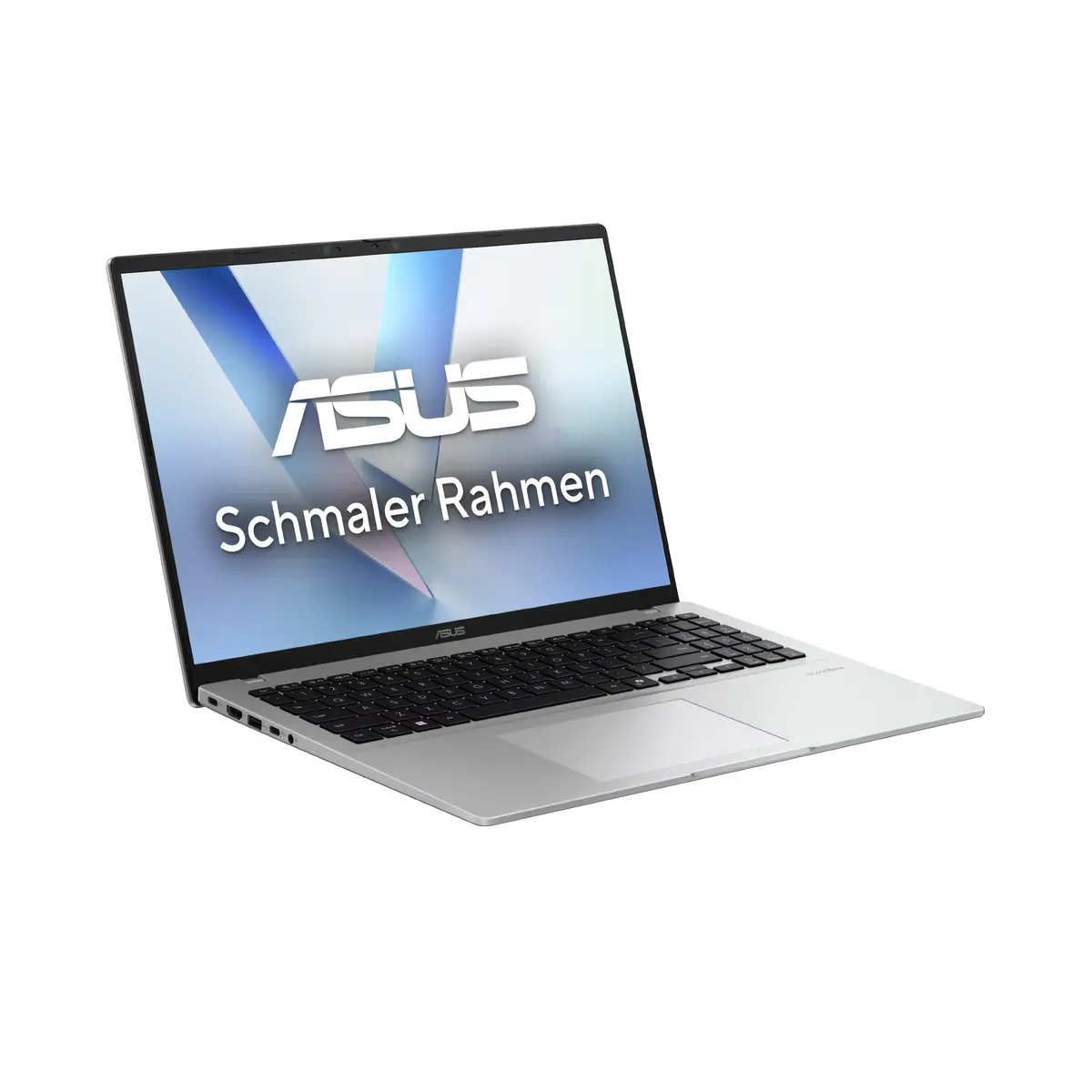
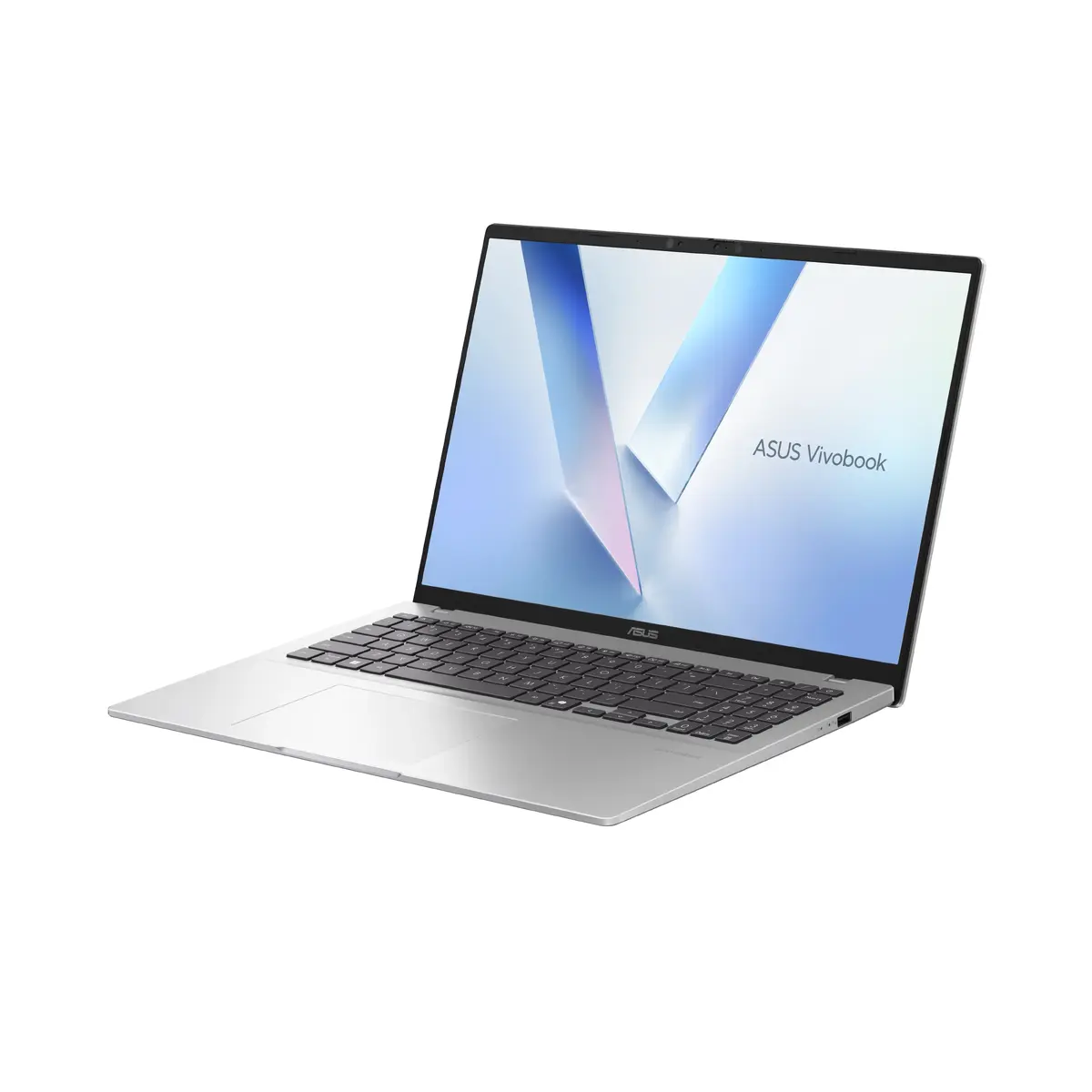
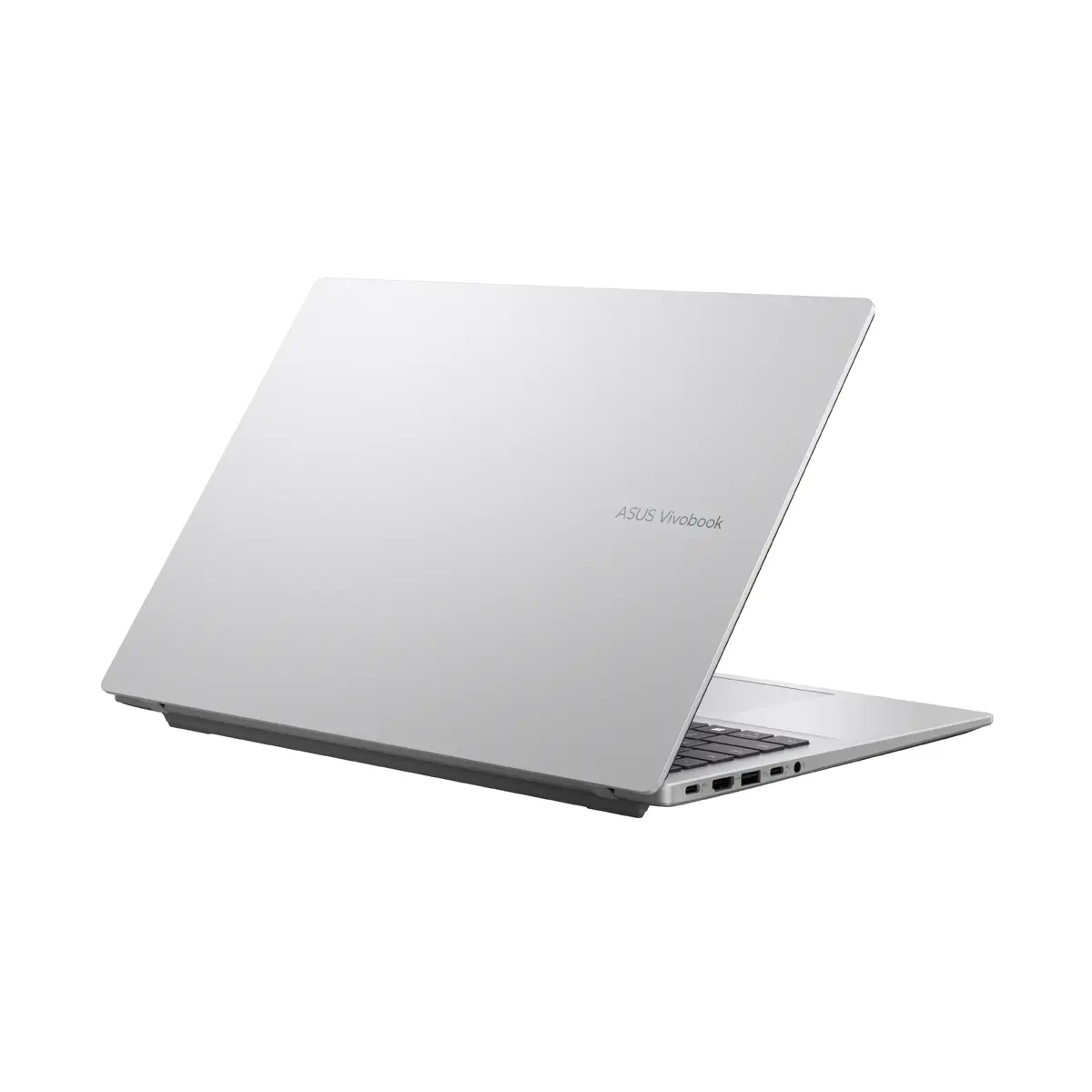
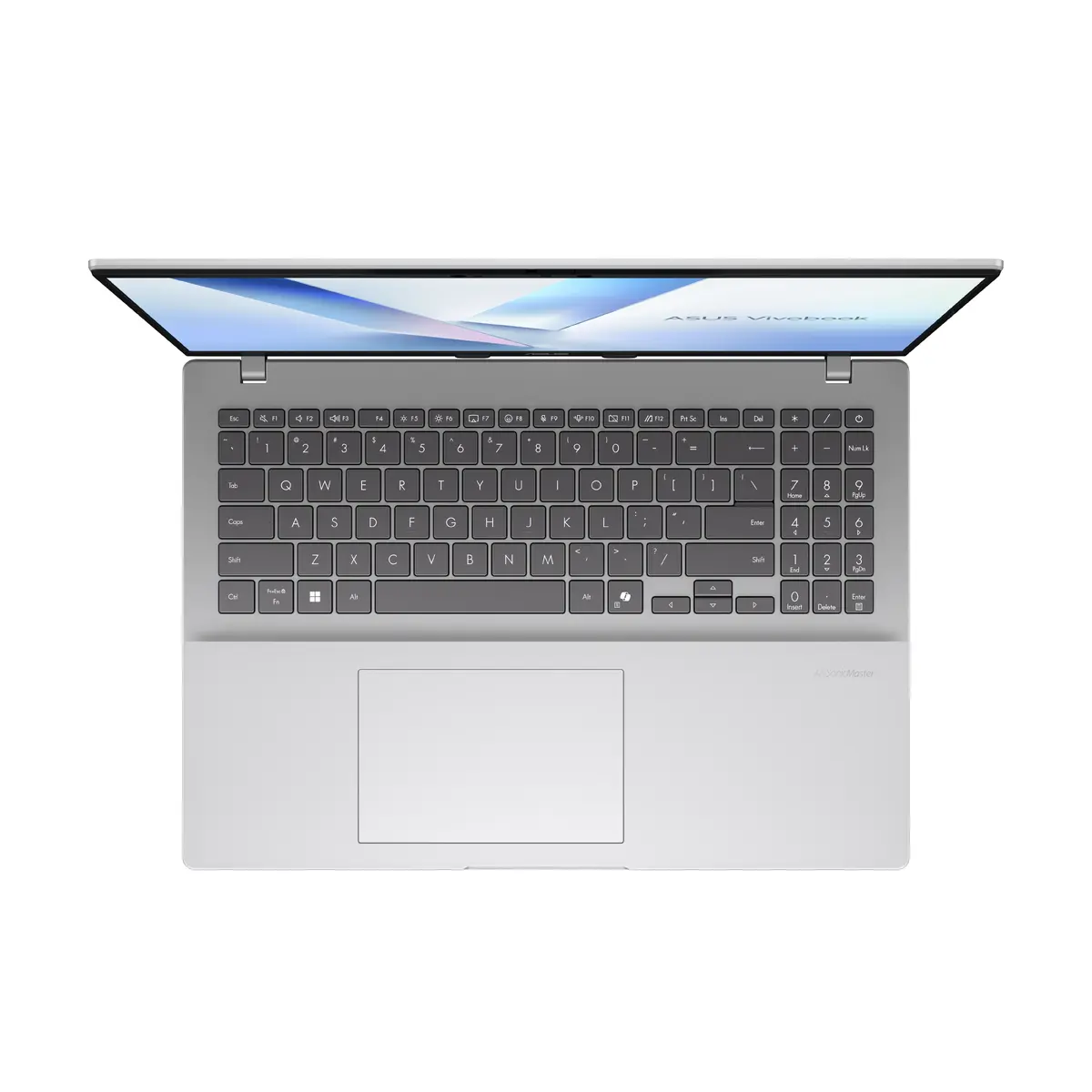
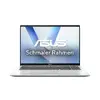
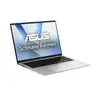
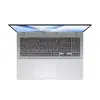
ASUS Vivobook 16 X1607QA-MB054W Laptop, 16" WUXGA, Snapdragon X1-26-100, 16GB RAM, 1TB SSD, Windows 11 Home, Silver
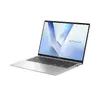
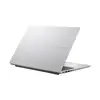
The ASUS Vivobook 16 X1607QA-MB054W is a high-performance Copilot+ PC designed to streamline professional and daily computing tasks. Featuring a spacious 16-inch WUXGA display with a 16:10 aspect ratio, this laptop provides an expansive workspace for multitasking and media consumption. Powered by the efficient Snapdragon X1-26-100 processor and integrated Qualcomm Adreno graphics, it delivers reliable performance for modern software environments. The device is housed in a sleek silver chassis, combining portability with a robust build suitable for both office and home use.
This laptop offers significant advantages for users who prioritize efficiency and mobility. The inclusion of 16GB of LPDDR5x RAM ensures smooth operation across multiple applications, while the 1TB SSD provides ample high-speed storage for large files and software. The WUXGA resolution offers sharper visuals compared to standard HD displays, enhancing clarity for text and images. Furthermore, the integration of the Snapdragon platform enables optimized power management, allowing for a balanced experience between performance and battery longevity in a lightweight 1.88 kg form factor.
This device may not be suitable for users requiring high-end dedicated graphics performance, such as professional 3D rendering, complex video editing, or demanding AAA gaming. Additionally, users who rely on specific software architectures that are not compatible with the ARM-based Snapdragon platform should verify application support before purchase.
To begin using the ASUS Vivobook 16, simply power on the device and follow the on-screen Windows 11 setup instructions to configure your user profile and network settings. The laptop features a standard clamshell design with a responsive keyboard and touchpad for immediate navigation. Ensure the device is connected to a power source during the initial setup to complete all necessary system updates and driver installations for optimal performance.
For the best experience, keep your system updated via Windows Update to ensure the latest security patches and driver optimizations are applied. Use the laptop on a flat, stable surface to maintain proper airflow and prevent overheating during intensive tasks.
{{highlightedFeature.featureTitle}}:
{{getProductFeatureValueById(product, highlightedFeature.featureId)}}
