
Dreame vacuums for fast and efficient cleaning!
In cart {{totalProductsCount}} item(s)
Your cart is empty
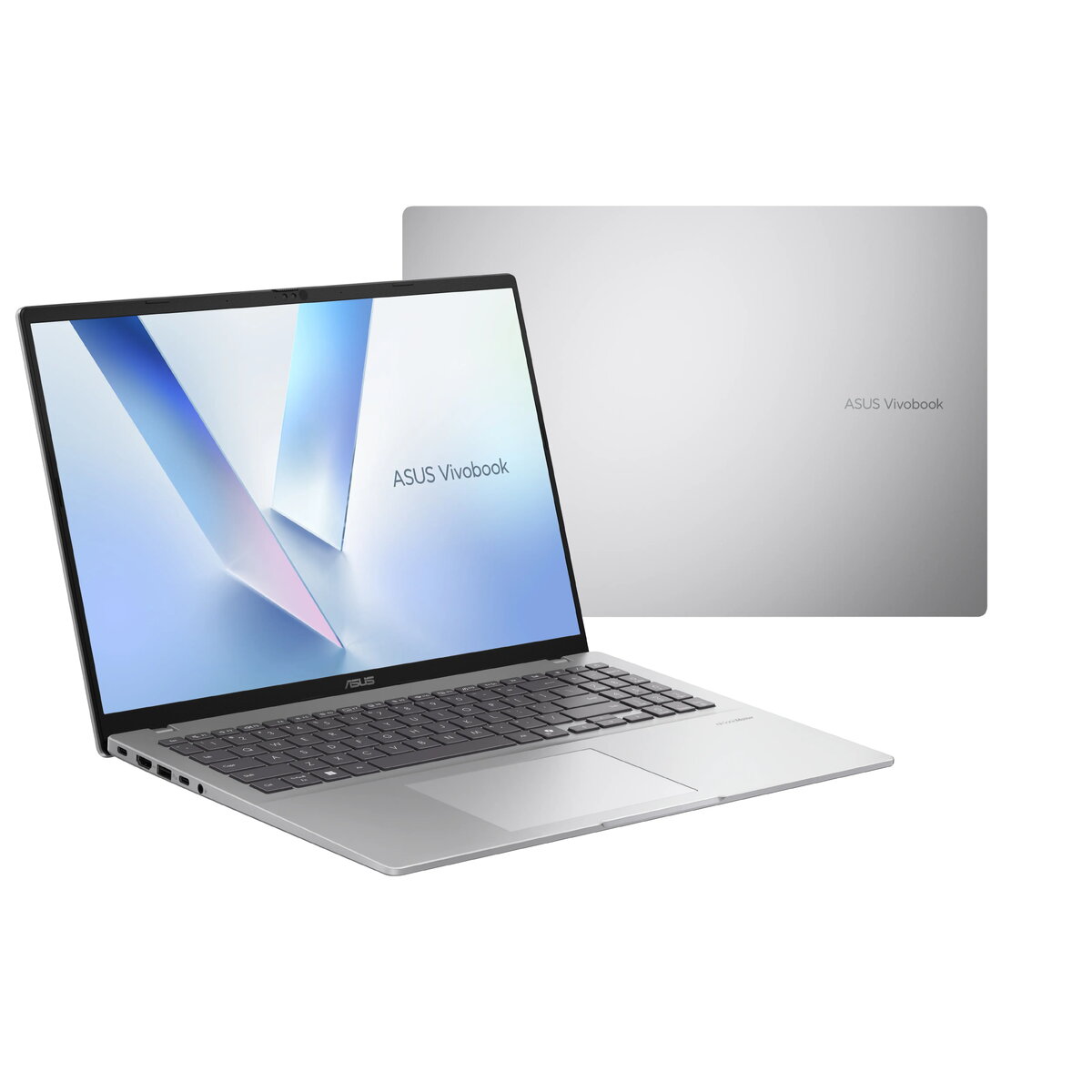
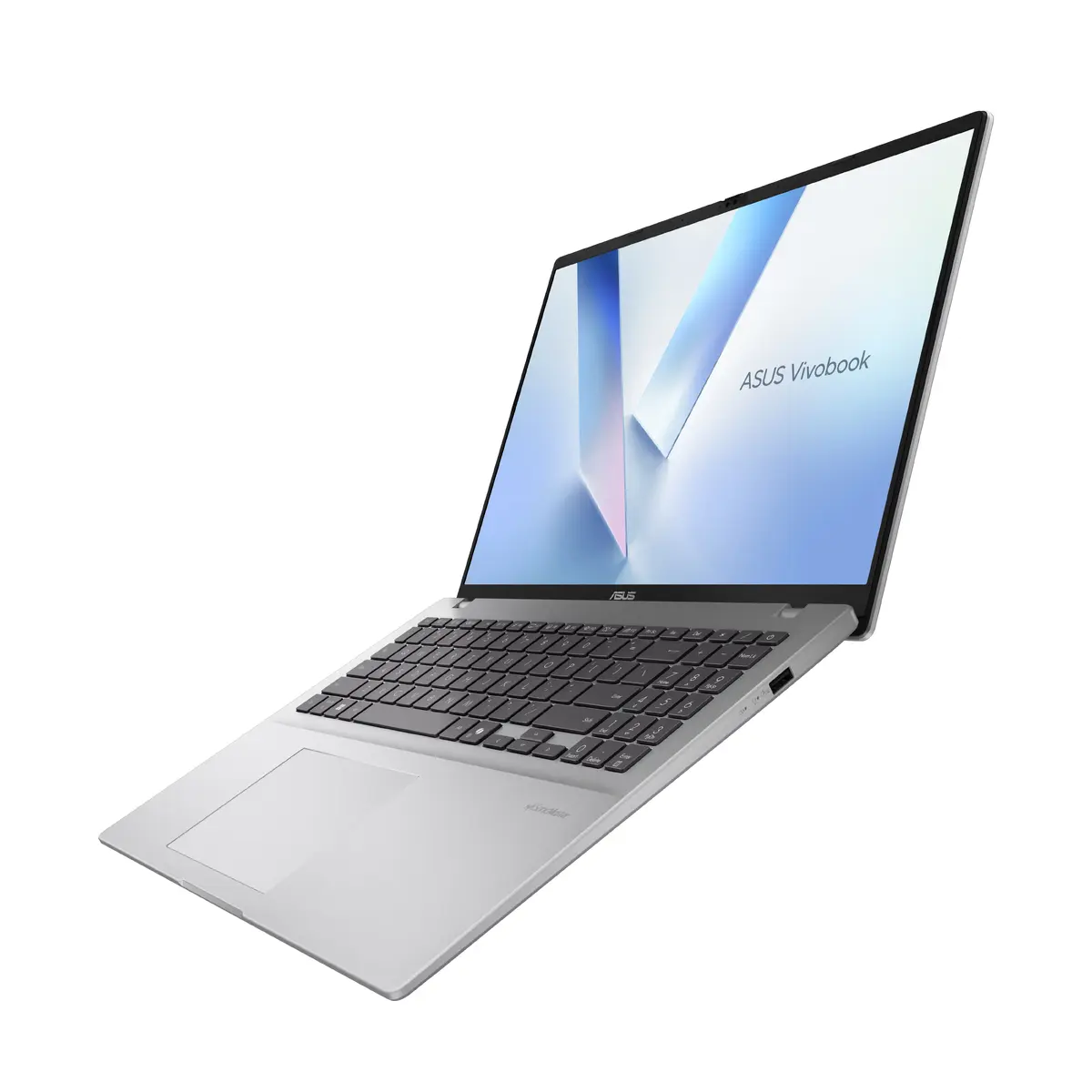
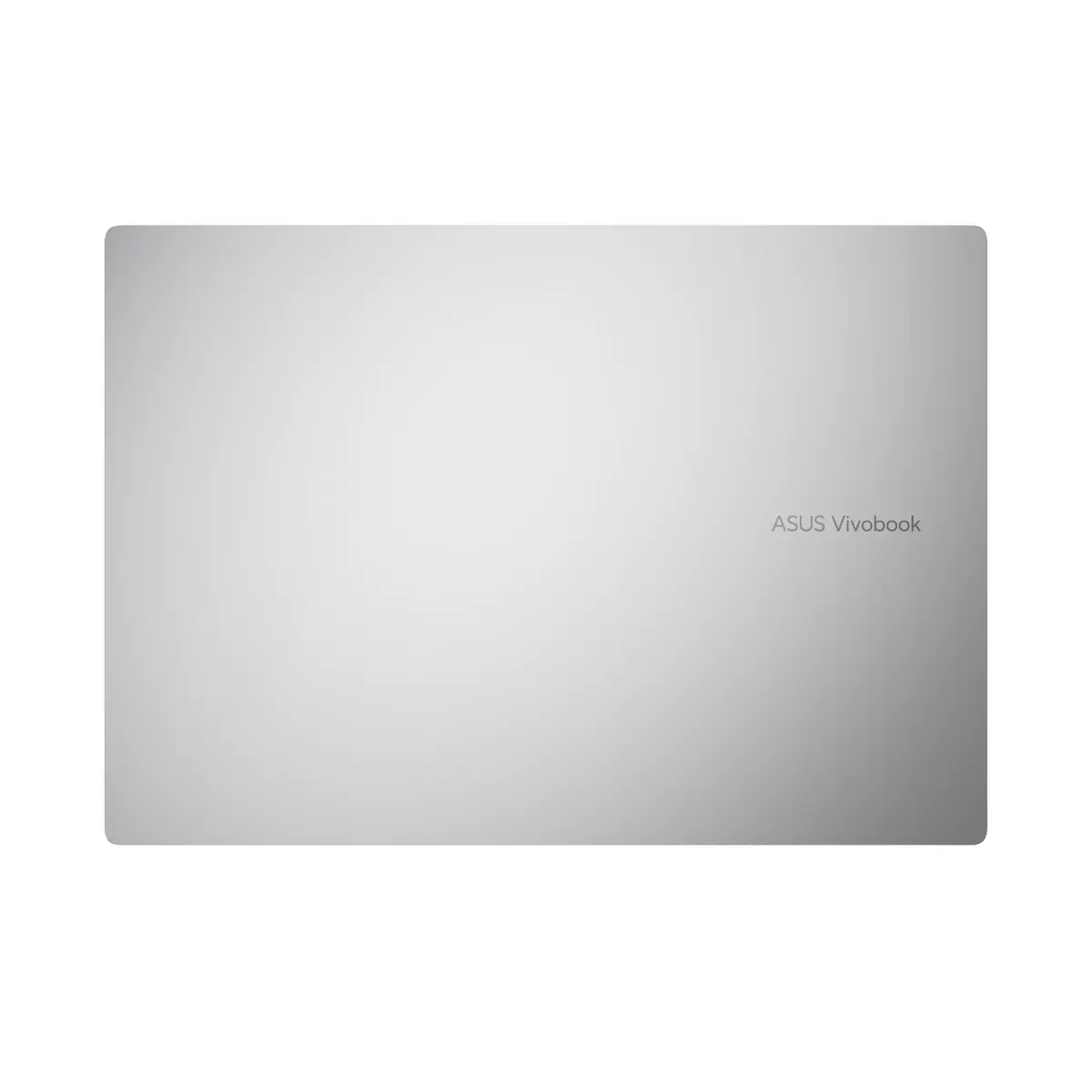
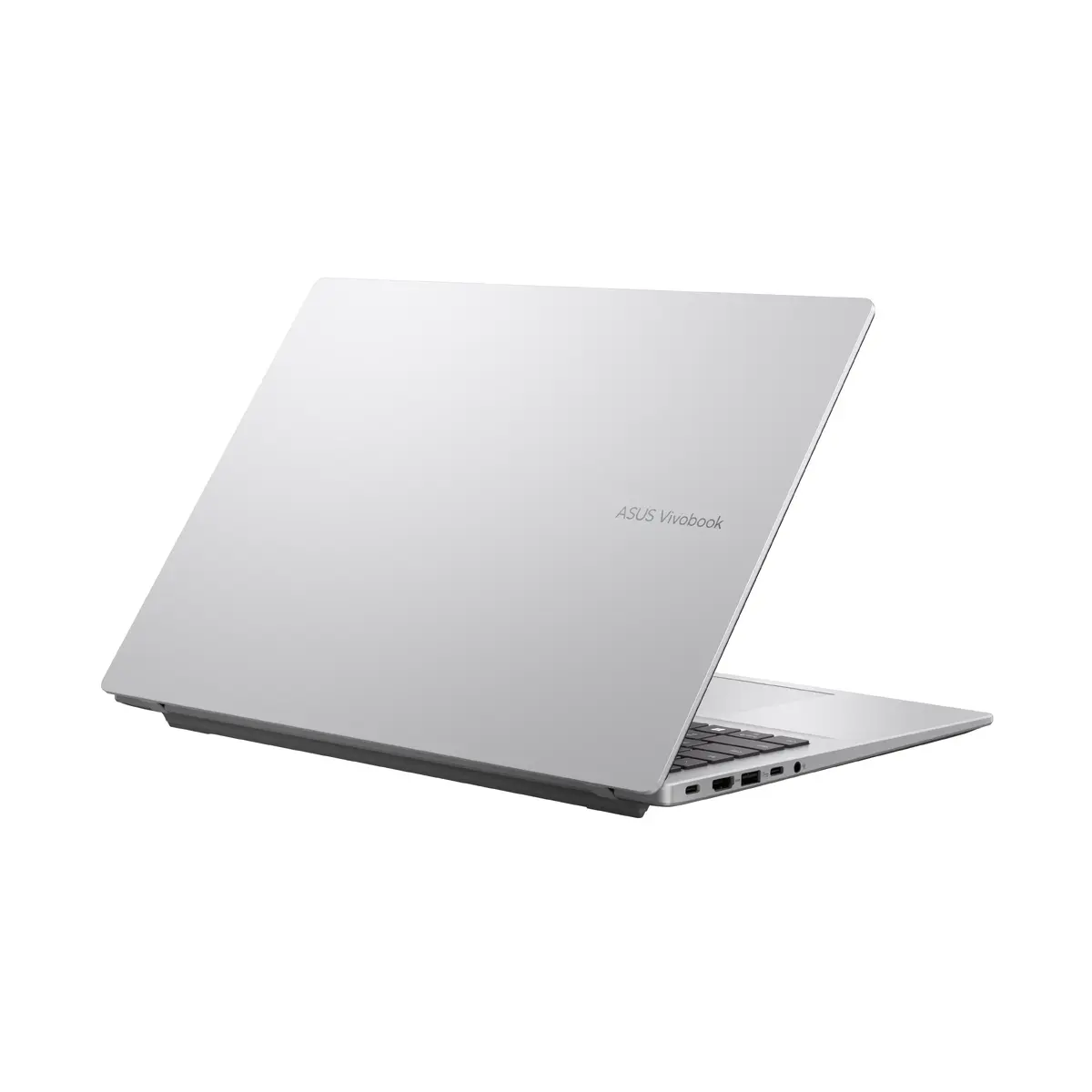
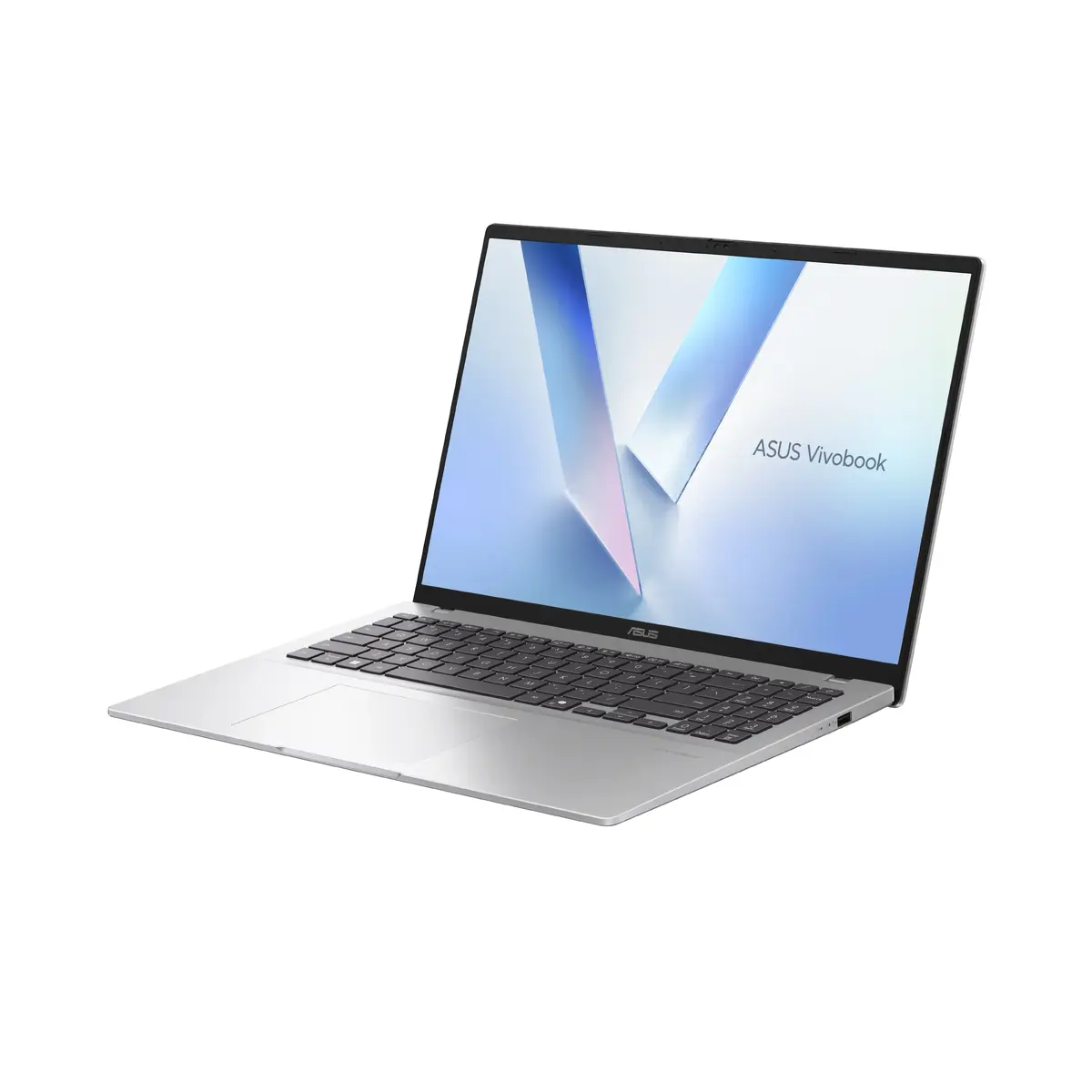
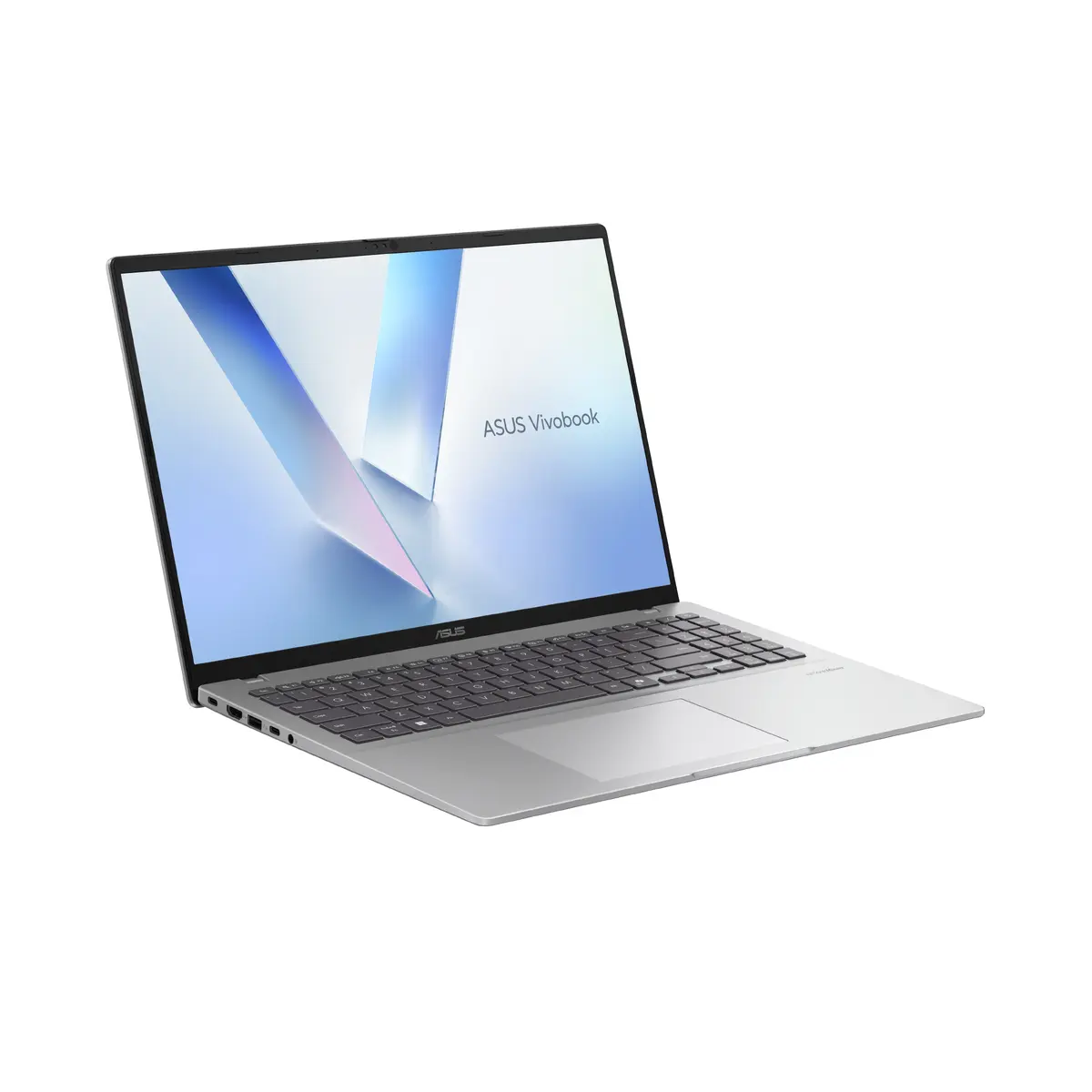
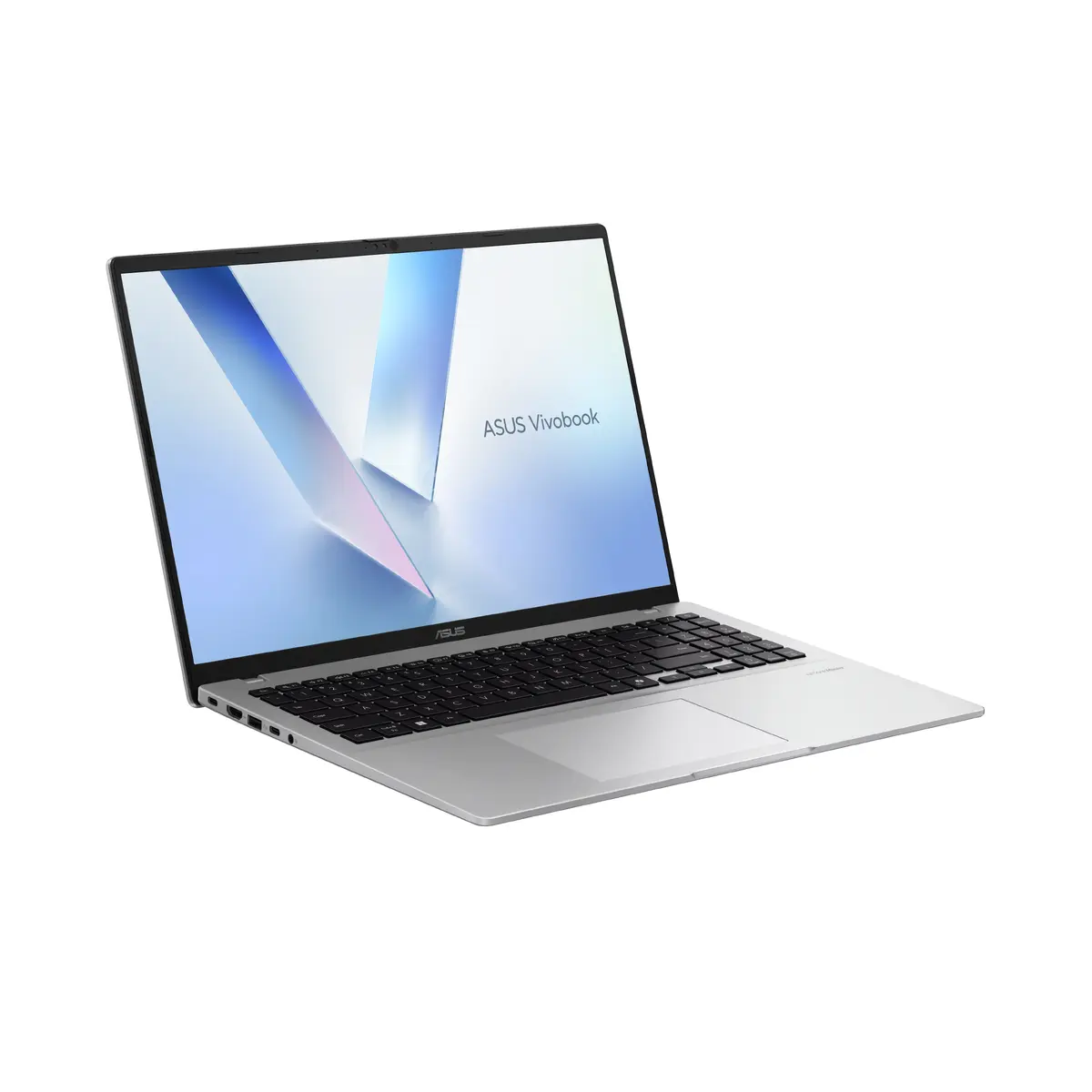
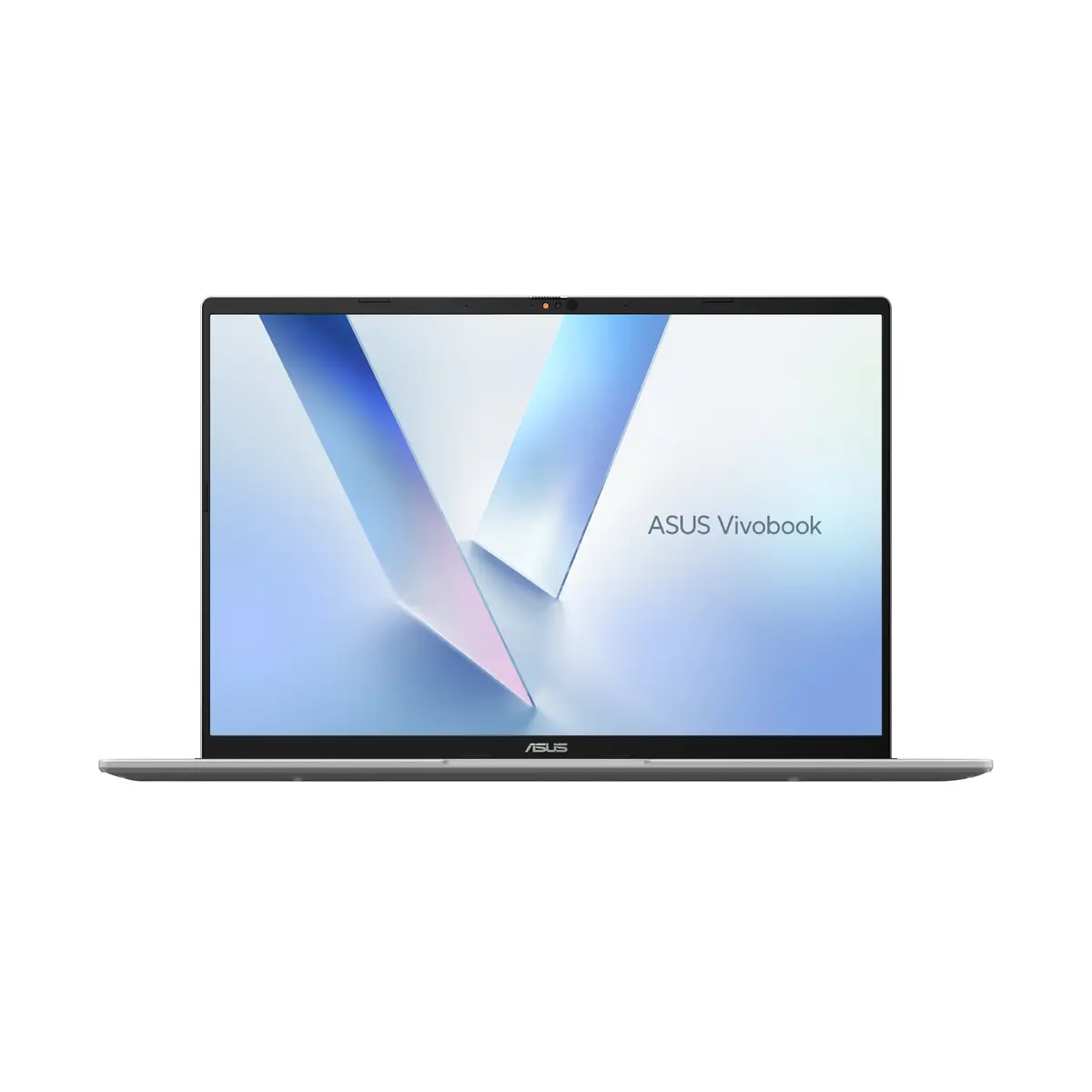
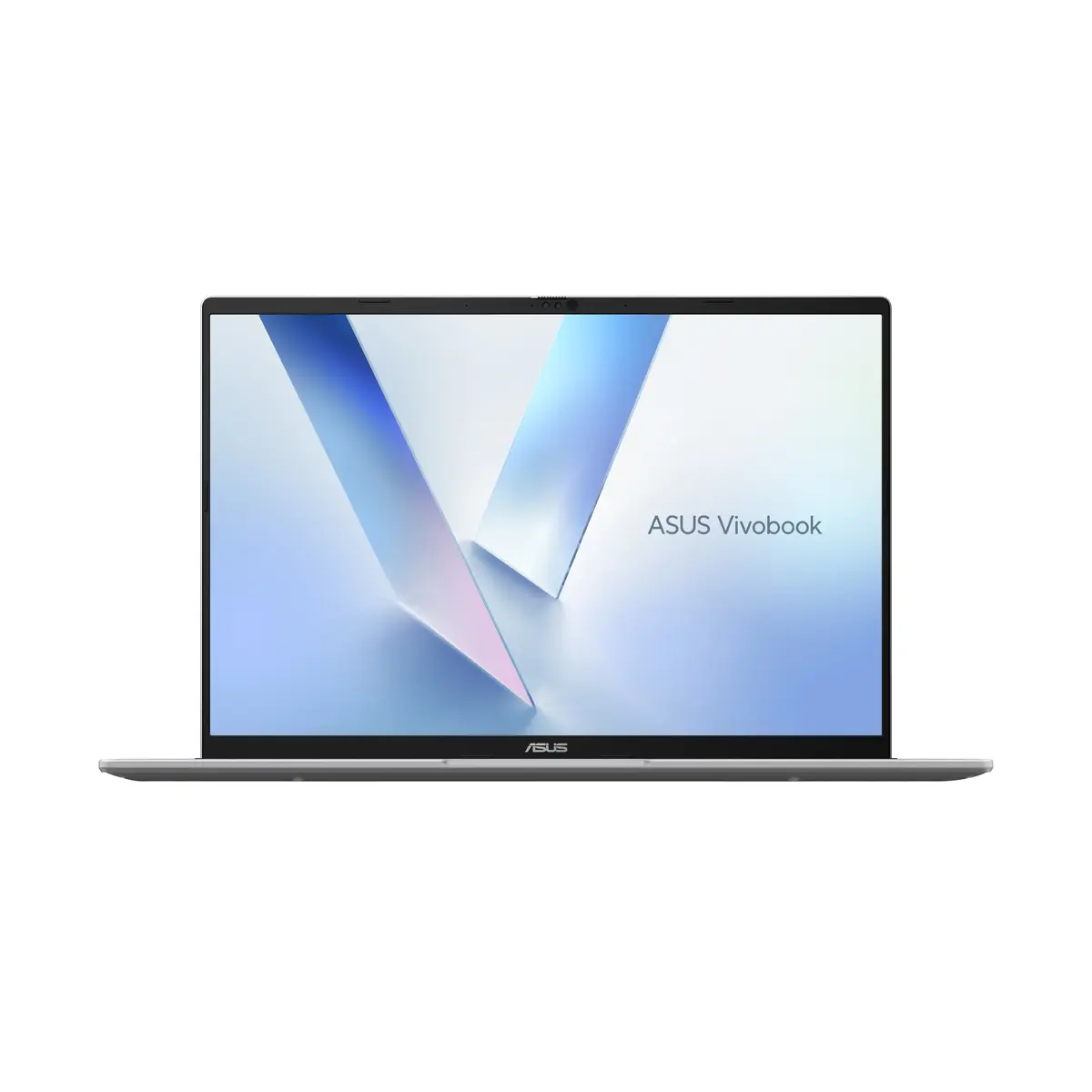
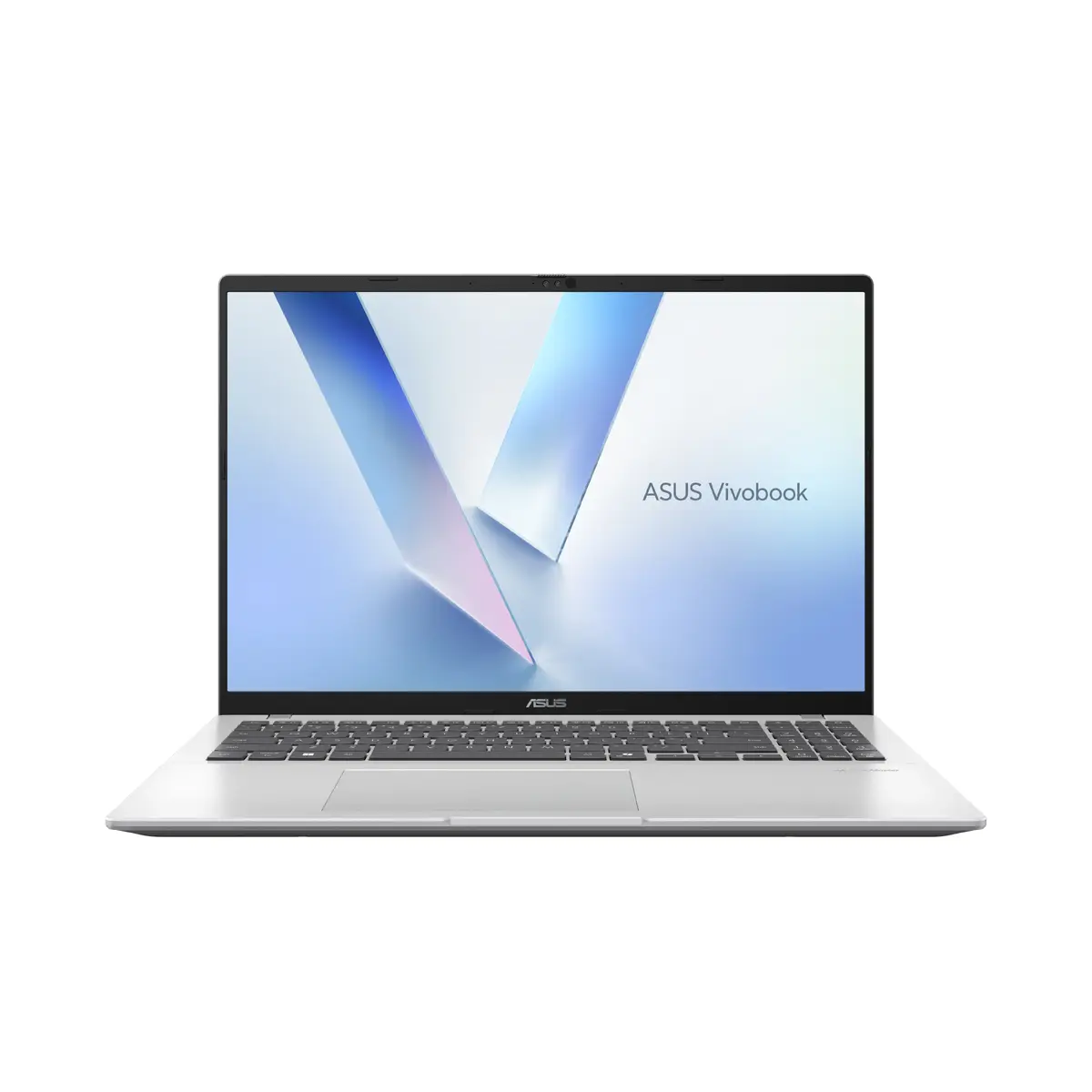
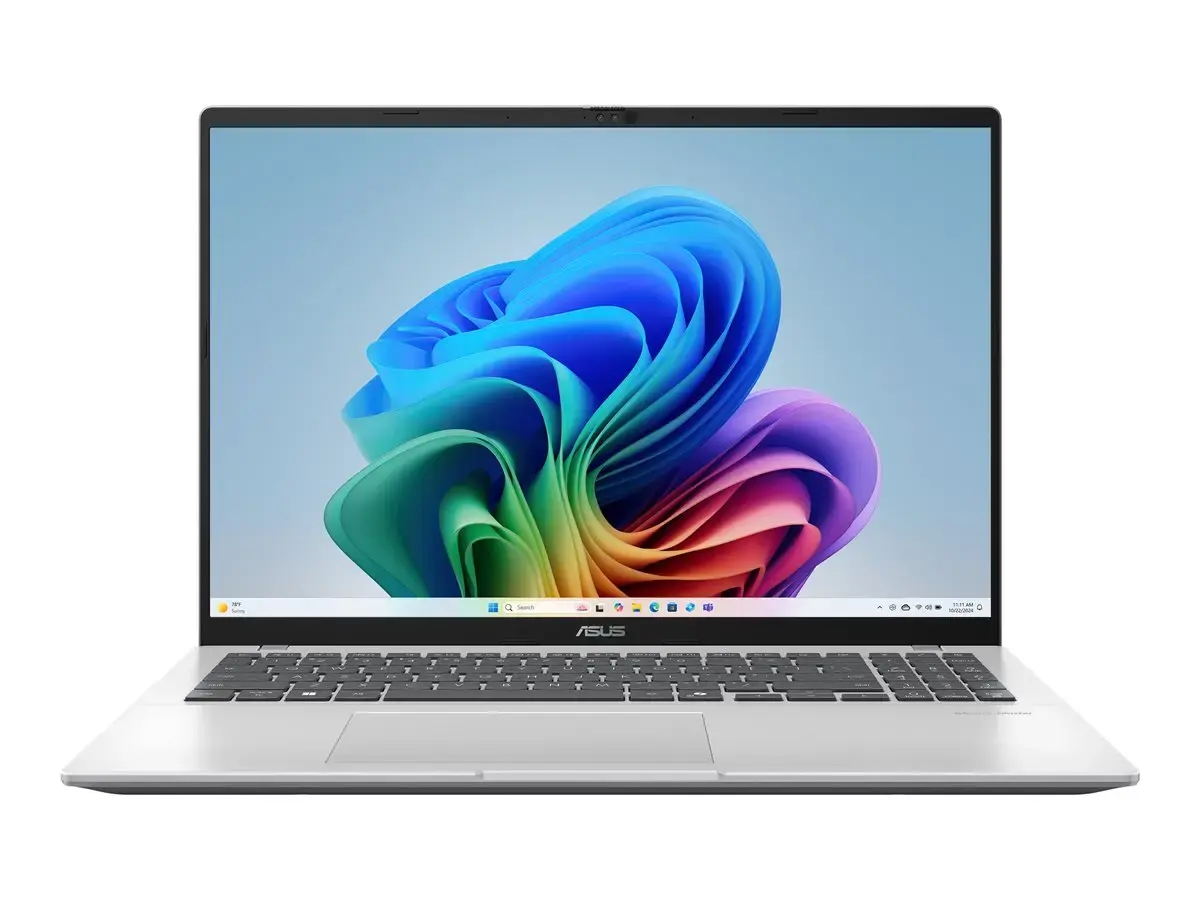
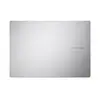
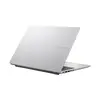
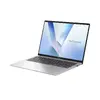
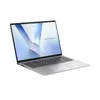
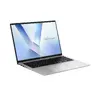
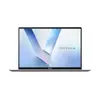
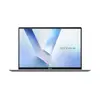
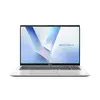
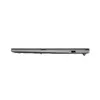
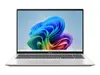
Asus Vivobook 16 F1607AA-KM049W Laptop, 16" WUXGA IPS, Intel Core Ultra 5 325, 16GB DDR5, 512GB SSD, Windows 11 Home, Russian Keyboard, Cool Silver
The Asus Vivobook 16 F1607AA-KM049W is a versatile 16-inch laptop designed to provide a balance of performance and portability for everyday computing. Featuring a crisp WUXGA IPS display with a 16:10 aspect ratio, it offers an expansive workspace that is ideal for multitasking and document editing. Powered by an Intel Core Ultra 5 325 processor and 16GB of fast DDR5 memory, this device ensures smooth operation for office applications, web browsing, and media consumption.
This laptop stands out due to its efficient hardware configuration which allows for quick responsiveness during daily tasks. The 16-inch anti-glare display provides clear visuals even in bright environments, while the 16:10 aspect ratio offers more vertical space compared to traditional screens, enhancing productivity. The inclusion of a backlit keyboard with a Russian layout ensures comfortable typing in various lighting conditions. Furthermore, the integrated 1080p FHD camera with a physical privacy shutter provides security and clarity for video conferencing, supported by modern connectivity options like Wi-Fi 6E and Bluetooth 5.3.
This laptop is not designed for high-end gaming or professional-grade video editing that requires a dedicated graphics card. Users looking for a compact, ultra-portable device for frequent travel may find the 16-inch form factor larger than typical ultrabooks.
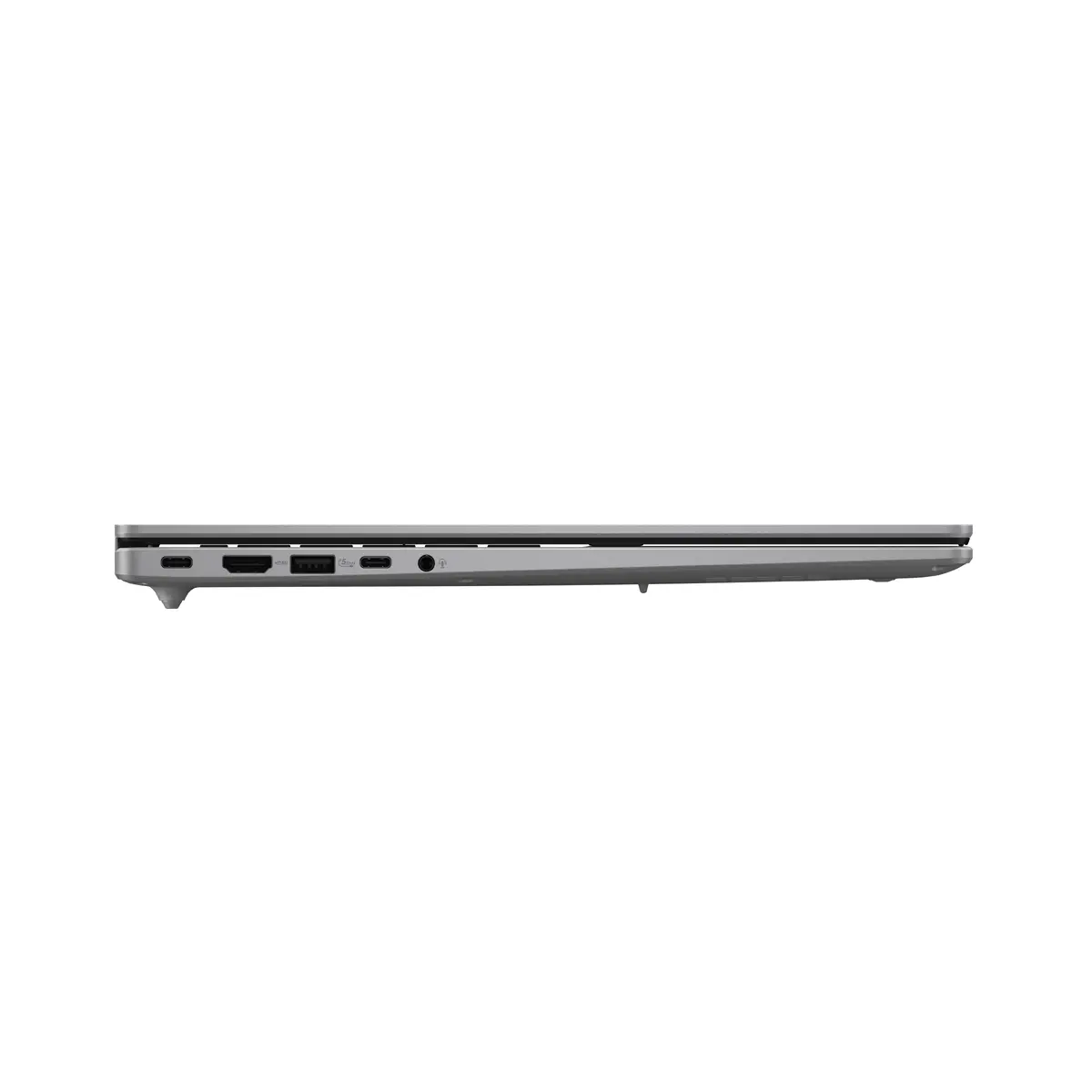
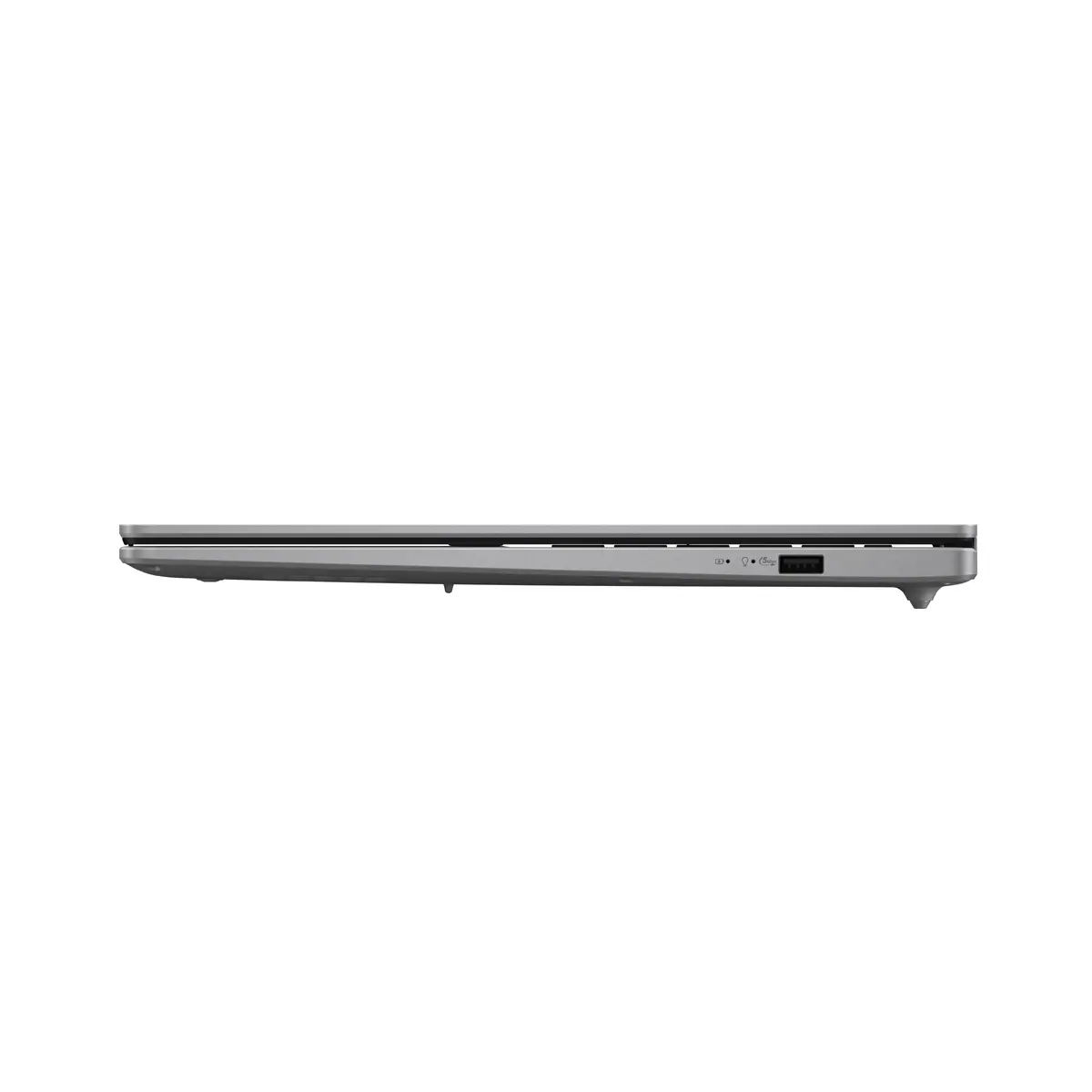
To begin using the Asus Vivobook 16, connect the power adapter to charge the battery fully before the first startup. Follow the on-screen instructions provided by Windows 11 Home to configure your user account, network settings, and regional preferences. The laptop features a variety of ports, including HDMI, for connecting external displays or peripherals. Ensure the privacy shutter on the camera is opened when you need to use the webcam and closed when not in use to maintain your privacy.
To maintain optimal performance and battery longevity, keep the laptop firmware and Windows updates current. Avoid blocking the air vents to ensure proper cooling during intensive tasks, and use the device on flat, stable surfaces to prevent overheating.
{{highlightedFeature.featureTitle}}:
{{getProductFeatureValueById(product, highlightedFeature.featureId)}}
{{ productComparisonGenerationError }}
