


Save time and money with our discounts!
In cart {{totalProductsCount}} item(s)
Your cart is empty
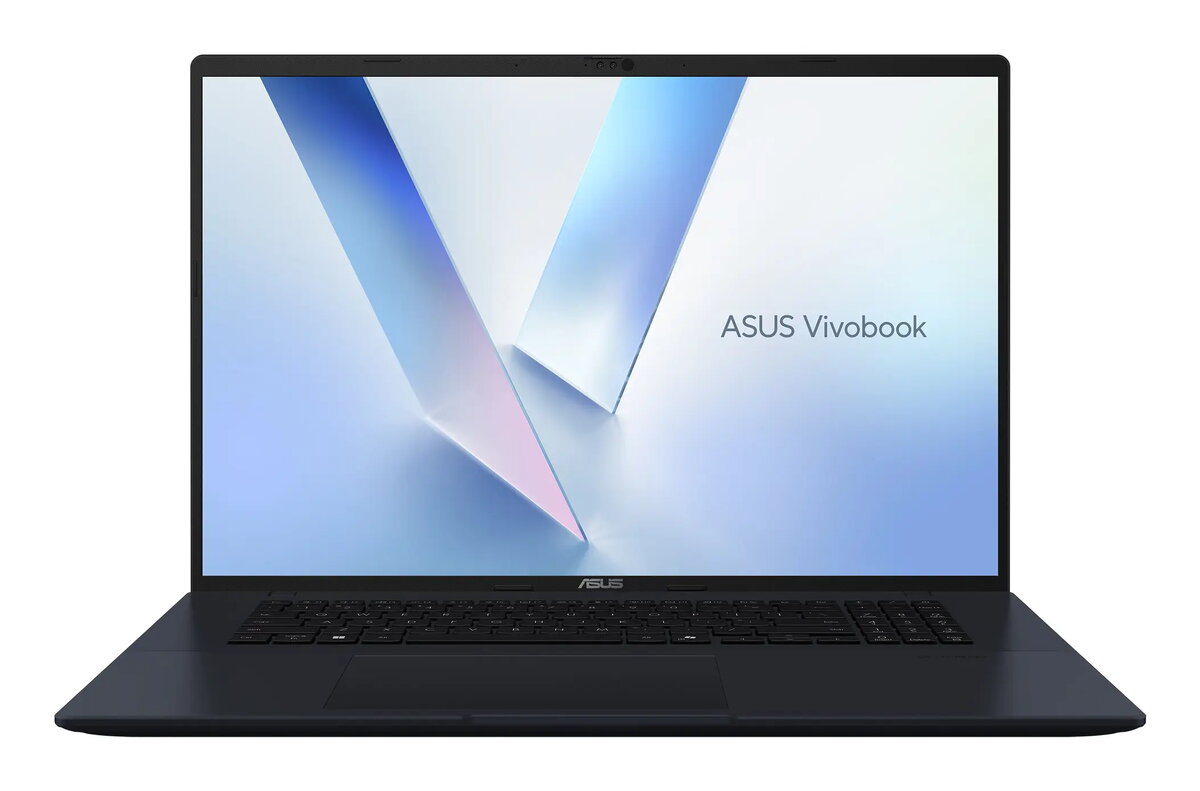
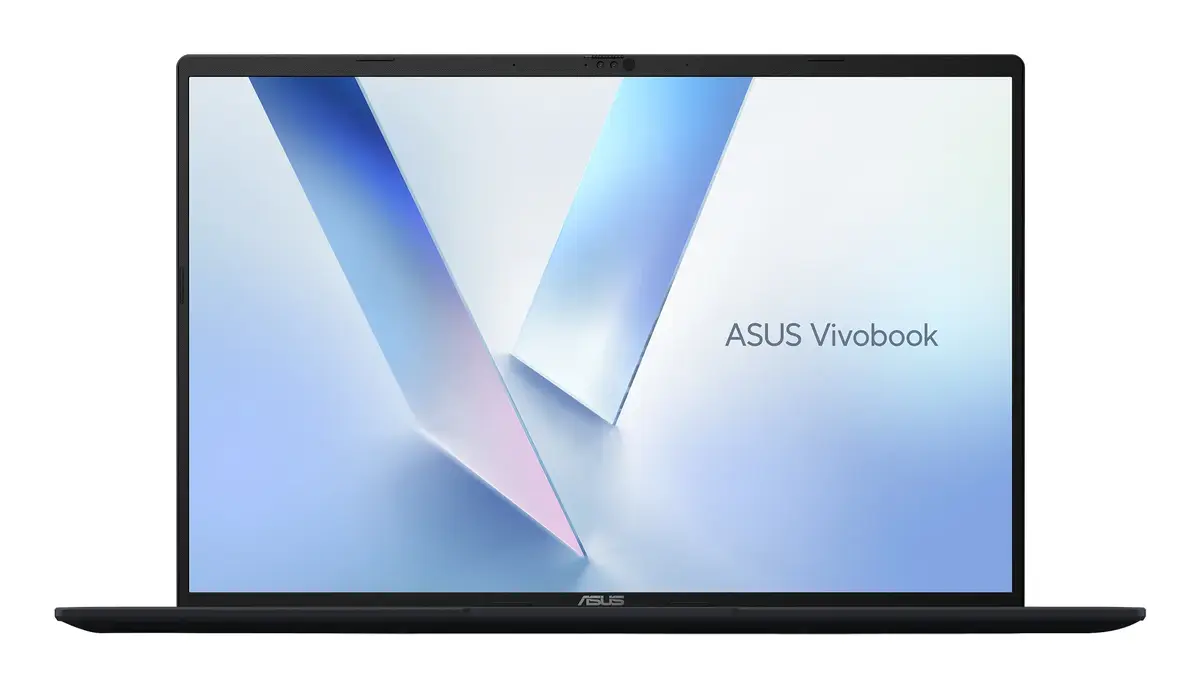
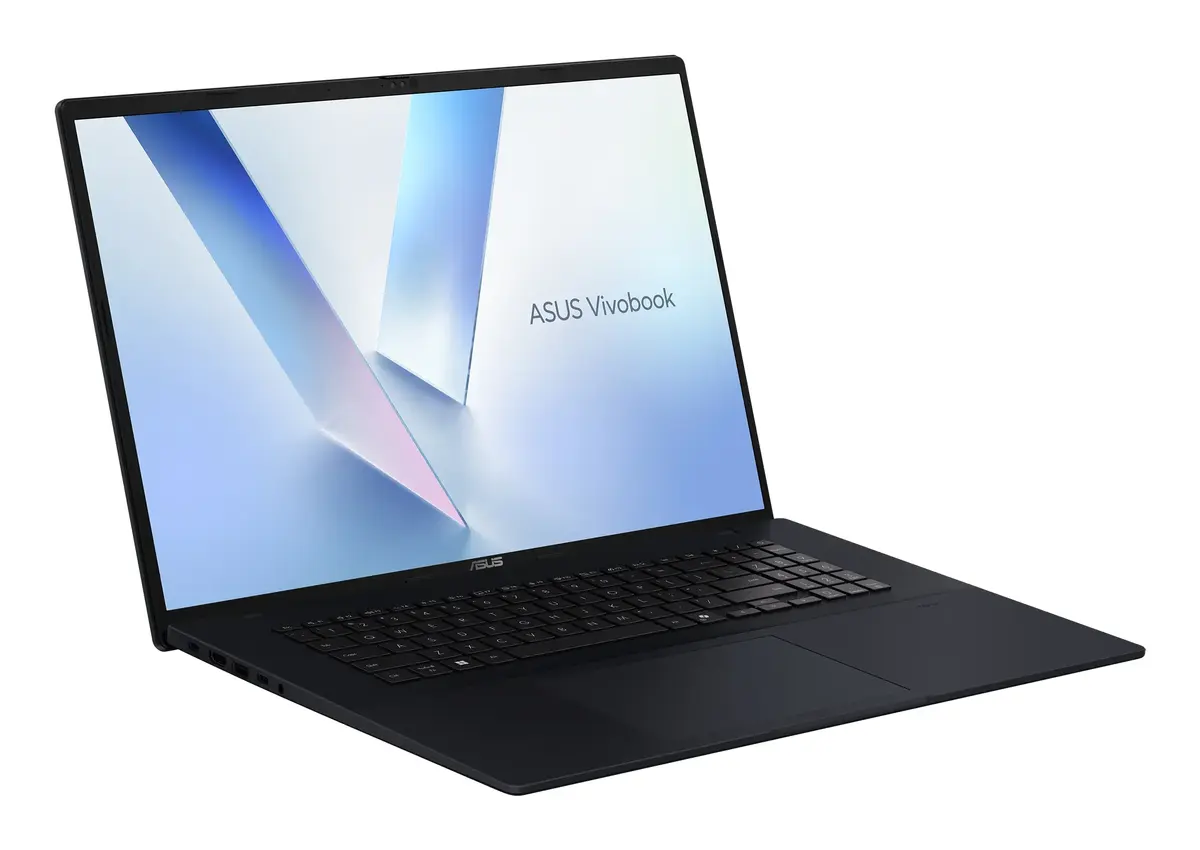
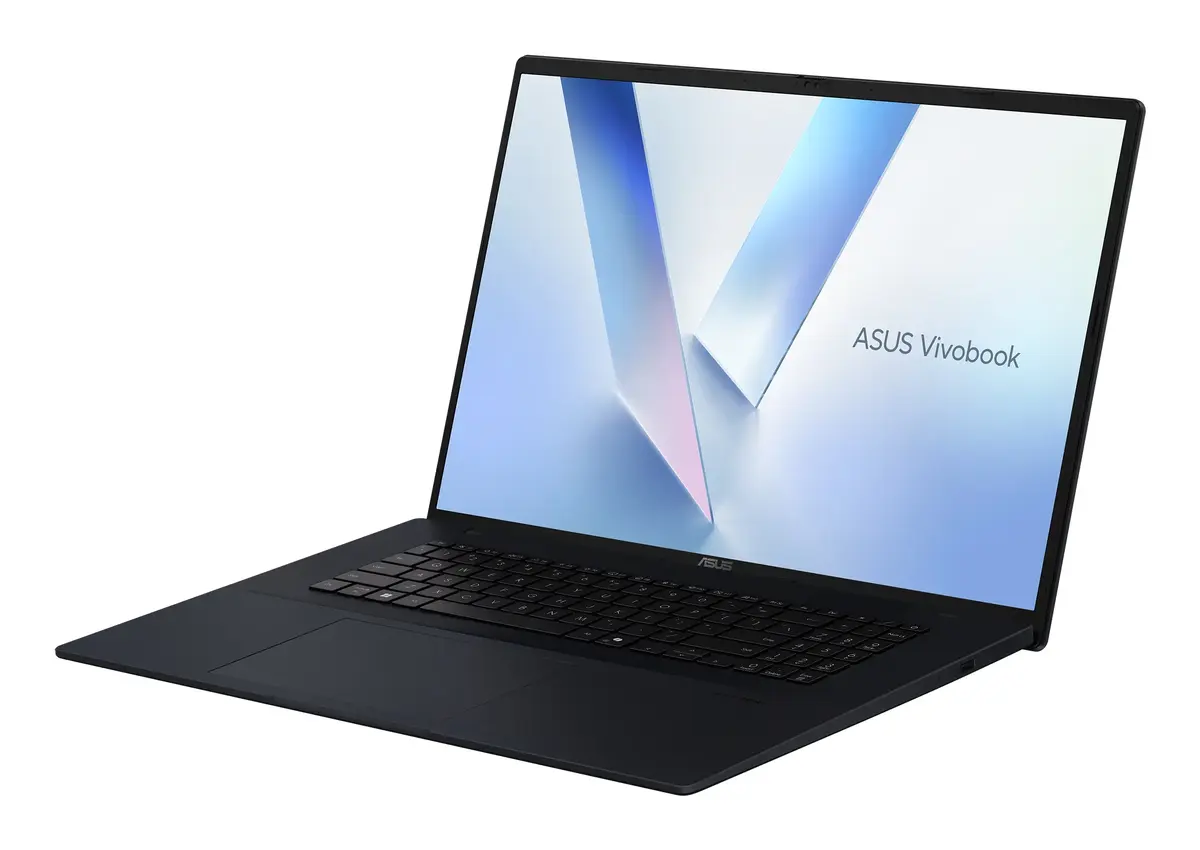
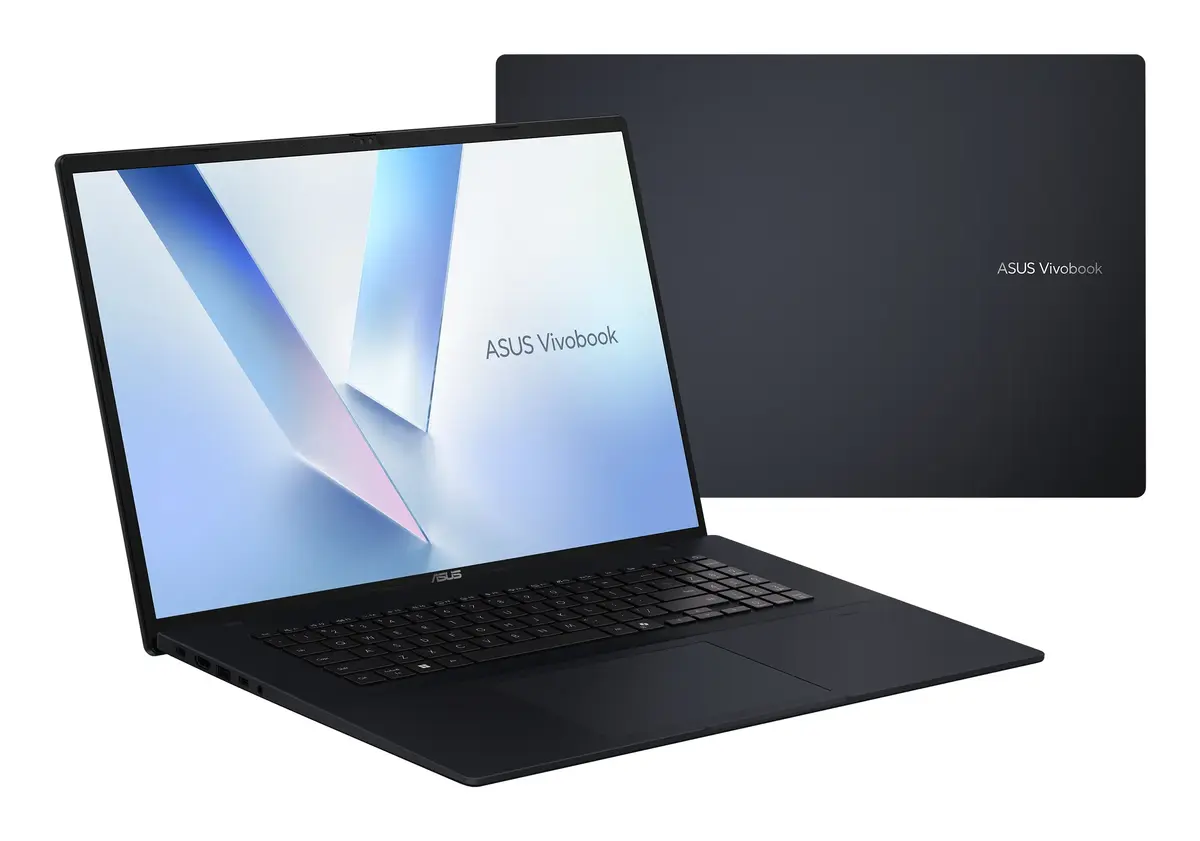
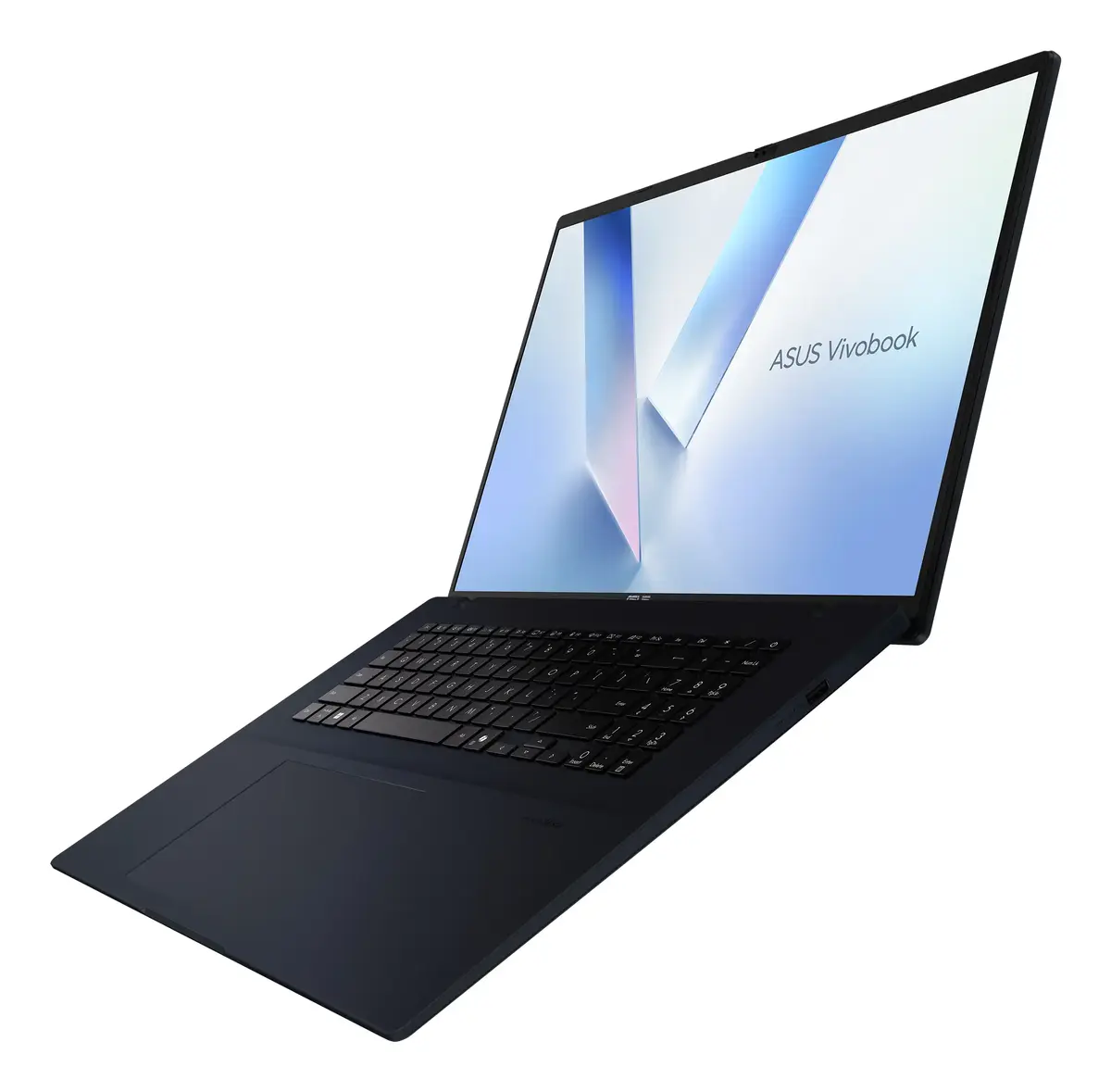
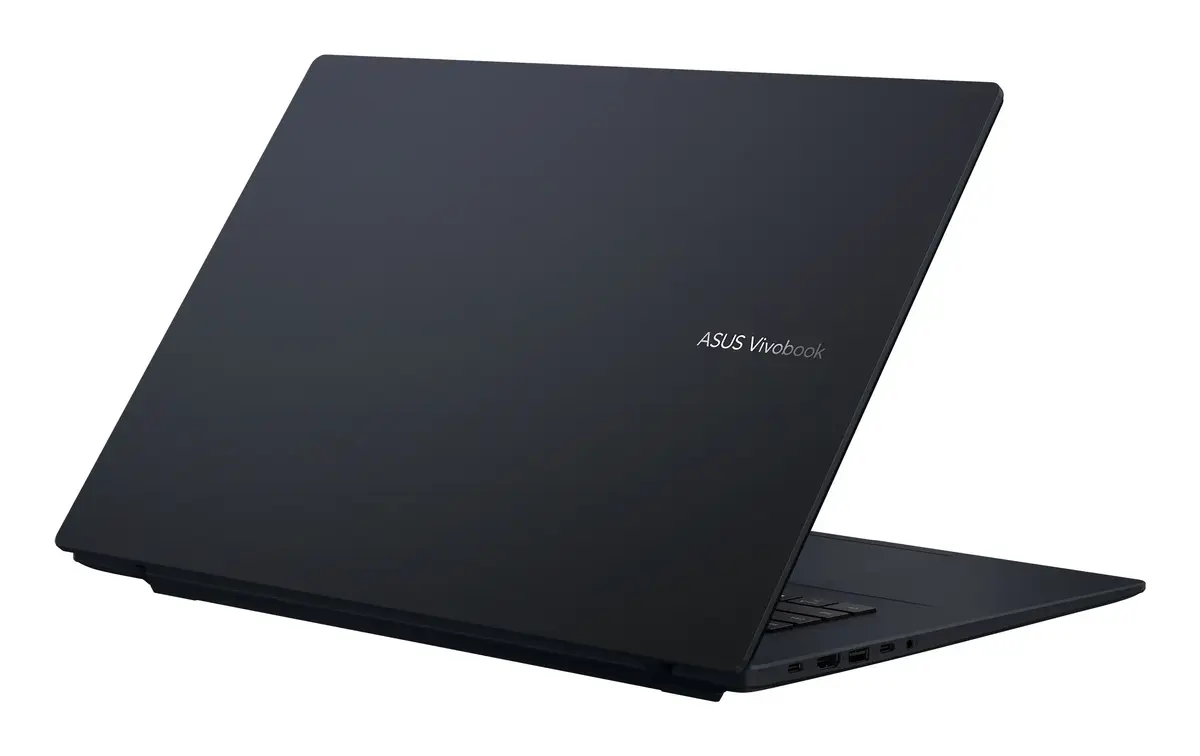
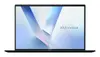
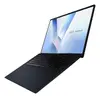
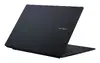
Laptop ASUS Vivobook 18 M1807GA-S8003W Copilot+ PC — AMD Ryzen AI 7 445, 18" WUXGA, 16 GB DDR5, 1 TB SSD, Windows 11 Home, Blue
The ASUS Vivobook 18 M1807GA-S8003W Copilot+ PC is an 18-inch clamshell laptop designed for everyday productivity, web work, media playback and light content creation. It is built around an AMD Ryzen™ AI 7 445 processor (base 2 GHz), 16 GB of DDR5 system memory and a 1 TB solid-state drive. The 18" WUXGA (1920 × 1200) display uses an IPS-level panel with 16:10 aspect ratio, and integrated AMD Radeon 840M graphics handle general visual tasks. The system runs Windows 11 Home and includes Wi‑Fi 6 and Bluetooth connectivity in a blue chassis, with a reported weight of approximately 2.6 kg.
The combination of an AMD Ryzen AI 7 445 processor, 16 GB DDR5 memory and a 1 TB SSD provides responsive system performance for multitasking, application launches and large file access. The 18" WUXGA IPS-level screen delivers an expanded workspace with 16:10 proportion suitable for documents and web content. Integrated AMD Radeon 840M graphics and a large SSD support smooth media playback and quick file operations. Built-in Wi‑Fi 6 and Bluetooth ensure modern wireless connectivity, while Windows 11 Home offers current system features and compatibility.
Set the Vivobook on a stable surface and connect the charger before the first use. Complete the Windows 11 Home setup by following on-screen prompts to create or sign in with your Microsoft account, configure privacy settings and connect to Wi‑Fi. Use the system settings to check for updates and to adjust display brightness, power plans and Bluetooth connections. Store files on the built-in 1 TB SSD and use the 16 GB DDR5 memory to run multiple applications and browser tabs simultaneously.
For sustained performance during multitasking or light content creation, use recommended power profiles in Windows and keep the system firmware and drivers up to date. To extend battery life, lower display brightness when possible and enable power-saving modes during mobile use. Regularly back up important data to external storage or cloud services.
{{highlightedFeature.featureTitle}}:
{{getProductFeatureValueById(product, highlightedFeature.featureId)}}
{{ productComparisonGenerationError }}
