
Hurry and order now – up to 50% off!
In cart {{totalProductsCount}} item(s)
Your cart is empty
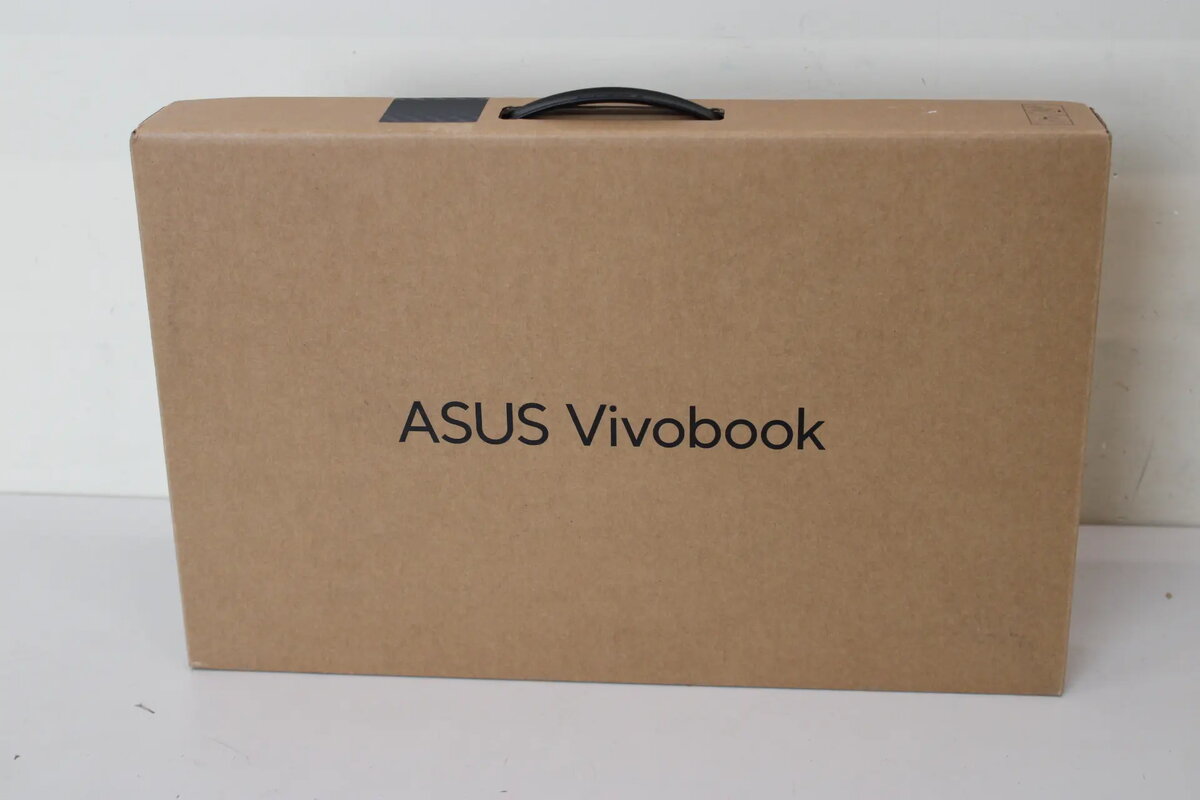
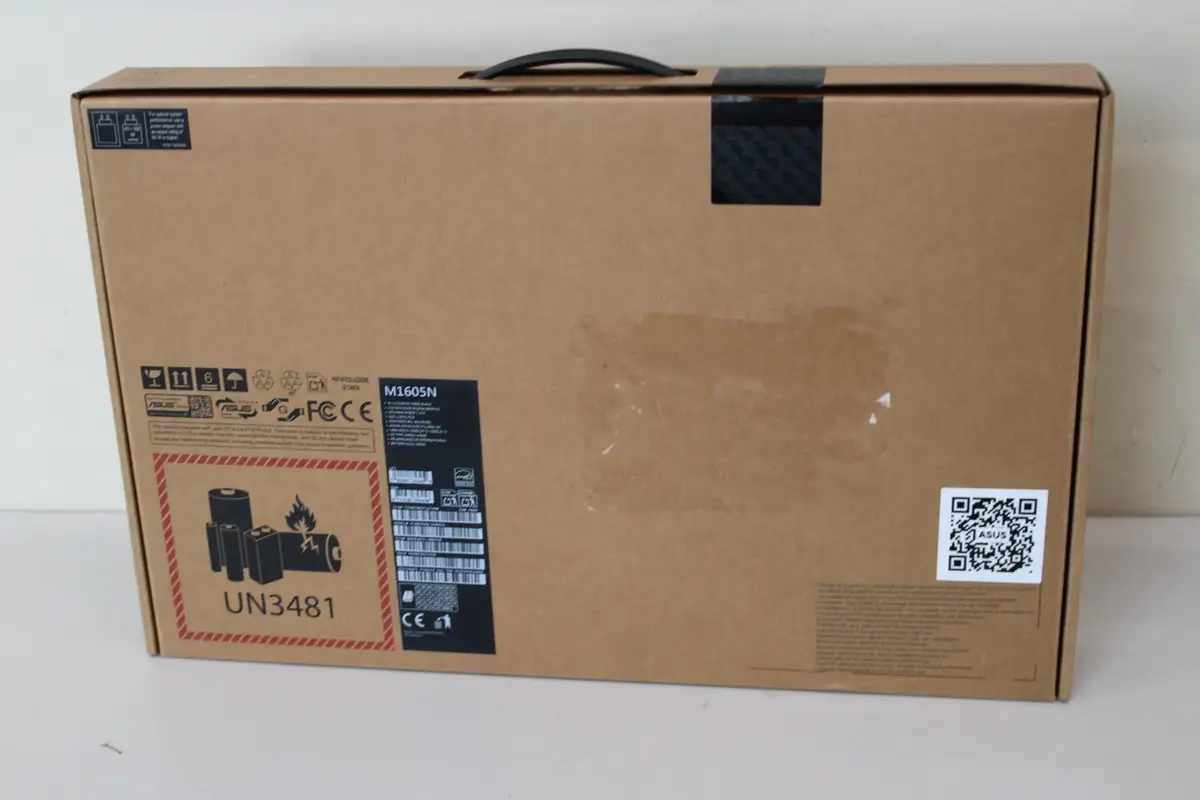
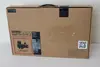
Asus Vivobook 16 M1605NAQ-SH035W Laptop, 16" WUXGA OLED, AMD Ryzen 7, 16GB DDR5, 1TB SSD, AMD Radeon Graphics, Windows 11 Home, Indie Black
The Asus Vivobook 16 M1605NAQ-SH035W is a versatile laptop designed for efficient daily computing and productivity. It features a vibrant 16-inch OLED display with a WUXGA resolution, providing sharp visuals and an expansive 16:10 aspect ratio. Equipped with an AMD Ryzen 7 processor and 16GB of DDR5 memory, this device delivers reliable performance for multitasking and demanding applications. The sleek Indie Black chassis houses a 1TB SSD for fast data access and ample storage, while the integrated AMD Radeon Graphics ensure smooth visual output for various tasks.
This laptop offers a high-quality OLED panel that provides excellent color reproduction and clarity for both work and media consumption. The inclusion of 16GB of modern DDR5 RAM and a spacious 1TB NVMe SSD ensures that the system remains responsive and capable of handling multiple programs simultaneously. With a comprehensive selection of ports, including USB Type-C with power delivery and HDMI, it offers flexible connectivity for peripherals and external displays. The backlit keyboard and integrated 720p privacy-shuttered camera further enhance the user experience in various lighting conditions and professional environments.
This device may not be suitable for professional-grade video editing, high-end 3D rendering, or competitive gaming, as it utilizes integrated graphics and a 60Hz refresh rate. Users requiring a dedicated GPU for intensive graphical workloads should consider alternative hardware configurations.
To begin using the laptop, connect the provided 68W charger to the power port and charge the device fully. Press the power button to initiate the Windows 11 setup process, following the on-screen instructions to configure your user account and network settings. Once set up, you can connect external devices via the available USB or HDMI ports. The privacy shutter on the camera can be manually slid to cover the lens when not in use for added security.
Usage recommendations: To maintain optimal battery health, avoid leaving the laptop plugged into a power source continuously at 100% charge for extended periods. Keep the device in a well-ventilated area during heavy use to ensure efficient cooling.
{{highlightedFeature.featureTitle}}:
{{getProductFeatureValueById(product, highlightedFeature.featureId)}}
{{ productComparisonGenerationError }}
