



Hurry and order now – up to 50% off!
In cart {{totalProductsCount}} item(s)
Your cart is empty
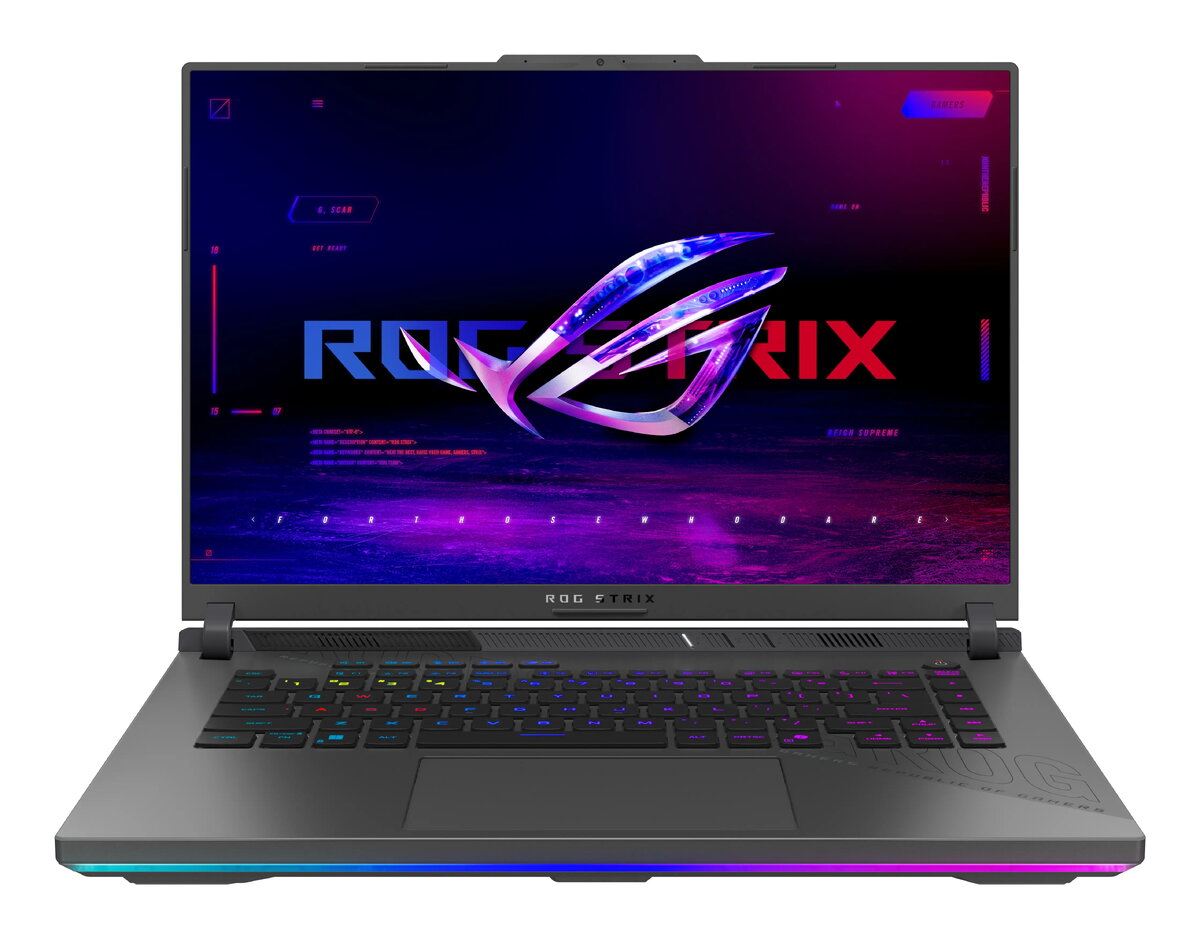
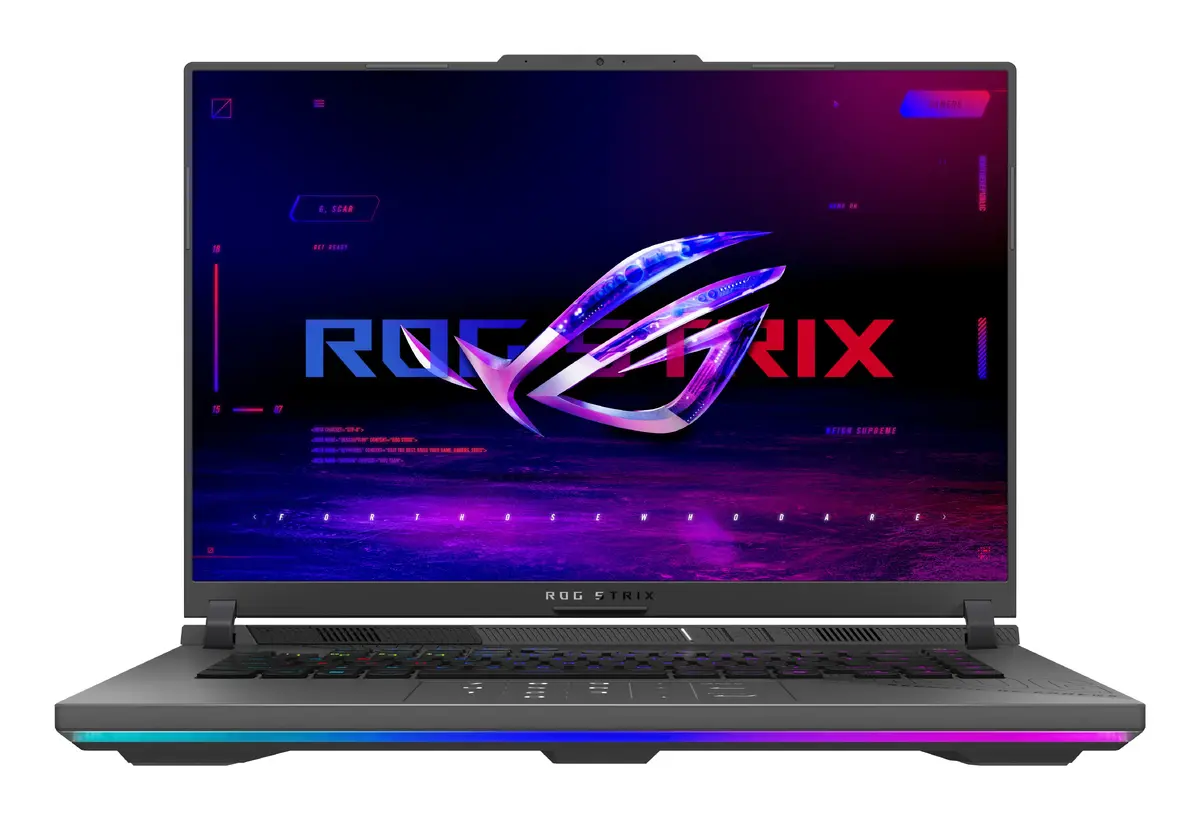
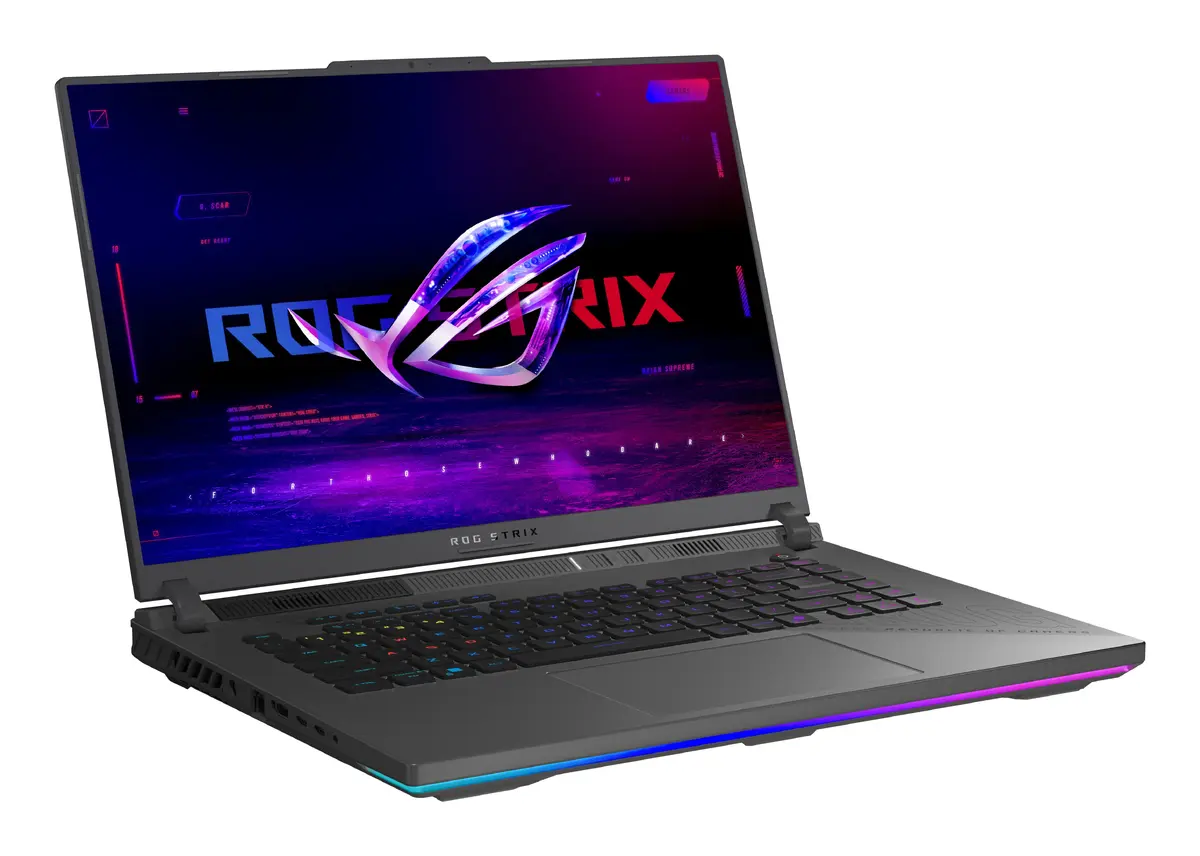
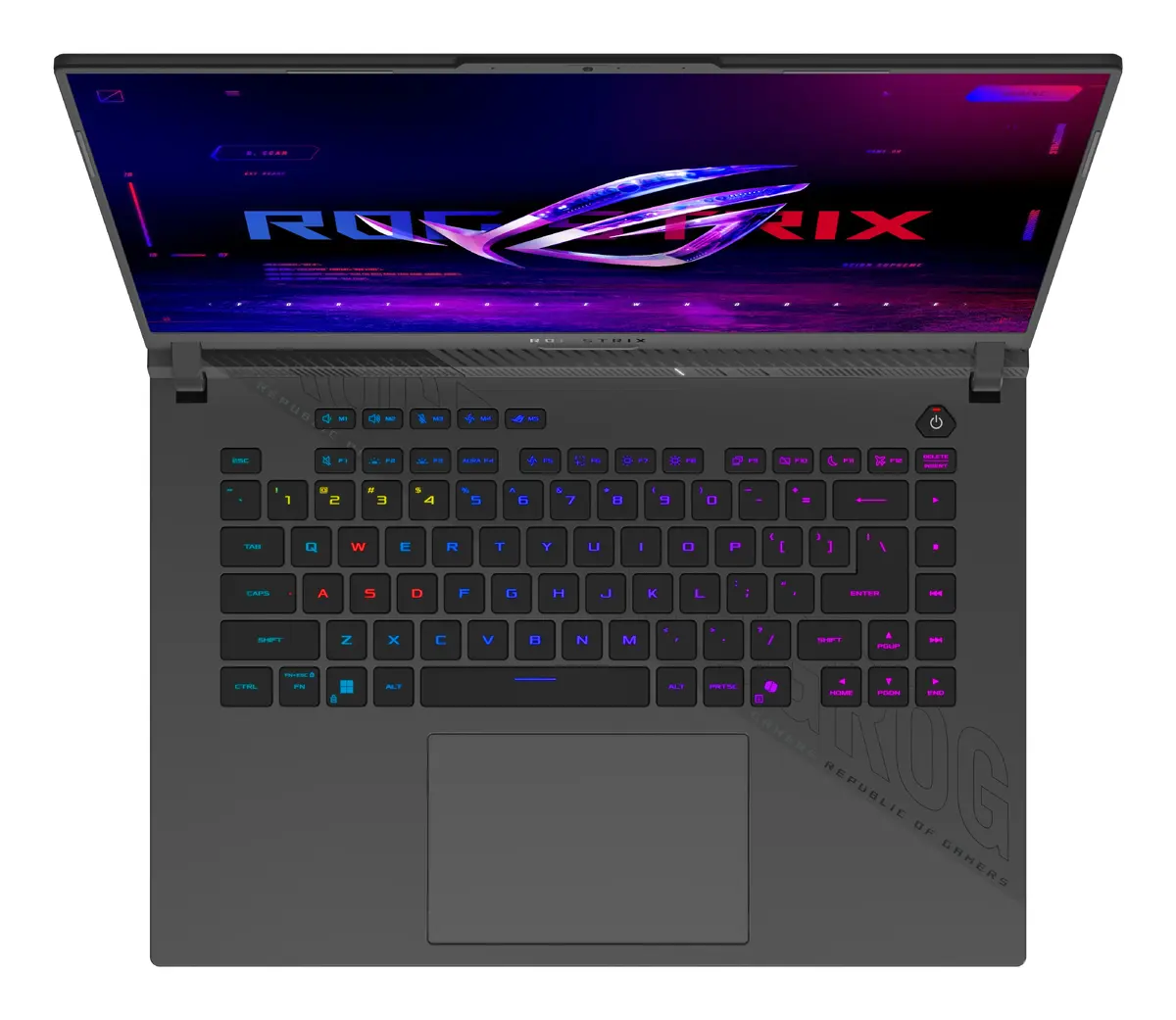
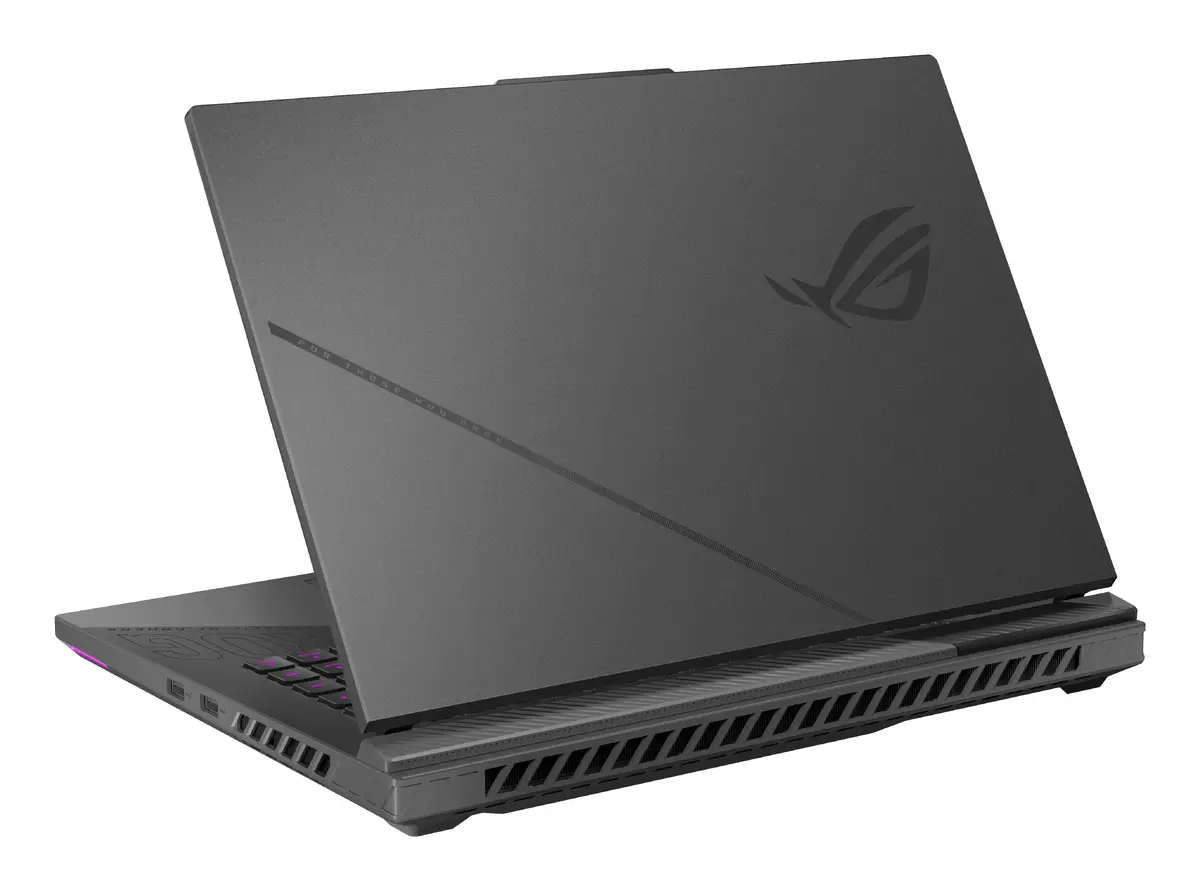
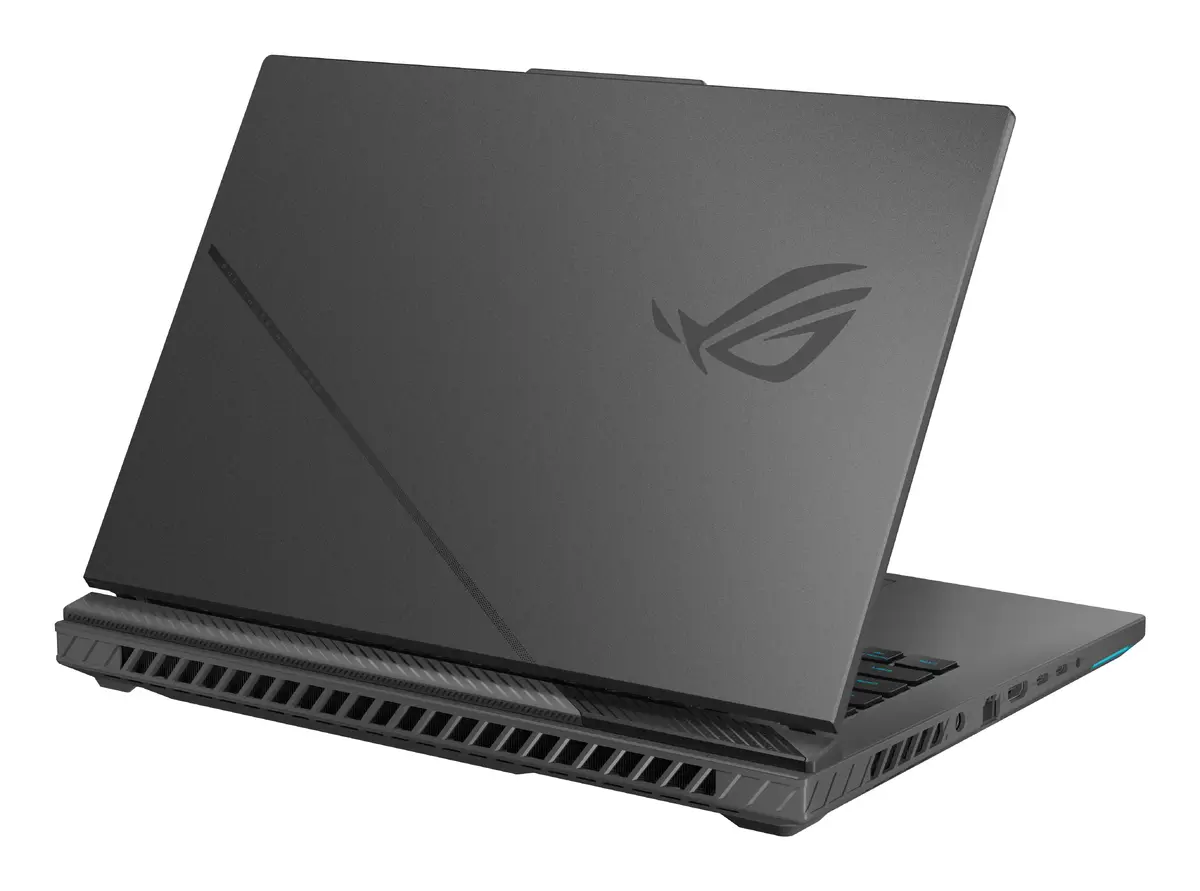
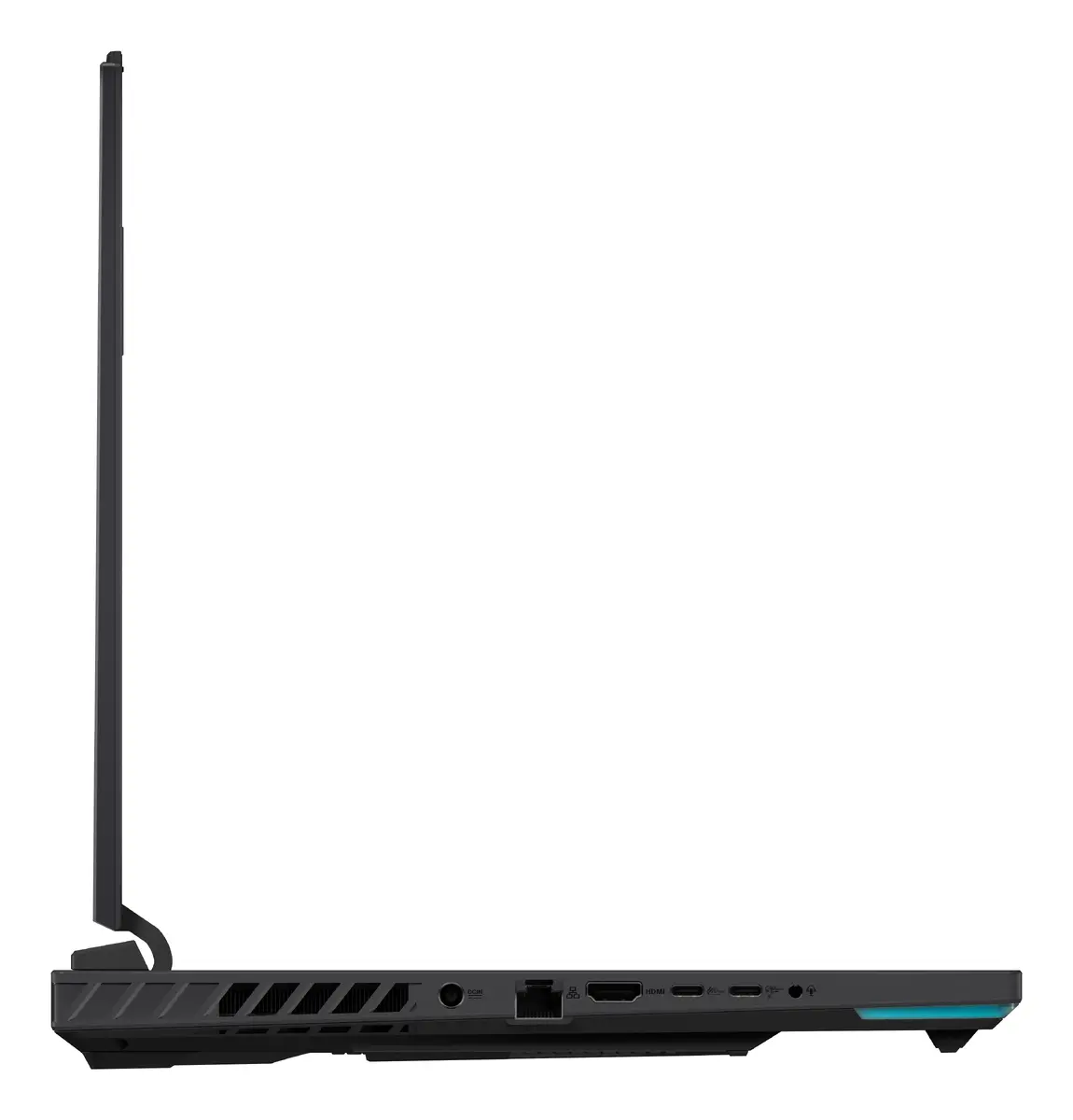
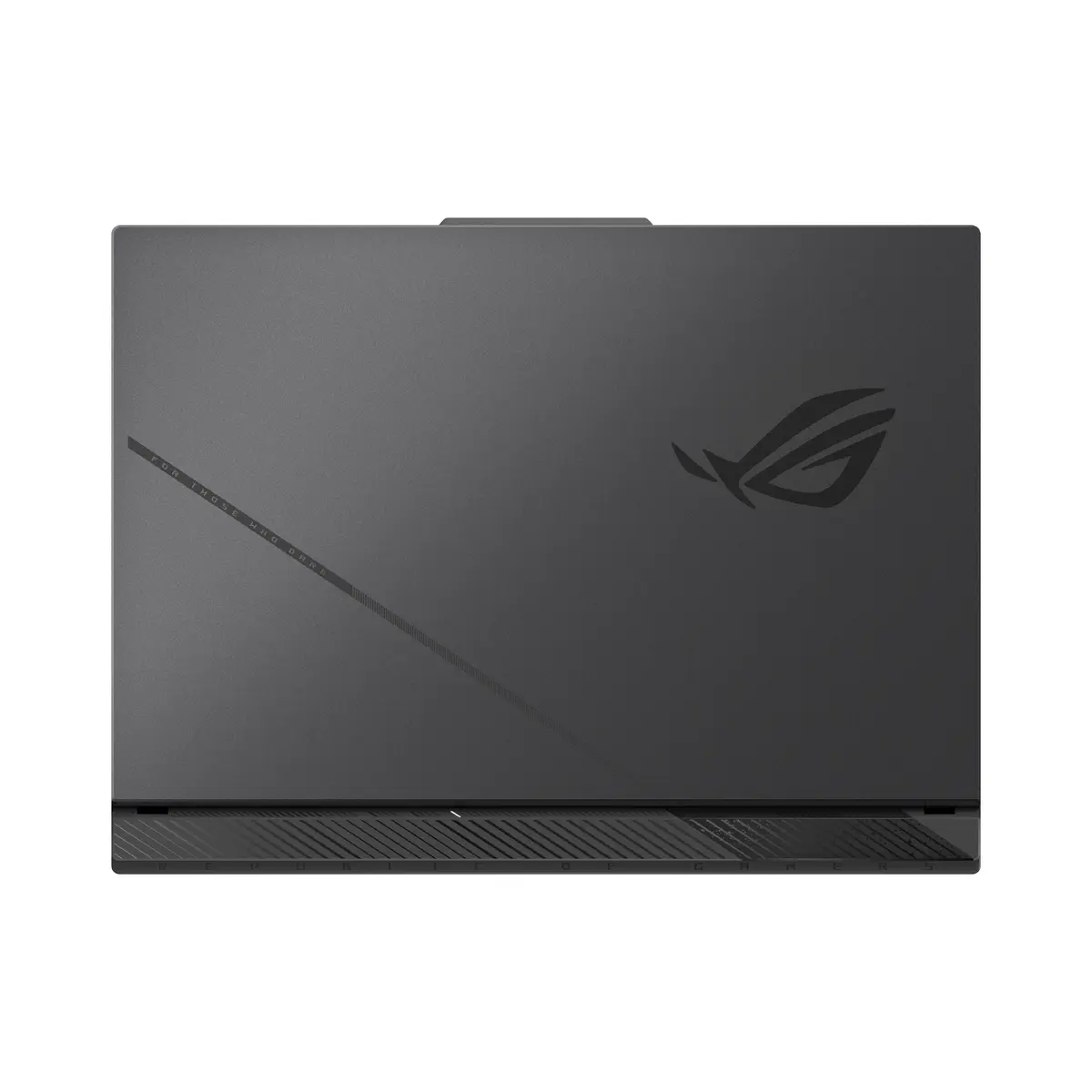
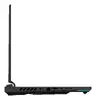
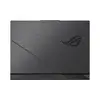
ASUS ROG Strix G16 G614PP-RV031W Laptop, 16" WUXGA, AMD Ryzen 9 8940HX, 16GB RAM, 1TB SSD, NVIDIA GeForce RTX 5070, Windows 11 Home, Grey
The ASUS ROG Strix G16 G614PP-RV031W is a high-performance gaming laptop engineered for users who demand power, speed, and reliability. Featuring an AMD Ryzen 9 8940HX processor and the advanced NVIDIA GeForce RTX 5070 graphics card, this machine delivers exceptional performance for modern gaming and resource-intensive applications. The 16-inch WUXGA display provides a crisp visual experience, while the robust internal hardware ensures smooth multitasking and fast data access, all housed in a durable grey clamshell chassis.
This laptop excels by combining cutting-edge processing power with a high-end discrete graphics solution, making it capable of handling demanding software and high-fidelity games with ease. The inclusion of 16GB of high-speed DDR5 RAM and a spacious 1TB SSD ensures that system responsiveness remains high and loading times are minimized. Its 16-inch display offers an immersive viewing area, while the overall build quality reflects the premium standards of the ROG Strix series, providing a stable and efficient platform for both professional work and entertainment.
This device may not be the ideal choice for users seeking an ultra-lightweight or compact laptop for basic office tasks or casual web browsing, as its high-performance components and cooling system contribute to a larger form factor and weight. Additionally, those who prioritize extreme battery longevity over raw processing power might find the power requirements of this hardware limiting for extended unplugged use.
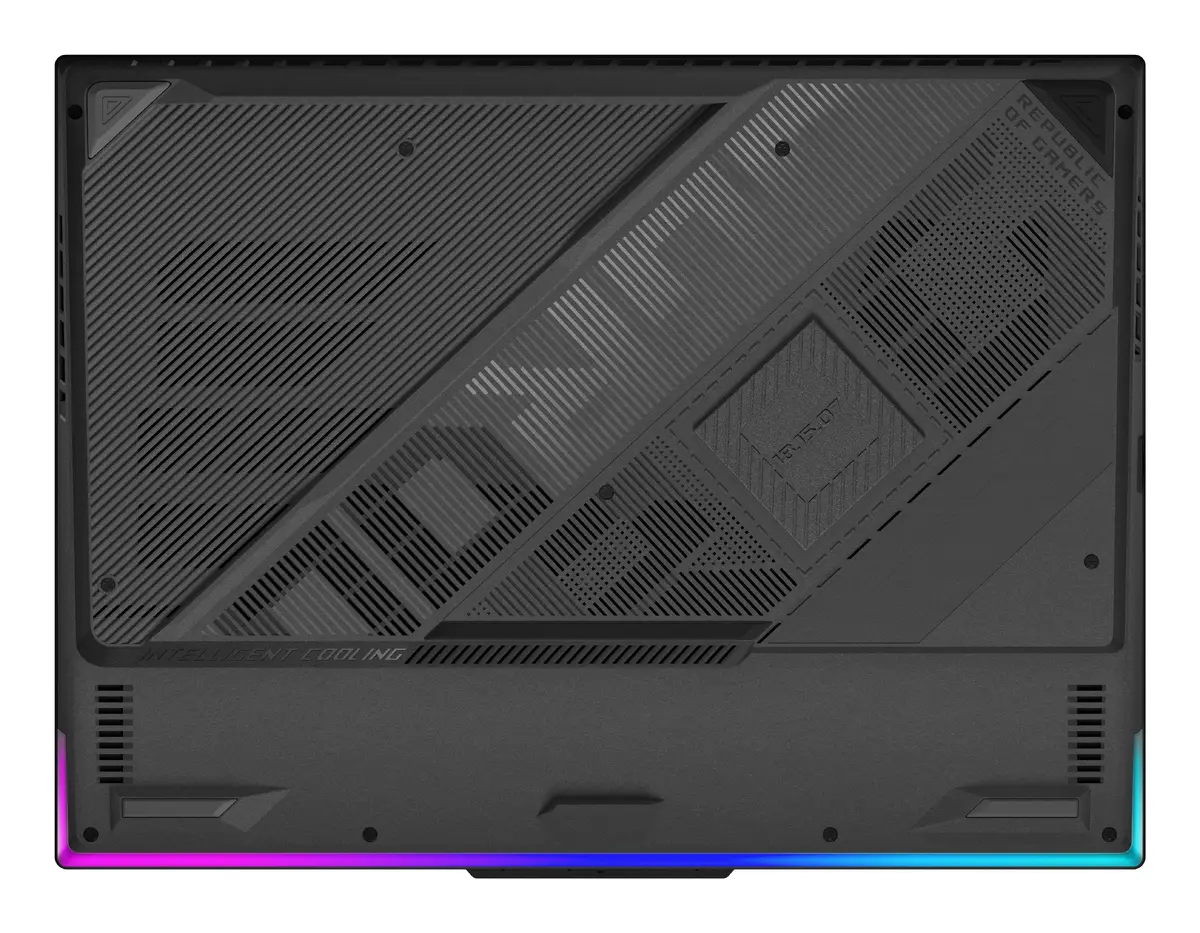
To begin using the ASUS ROG Strix G16, connect the provided power adapter to ensure the system operates at peak performance. Upon initial startup, follow the on-screen prompts to configure your Windows 11 Home settings, including network connectivity and user account creation. For optimal gaming performance, it is recommended to keep the laptop on a flat, hard surface to allow for proper airflow through the cooling vents. You can manage system settings, performance modes, and lighting through the pre-installed manufacturer software.
For the best experience, keep your system drivers and the Windows operating system updated regularly. Utilize the dedicated performance modes in the control software to balance fan noise and processing power based on your current task, and ensure the cooling vents remain unobstructed during intensive gaming sessions to maintain hardware longevity.
{{highlightedFeature.featureTitle}}:
{{getProductFeatureValueById(product, highlightedFeature.featureId)}}
{{ productComparisonGenerationError }}
