
Filters you can trust. Pure water every day.
In cart {{totalProductsCount}} item(s)
Your cart is empty
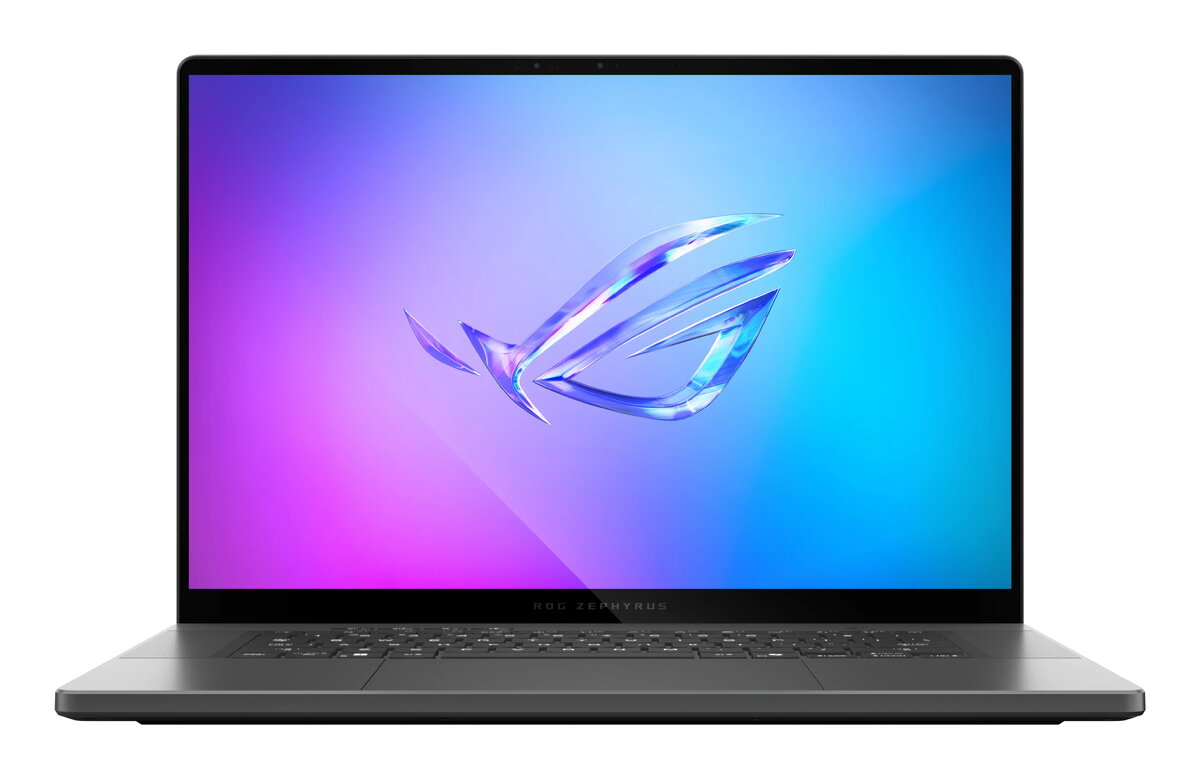
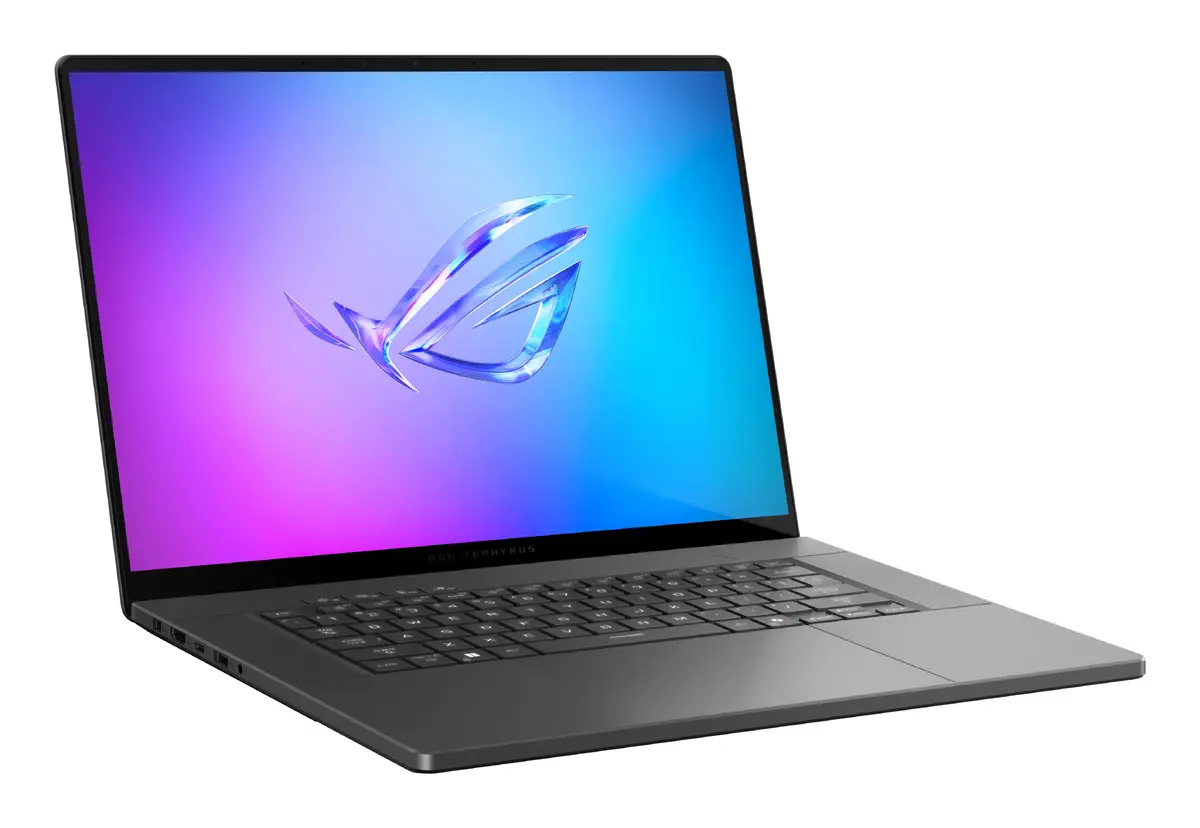
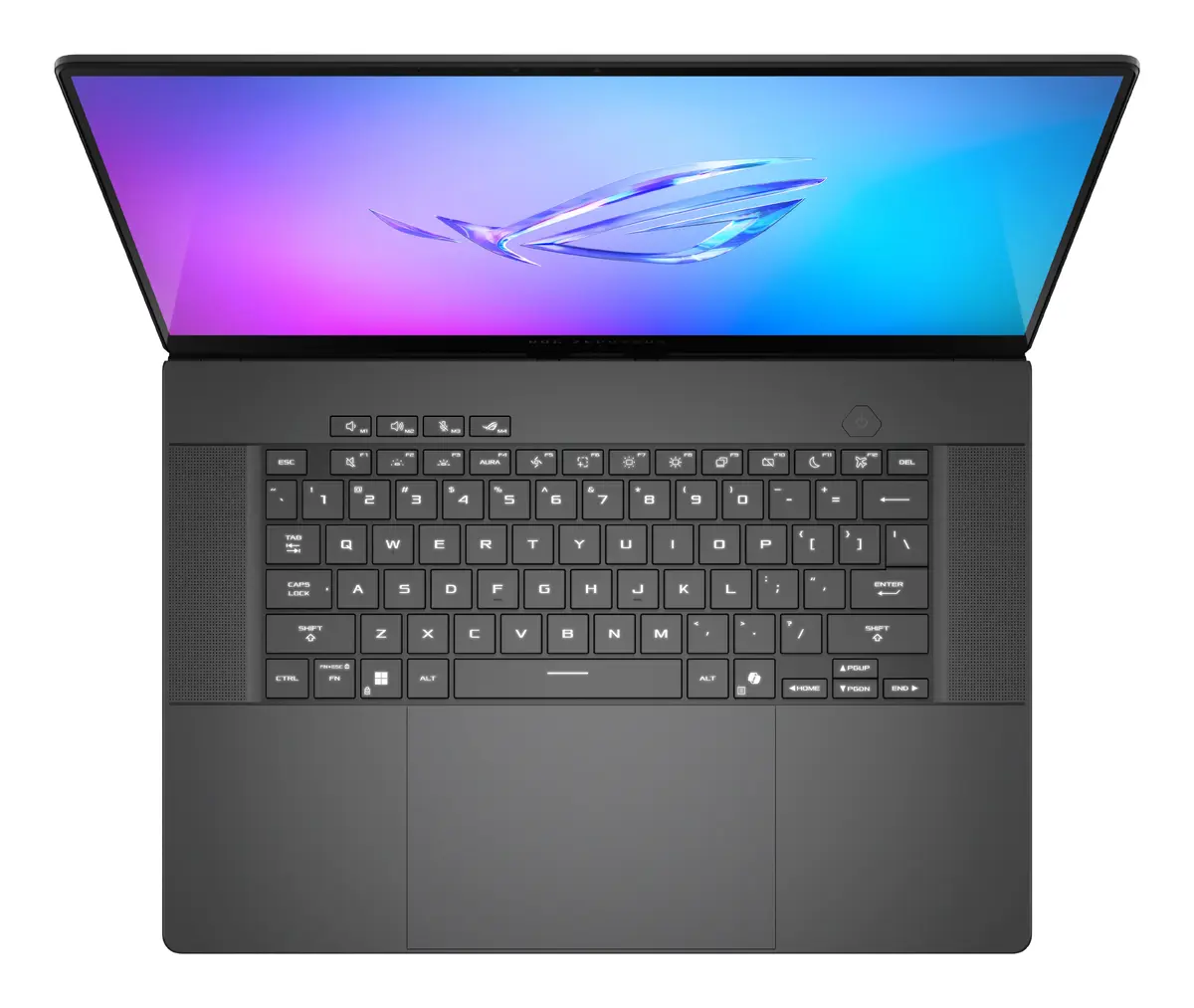
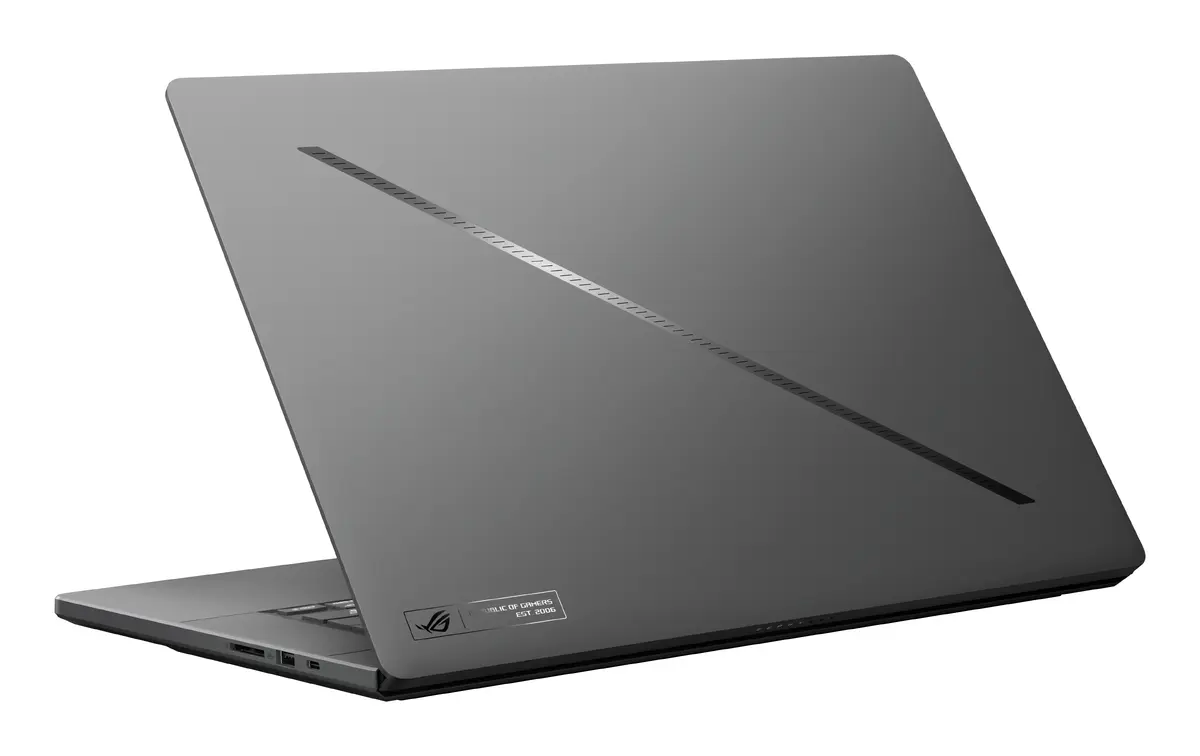
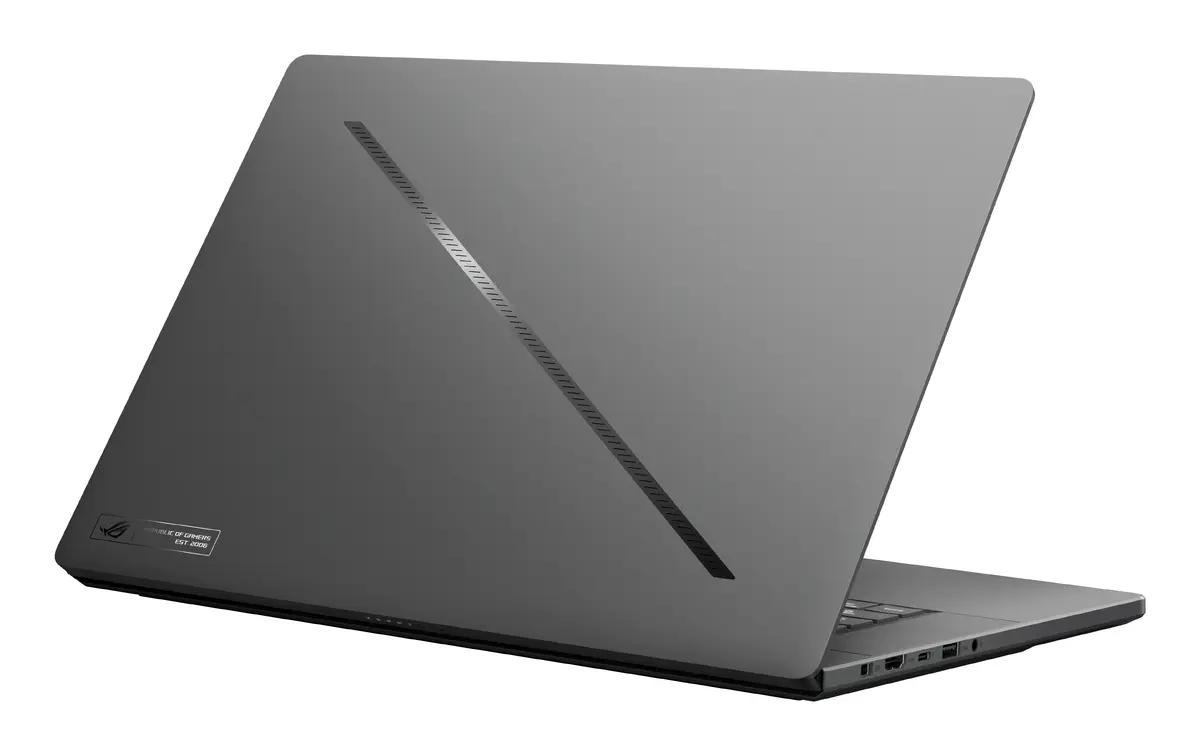
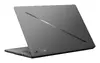
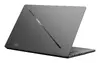
ASUS ROG Zephyrus G16 GU605CP-QR007W Laptop, 16" WQXGA, Intel Core Ultra 9 285H, 32GB RAM, 1TB SSD, NVIDIA GeForce RTX 5070, Windows 11 Home
The ASUS ROG Zephyrus G16 GU605CP-QR007W is a high-performance laptop engineered for users who demand power, portability, and precision. Featuring a sleek grey and black chassis, this 16-inch device combines a sophisticated aesthetic with robust internal hardware, making it an ideal choice for both professional creative workflows and high-end gaming. With the latest Intel Core Ultra 9 processor and advanced NVIDIA graphics, it delivers exceptional speed and responsiveness for intensive tasks.
This laptop stands out due to its powerful combination of the Intel Core Ultra 9 285H processor and 32GB of high-speed LPDDR5x RAM, ensuring seamless multitasking even under heavy workloads. The inclusion of the NVIDIA GeForce RTX 5070 discrete graphics card provides superior visual performance, enabling smooth rendering and high frame rates in modern gaming titles. The 16-inch WQXGA display offers a crisp 2560 x 1600 resolution, providing vibrant colors and sharp details that are essential for graphic design, video editing, and immersive entertainment. Furthermore, its lightweight design at 1.85 kg makes it remarkably portable for a machine of this caliber, allowing professionals to carry workstation-level power wherever they go.
This device may not be the most suitable option for users who primarily require a budget-friendly machine for basic office tasks or web browsing, as its high-performance components are optimized for intensive workloads. Additionally, those who prioritize extreme battery longevity over raw processing power might find that the high-performance hardware consumes energy more rapidly during peak usage.
To begin using the ASUS ROG Zephyrus G16, simply power on the device and follow the on-screen Windows 11 Home setup instructions to configure your user profile and network settings. Once initialized, ensure that all system drivers and the operating system are updated via the pre-installed software to maintain optimal performance and security. For gaming or creative software, install your preferred applications and adjust the graphics settings to leverage the capabilities of the NVIDIA RTX 5070 GPU.
For the best experience, keep the laptop on a flat, hard surface during intensive tasks to ensure proper airflow for the cooling system, and utilize the provided power adapter to ensure the hardware receives sufficient energy for peak performance.
{{highlightedFeature.featureTitle}}:
{{getProductFeatureValueById(product, highlightedFeature.featureId)}}
{{ productComparisonGenerationError }}
