
Powerful EcoFlow stations for energy anywhere!
In cart {{totalProductsCount}} item(s)
Your cart is empty
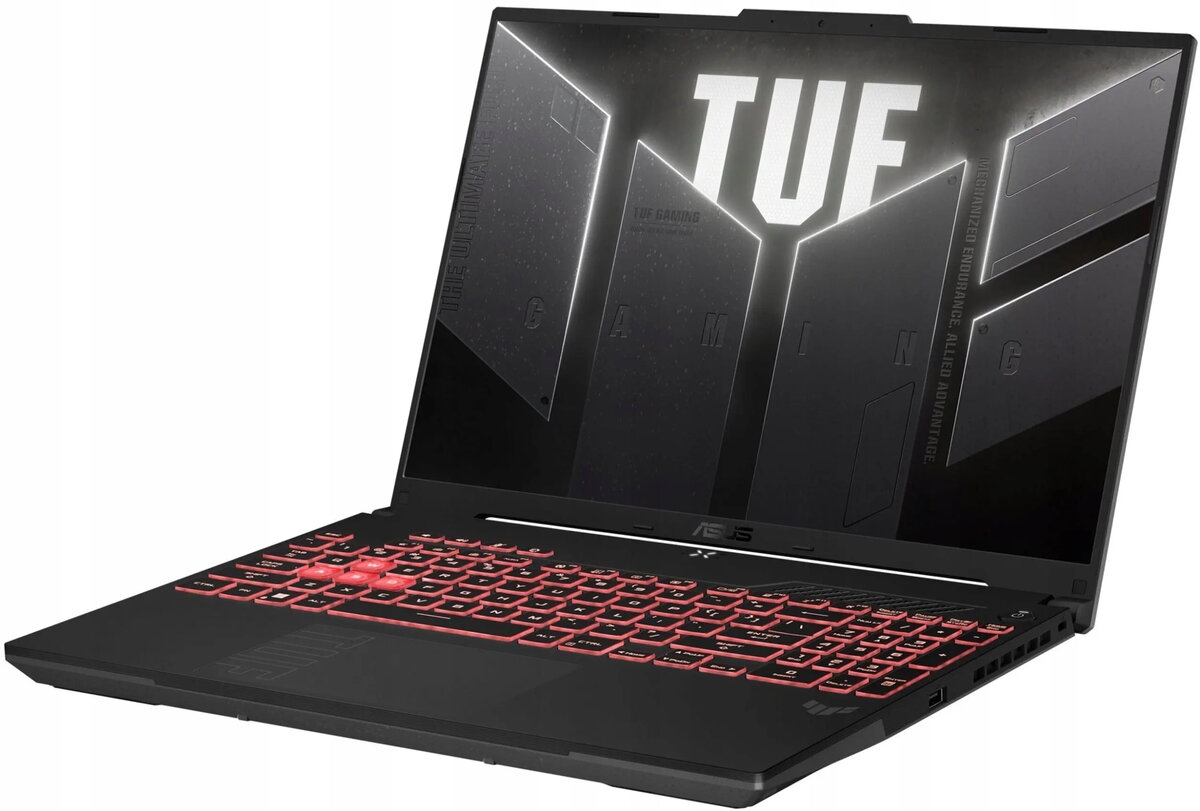
Laptop Asus TUF Gaming F16 FX607VJ-RL001W — Intel Core i5-12450H, 16" 144Hz, 16GB RAM, 512GB SSD + 512GB SSD, Windows 11 Home, NVIDIA RTX 3050
The Asus TUF Gaming F16 FX607VJ-RL001W is a mid-range gaming laptop built around an Intel Core i5-12450H processor and an NVIDIA GeForce RTX 3050 graphics card. It features a 16-inch 144Hz display that balances desktop-style viewing area with a high refresh rate for smoother motion. Configured with 16GB of RAM and dual 512GB SSDs, the system provides responsive multitasking and fast storage performance. The device ships with Windows 11 Home and is intended for gaming, content creation and everyday productivity tasks.
The combination of a 12th-generation Intel Core i5 CPU and an RTX 3050 GPU enables stable performance in modern games at medium to high settings and accelerates GPU-accelerated tasks such as video editing and image processing. A 16" 144Hz panel reduces motion blur and improves perceived smoothness during gameplay and fast-moving content. Dual 512GB solid-state drives offer both large combined capacity and fast read/write speeds, while 16GB of system memory supports multitasking and smoother switching between applications. The laptop’s thermal design and durable chassis conform to the brand’s TUF series focus on sustained performance under load.
Unpack the laptop, connect the included power adapter and perform the initial Windows 11 setup following on-screen prompts. Install the latest drivers from the manufacturer’s support site for optimal graphics and system performance, and apply Windows updates. For gaming, use the preinstalled or downloadable game clients and set in-game graphics options according to desired balance between visual quality and frame rate. For creative work, store active projects on the internal SSDs and configure your editing software to use available GPU acceleration. Regularly back up important data to an external drive or cloud service.
To maintain performance and longevity, keep the cooling vents clear, use the laptop on a firm flat surface, and update system drivers and BIOS when recommended. For heavier gaming sessions, consider using a cooling pad and setting power profiles to favour performance. Manage storage by using one SSD for the operating system and applications and the other for games or large project files to optimize read/write distribution.
{{highlightedFeature.featureTitle}}:
{{getProductFeatureValueById(product, highlightedFeature.featureId)}}
{{ productComparisonGenerationError }}
