

Dreame vacuums for fast and efficient cleaning!
In cart {{totalProductsCount}} item(s)
Your cart is empty
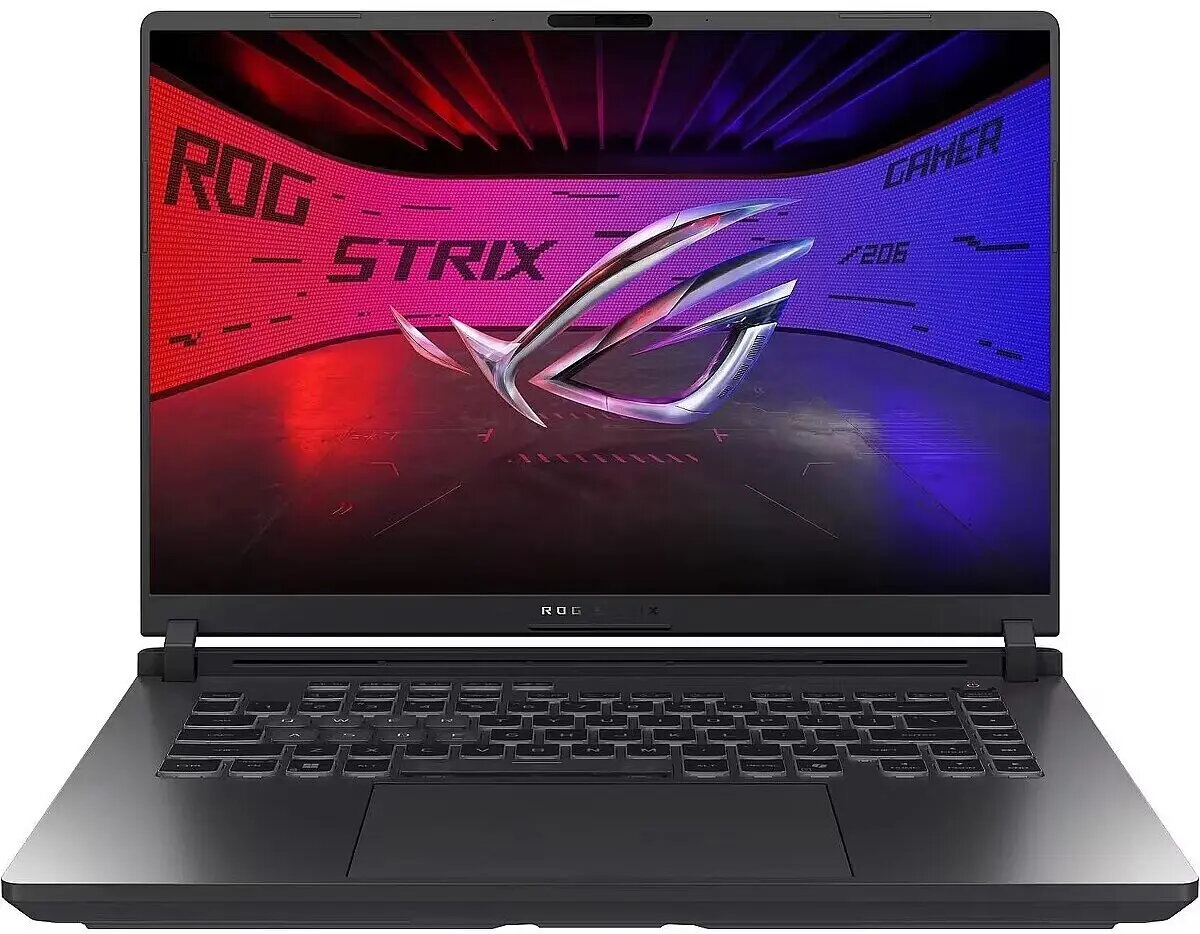
Laptop Asus ROG Strix G16 G615JH i5-13450HX, 16" 165Hz, 16GB RAM, 512GB SSD + 2TB HDD, Windows 11 Home, NVIDIA RTX 5050
The Asus ROG Strix G16 G615JH is a gaming laptop equipped with an Intel Core i5-13450HX processor and NVIDIA RTX 5050 graphics. It features a 16" IPS-type display with a 165Hz refresh rate, 16GB of system memory, a 512GB SSD for the operating system and applications, and a 2TB HDD for additional file storage. The device ships with Windows 11 Home and combines high-refresh visuals, dedicated GPU performance and a dual-drive storage layout intended for gaming, content creation and general multitasking.
The combination of a high-refresh 16" display and an NVIDIA RTX 5050 GPU enables smoother gameplay and improved frame rates in modern titles. The Core i5-13450HX provides multi-core performance suitable for gaming and productivity tasks while 16GB of RAM supports multitasking and content editing workflows. A 512GB SSD delivers fast system responsiveness and quick application load times, while the 2TB HDD offers large-capacity storage for game libraries, media and project files. Windows 11 Home ensures compatibility with the latest software and drivers.
Unpack the laptop and connect the power adapter for initial setup. Follow the Windows 11 Home on-screen setup to create an account and install updates. Install required game clients and content creation software on the 512GB SSD for faster launch times, and move large game libraries or media archives to the 2TB HDD to preserve SSD space. Use the system control center or built-in utilities to configure performance modes, GPU settings and fan profiles depending on the workload. Keep drivers and BIOS updated to ensure optimal compatibility and performance.
For gaming, enable the high-refresh display setting and select GPU-accelerated rendering in game options to benefit from smoother frame rates. For content creation, allocate scratch and cache folders to the SSD while storing completed projects on the HDD. Regularly back up important files from the HDD to an external drive or cloud storage, and use balanced cooling practices to maintain system longevity.
{{highlightedFeature.featureTitle}}:
{{getProductFeatureValueById(product, highlightedFeature.featureId)}}
{{ productComparisonGenerationError }}
