
Powerful EcoFlow stations for energy anywhere!
In cart {{totalProductsCount}} item(s)
Your cart is empty
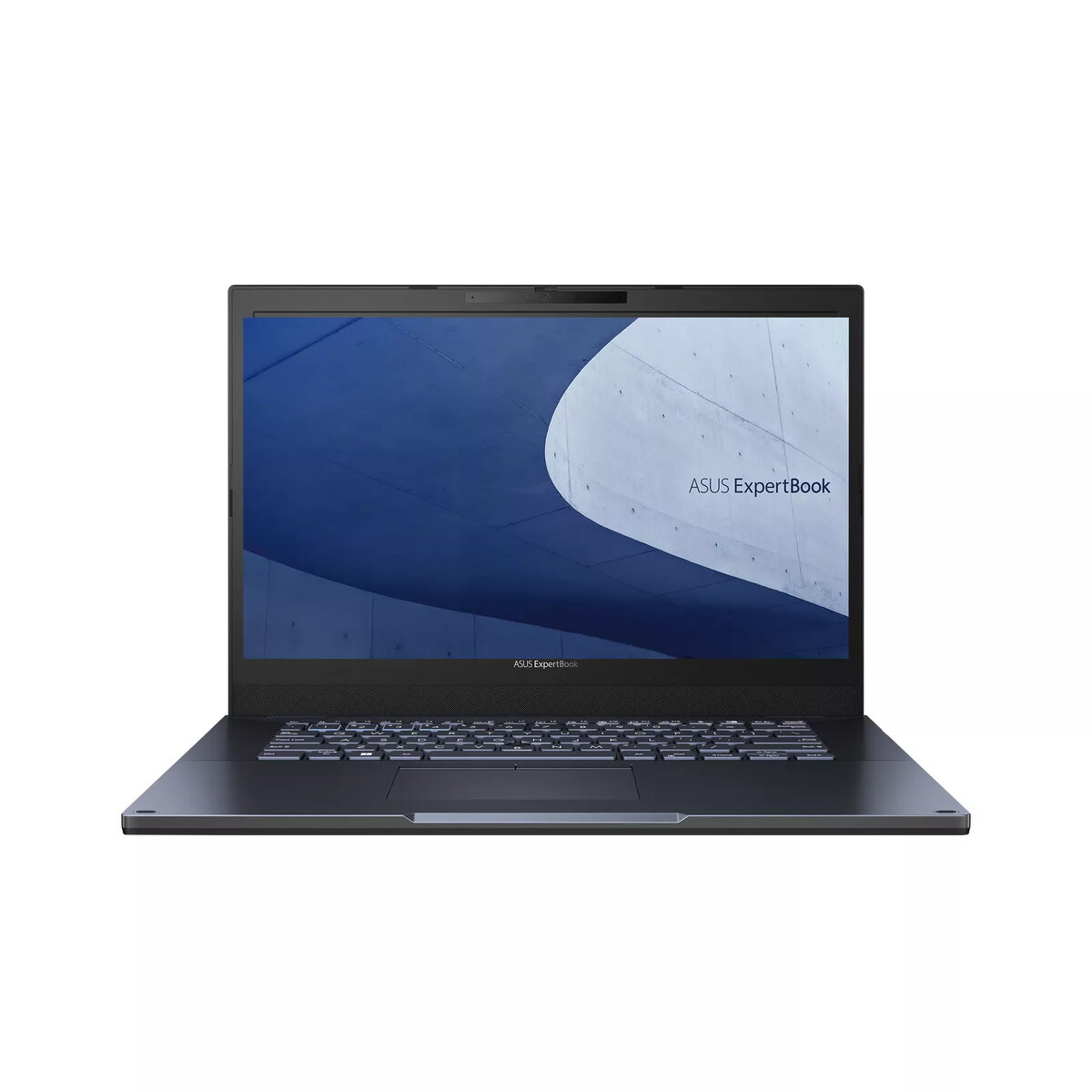
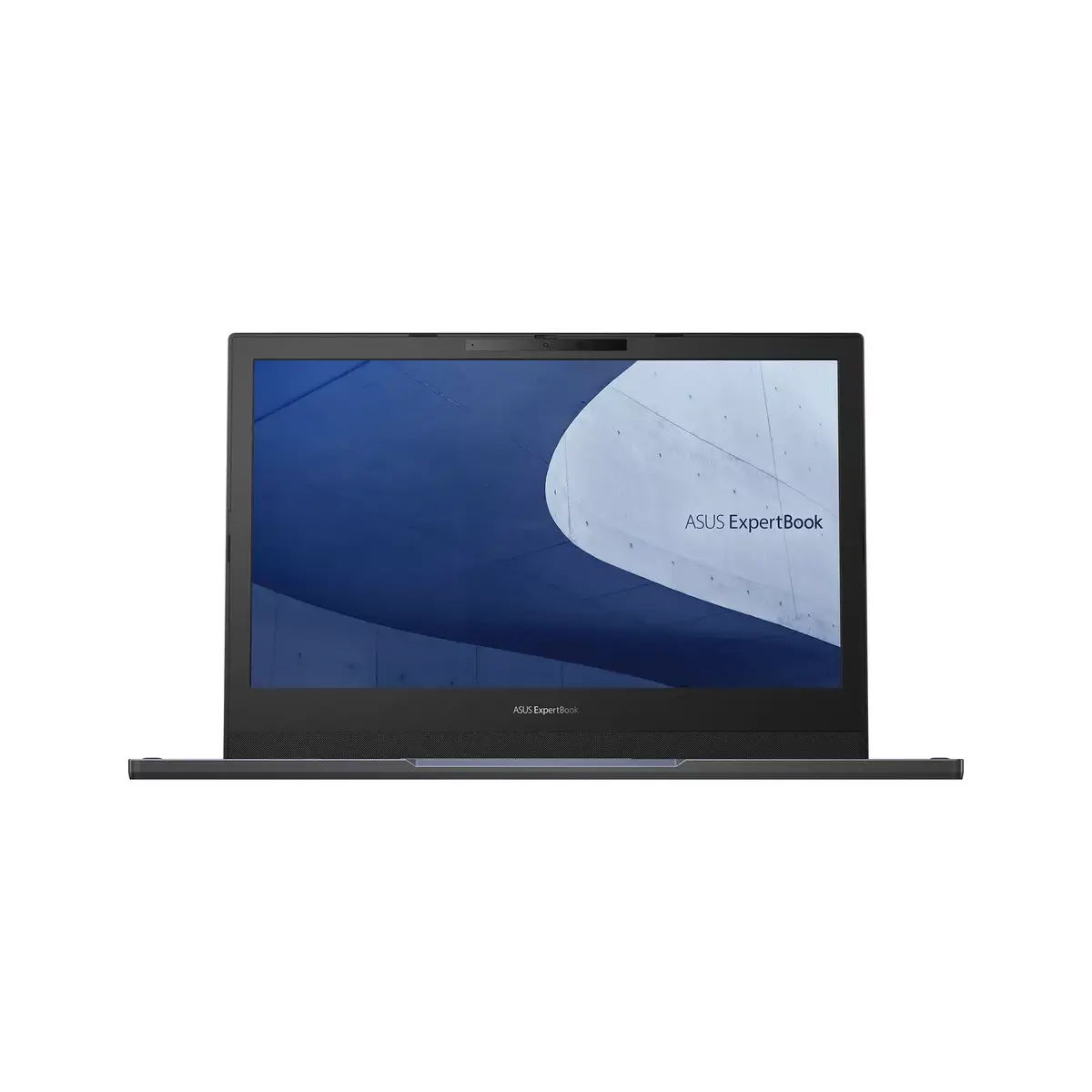
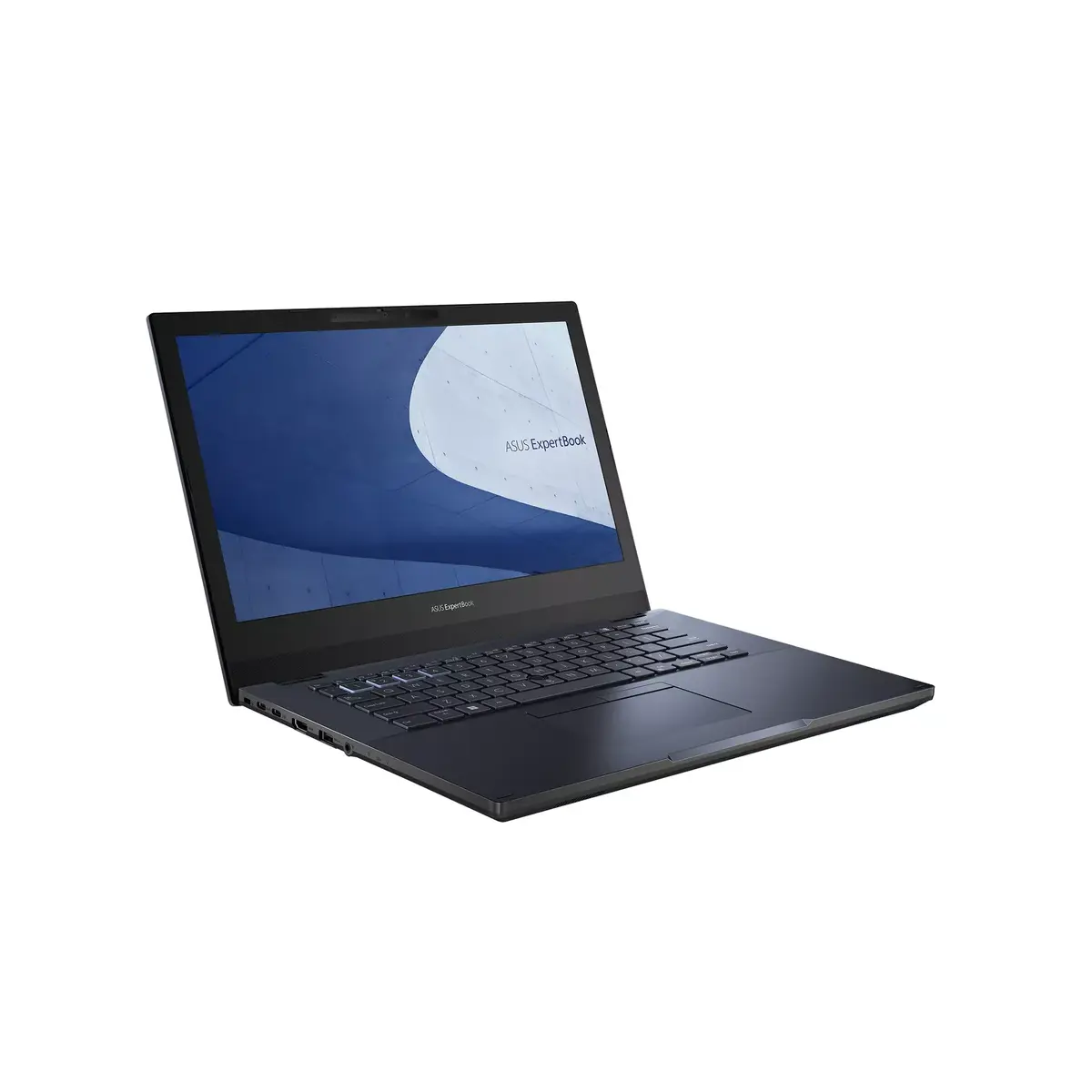
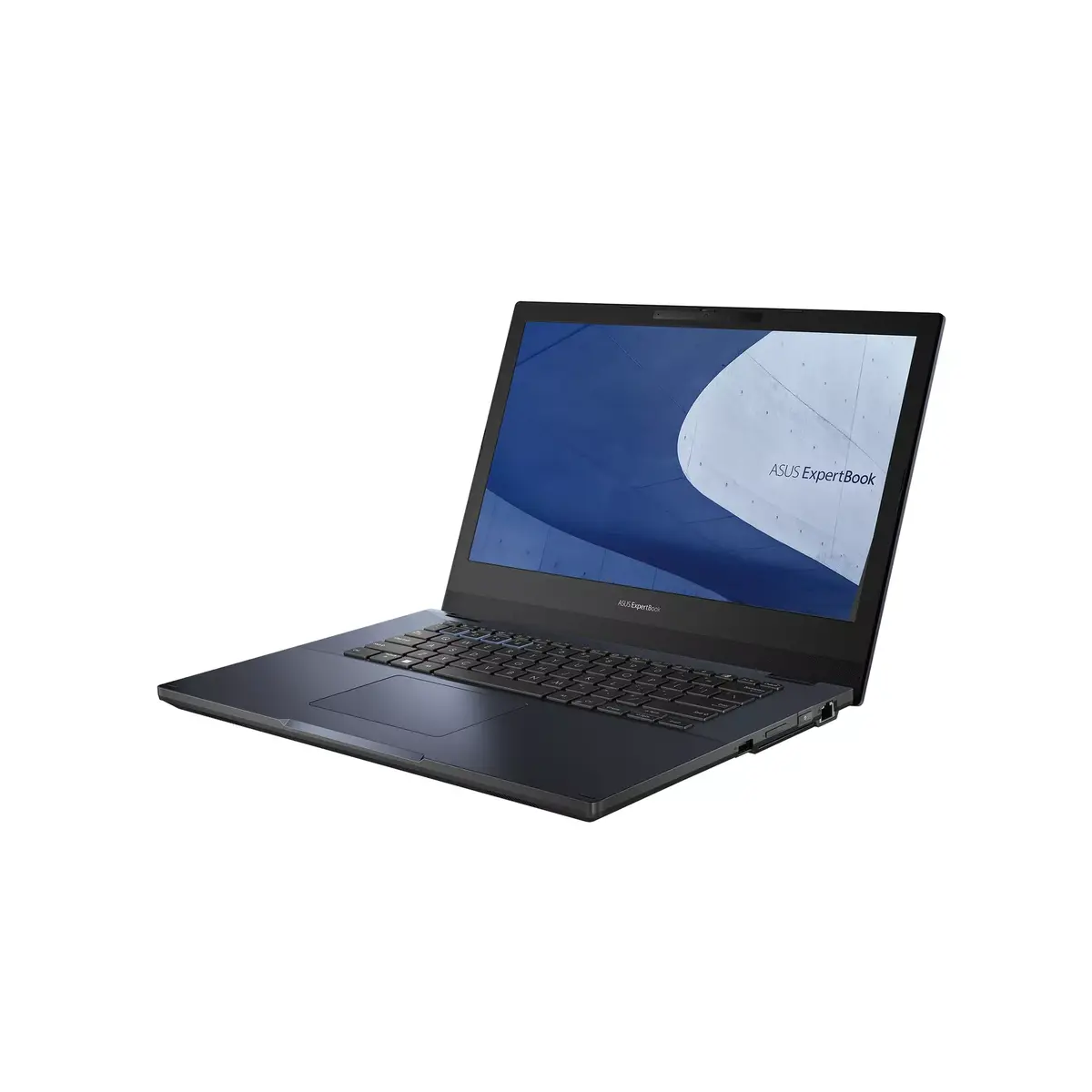
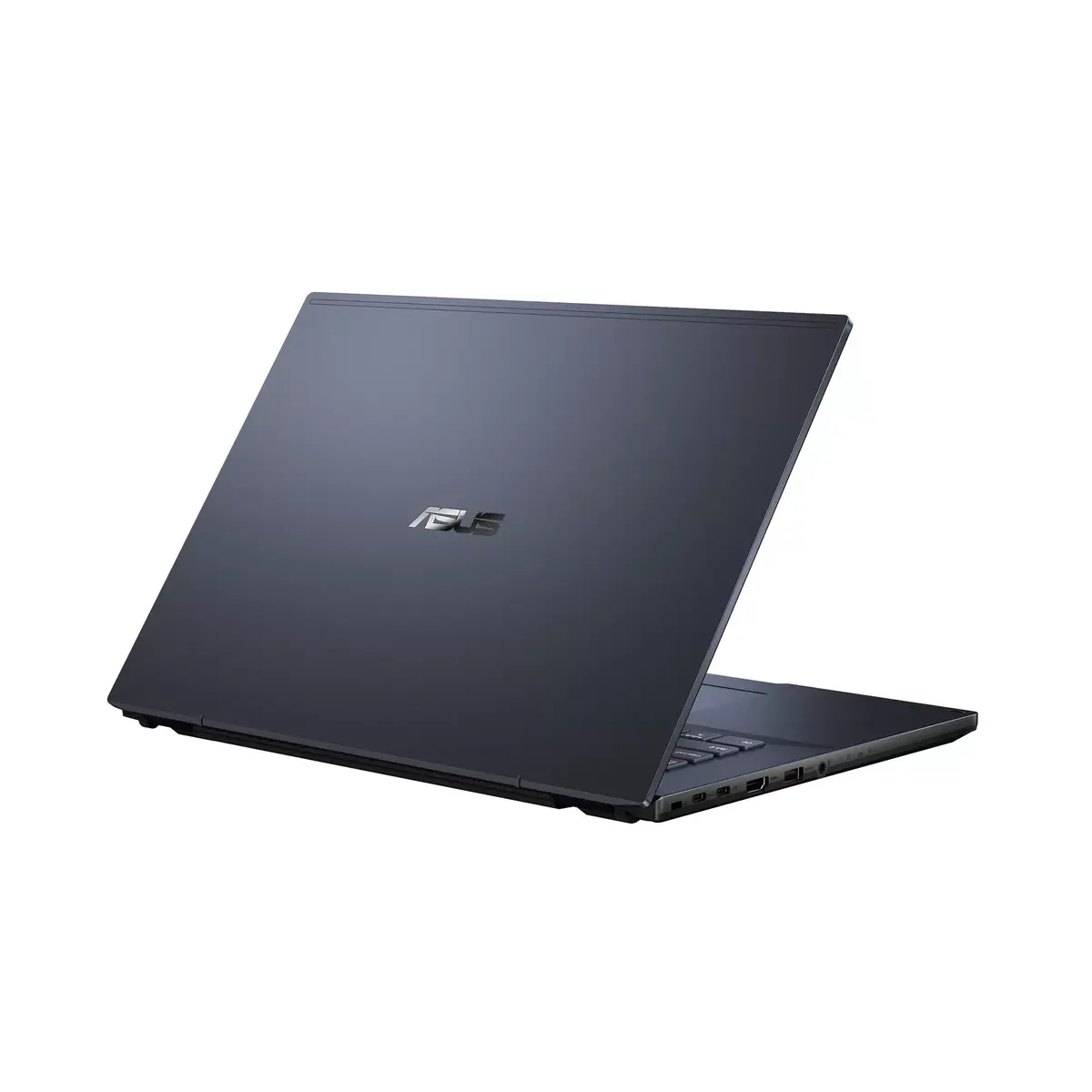
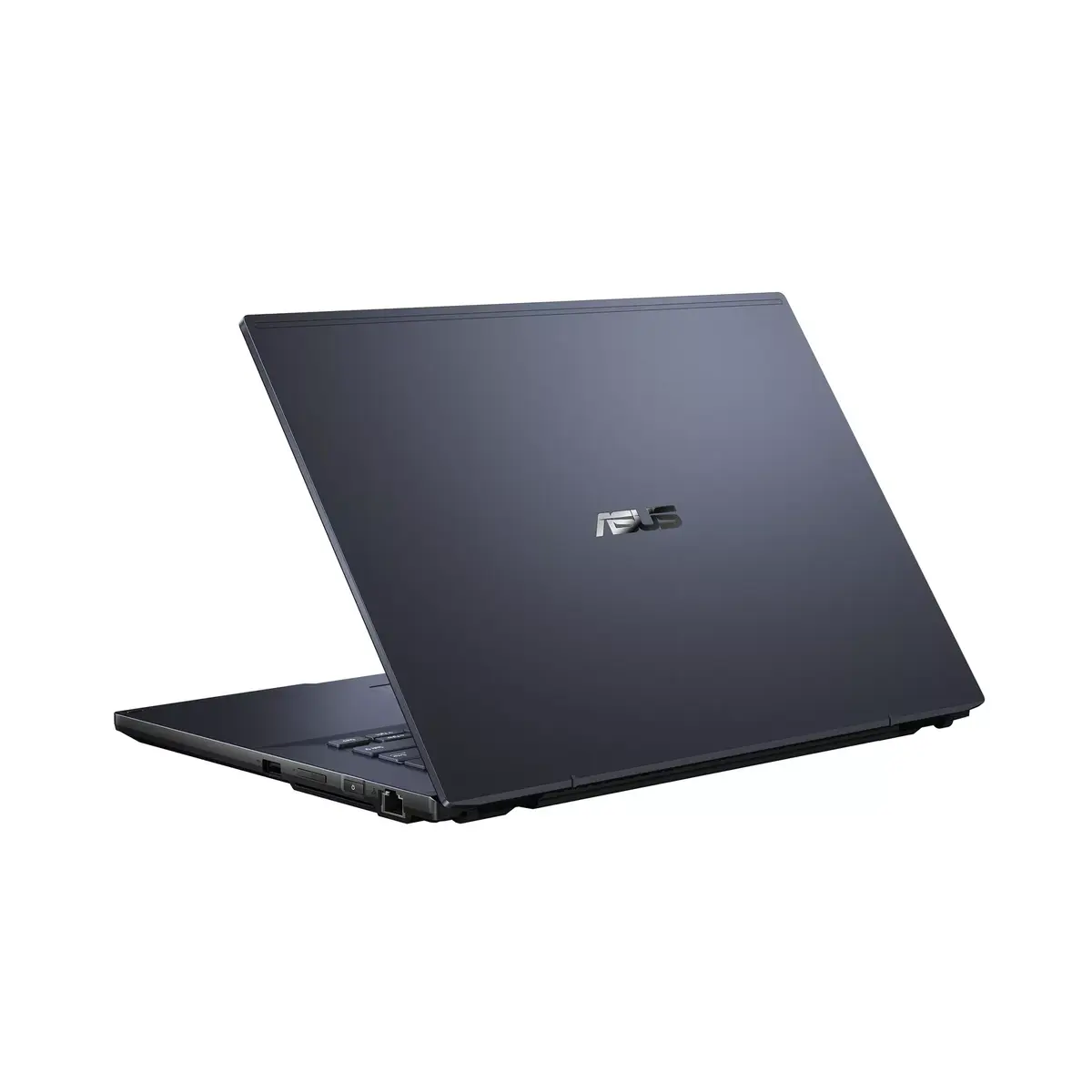
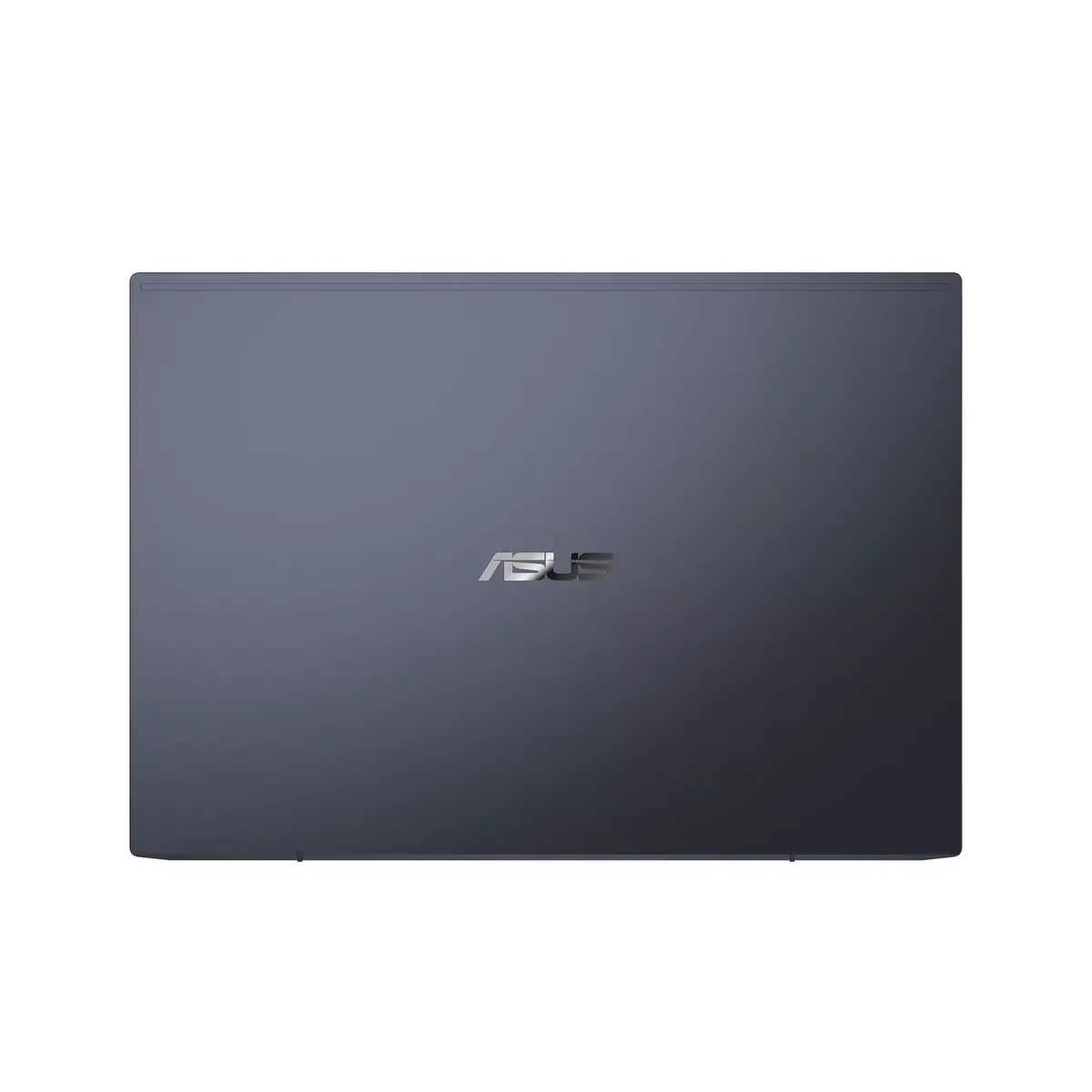
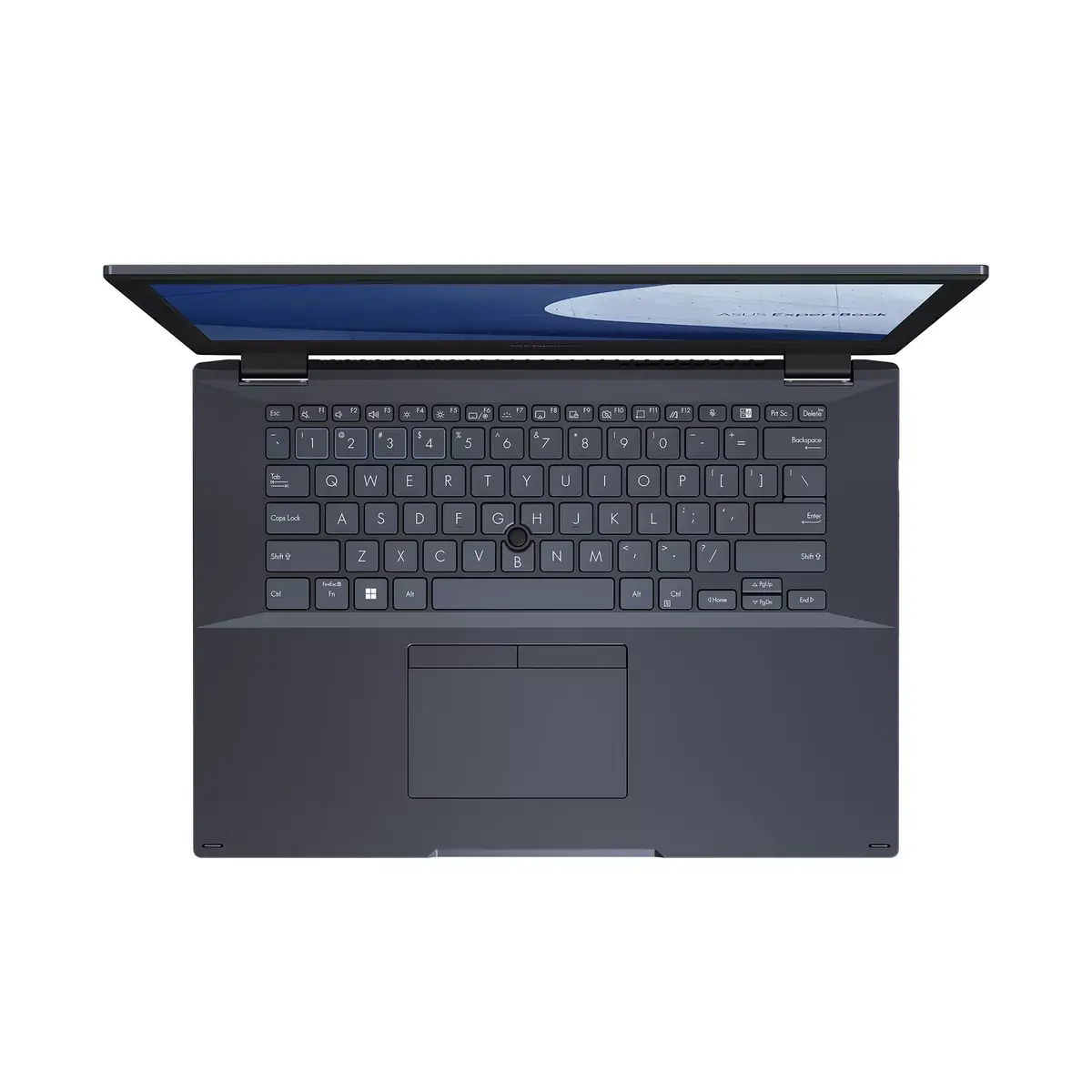
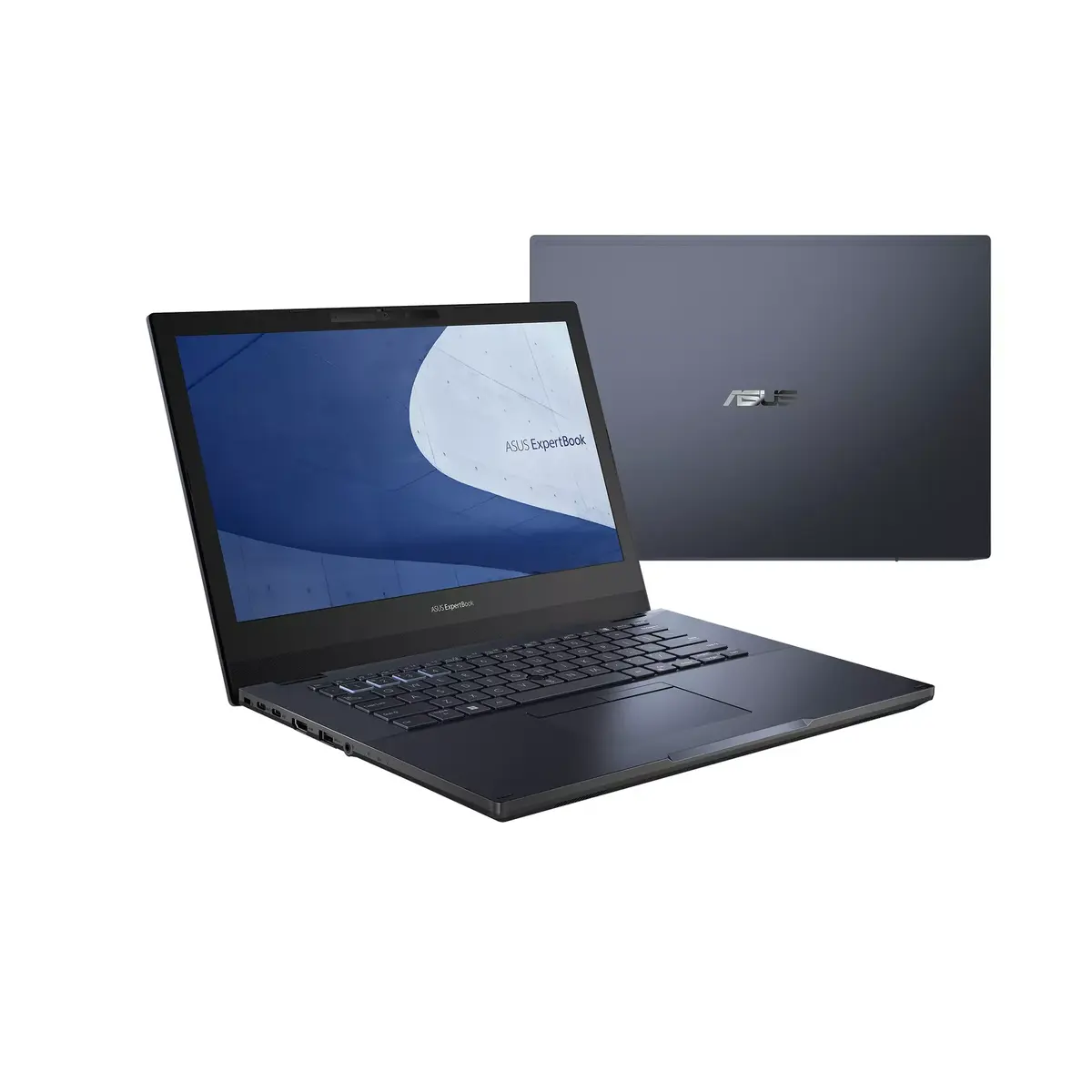
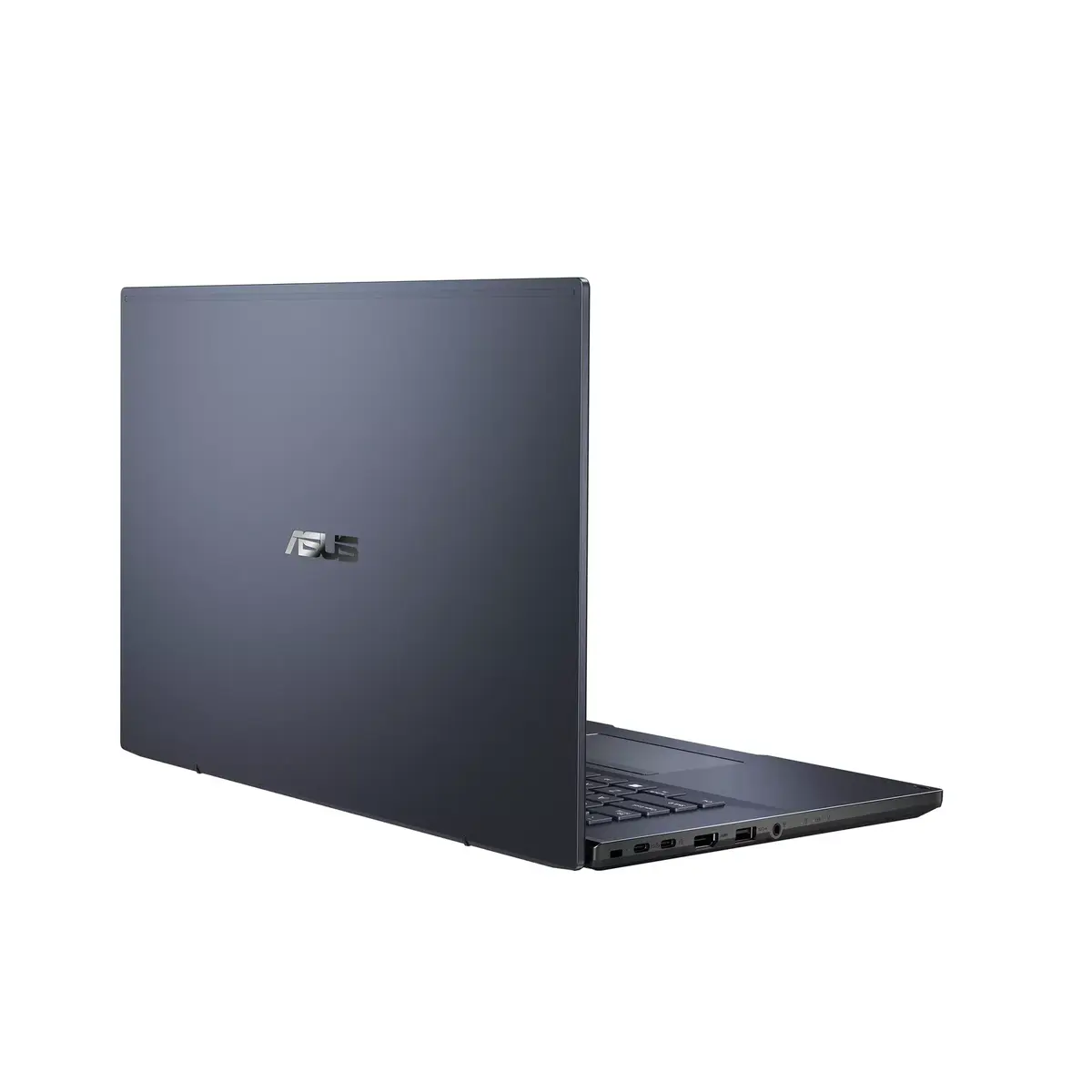
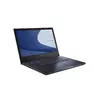
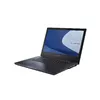
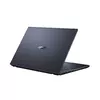
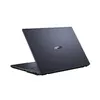
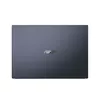
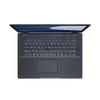
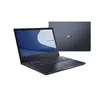
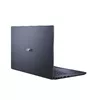
Laptop ASUS L2402CYA-EB0146X 14" AMD Ryzen 5 5625U 16GB RAM 512GB SSD Windows 11 Pro
The ASUS L2402CYA-EB0146X is a reliable and efficient laptop designed to handle professional workloads and daily computing tasks with ease. Powered by an AMD Ryzen 5 5625U processor and equipped with 16GB of RAM, this device ensures smooth multitasking and responsive performance. Its 14-inch Full HD display provides clear visuals, while the 512GB SSD offers quick boot times and ample storage for your essential files. With its sleek black finish and Windows 11 Pro operating system, it serves as a professional tool for business users and students alike.
This laptop stands out due to its balanced combination of performance and portability. The inclusion of an AMD Ryzen 5 processor allows for efficient handling of office applications and web-based tasks. The 16GB of memory ensures that you can run multiple programs simultaneously without significant slowdowns. Furthermore, the integration of Wi-Fi 6E technology guarantees high-speed and stable internet connectivity, which is crucial for video conferencing and cloud-based work. The lightweight design makes it an excellent choice for individuals who frequently travel or work from different locations.
This laptop is not designed for high-end gaming or intensive professional video editing, as it relies on integrated graphics rather than a dedicated graphics card. Users requiring extreme graphical processing power for 3D rendering or complex visual effects may find the hardware limitations restrictive.
To begin using your ASUS laptop, connect the provided power adapter to charge the battery fully. Press the power button to initiate the Windows 11 Pro setup process, following the on-screen prompts to configure your language, network settings, and user account. Once the desktop environment is loaded, you can install your preferred software and connect external peripherals via the available ports. Keep the device on a flat, stable surface to ensure proper ventilation during operation.
To maintain optimal performance and battery health, keep the laptop's software updated through the Windows Update settings and avoid blocking the air vents during heavy usage.
{{highlightedFeature.featureTitle}}:
{{getProductFeatureValueById(product, highlightedFeature.featureId)}}
{{ productComparisonGenerationError }}
