
Save time and money with our discounts!
In cart {{totalProductsCount}} item(s)
Your cart is empty
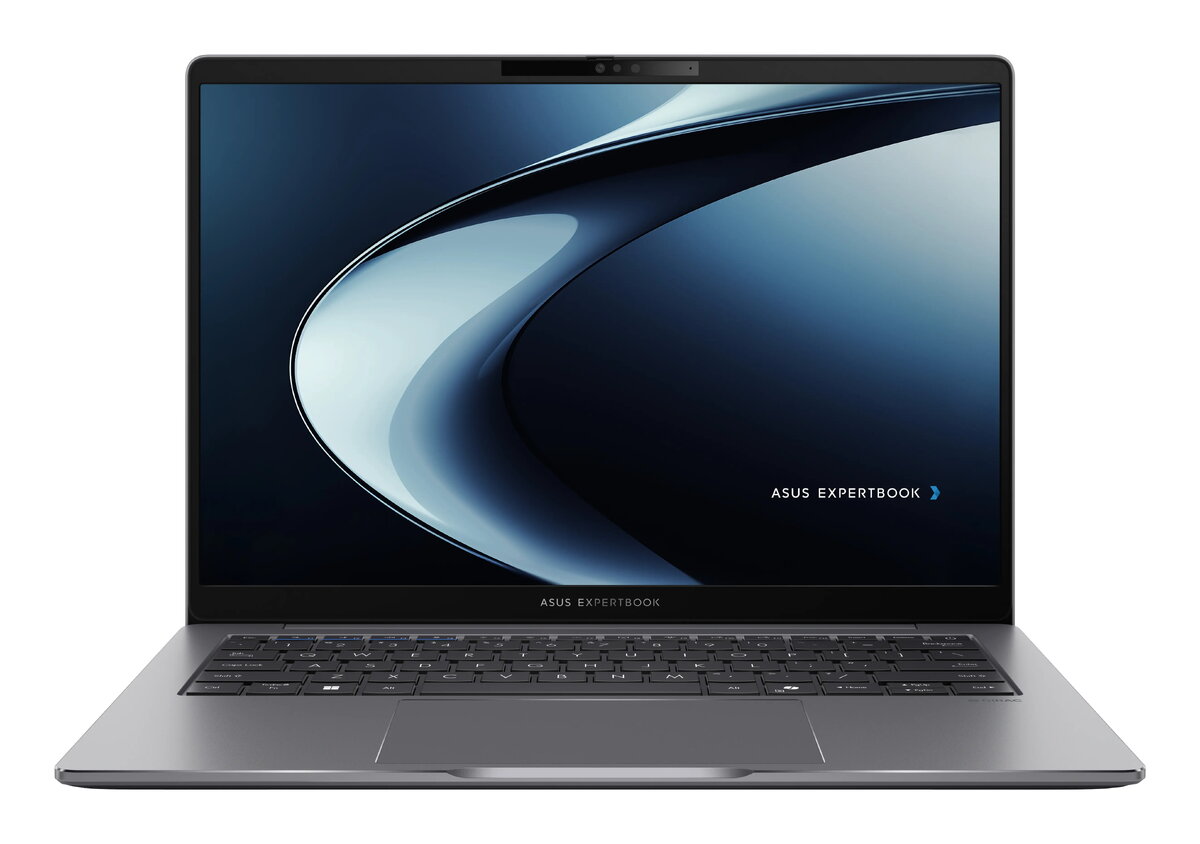
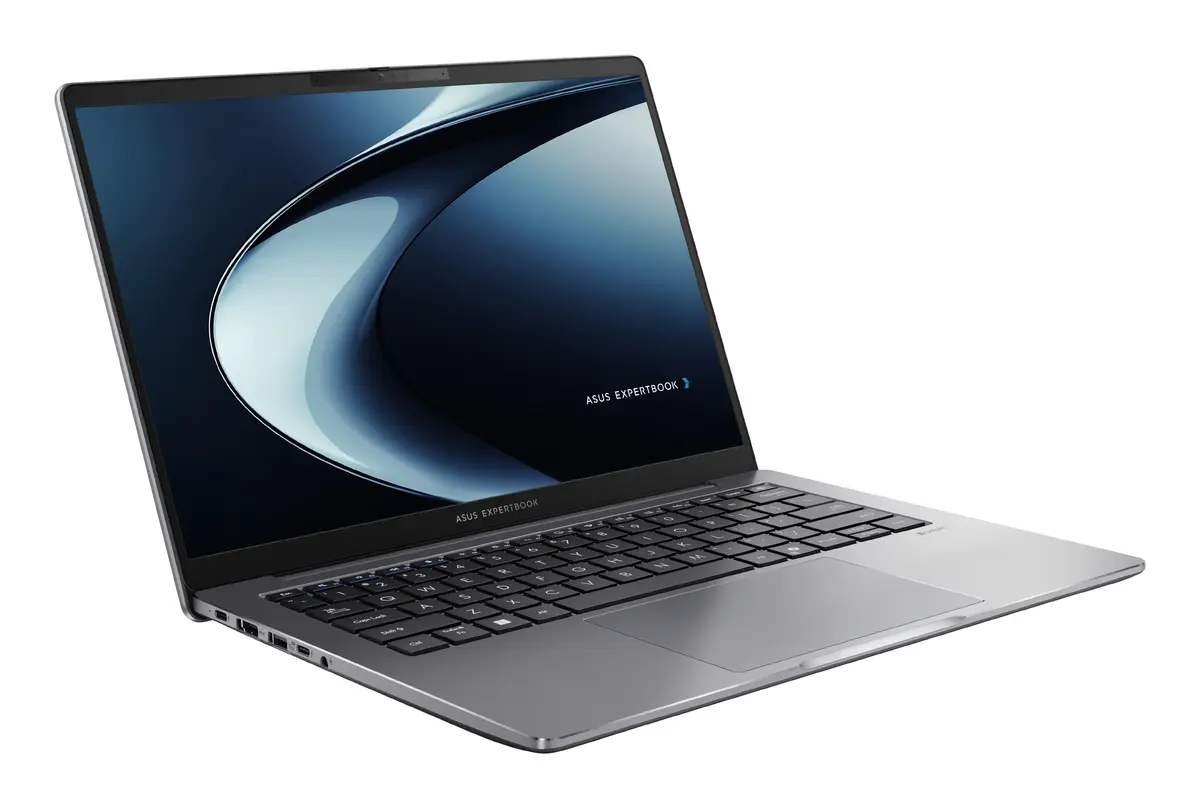
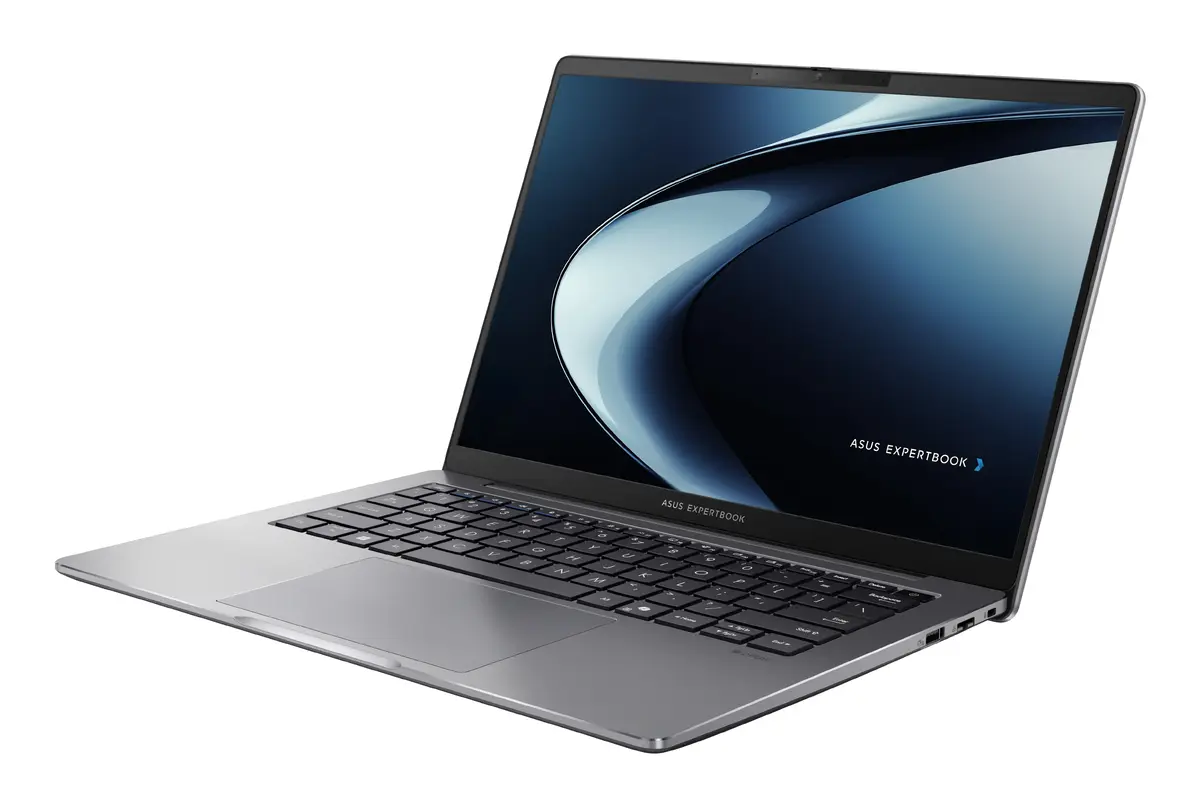
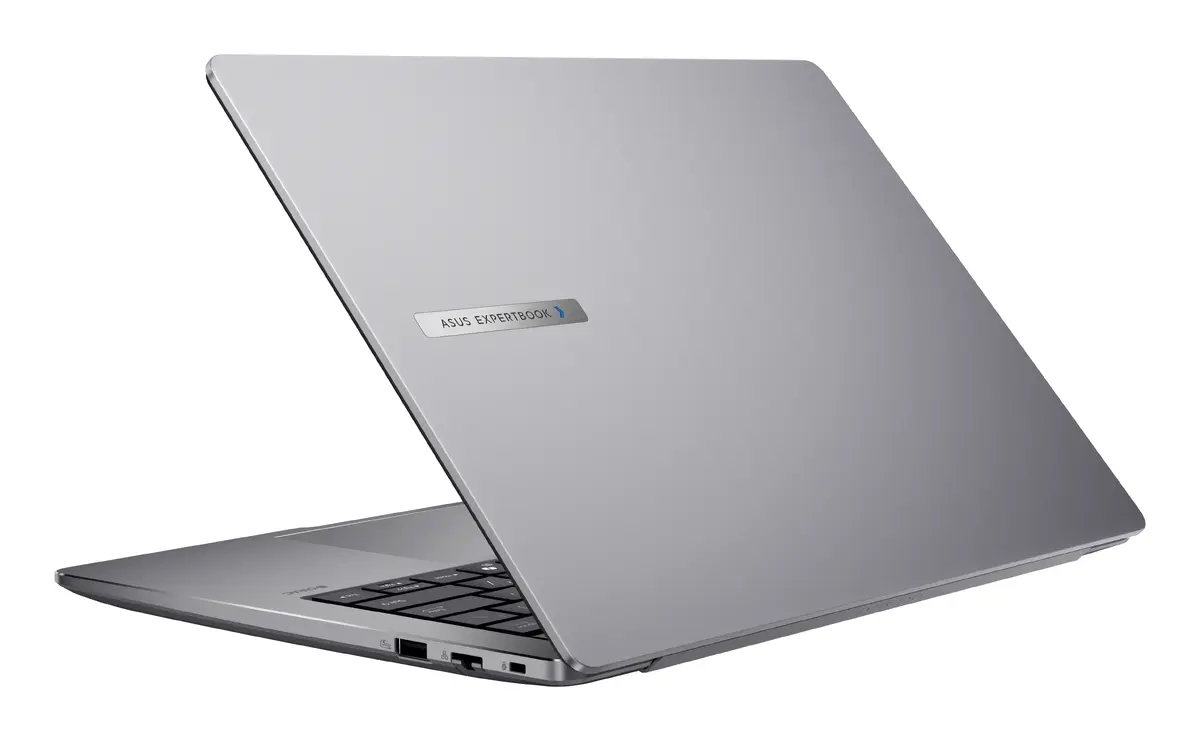
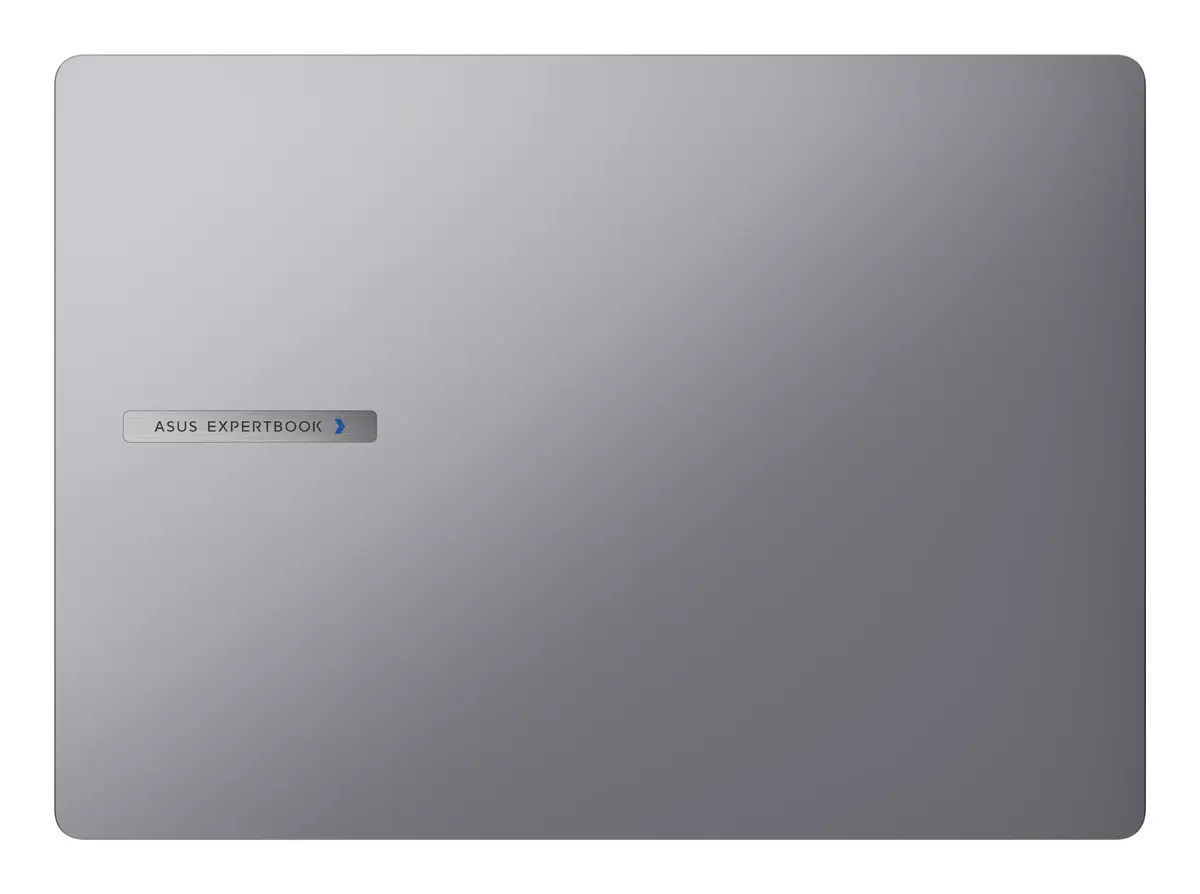
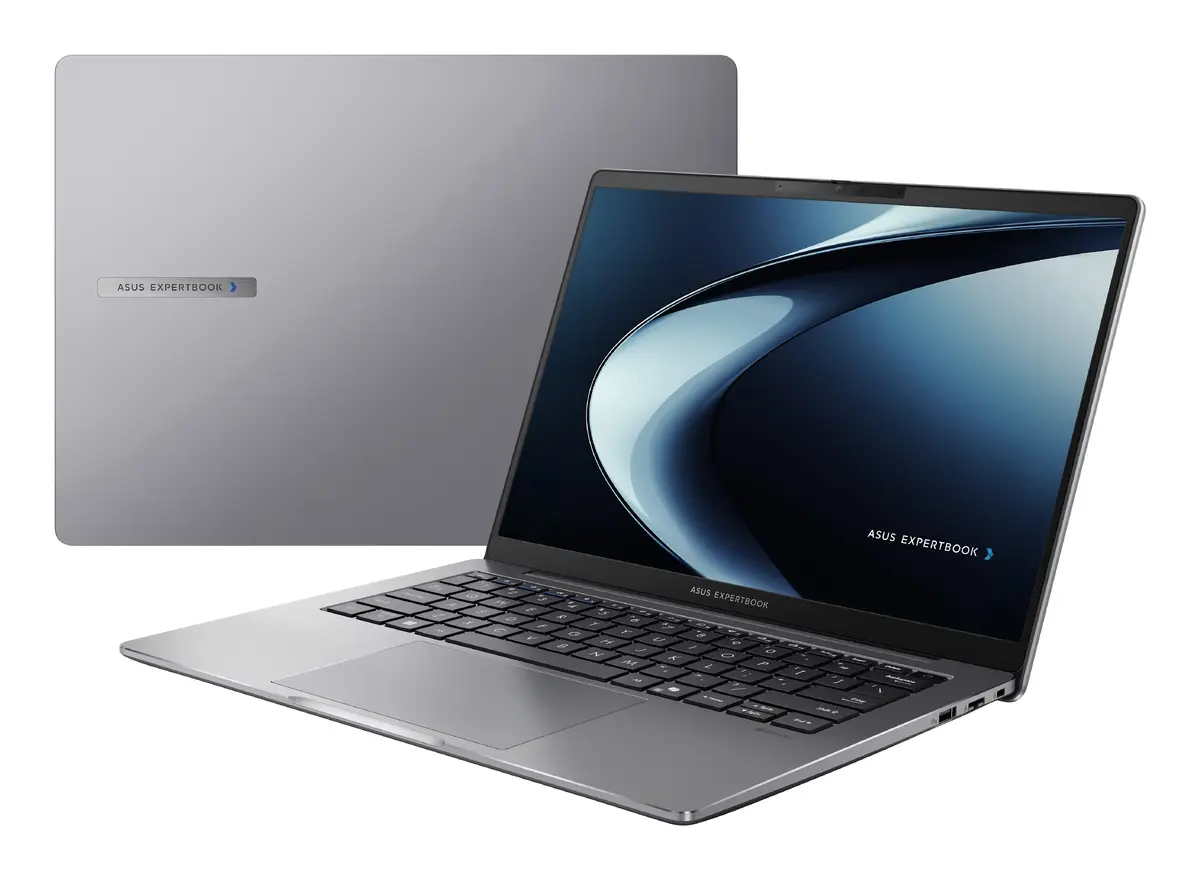
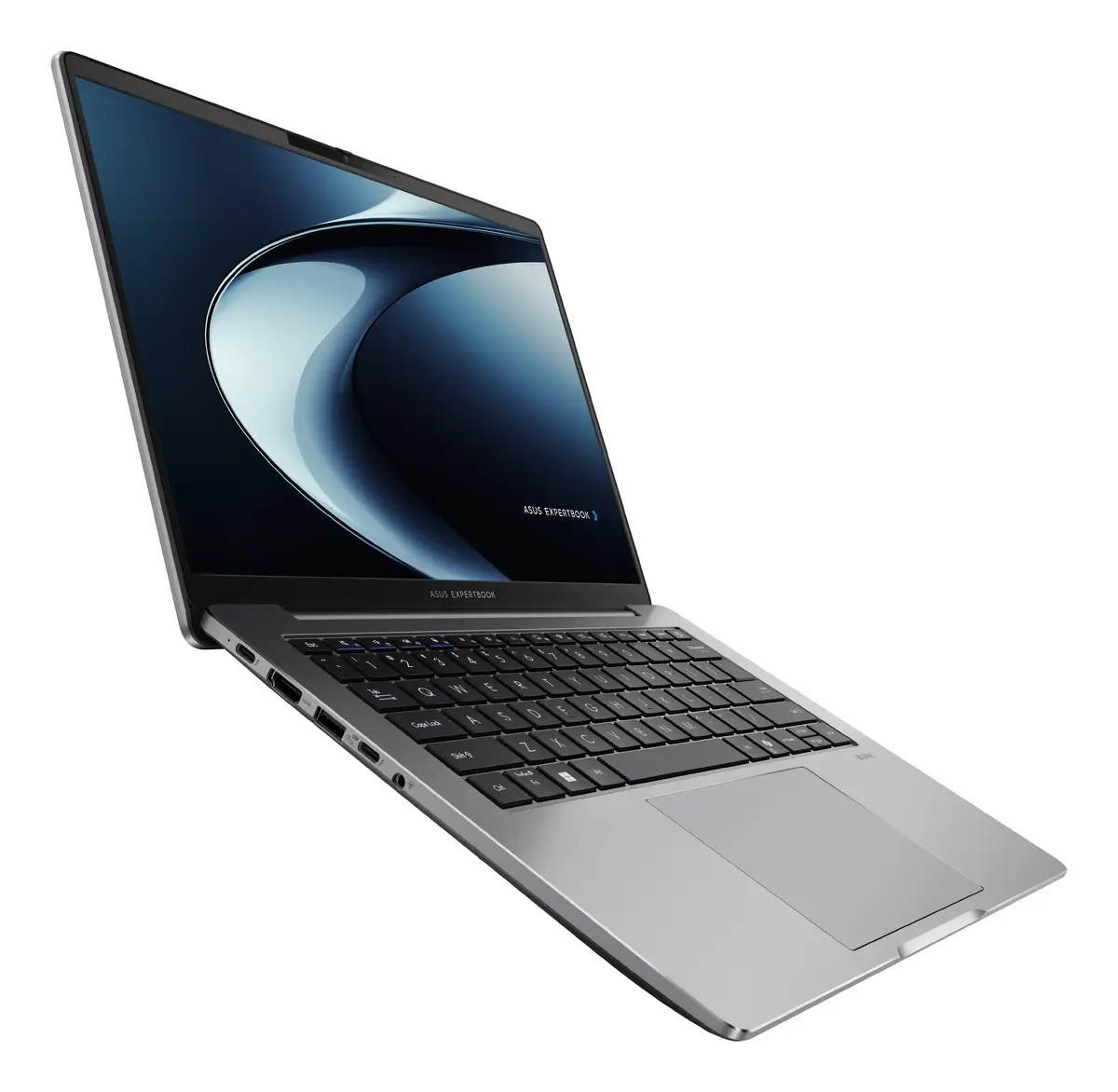
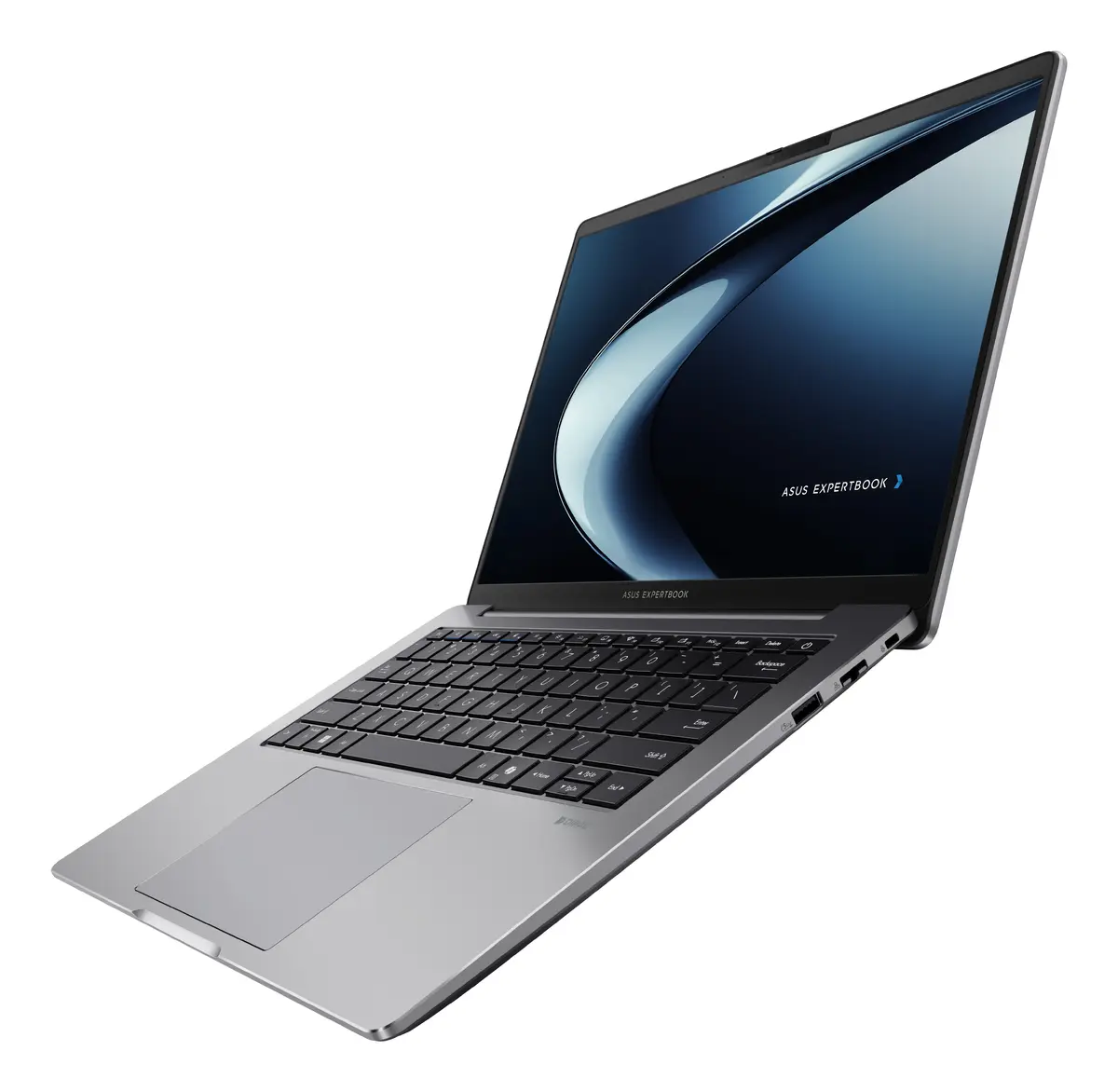
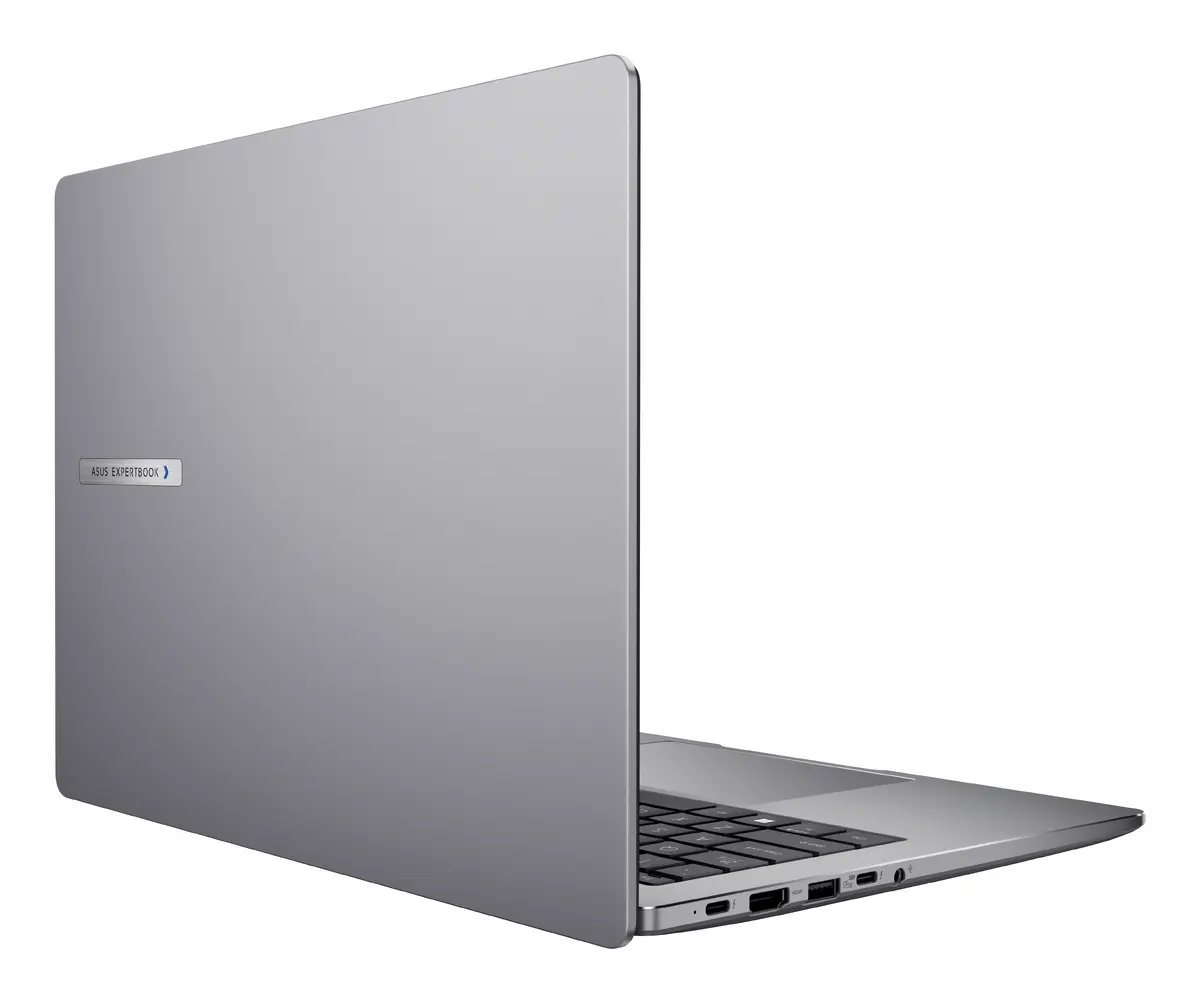
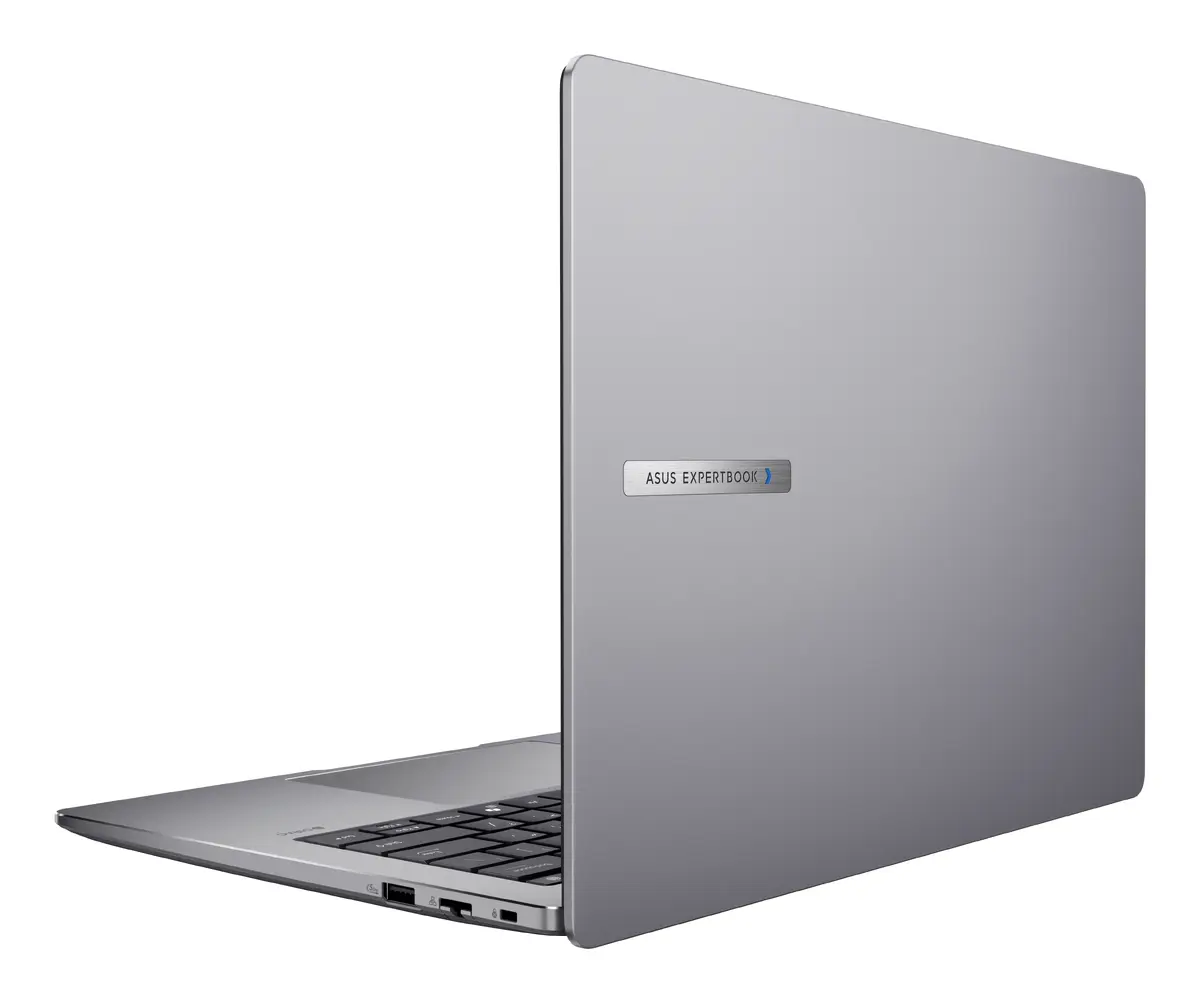
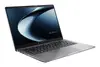
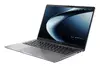
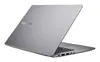
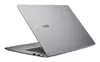
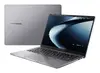
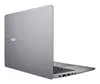
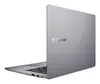
Asus ExpertBook P3 P3405CVA-NZ0415 Laptop, 14-inch WQXGA, Intel Core i5-13420H, 16GB DDR5 RAM, 512GB SSD, Grey
The Asus ExpertBook P3 P3405CVA-NZ0415 is a professional-grade 14-inch laptop engineered for business efficiency and daily productivity. Featuring a high-resolution WQXGA display with a 2560 x 1600 pixel count, this device offers sharp visuals and an expansive workspace in a compact form factor. Driven by an Intel Core i5-13420H processor and 16GB of high-speed DDR5 RAM, it provides the necessary power to handle multitasking and professional applications with ease. The sleek grey chassis houses a 512GB SSD, ensuring fast boot times and quick access to essential files, making it a reliable tool for office environments and mobile professionals.
This laptop excels in providing a balance between high-performance computing and portability. The inclusion of DDR5 memory significantly improves data processing speeds compared to older standards, while the WQXGA resolution provides more vertical screen space, which is ideal for document editing and data analysis. Its lightweight design makes it easy to transport between meetings or while traveling, and the robust build quality ensures longevity in demanding work settings. Furthermore, the absence of a pre-installed operating system allows users to customize their software environment to meet specific corporate or personal requirements.
This laptop is not designed for high-end gaming or intensive 3D rendering, as it relies on integrated graphics rather than a dedicated GPU. Additionally, users who require a pre-configured operating system out of the box may find the lack of an installed OS inconvenient.
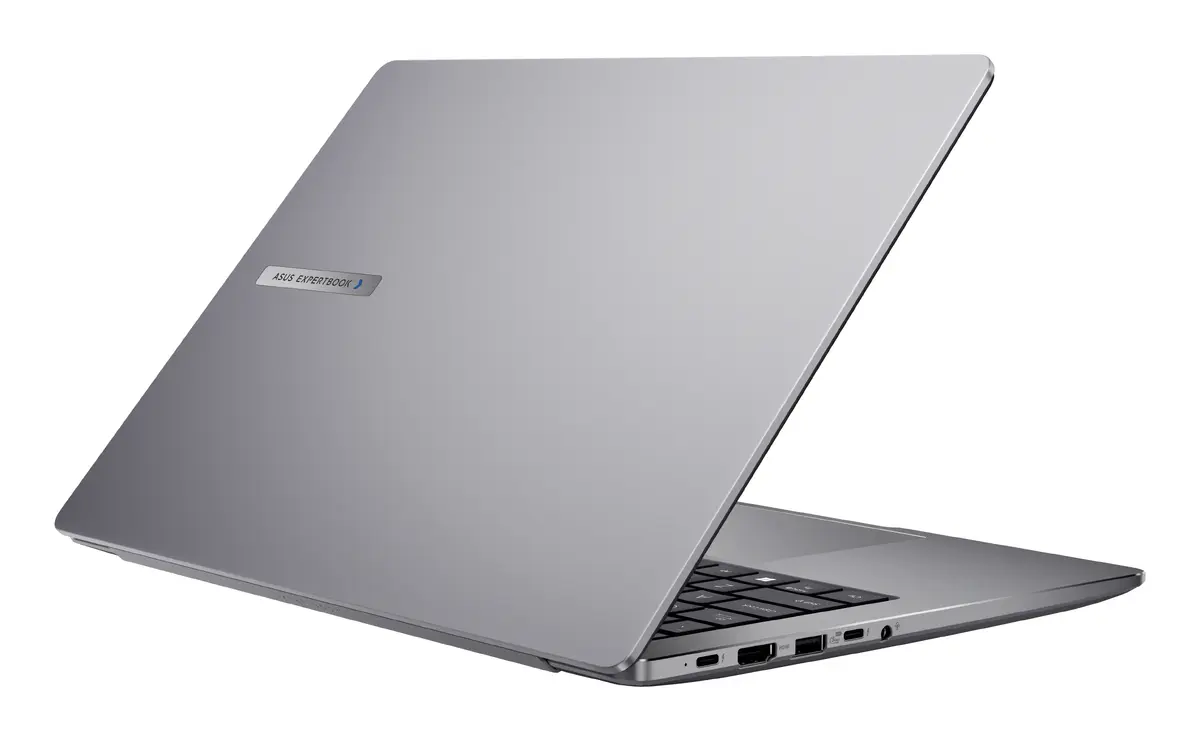
To begin using the Asus ExpertBook P3, you must first install a compatible operating system via an external USB drive, as the device is delivered without one. Once the OS is installed, ensure you download the latest drivers from the official Asus support website to optimize hardware performance. Connect the device to a power source using the included adapter for the initial setup. The laptop features multiple ports for peripherals, allowing you to connect external monitors, mice, and keyboards to create a complete workstation.
Usage recommendations: To maintain the longevity of the battery, avoid keeping the laptop plugged into a power source at 100% charge for extended periods. Regularly clean the screen with a microfiber cloth and keep the air vents clear of dust to ensure optimal cooling performance.
{{highlightedFeature.featureTitle}}:
{{getProductFeatureValueById(product, highlightedFeature.featureId)}}
{{ productComparisonGenerationError }}
