
Save time and money with our discounts!
In cart {{totalProductsCount}} item(s)
Your cart is empty
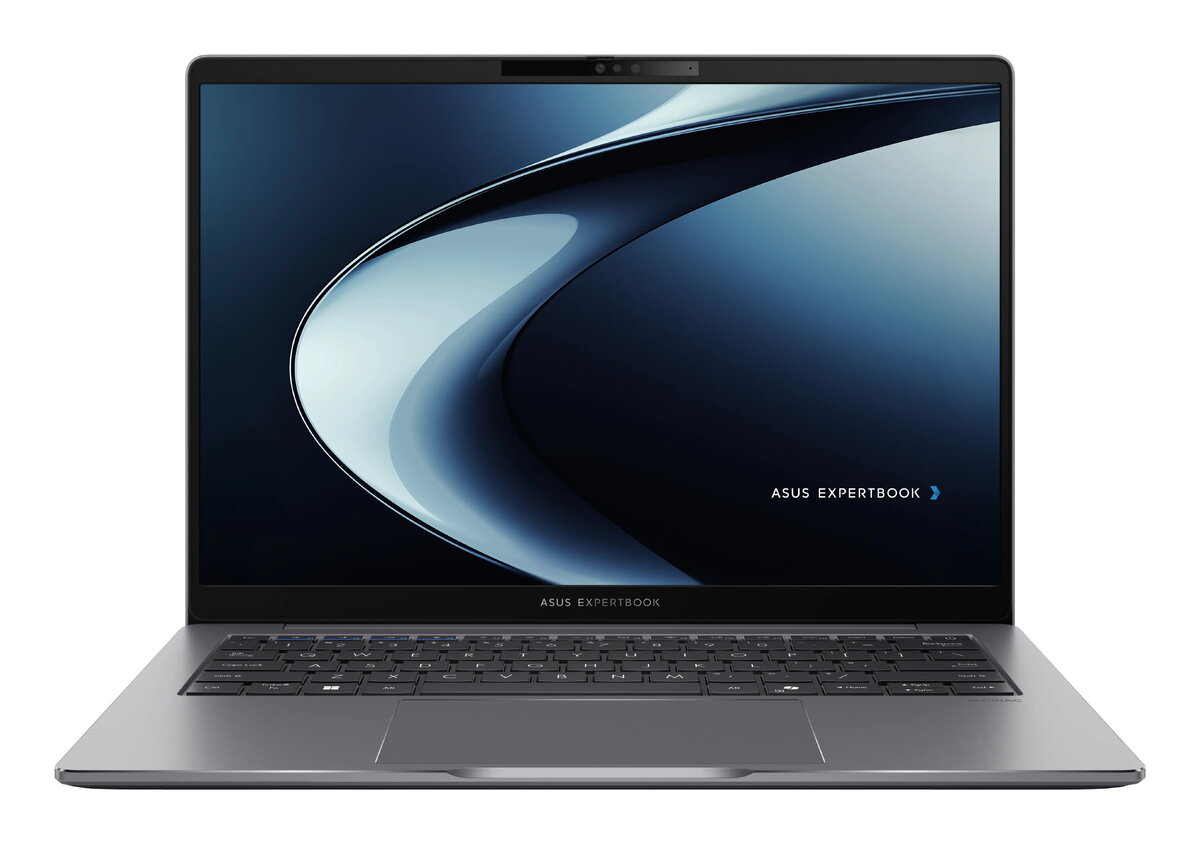
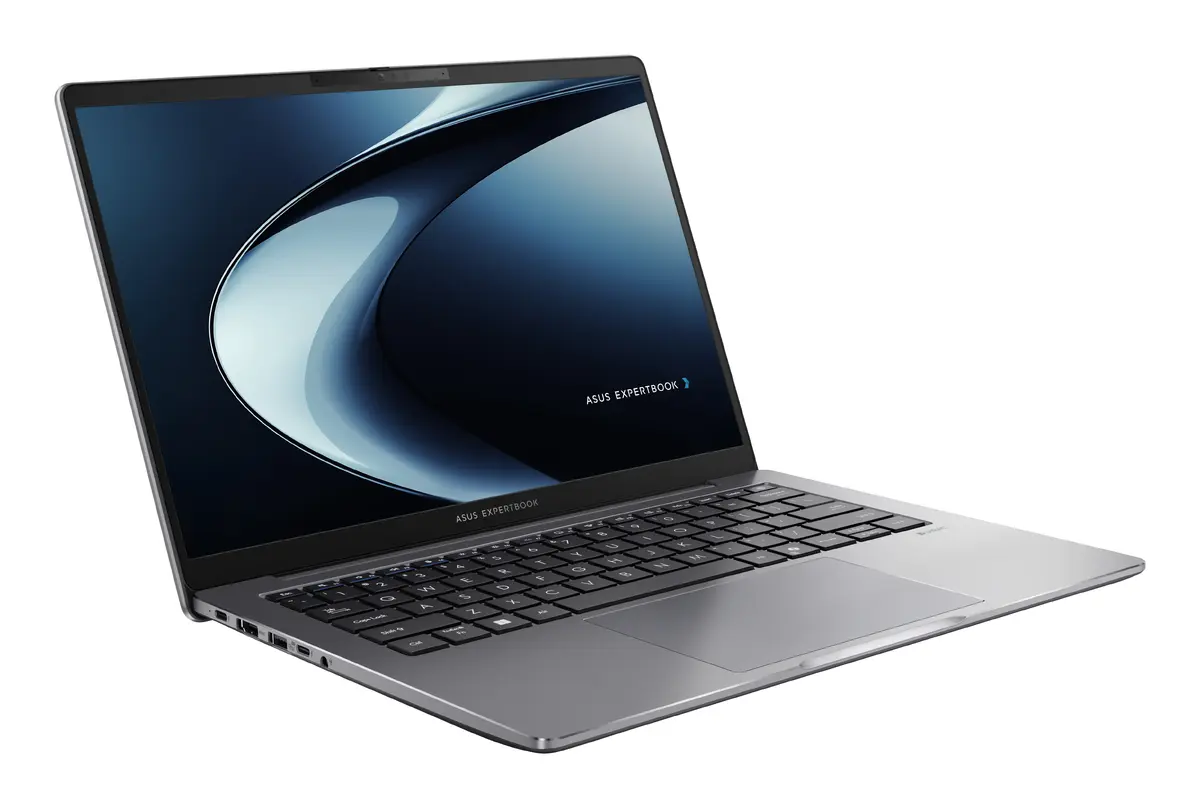
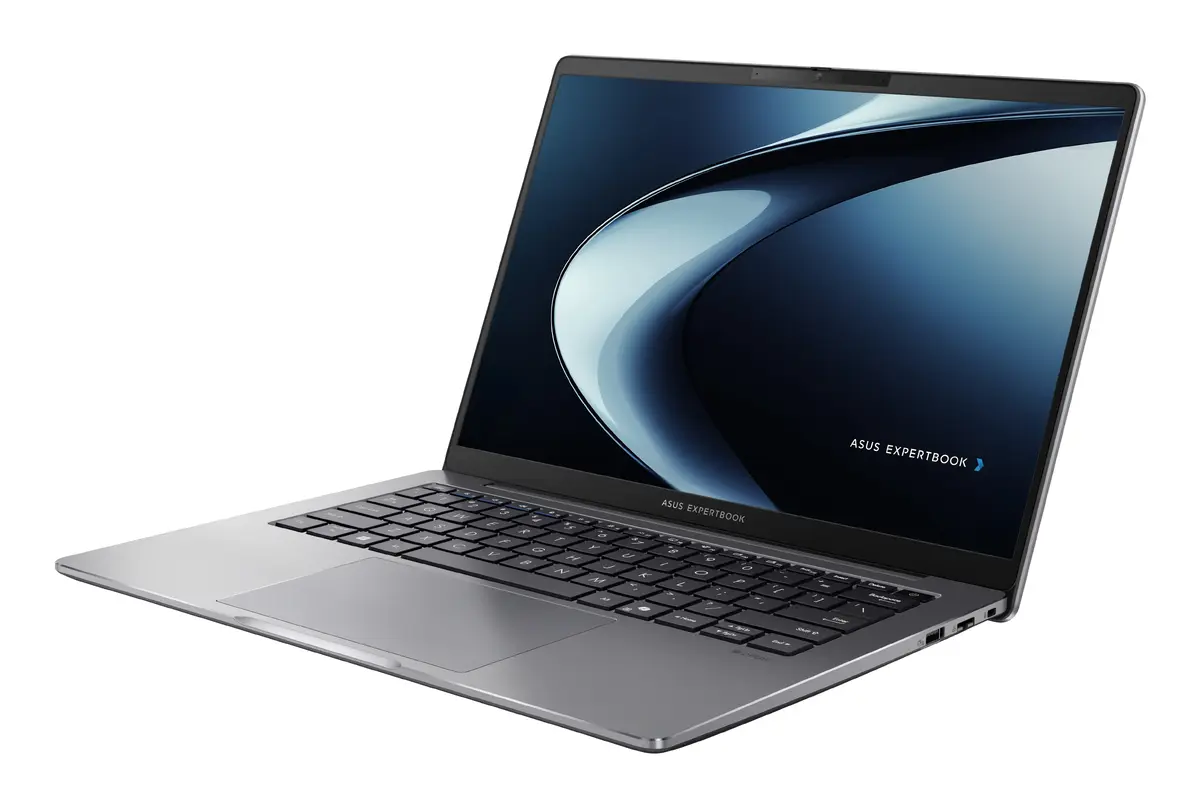
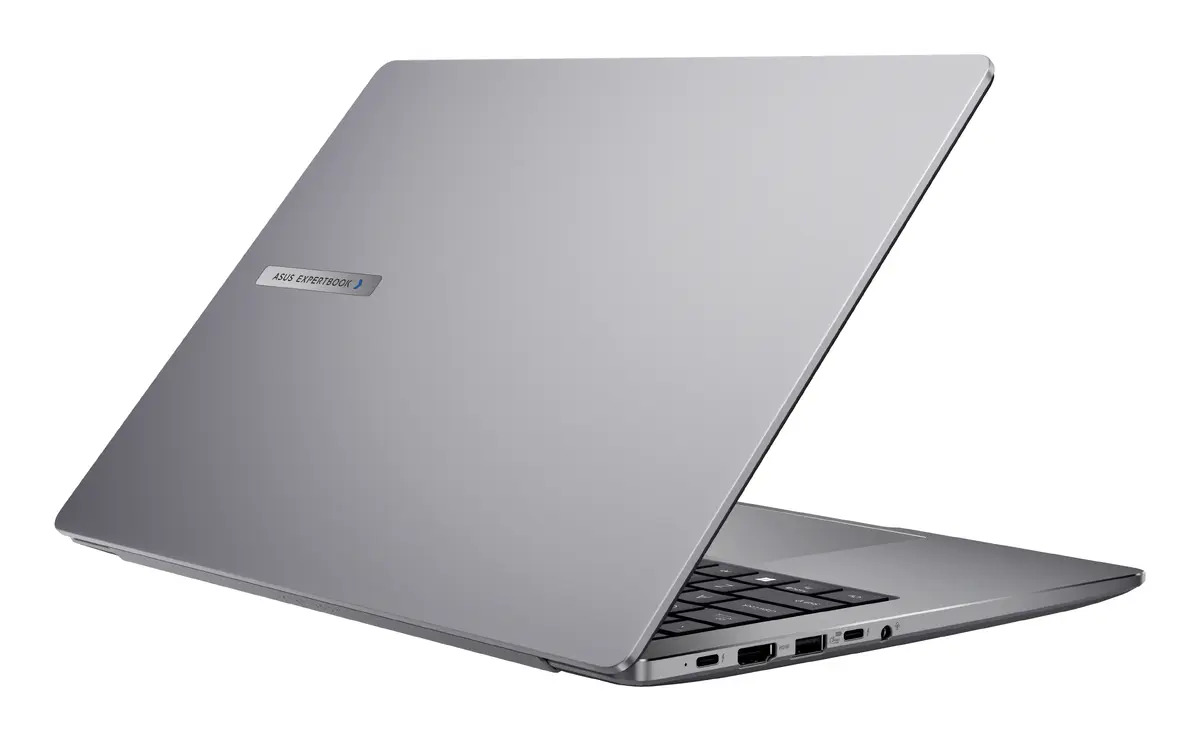
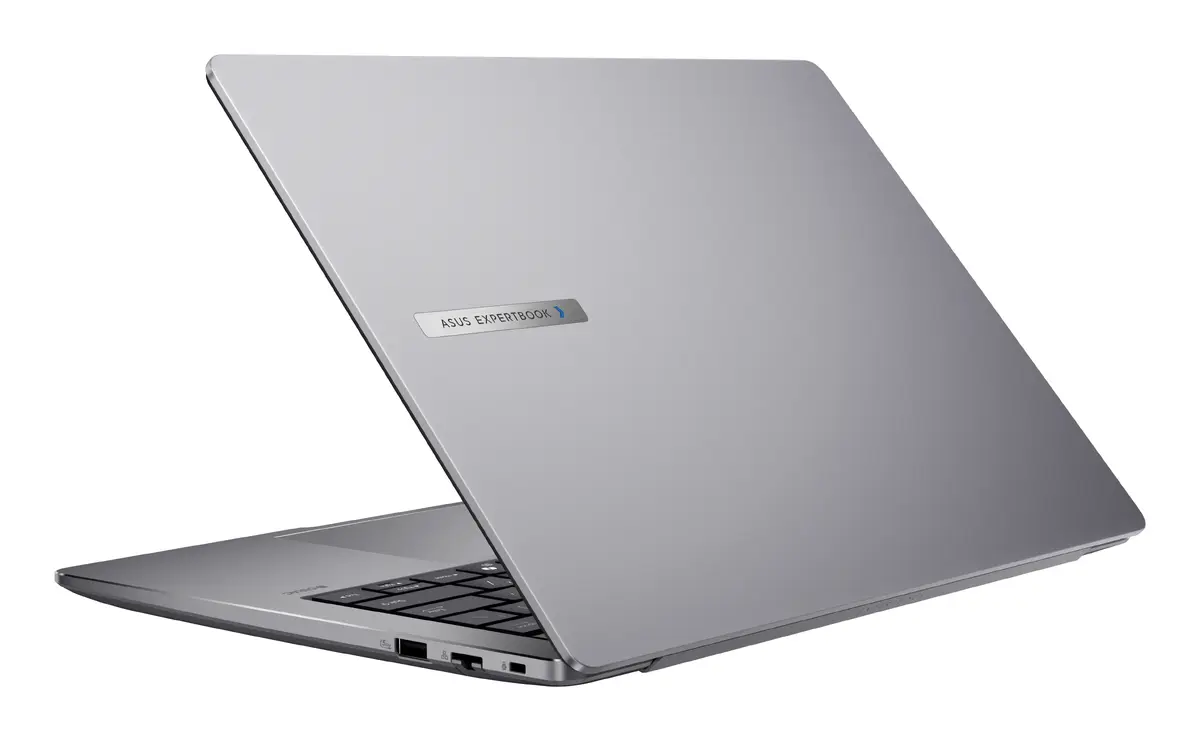
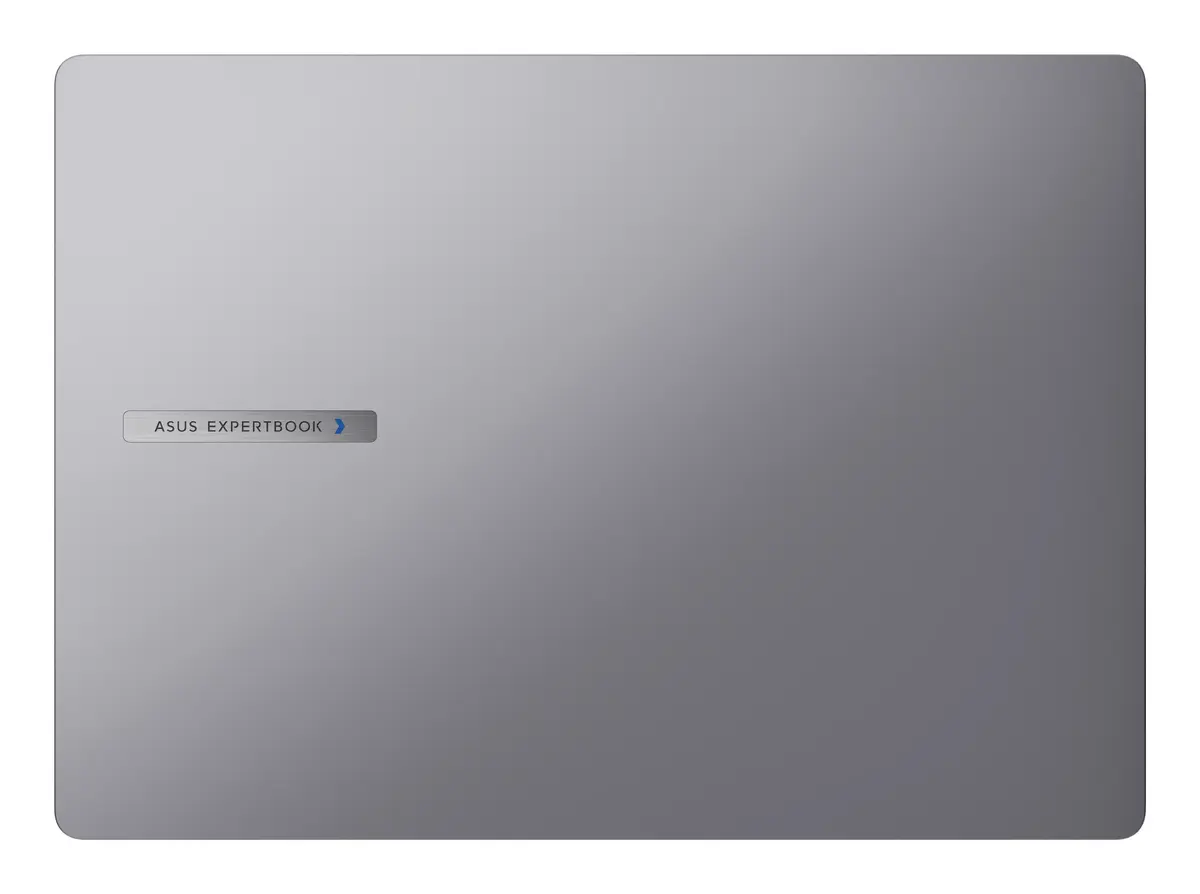
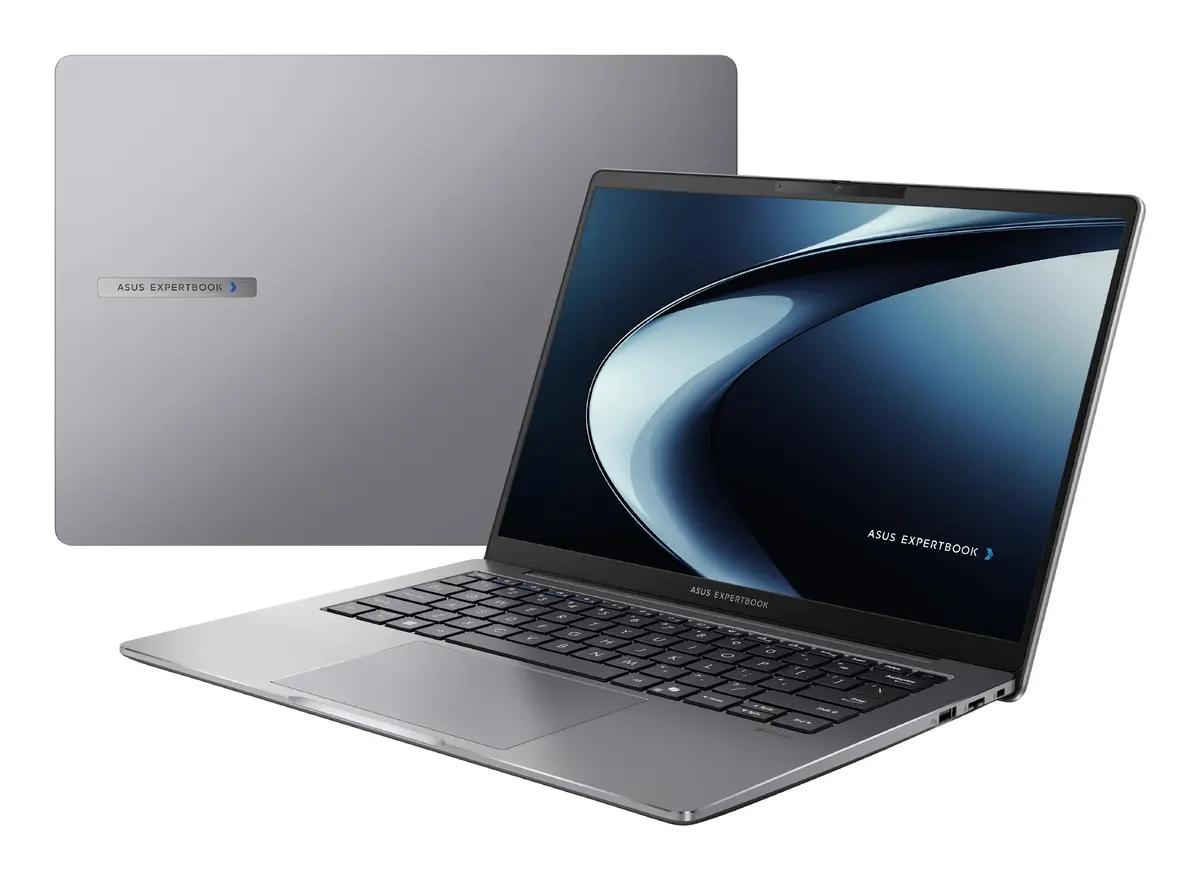
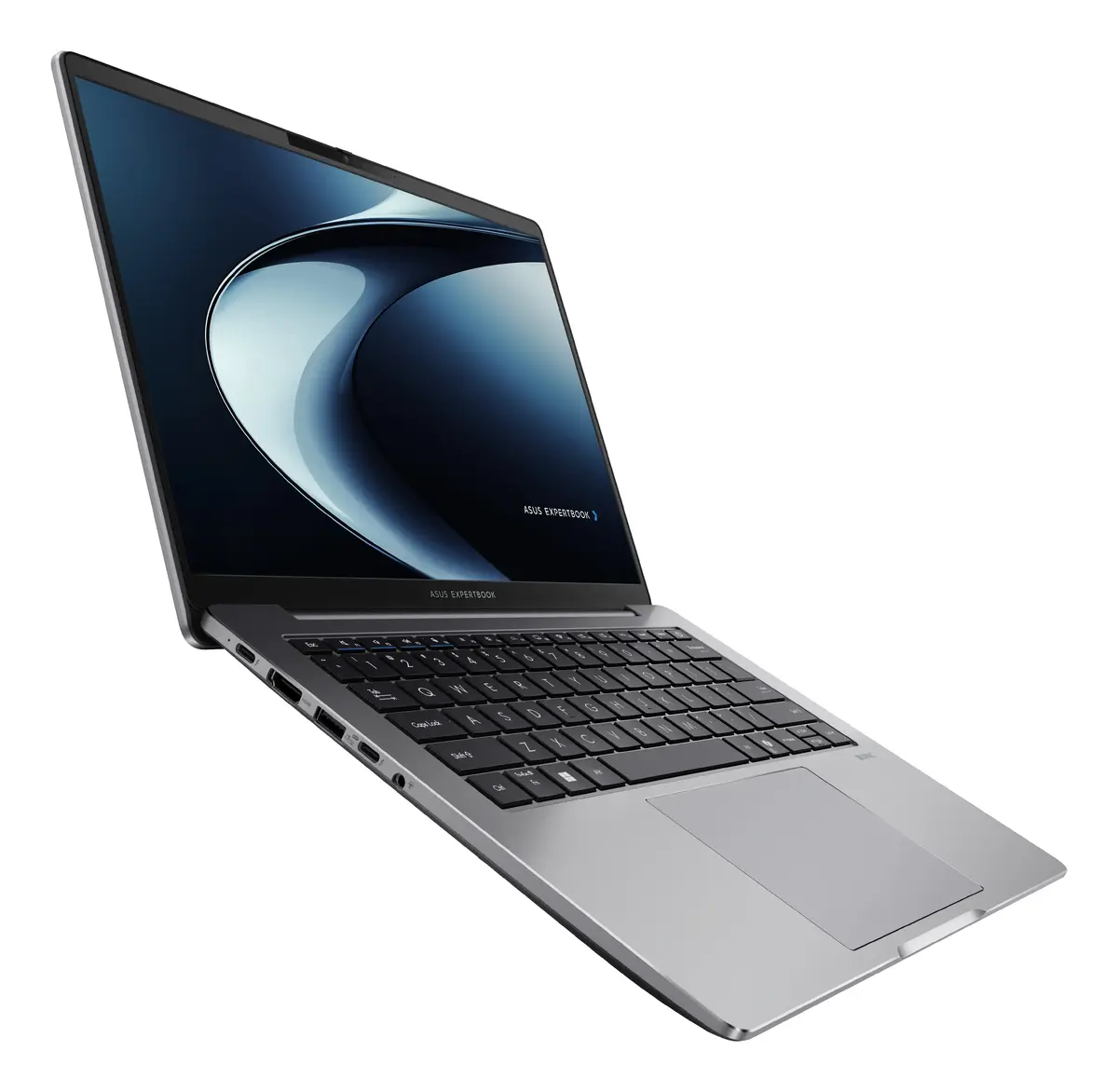
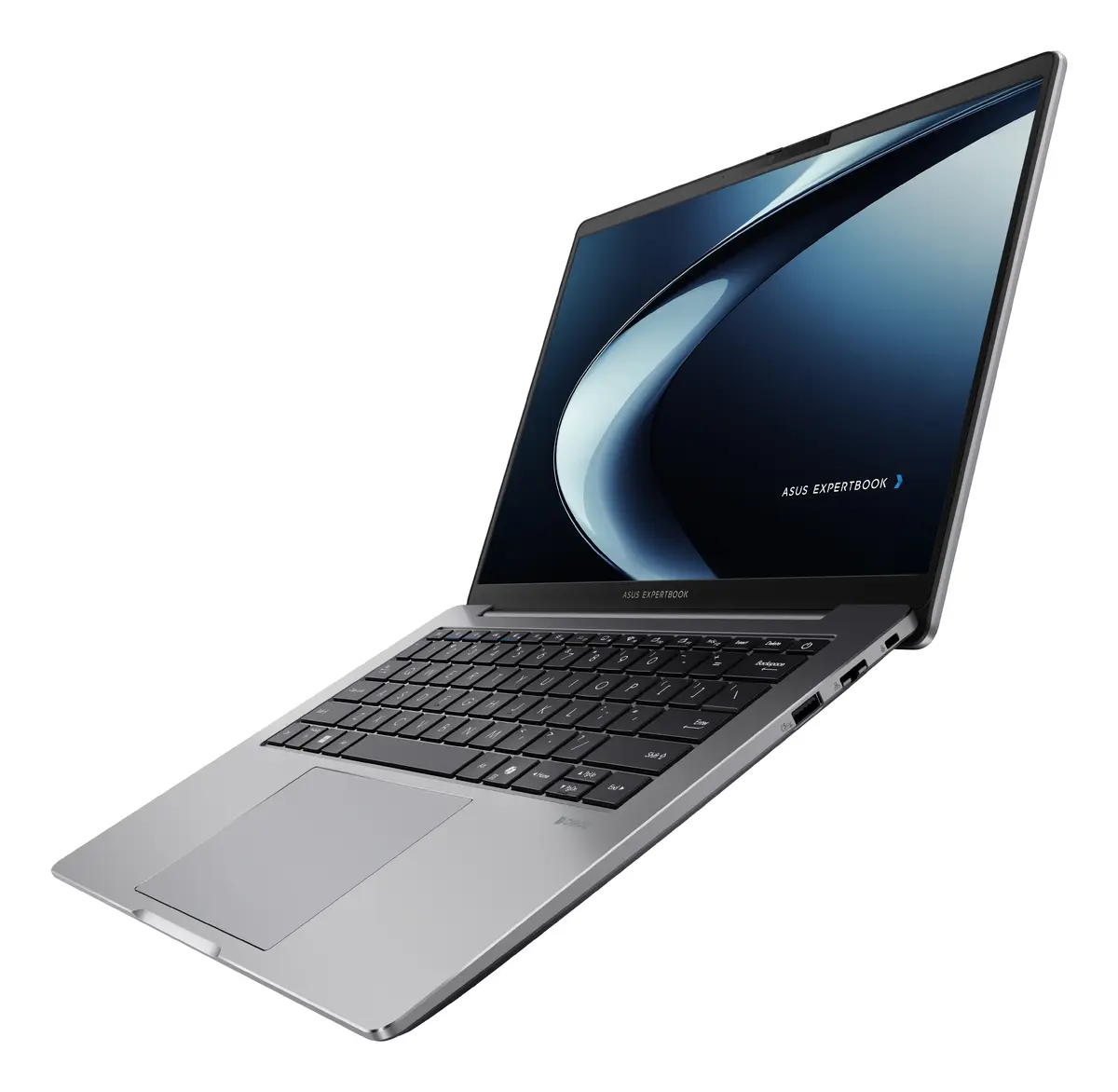
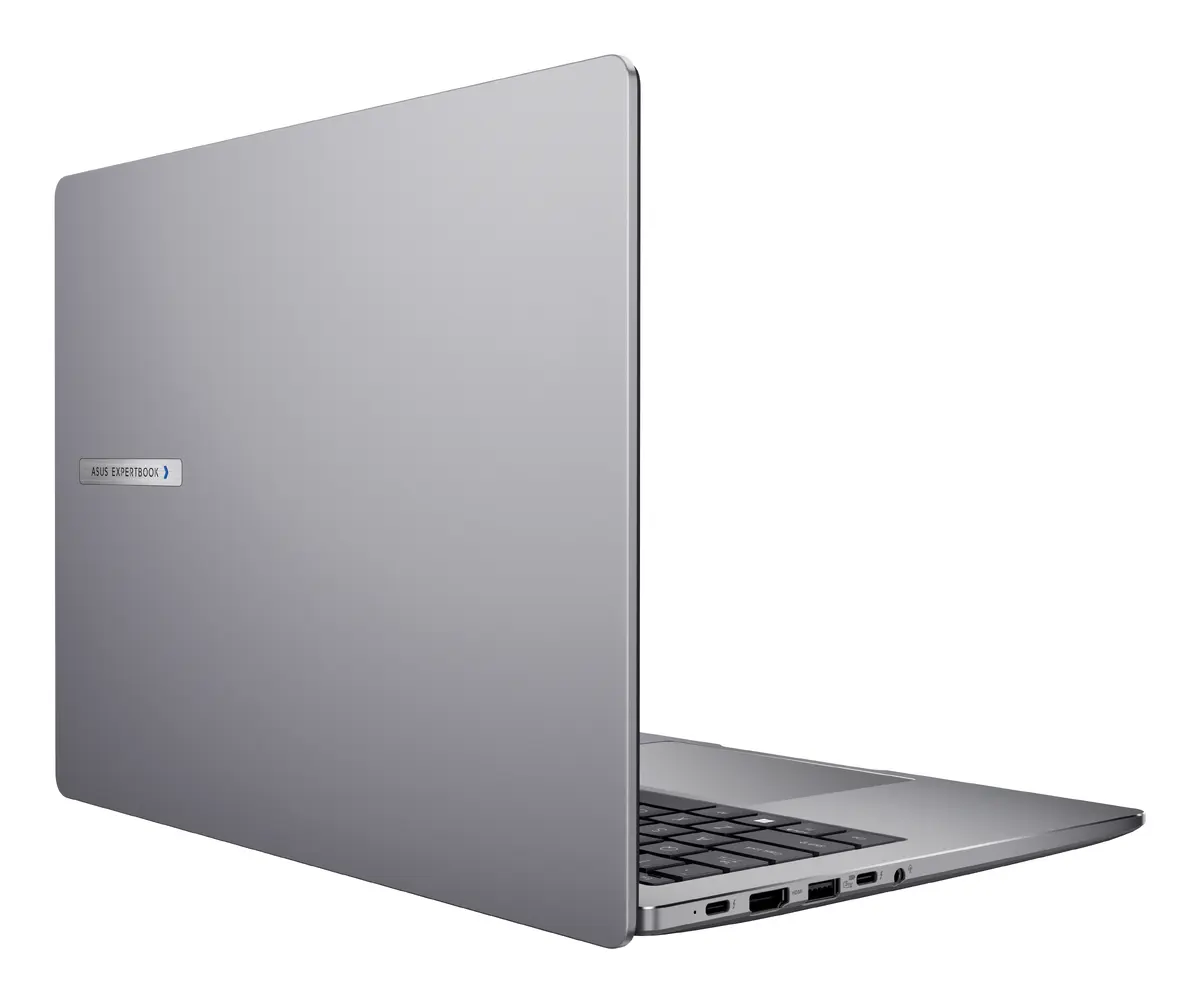
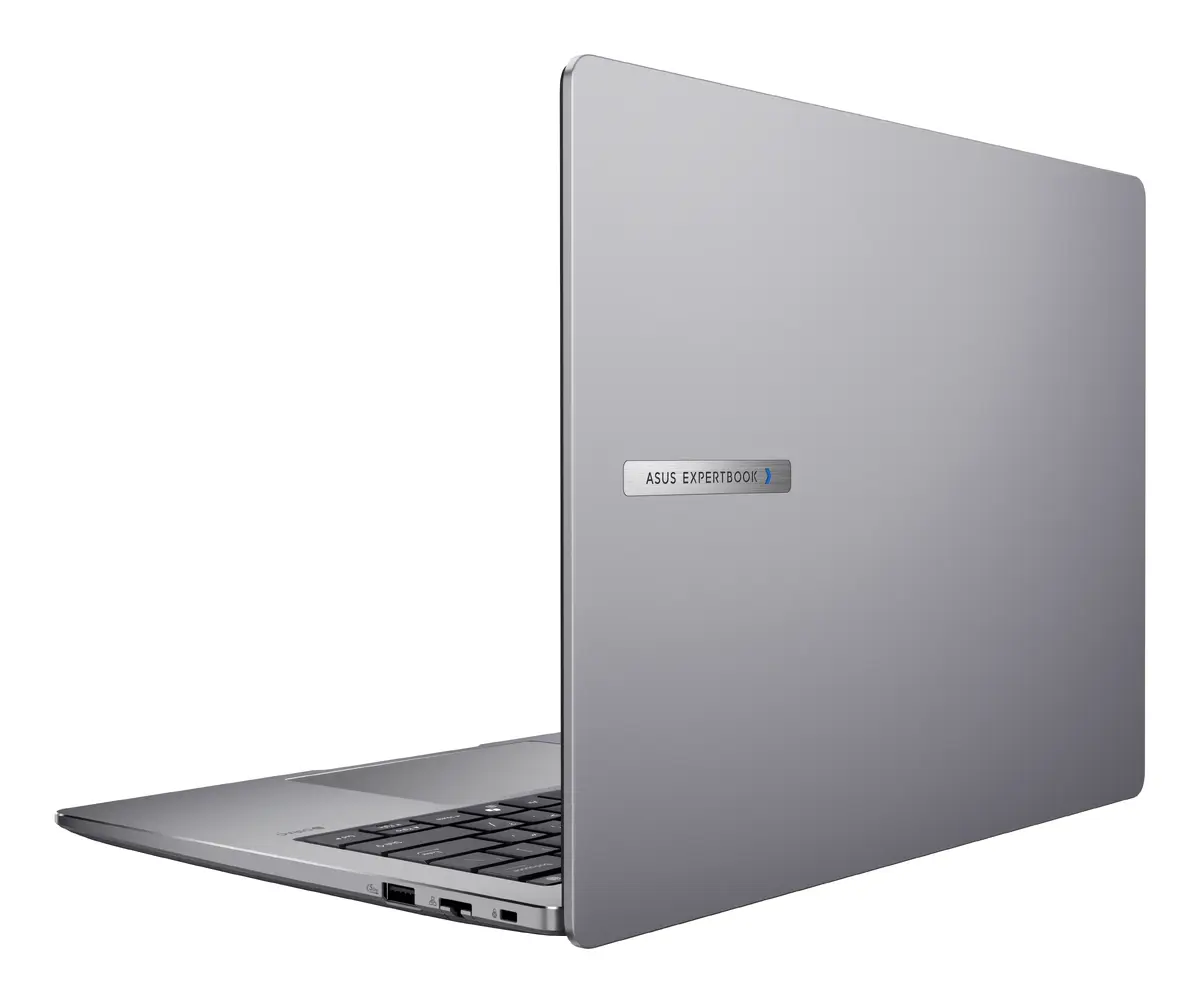
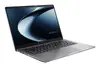
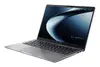
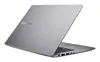
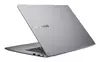
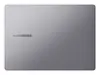
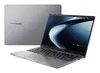
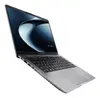
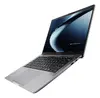
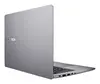
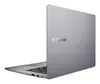
Asus ExpertBook P3 P3405CVA-NZ0415 Laptop, 14" WQXGA, Intel Core i5-13420H, 16GB DDR5, 512GB SSD, Grey
The Asus ExpertBook P3 P3405CVA-NZ0415 is a professional-grade clamshell laptop engineered for business efficiency and daily productivity. Featuring a compact 14-inch WQXGA display with a high resolution of 2560 x 1600 pixels, it provides sharp and detailed visuals suitable for complex office tasks. The device is equipped with an Intel Core i5-13420H processor, 16 GB of high-speed DDR5 memory, and a 512 GB SSD, ensuring smooth multitasking and fast data access. Its grey, portable chassis is designed for professionals who require a reliable computing tool on the go.
This laptop stands out due to its high-resolution display, which offers more vertical screen space thanks to the 16:10 aspect ratio, making it ideal for document editing and data analysis. The inclusion of DDR5 memory provides a significant performance boost for modern applications, while the SSD storage ensures rapid system boot times and file loading. The lightweight design, weighing approximately 1.4 kg, makes it an excellent companion for business travel and remote work environments. Furthermore, the robust build quality and professional aesthetic make it a suitable choice for corporate settings.
This laptop may not be suitable for users who require high-end discrete graphics for professional video editing, 3D rendering, or intensive gaming, as it relies on integrated Intel UHD Graphics. Additionally, since it is delivered without a pre-installed operating system, it may not be the best choice for users who prefer a ready-to-use device out of the box without technical setup requirements.
To begin using the Asus ExpertBook P3, you must first install a compatible operating system of your choice, as the device is shipped without one. Once the OS is installed, ensure you download and update the latest drivers from the official manufacturer website to optimize hardware performance. Connect the device to a power source using the provided adapter for the initial setup, and configure your security settings, such as user accounts and biometric authentication if applicable.
Usage recommendations: To maintain the longevity of your laptop, keep the ventilation areas clear of obstructions during operation. Regularly back up your data to external storage or cloud services, and keep the system software updated to ensure optimal security and performance.
{{highlightedFeature.featureTitle}}:
{{getProductFeatureValueById(product, highlightedFeature.featureId)}}
{{ productComparisonGenerationError }}
