
Hurry and order now – up to 50% off!
In cart {{totalProductsCount}} item(s)
Your cart is empty
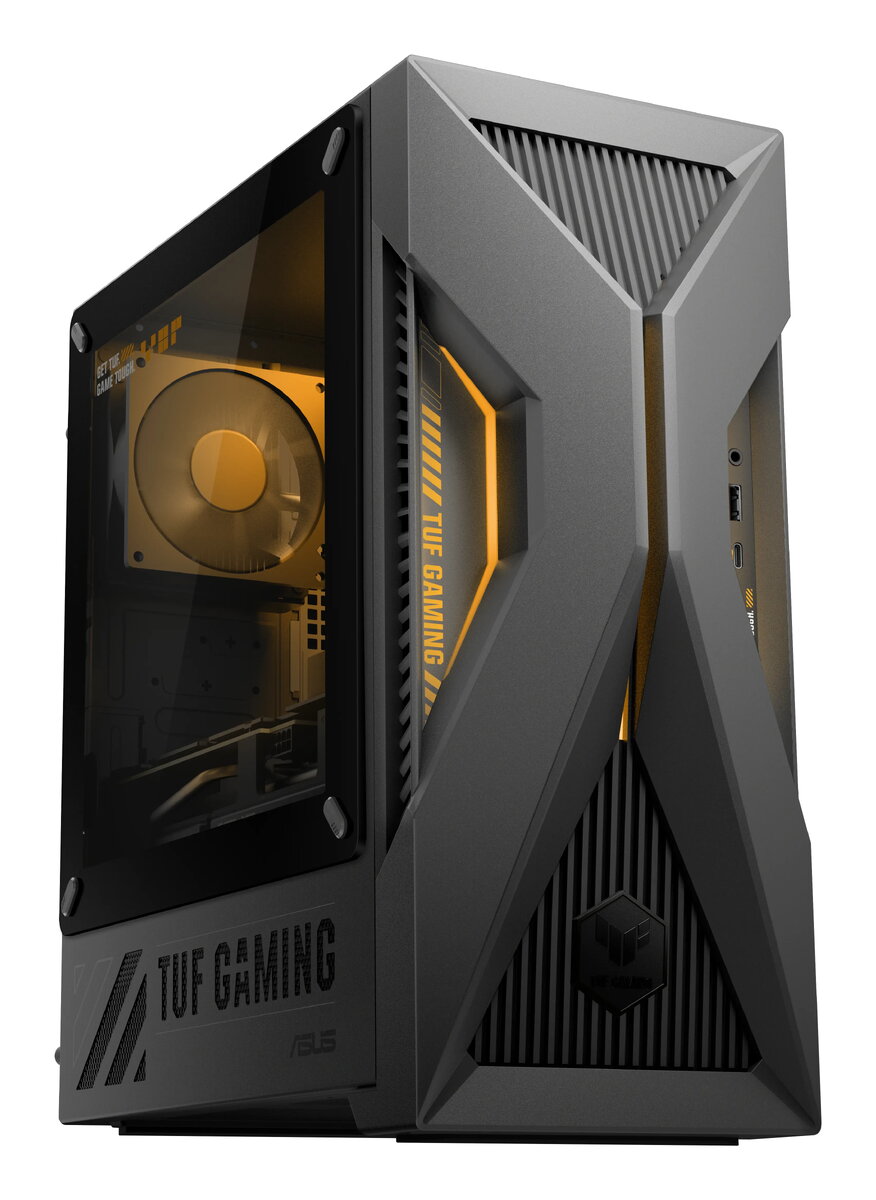
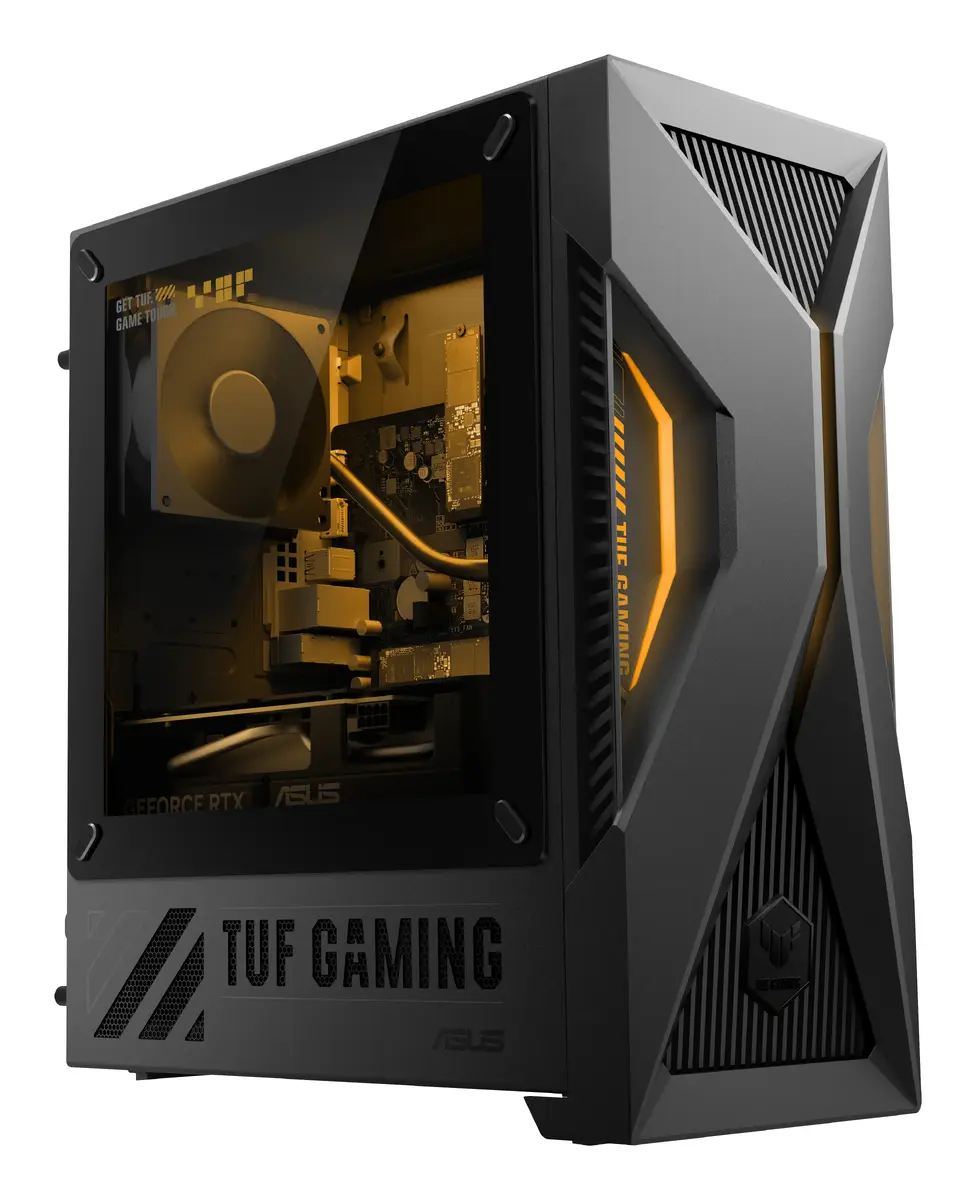
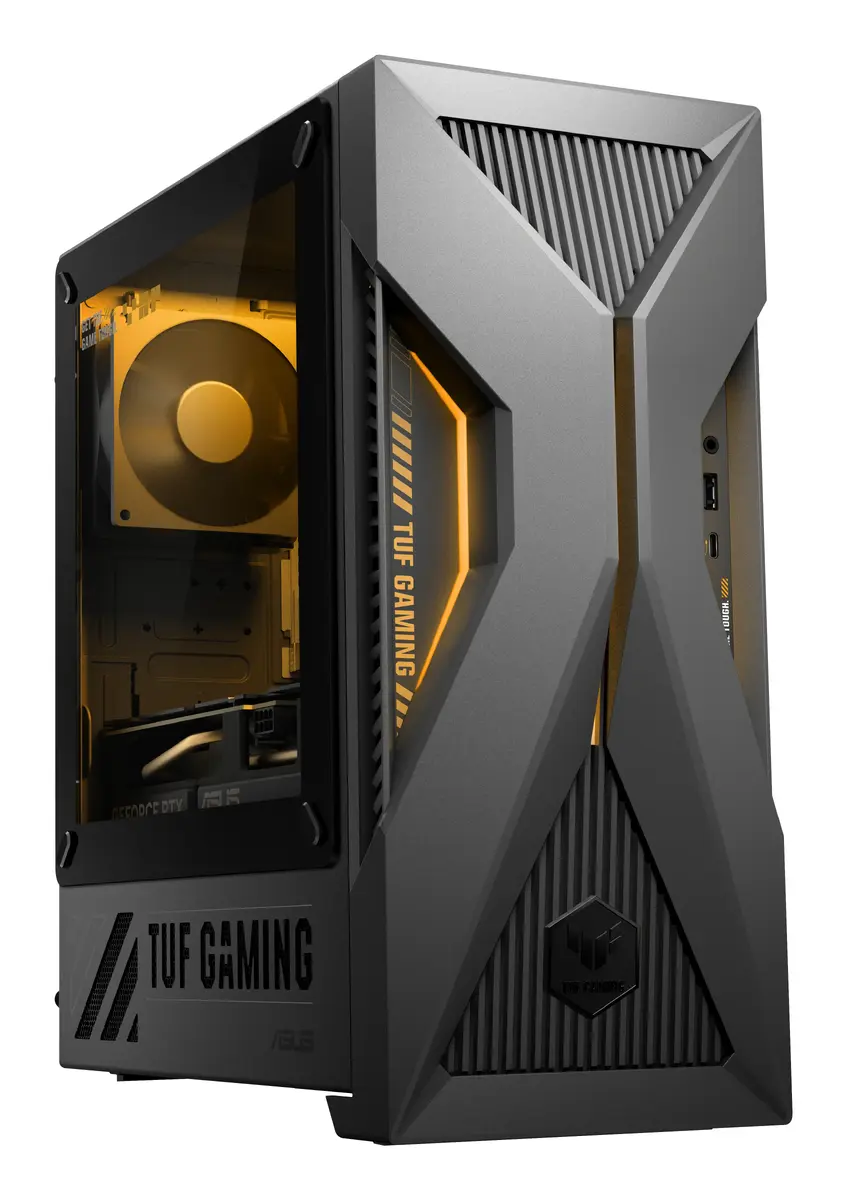
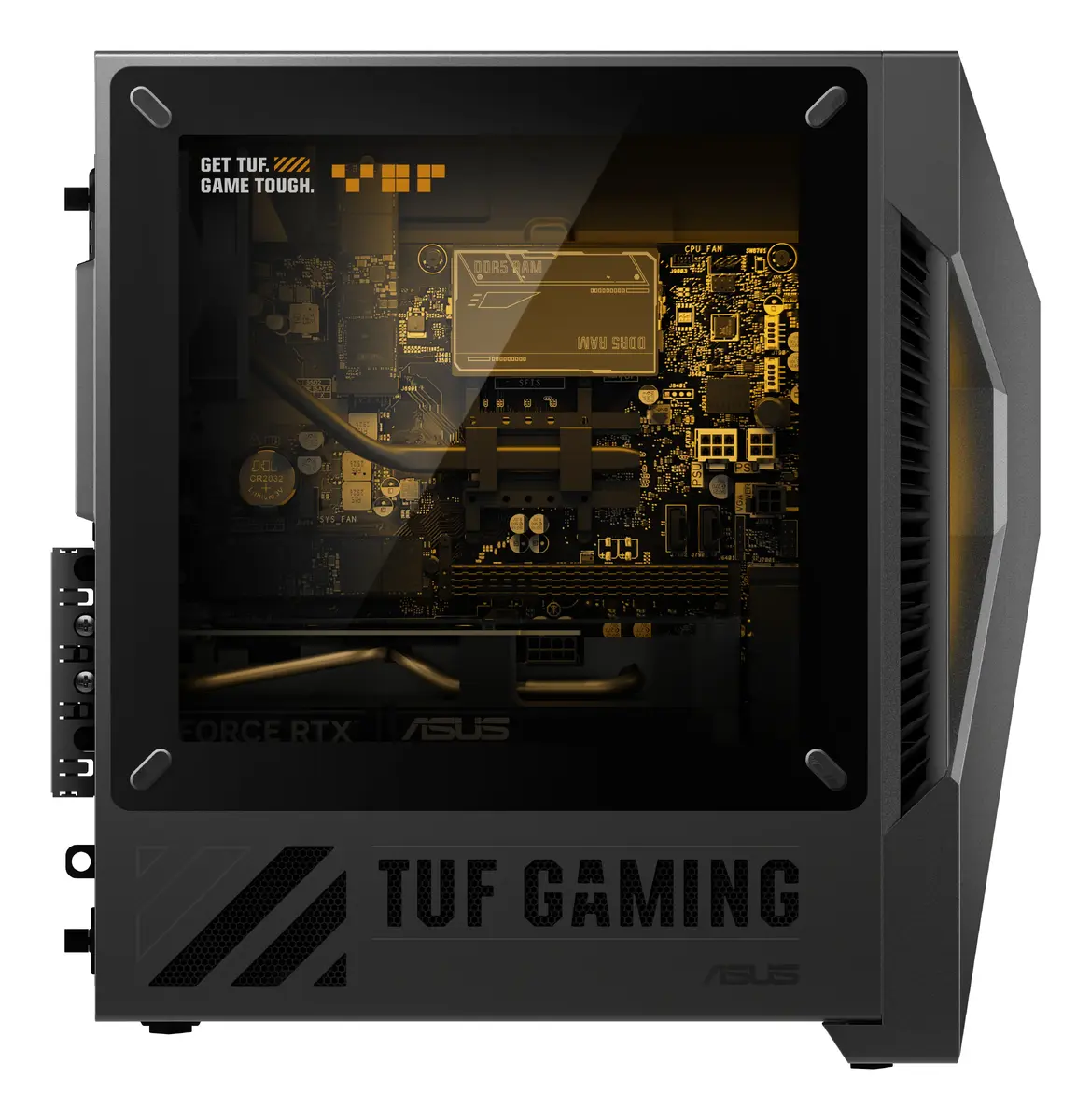
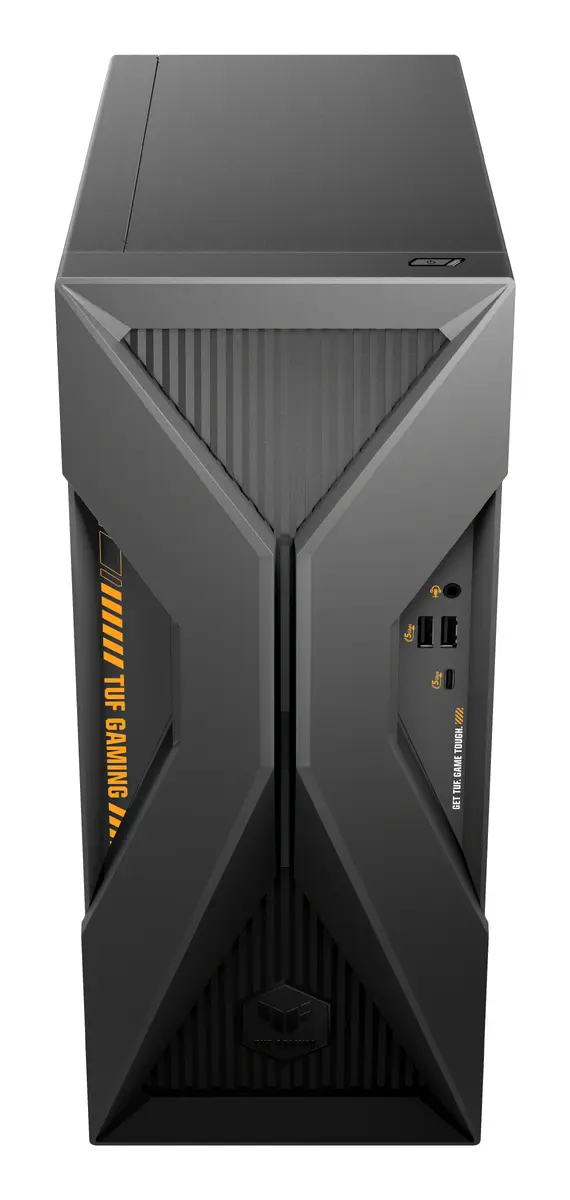
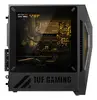
ASUS TUF Gaming T500 TM500MH-0R5220032W Desktop PC, AMD Ryzen 5 220, 16GB DDR5, 1TB SSD, NVIDIA GeForce RTX 5060, Windows 11 Home, Grey
The ASUS TUF Gaming T500 TM500MH-0R5220032W is a compact yet powerful mini tower desktop PC engineered for reliable gaming performance. Built with a focus on stability and thermal efficiency, this system leverages ASUS's extensive experience in component manufacturing to deliver a robust platform for modern software and gaming. The grey chassis houses a balanced configuration featuring an AMD Ryzen 5 220 processor and the NVIDIA GeForce RTX 5060 graphics card, providing a solid foundation for high-definition gaming and demanding applications.
This gaming PC benefits from the high-speed performance of DDR5 memory and a fast 1TB SSD, which significantly reduces loading times and improves overall system responsiveness. The integration of the NVIDIA GeForce RTX 5060 ensures smooth frame rates in contemporary titles, while the efficient cooling design maintains system stability during extended use. Furthermore, the pre-installed Windows 11 Home operating system offers a modern, secure, and user-friendly interface right out of the box.
This desktop may not be the ideal choice for users requiring extreme workstation-grade multi-core processing power for professional 3D rendering or complex server-side simulations. Additionally, its mini tower form factor offers limited space for extensive internal hardware upgrades or custom liquid cooling loops compared to larger full-tower chassis.
To begin using your ASUS TUF Gaming T500, connect your monitor, keyboard, and mouse to the appropriate ports on the rear or front panels. Plug the power cable into a grounded wall outlet and press the power button to initiate the Windows 11 setup process. Follow the on-screen instructions to configure your network settings and user account. Once the initial setup is complete, it is recommended to run the latest system updates to ensure optimal performance and security.
For the best gaming experience, ensure the PC is placed in a well-ventilated area to allow for proper airflow, and keep the system software updated through the official ASUS and Windows update channels.
{{highlightedFeature.featureTitle}}:
{{getProductFeatureValueById(product, highlightedFeature.featureId)}}
{{ productComparisonGenerationError }}
