
Powerful EcoFlow stations for energy anywhere!
In cart {{totalProductsCount}} item(s)
Your cart is empty
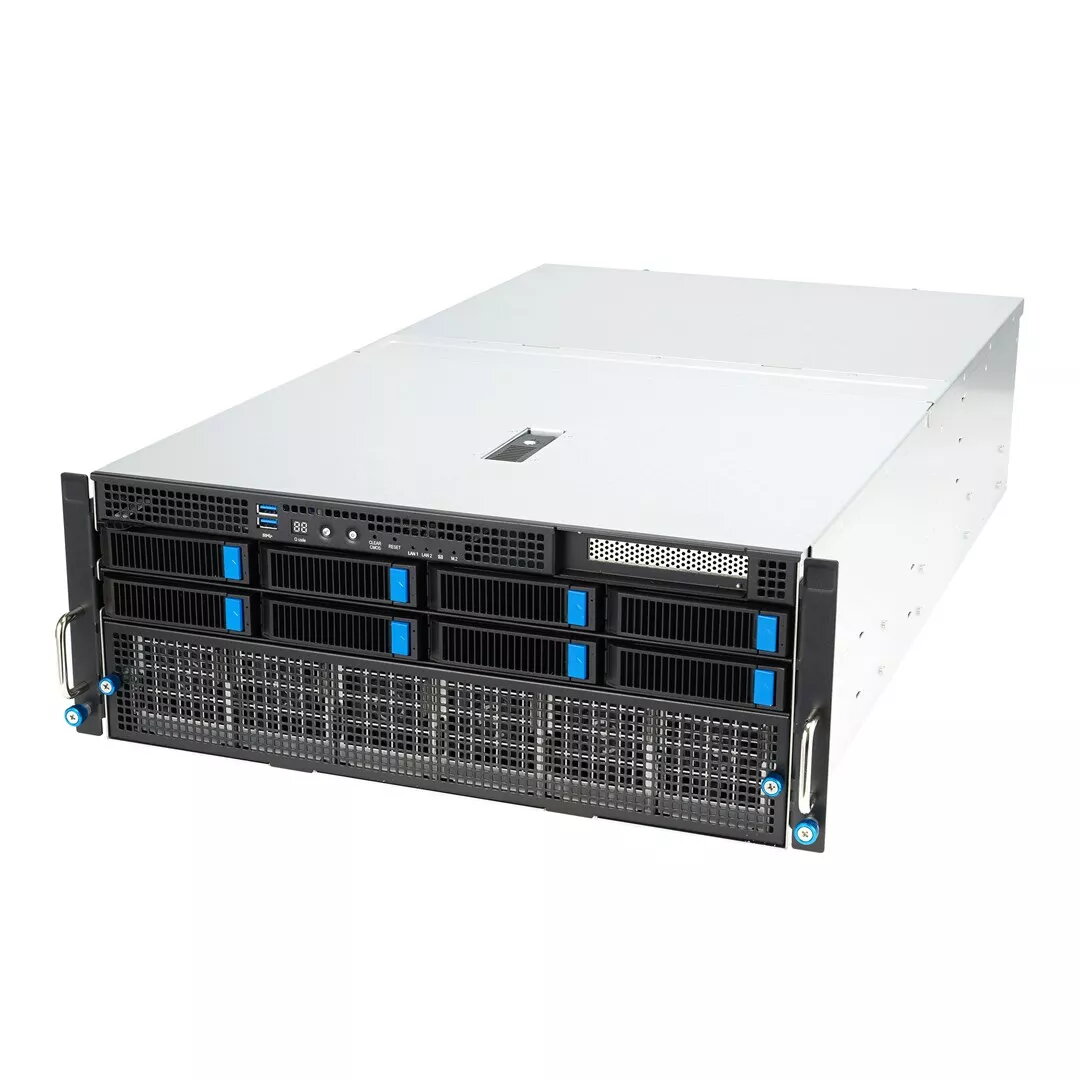
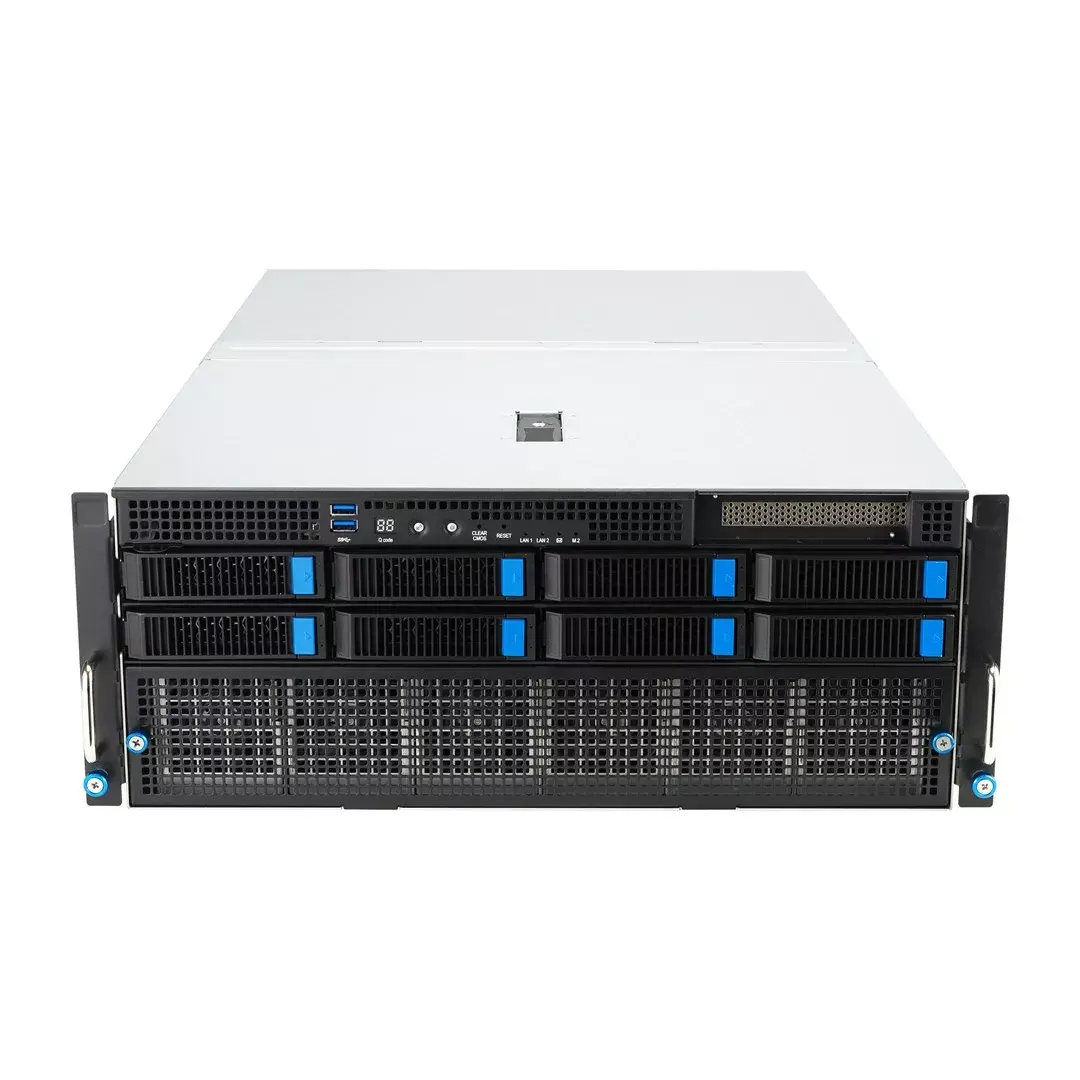
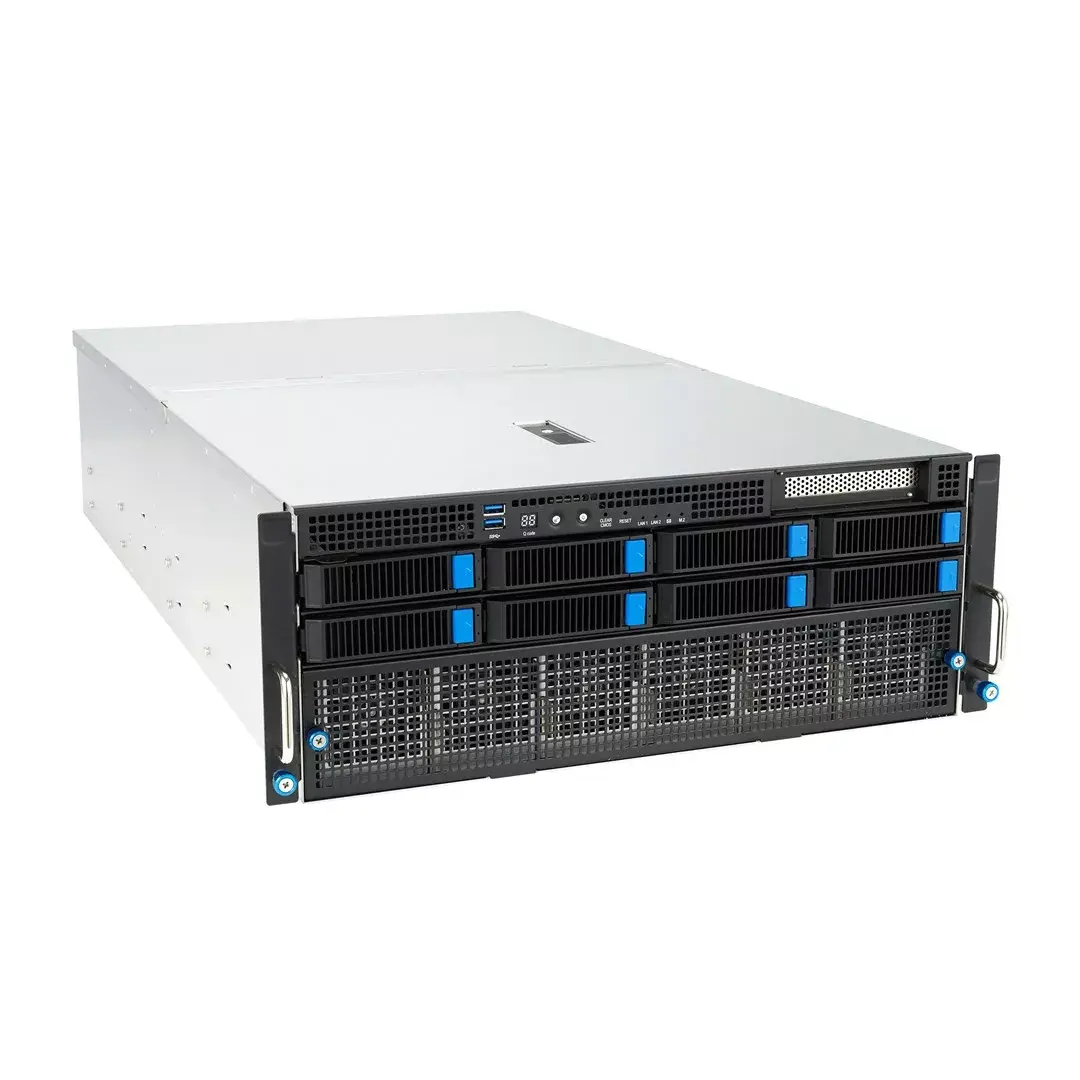
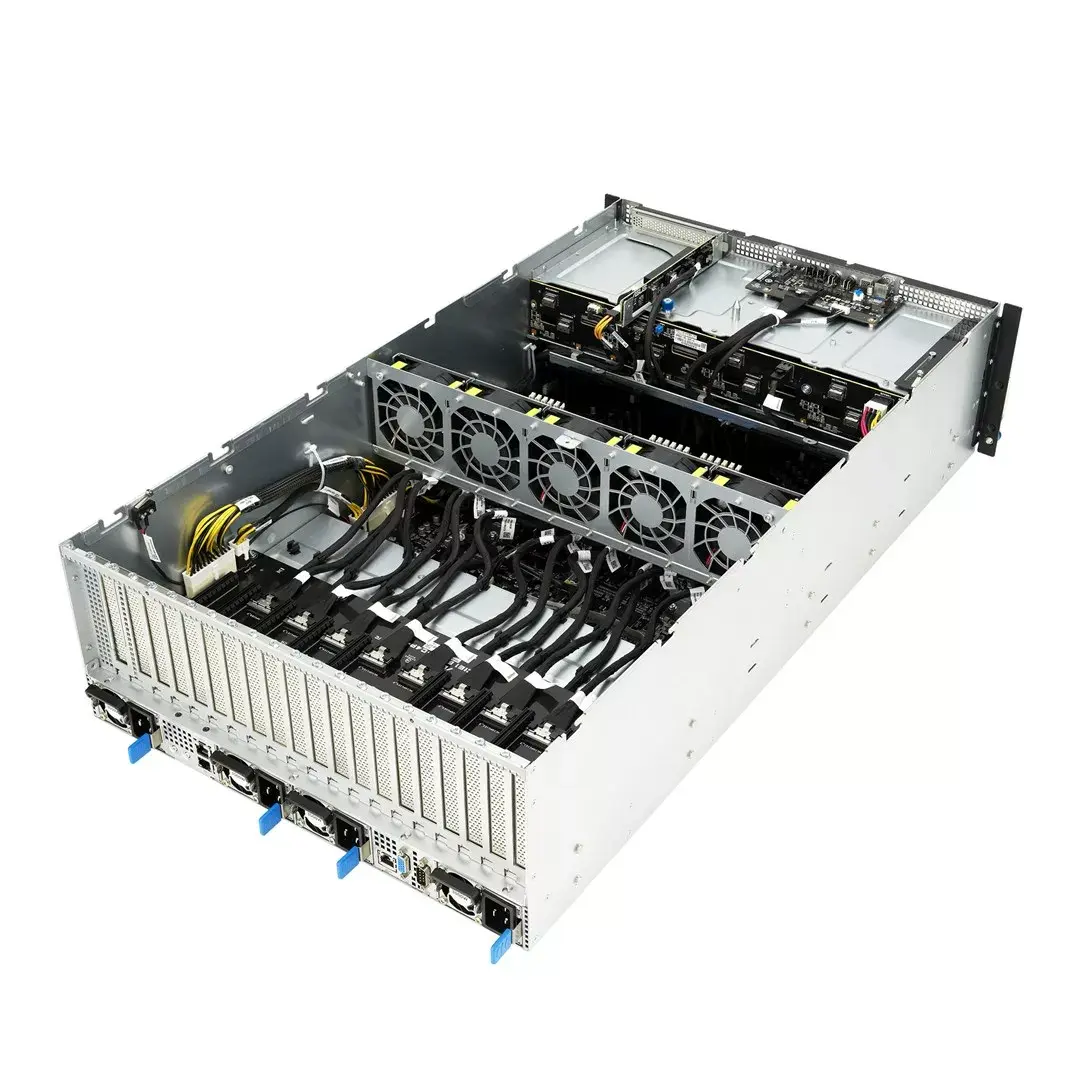
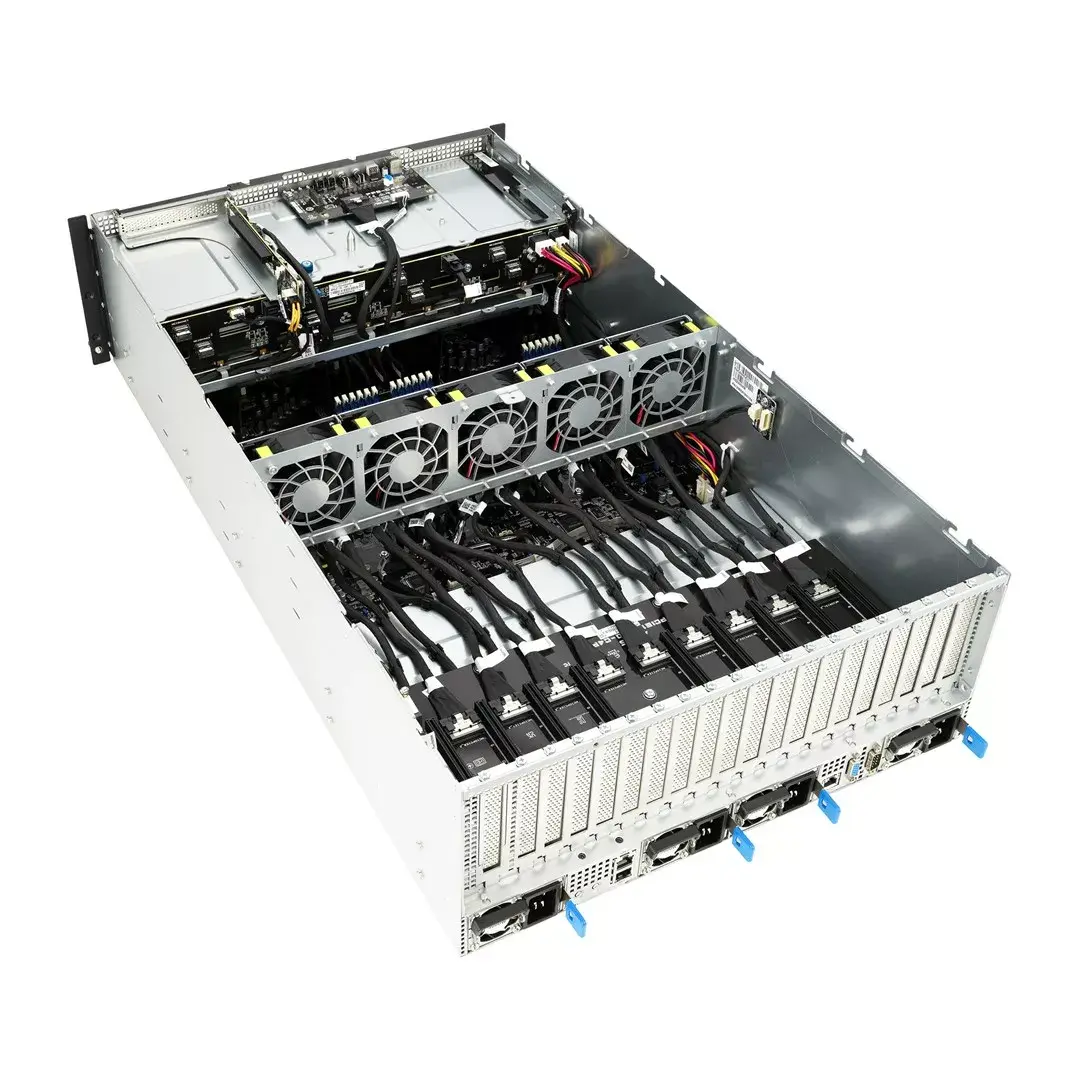
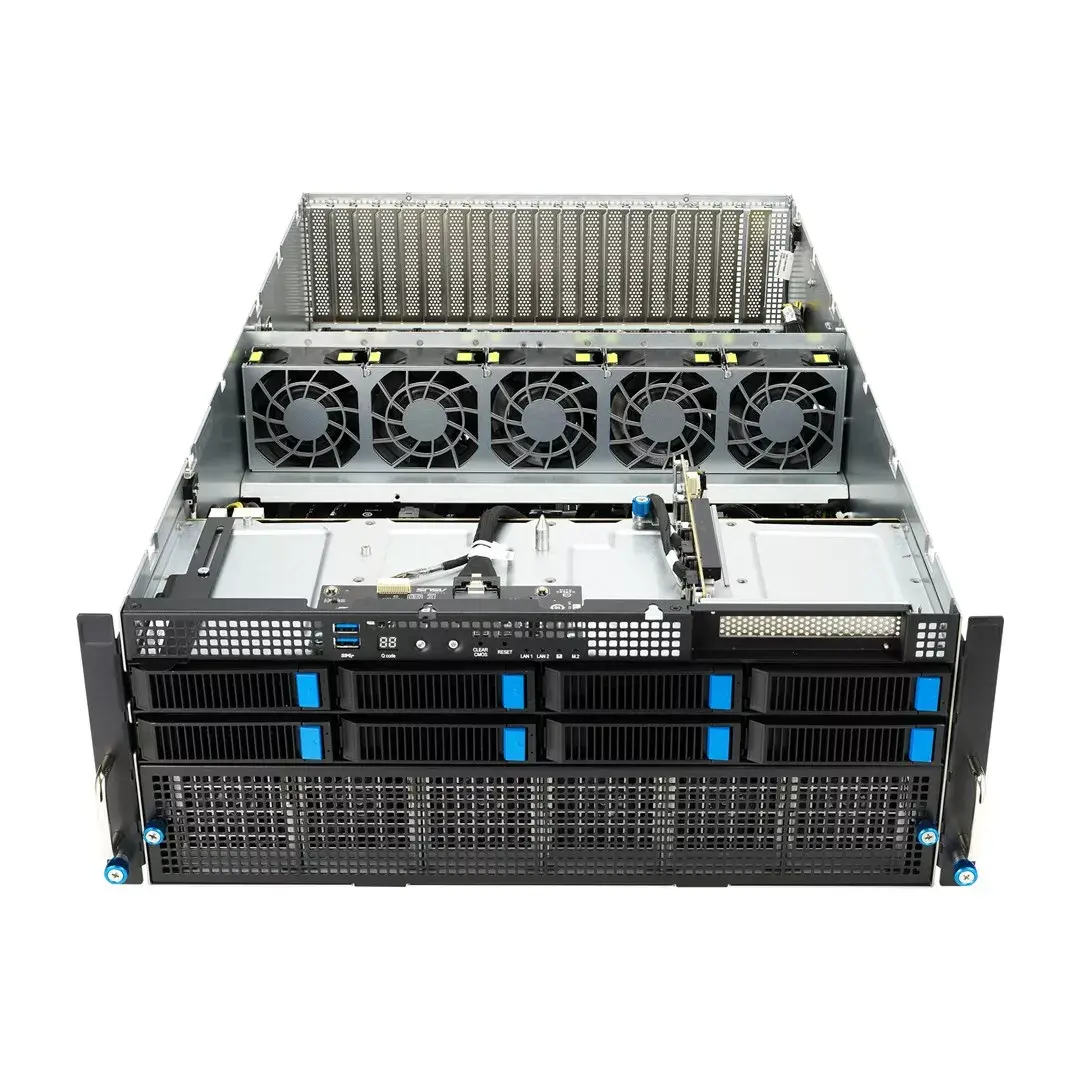
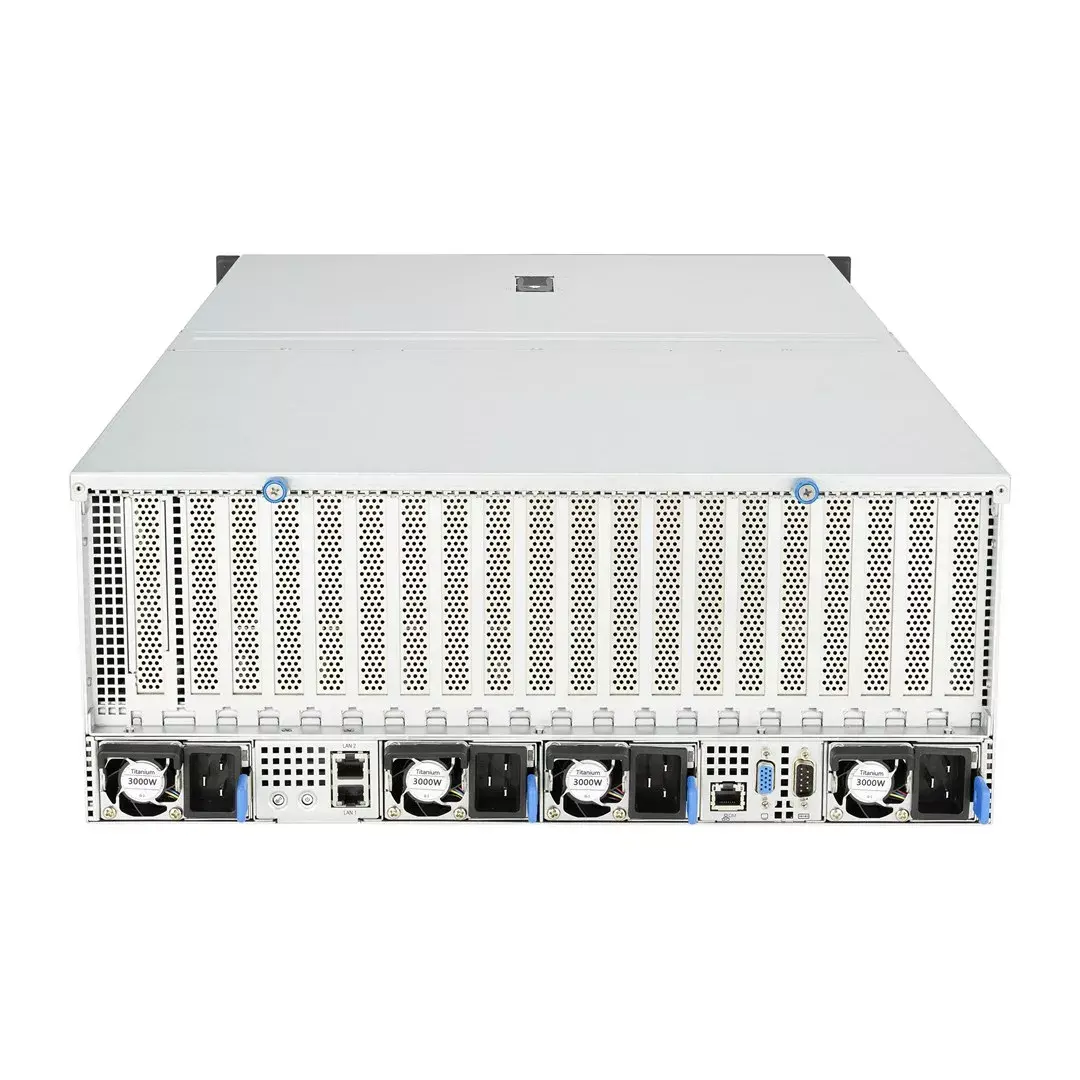
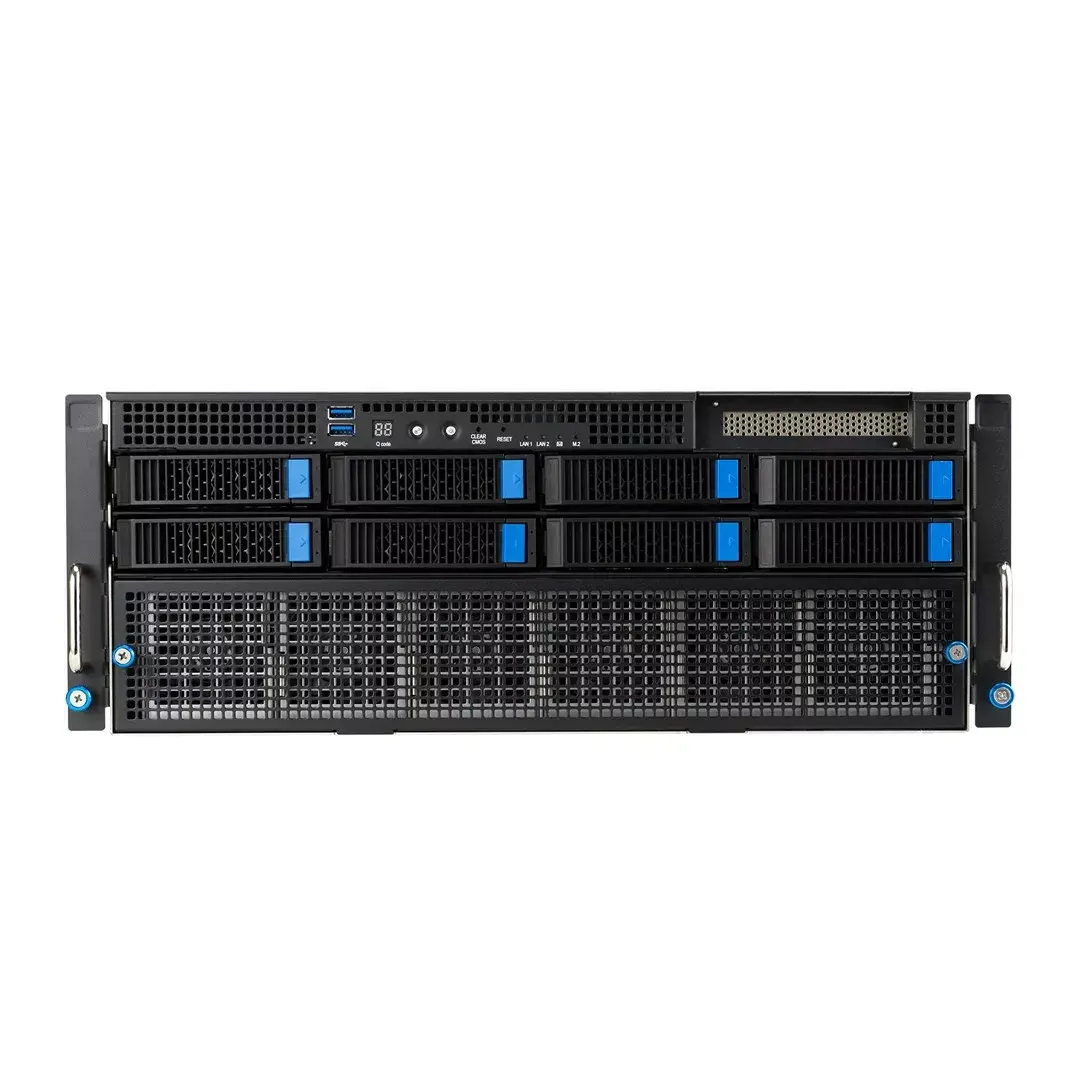
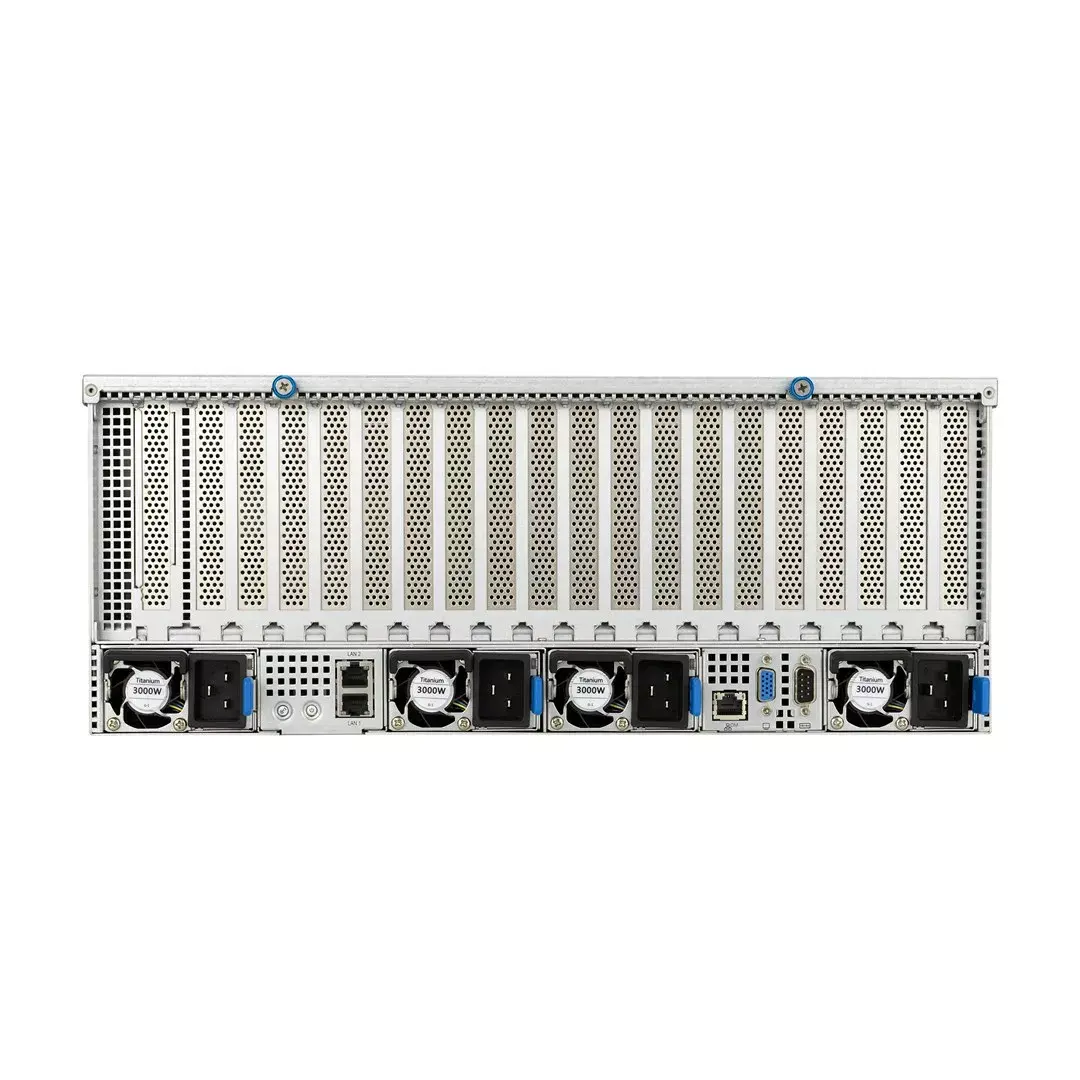
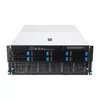
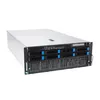
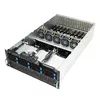
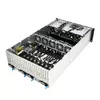
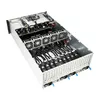
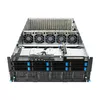
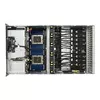
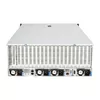
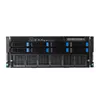
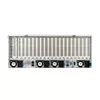
Rack server ASUS ESC8000A-E12-SKU2 (4U) — supports 2× AMD EPYC 9004, DDR5 up to 6 TB, 24 DIMM, 3000W PSU
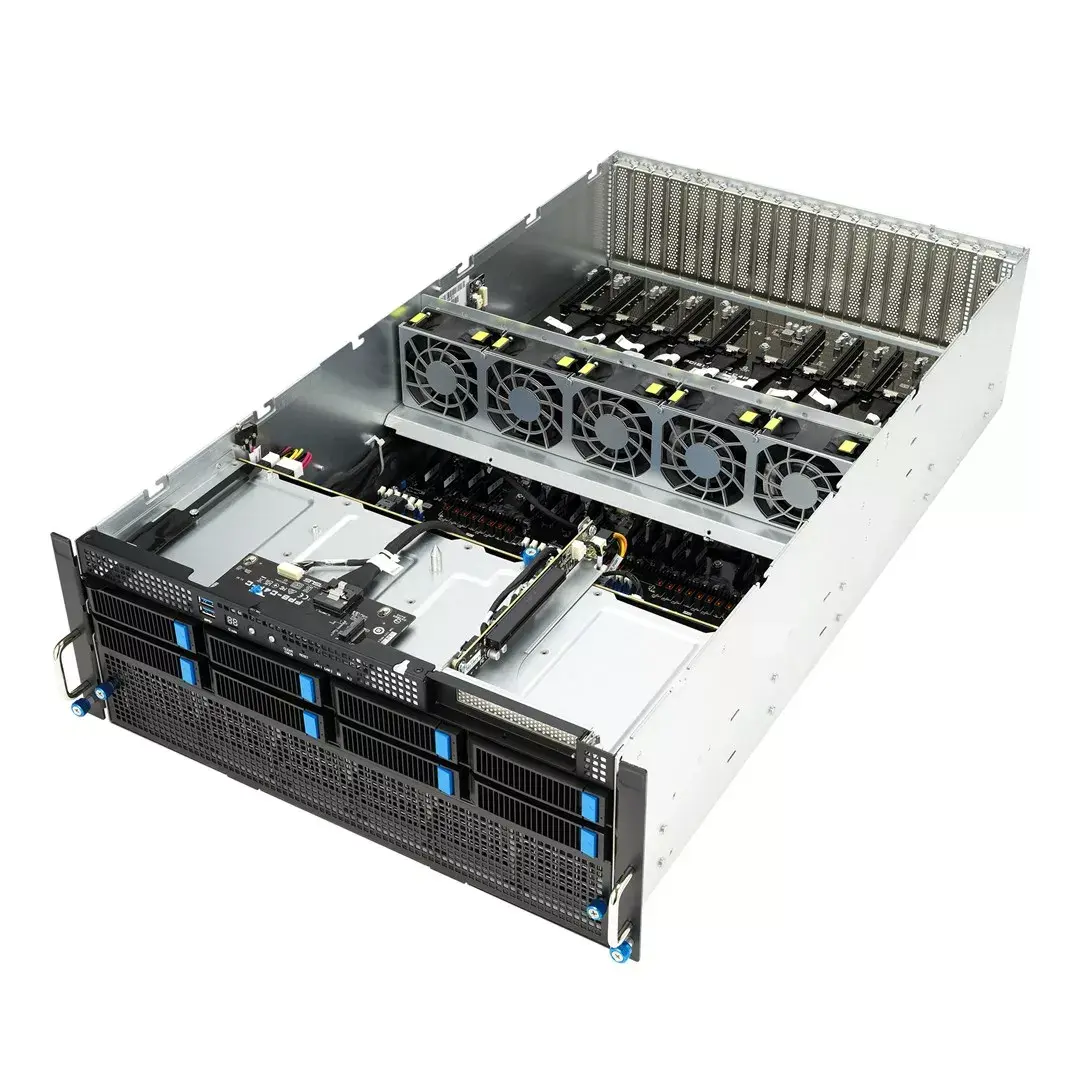
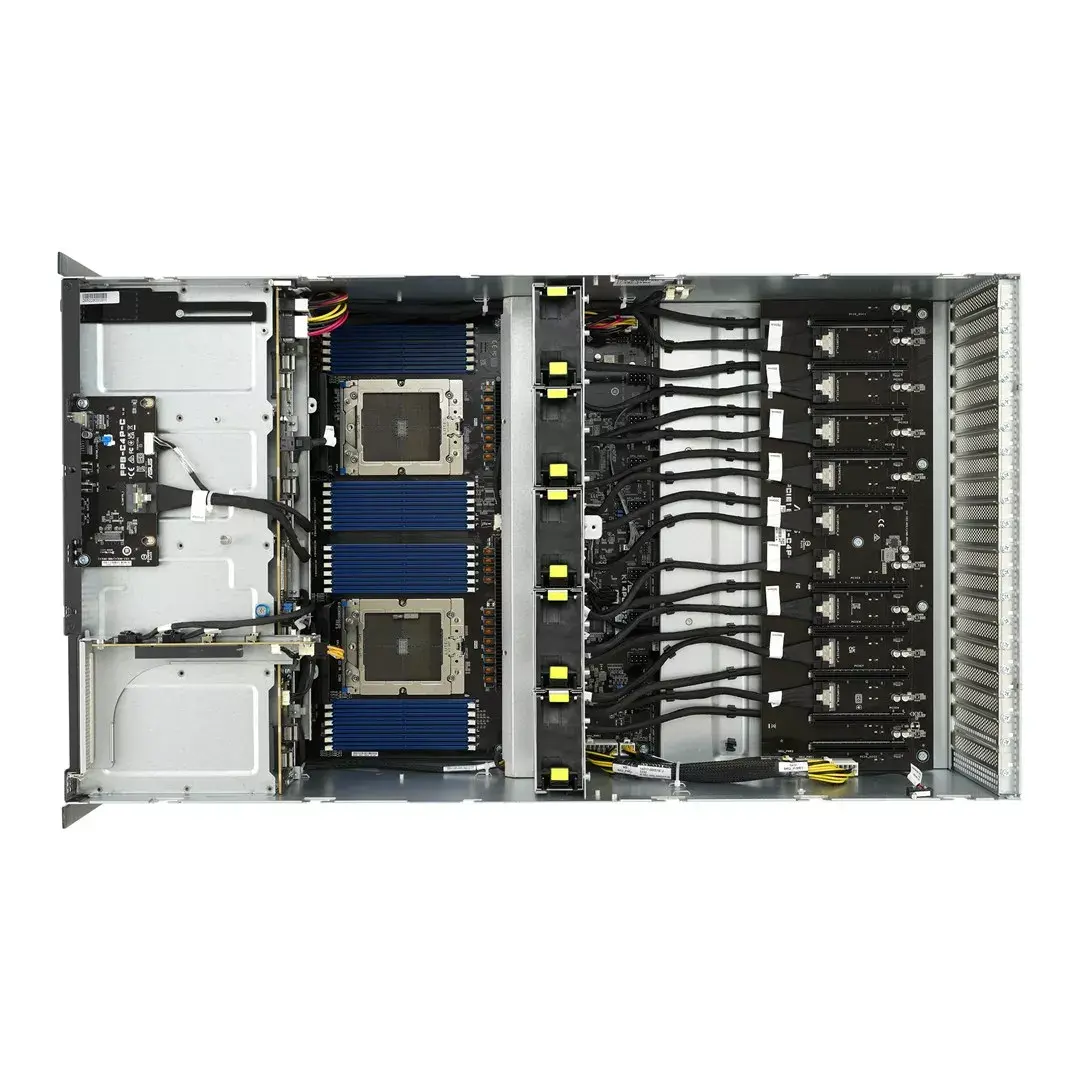
ASUS ESC8000A-E12-SKU2 is a 4U rack server chassis designed for dual-socket AMD EPYC™ 9004 platforms. The system supports up to two processors, 24 DDR5 DIMM slots for up to 6 TB of memory, full‑height and full‑length GPU cards in eight dual‑slot positions, and flexible PCIe Gen 5.0 expansion for high‑bandwidth storage, networking and GPU interconnect. The chassis accommodates multiple 2.5" and 3.5" drives and includes up to 3000 W redundant power supplies to meet demanding HPC, AI and data‑center workloads.
The server delivers high compute density with support for eight dual‑slot GPUs and optional NVIDIA NVLink® or AMD Infinity Fabric™ Link for enhanced GPU scaling. PCIe 5.0 readiness enables faster storage, graphics and networking throughput compared with prior generations. An optimized thermal design with separate CPU and GPU airflow tunnels and hot‑swap components improves cooling efficiency and serviceability. Integrated management tools, BMC with ASMB11‑iKVM, ASUS Control Center and hardware root‑of‑trust features (PFR and TPM 2.0) provide remote management, firmware resilience and security for enterprise deployments.
Install the chassis into a standard 19‑inch rack and populate the CPU sockets with compatible AMD EPYC™ 9004 processors and DDR5 DIMMs according to ASUS memory population guidelines. Fit GPUs into the full‑height, full‑length PCIe Gen 5.0 x16 slots as needed, and connect GPU bridges (NVLink or Infinity Fabric) when multi‑GPU scaling is required. Configure storage and networking modules in the available bays and expansion slots, and install redundant power supplies to match desired availability. Use the ASMB11‑iKVM and ASUS Control Center for initial configuration, remote monitoring and firmware management.
For optimal performance in AI and HPC workloads, deploy certified GPU configurations and enable the appropriate GPU interconnect (NVLink or Infinity Fabric). Ensure adequate rack cooling and follow ASUS thermal and power guidelines when populating GPUs and power supplies. Specify the PFR module at purchase if hardware root‑of‑trust is required, and keep BMC and firmware updated via ASUS Control Center or Redfish/IPMI interfaces.
{{highlightedFeature.featureTitle}}:
{{getProductFeatureValueById(product, highlightedFeature.featureId)}}
{{ productComparisonGenerationError }}
