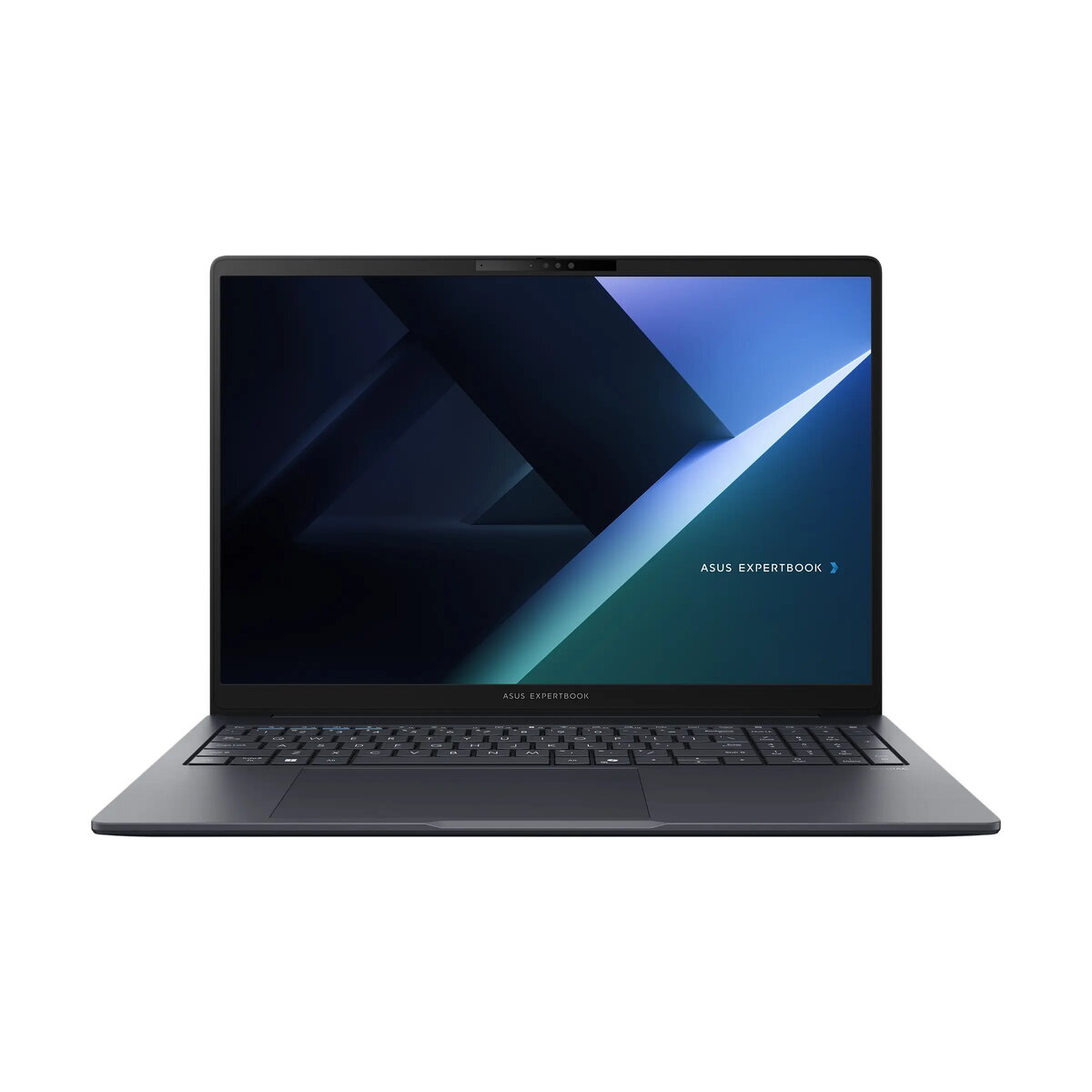
The Asus ExpertBook B5 B5605CCA is a professional-grade 16-inch laptop engineered to meet the rigorous demands of modern business environments. Combining a powerful Intel Core Ultra 5 processor with integrated AI capabilities, this device provides a seamless computing experience for office productivity and mobile work. Its durable aluminum chassis, built to meet US military-grade standards, ensures reliability in various working conditions, while the inclusion of Windows 11 Pro offers advanced security and management features essential for enterprise use.
Advantages
This laptop stands out due to its robust construction and comprehensive connectivity options, making it a versatile tool for professionals who require a dependable machine. The integration of the Intel AI Boost NPU enhances performance for modern software, while the high-speed Wi-Fi 7 ensures stable and fast network connections. With a focus on security, the device includes a fingerprint reader, a smart card reader, and TPM 2.0, providing multiple layers of protection for sensitive data. The large 16-inch WUXGA display with an anti-glare coating offers a comfortable viewing experience for extended work sessions, and the inclusion of a numeric keypad improves efficiency for data-heavy tasks.
Suitable for
- Corporate office environments and administrative tasks
- Mobile professionals requiring a balance of performance and portability
- Data analysis and financial work utilizing the dedicated numeric keypad
- Secure business communications and video conferencing
This laptop may not be the ideal choice for users primarily focused on high-end gaming or intensive 3D rendering, as it relies on integrated graphics rather than a dedicated GPU. Additionally, users who require a high-color-accuracy display for professional photo or video editing may find the standard NTSC 45% color gamut insufficient for their specific creative needs.
Key specifications
- 16-inch WUXGA (1920x1200) anti-glare display
- Intel Core Ultra 5 225H processor with Intel AI Boost
- 16GB DDR5 RAM (expandable)
- 512GB M.2 NVMe PCIe 4.0 SSD
- Integrated Intel Arc/Intel Graphics
- Wi-Fi 7 and Bluetooth 5.4 connectivity
- Comprehensive port selection including Thunderbolt 4 and HDMI 2.1
- Integrated 1080p FHD IR webcam
- 63Wh battery with 65W USB-C charging
- Weight approximately 1.78kg
To begin using the Asus ExpertBook B5, connect the provided USB-C power adapter to charge the battery fully. Upon initial startup, follow the on-screen Windows 11 Pro setup instructions to configure your user account, security settings, and network preferences. Utilize the fingerprint reader or IR camera for quick and secure biometric authentication. For optimal performance, ensure that all system drivers and firmware are updated through the pre-installed management software.
What to consider before purchase
- Verify if your specific software requires a dedicated graphics card
- Assess if the 512GB storage capacity meets your long-term data requirements
- Check compatibility with existing office peripherals and docking stations
- Consider the physical dimensions to ensure it fits your preferred carrying bag
For long-term reliability, it is recommended to keep the device firmware updated and utilize the provided 3-year on-site warranty service for any hardware-related maintenance or support needs.