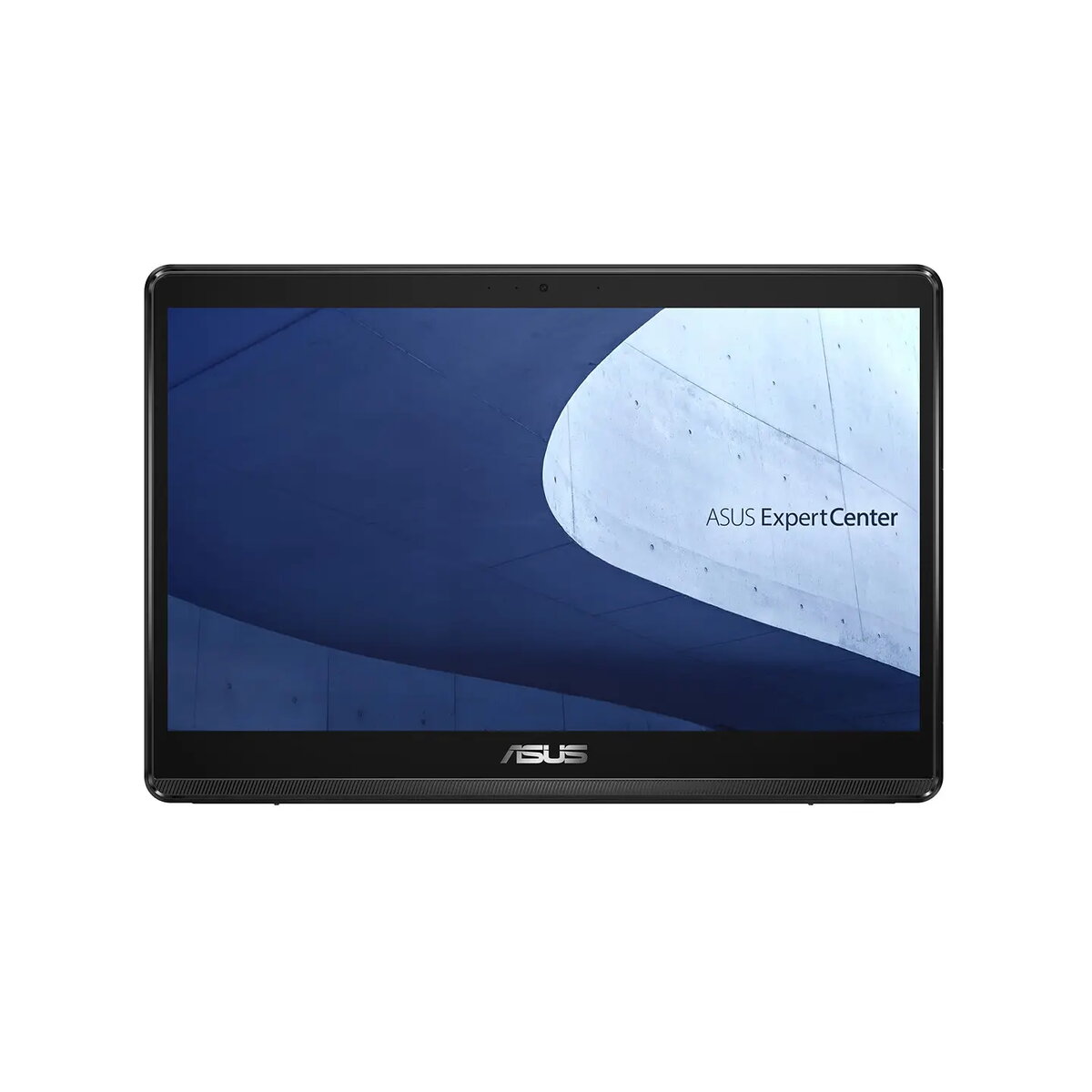
The Asus ExpertCenter E1 AiO E1600WKAT-8128X is a compact and efficient all-in-one desktop computer designed to streamline professional workflows. Featuring a 15.6-inch Full HD touchscreen display, this system combines a space-saving design with reliable hardware, making it an ideal choice for business environments where desk space is at a premium. Equipped with an Intel Celeron N4500 processor, 8GB of RAM, and a fast 128GB SSD, it provides the necessary performance for daily office tasks, administrative work, and digital communication.
Advantages
This all-in-one PC offers a significant advantage in terms of workspace optimization, as its integrated design eliminates the need for a bulky tower and reduces cable clutter. The inclusion of a responsive touchscreen enhances user interaction, allowing for intuitive navigation through applications. With Windows 11 Pro pre-installed, the system is ready for professional use, offering advanced security features and management capabilities. Furthermore, the device includes a variety of connectivity options, including multiple USB ports and legacy COM ports, ensuring compatibility with a wide range of peripheral devices and industrial equipment.
Suitable for
- General office administration and document management
- Point-of-sale systems in retail environments
- Digital signage and information kiosks
- Educational settings and classroom workstations
This device may not be suitable for resource-intensive tasks such as professional video editing, 3D rendering, or running complex engineering software. Due to the entry-level processor and limited storage capacity, it is not intended for high-performance gaming or heavy multitasking with numerous demanding applications running simultaneously.
Key specifications
- 15.6-inch FHD (1920x1080) touchscreen display
- Intel Celeron N4500 processor
- 8GB DDR4 RAM
- 128GB M.2 NVMe PCIe SSD
- Integrated Intel UHD Graphics
- Wi-Fi 6 and Bluetooth 5.2 connectivity
- Windows 11 Pro operating system
- Integrated 720p HD webcam
- Multiple ports including USB 3.2, HDMI, and dual COM ports
- VESA mount compatible
To begin using the Asus ExpertCenter E1, simply connect the provided 65W power adapter to a wall outlet and the DC-in port on the rear of the device. Once powered on, follow the on-screen instructions provided by the Windows 11 Pro setup wizard to configure your user account, network settings, and security preferences. The touchscreen interface allows for immediate interaction, though you may connect an external keyboard and mouse via the available USB ports for traditional input methods.
What to consider before purchase
- Verify that the 128GB storage capacity is sufficient for your specific data and application needs.
- Ensure that your workspace has a stable surface or a compatible VESA mount for installation.
- Check if your existing peripherals are compatible with the available USB and COM port configurations.
For optimal performance and longevity, keep the device in a well-ventilated area to ensure proper cooling. Regularly update the operating system and drivers through the built-in update utility to maintain security and system stability.