
JBL speakers and headphones for pure and deep sound!
In cart {{totalProductsCount}} item(s)
Your cart is empty
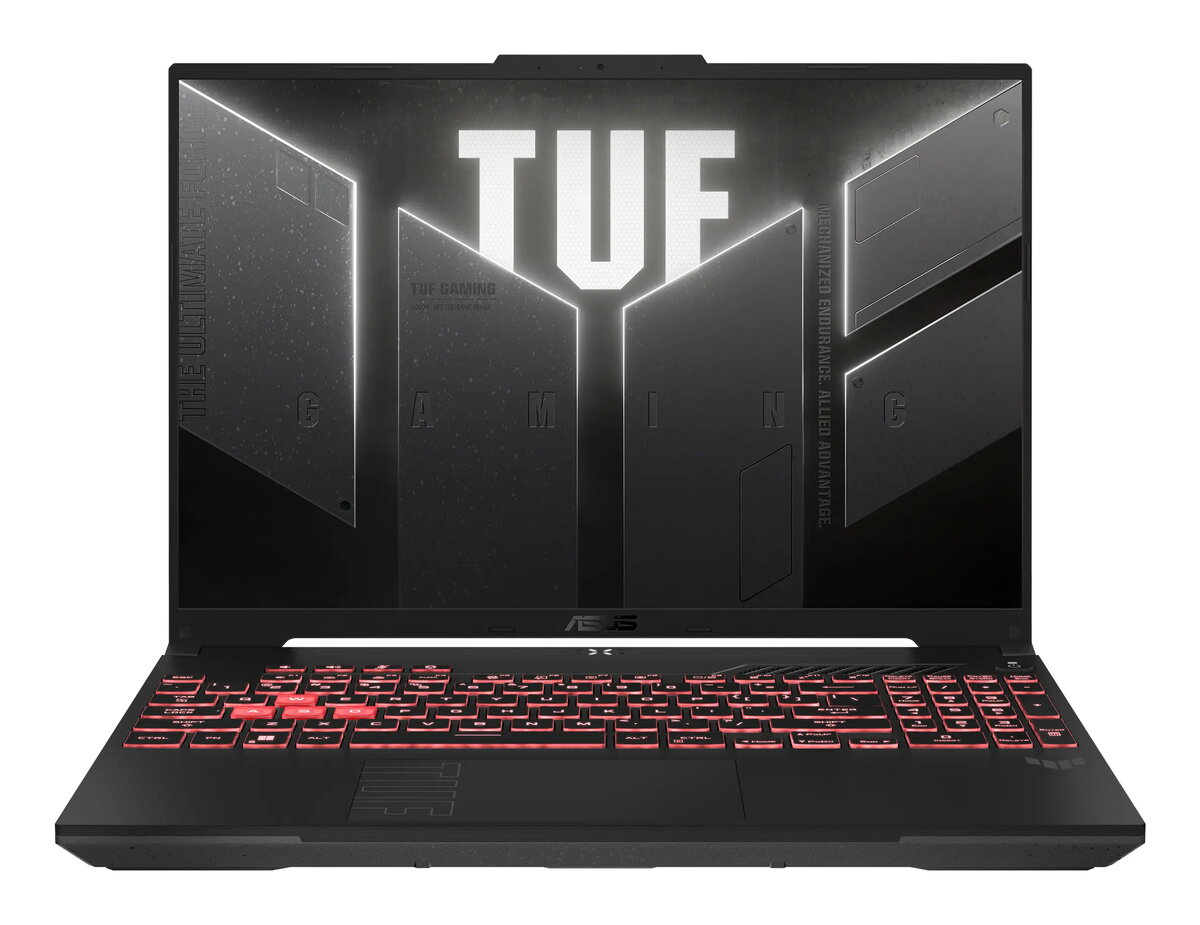
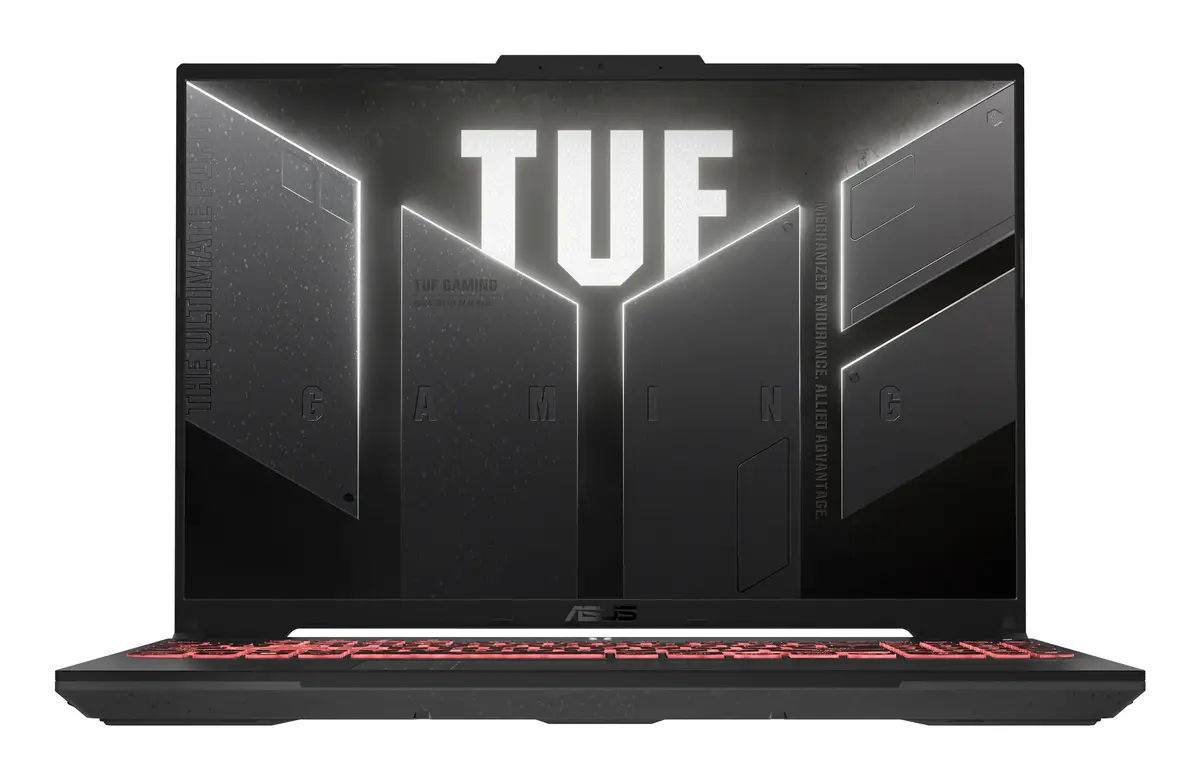
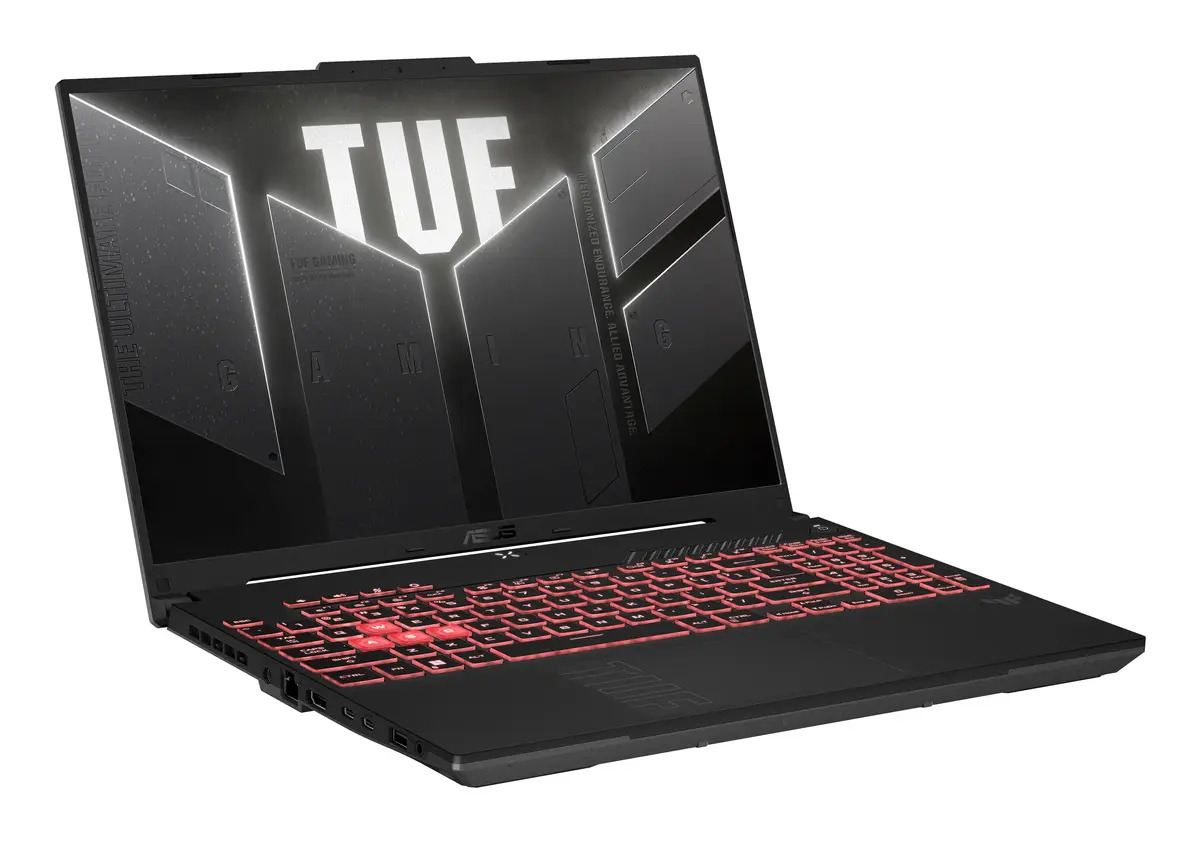
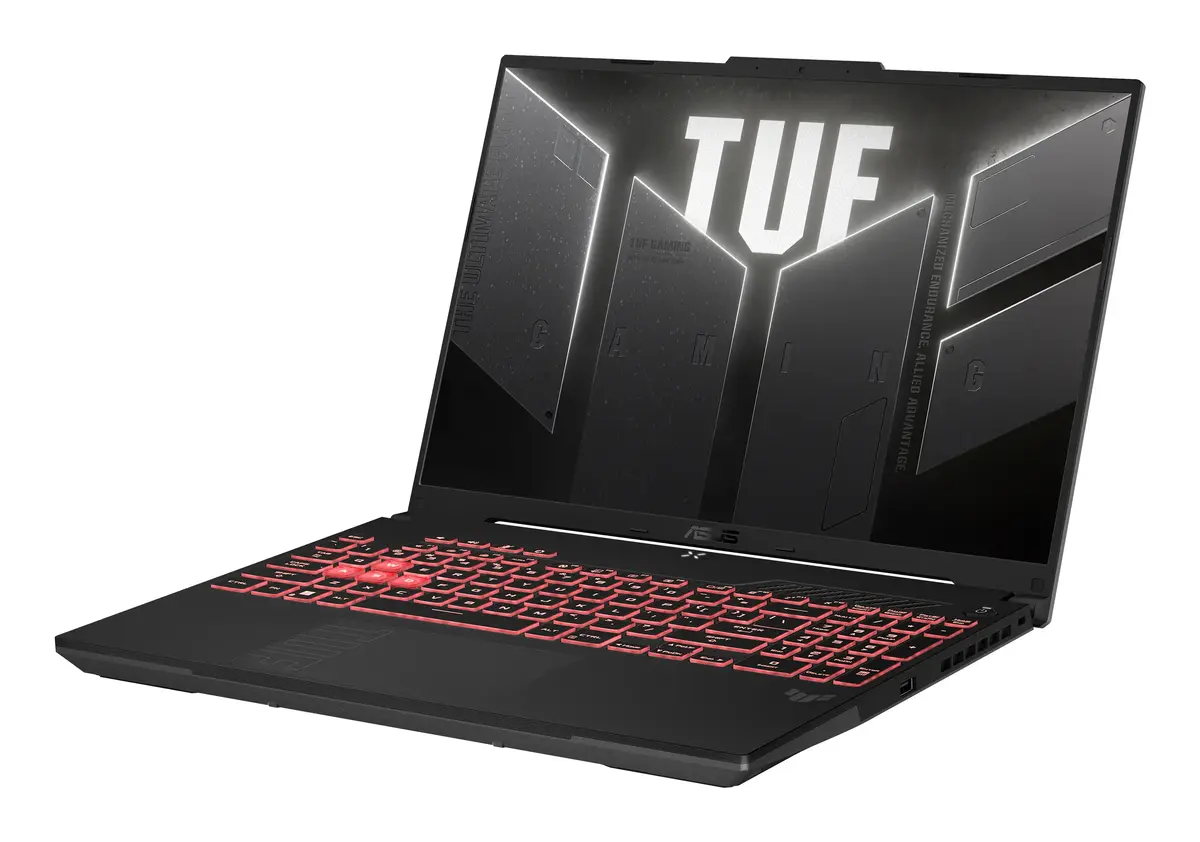
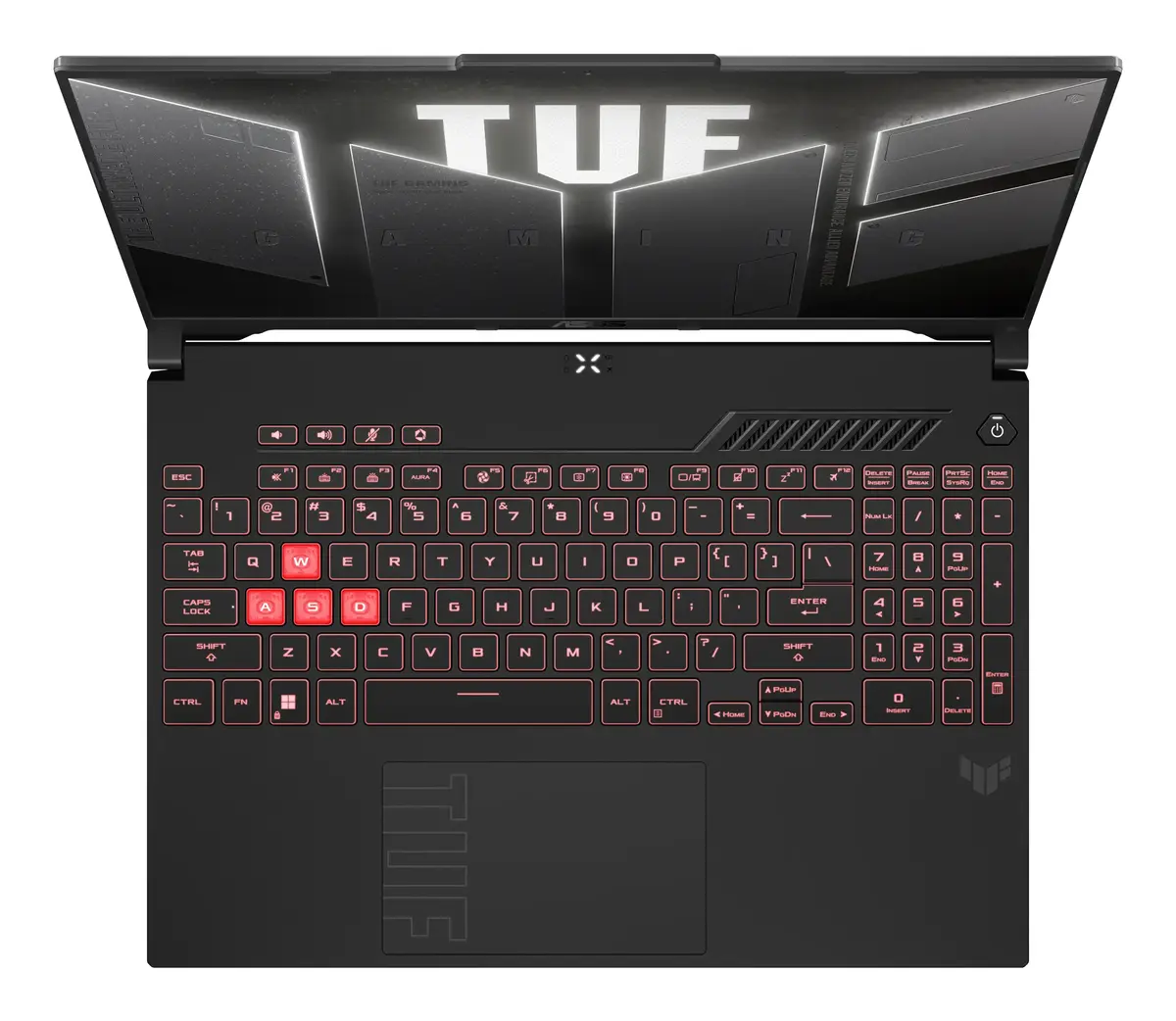
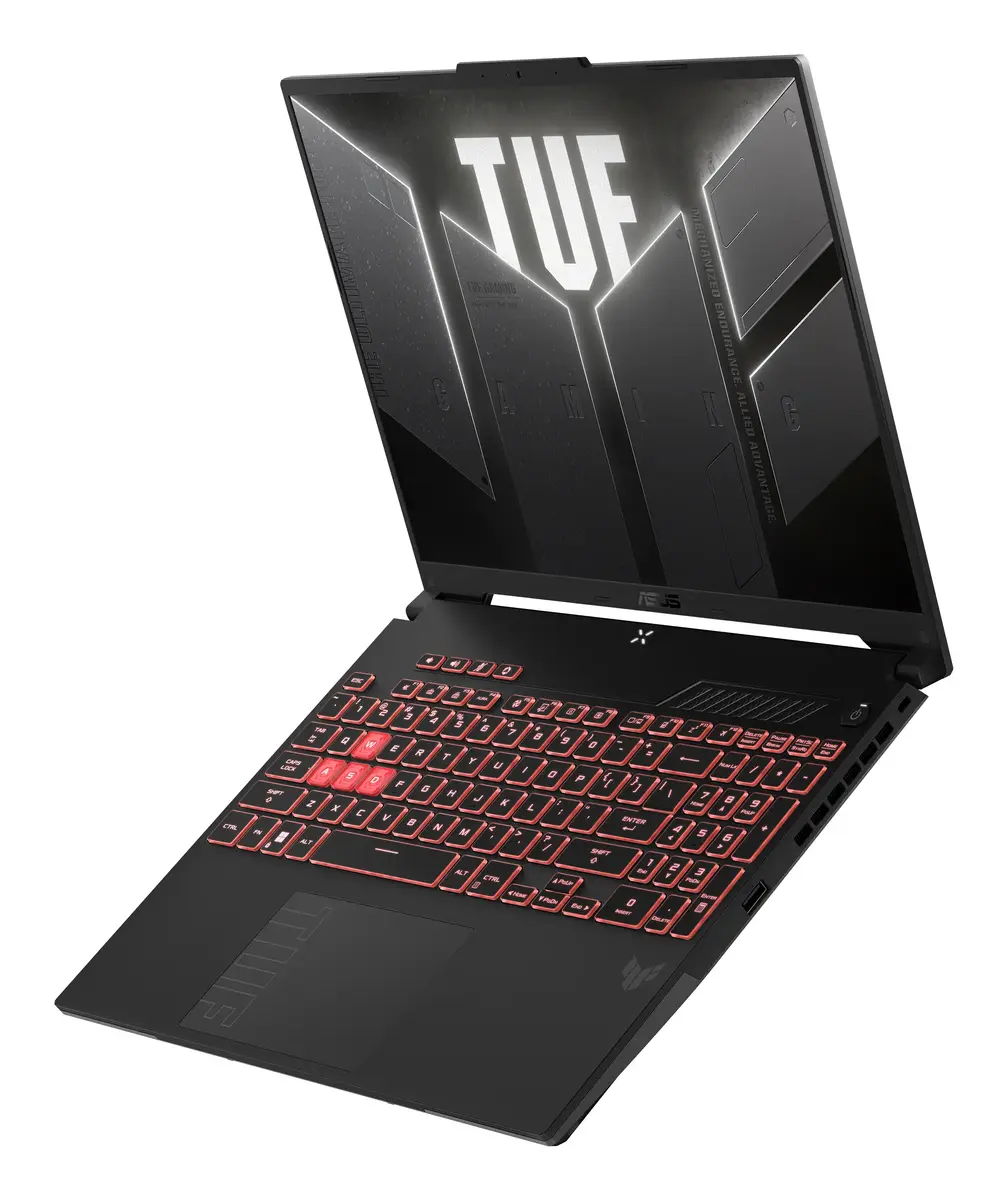
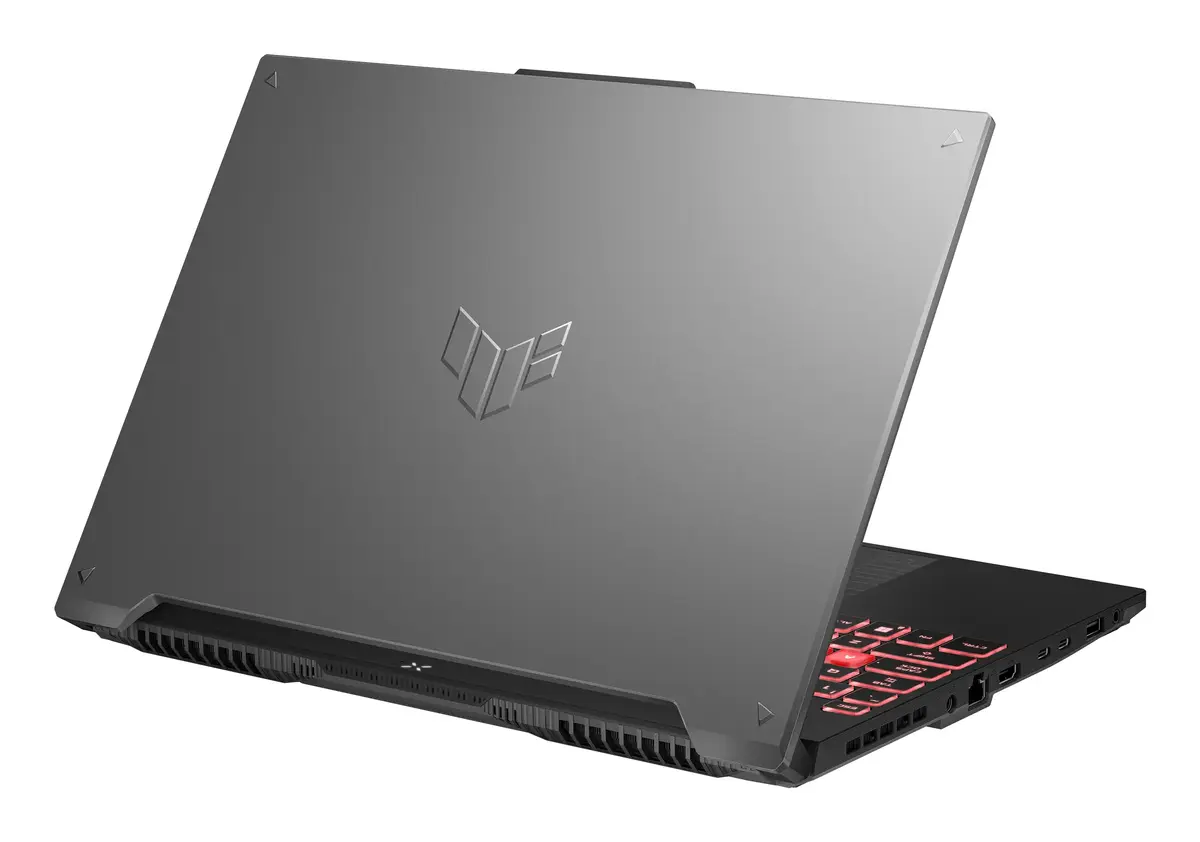
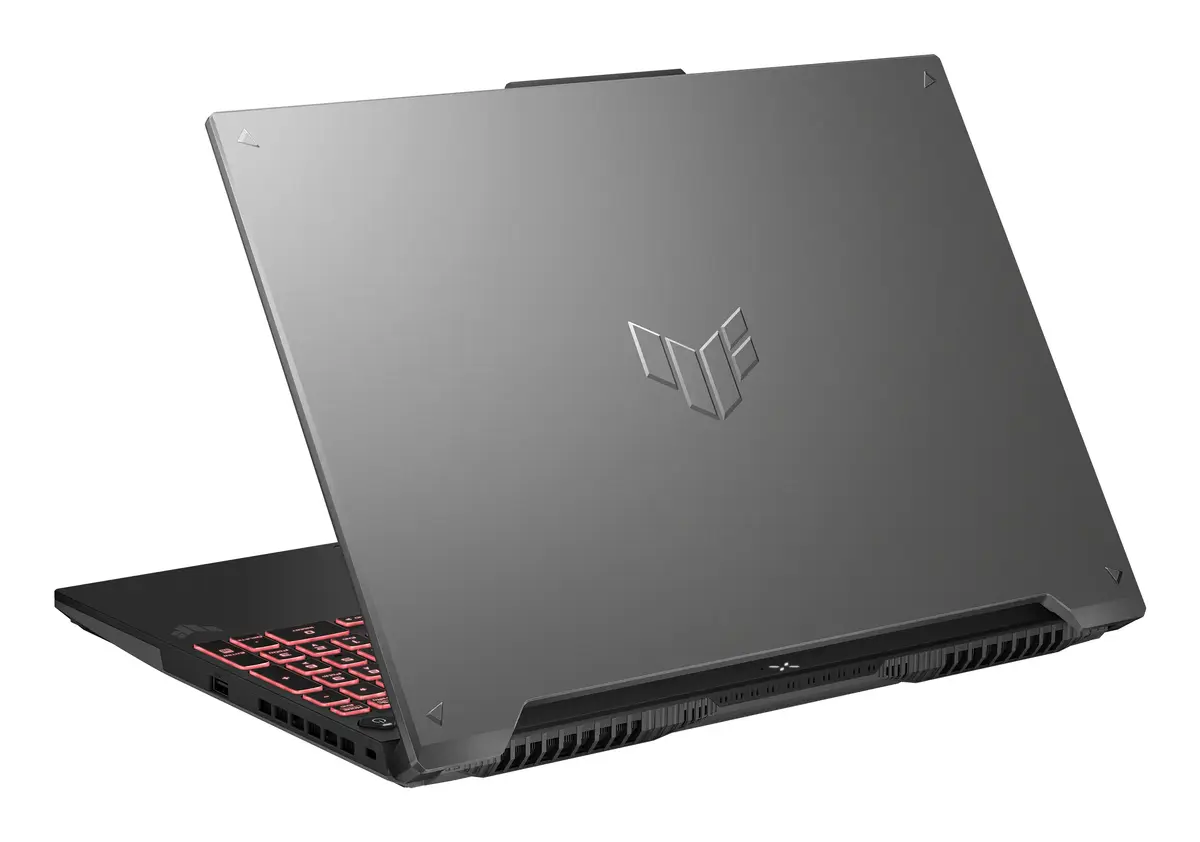
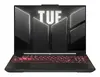
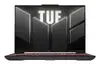
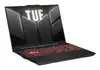
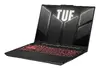
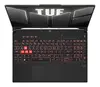
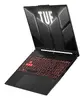
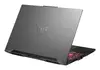
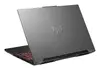
Asus TUF Gaming A16 FA607NUG-WH73 Laptop, 16" Full HD+, AMD Ryzen 7 7445HS, 16GB DDR5, 512GB SSD, NVIDIA GeForce RTX 4050, Windows 11 Home, Grey
The Asus TUF Gaming A16 FA607NUG-WH73 is a robust and high-performance gaming laptop designed to provide a seamless experience for both gamers and creative professionals. Featuring a 16-inch Full HD+ display, this device combines the power of an AMD Ryzen 7 7445HS processor with the graphical capabilities of an NVIDIA GeForce RTX 4050. Housed in a durable grey chassis, it is built to handle demanding tasks while maintaining reliable performance, making it an excellent choice for users who need a versatile machine for work and play.
This laptop excels by offering a balanced combination of high-speed processing and efficient graphics rendering. The inclusion of 16GB of DDR5 RAM ensures smooth multitasking, while the 512GB SSD provides fast boot times and quick access to your favorite games and applications. Its 16-inch display offers an immersive viewing experience, and the overall build quality reflects the TUF series' commitment to durability and long-term reliability. Furthermore, the pre-installed Windows 11 Home operating system provides a modern, user-friendly interface optimized for gaming and productivity.
This laptop may not be the ideal choice for users who require extreme portability, as its 16-inch form factor and gaming-focused cooling system result in a weight of 2.2 kg. Additionally, users looking for a professional workstation for highly specialized 3D rendering or heavy machine learning tasks might find the RTX 4050 graphics card limiting compared to higher-tier professional GPUs.
To begin using your Asus TUF Gaming A16, connect the provided power adapter to ensure the battery is fully charged. Upon powering on the device for the first time, follow the on-screen Windows 11 setup instructions to configure your user account, network settings, and preferences. Once the initial setup is complete, it is recommended to run the Armoury Crate software to check for system updates and customize your performance profiles. You can connect external peripherals such as a gaming mouse or monitor using the available ports to create your ideal workstation setup.
Usage recommendations: To maintain optimal performance and longevity, keep the laptop on a flat, hard surface during intensive gaming sessions to allow for proper airflow. Regularly clean the air vents to prevent dust buildup and keep your software and drivers updated through the official manufacturer support portal.
{{highlightedFeature.featureTitle}}:
{{getProductFeatureValueById(product, highlightedFeature.featureId)}}
{{ productComparisonGenerationError }}
