
Save time and money with our discounts!
In cart {{totalProductsCount}} item(s)
Your cart is empty
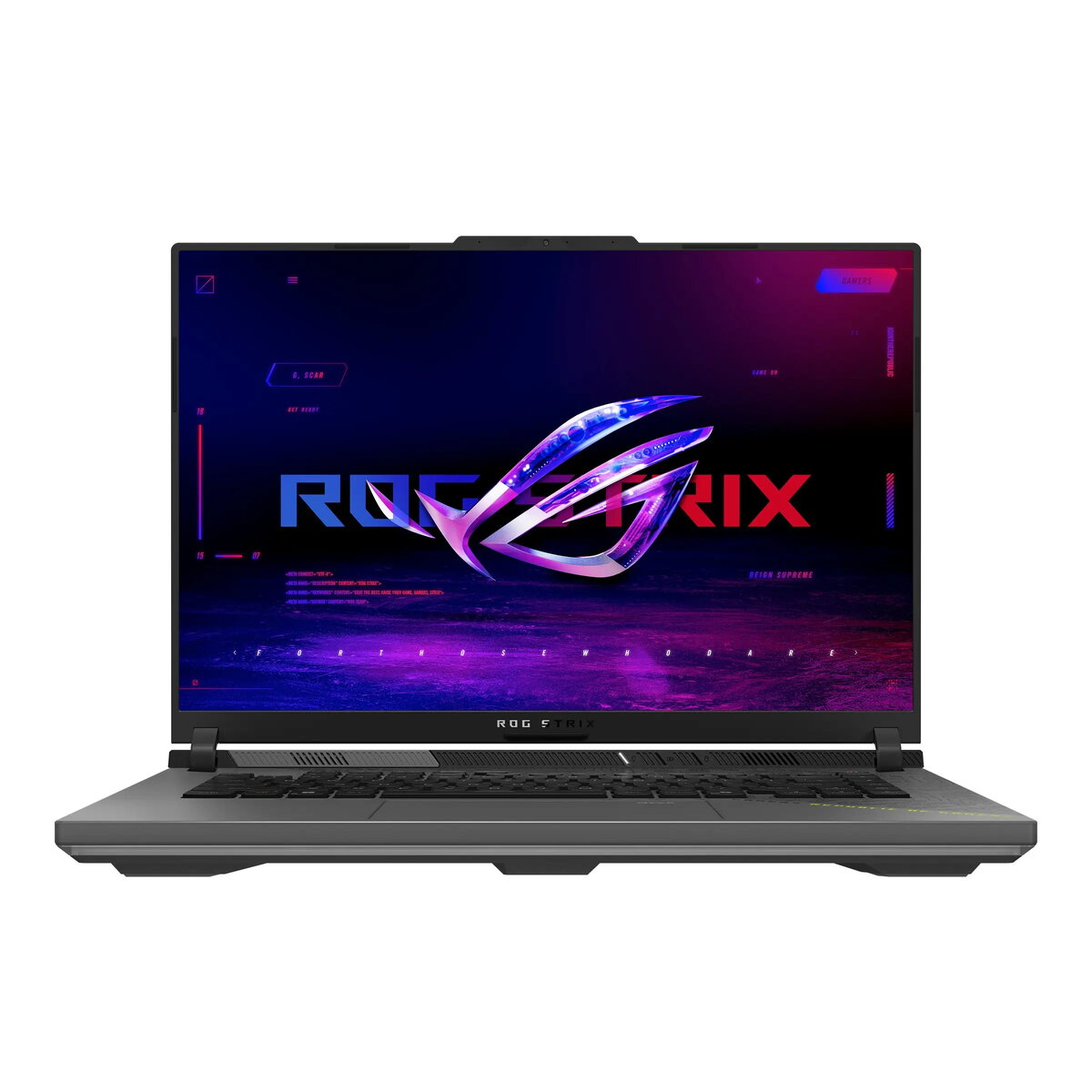
Laptop ASUS ROG Strix G16 16" R9-9955HX 32GB 1TB RTX 5060 W11H
The ASUS ROG Strix G16 16" R9-9955HX 32GB 1TB RTX 5060 W11H is a high-performance gaming laptop with a 16-inch 2560x1600 display and a powerful AMD R9-9955HX processor. It comes equipped with 32GB of RAM and a 1TB solid-state drive, providing fast system responsiveness and ample storage for games, applications, and media. The NVIDIA RTX 5060 GPU delivers hardware-accelerated ray tracing and smooth frame rates for modern titles, while Windows 11 Home offers a contemporary and secure operating environment. The chassis features a sleek gray finish designed to fit both gaming setups and professional workspaces.
The combination of a high-resolution 16" display and a dedicated RTX 5060 graphics card enables detailed visuals and consistent performance in demanding games and creative software. Large 32GB system memory supports multitasking and resource-heavy workflows without frequent memory bottlenecks. The 1TB NVMe SSD reduces load times and improves general system responsiveness compared with traditional drives. Built-in Windows 11 Home integrates modern security features and an updated user interface for productivity and gaming. The overall design balances cooling capability, connectivity options, and portability for extended sessions.
Power on the laptop and complete the initial Windows 11 Home setup by following on-screen prompts to configure language, network, and user account. Install or update GPU drivers from the NVIDIA or ASUS support site to ensure optimal graphics performance. For gaming, adjust in-game graphics settings and use the ROG control software to tune performance profiles and fan curves. For content creation, configure your editing software to use the discrete GPU and allocate sufficient scratch disk space on the 1TB SSD. Regularly run Windows Update and storage maintenance tasks to keep the system responsive.
Keep the vents clear and use on a hard, level surface during extended gaming or heavy workloads. Periodically update drivers and firmware, and use the built-in performance tools to balance thermals and noise. Back up important data from the internal SSD to an external drive or cloud service to protect against unexpected data loss.
{{highlightedFeature.featureTitle}}:
{{getProductFeatureValueById(product, highlightedFeature.featureId)}}
{{ productComparisonGenerationError }}
