


Save time and money with our discounts!
In cart {{totalProductsCount}} item(s)
Your cart is empty
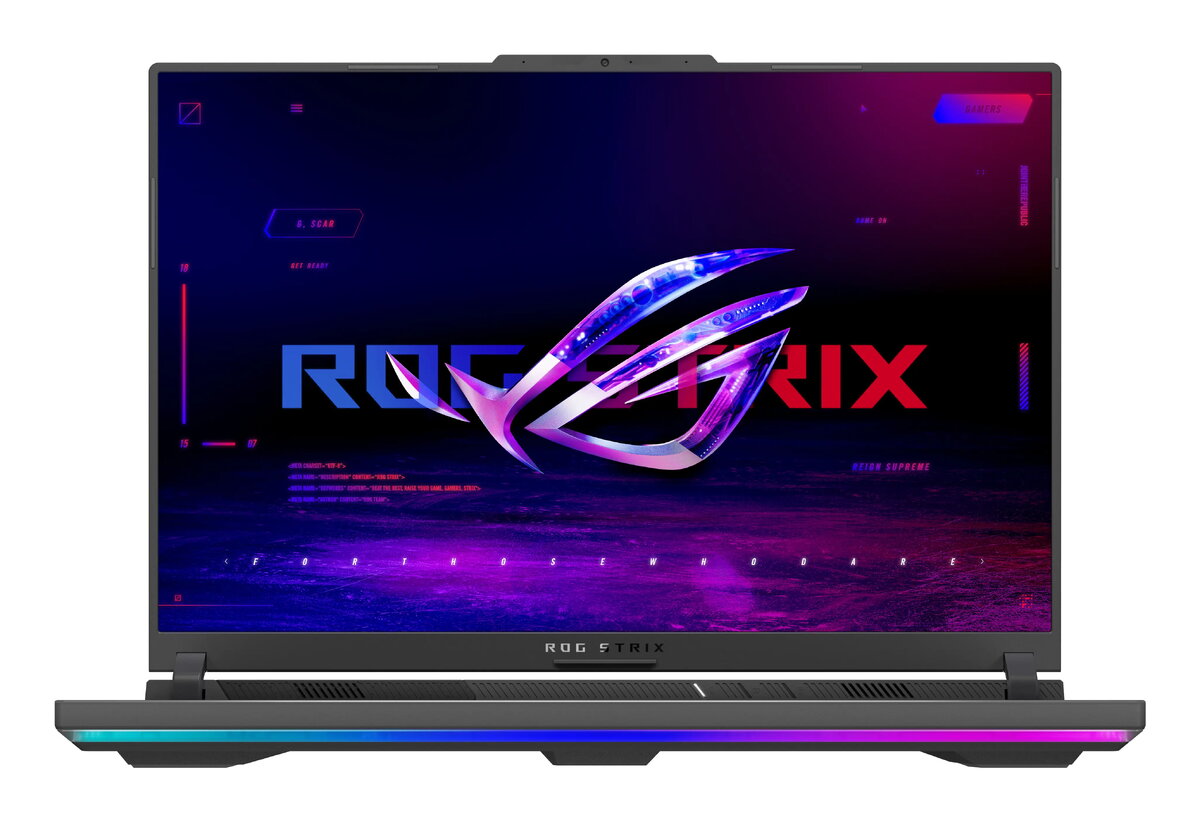
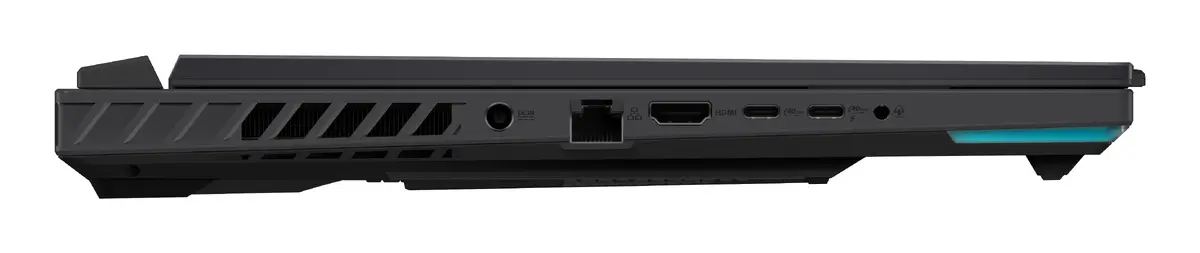
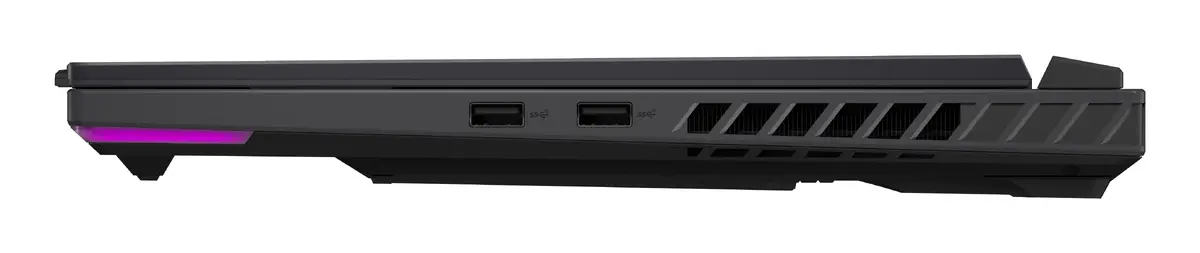
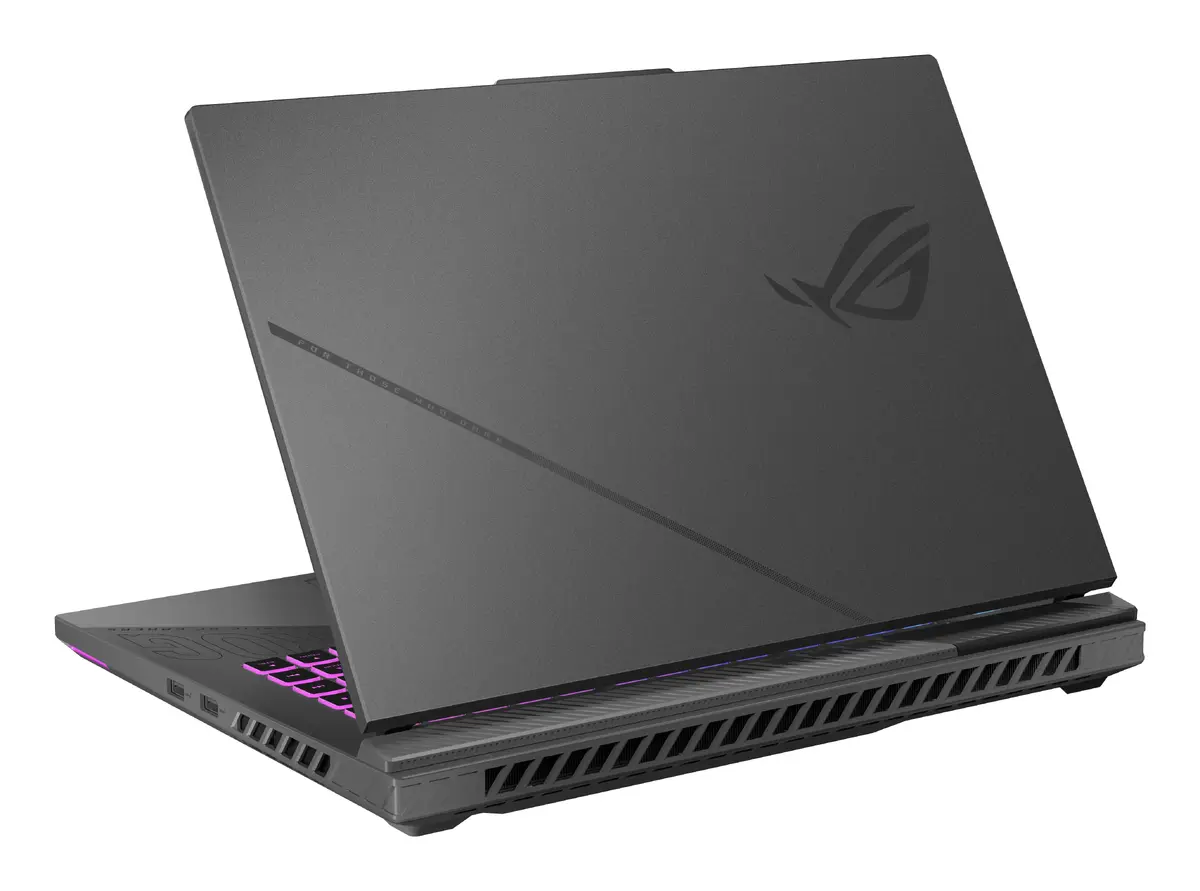
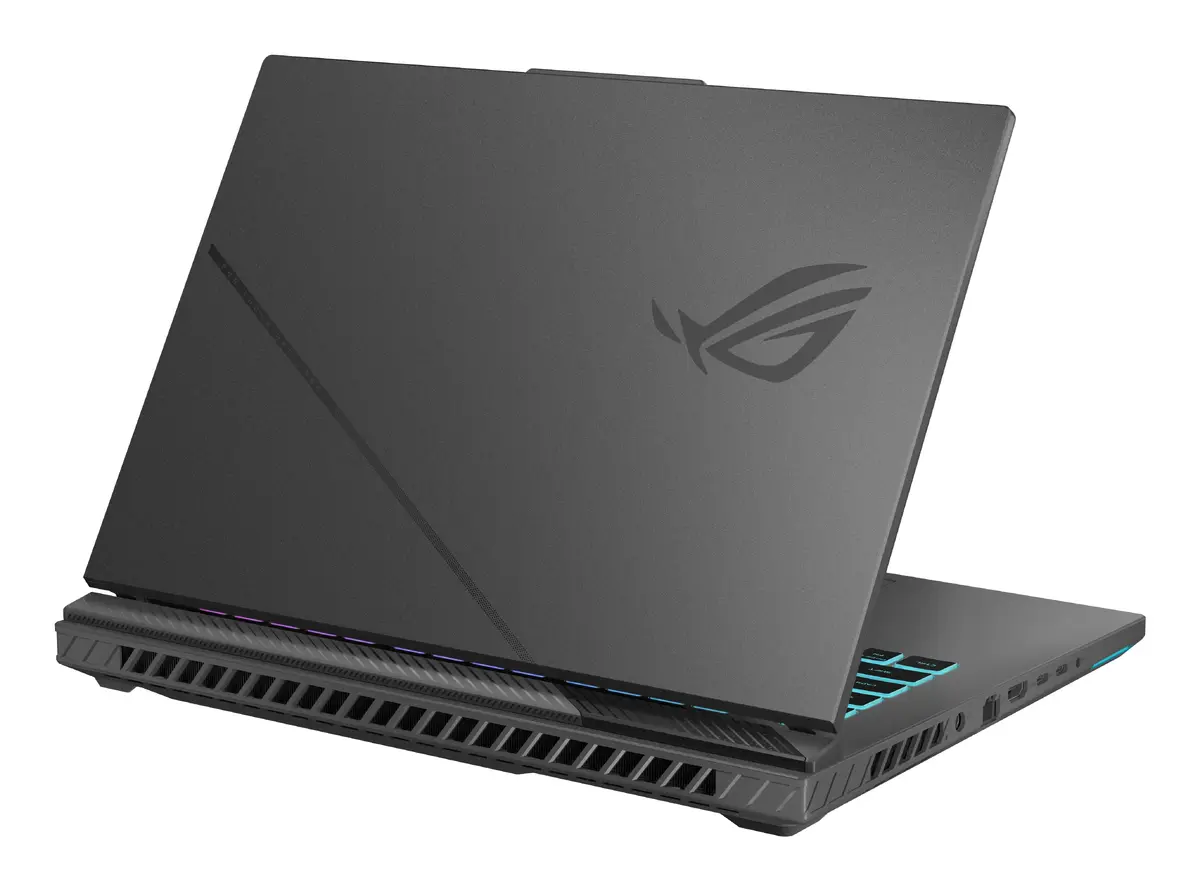
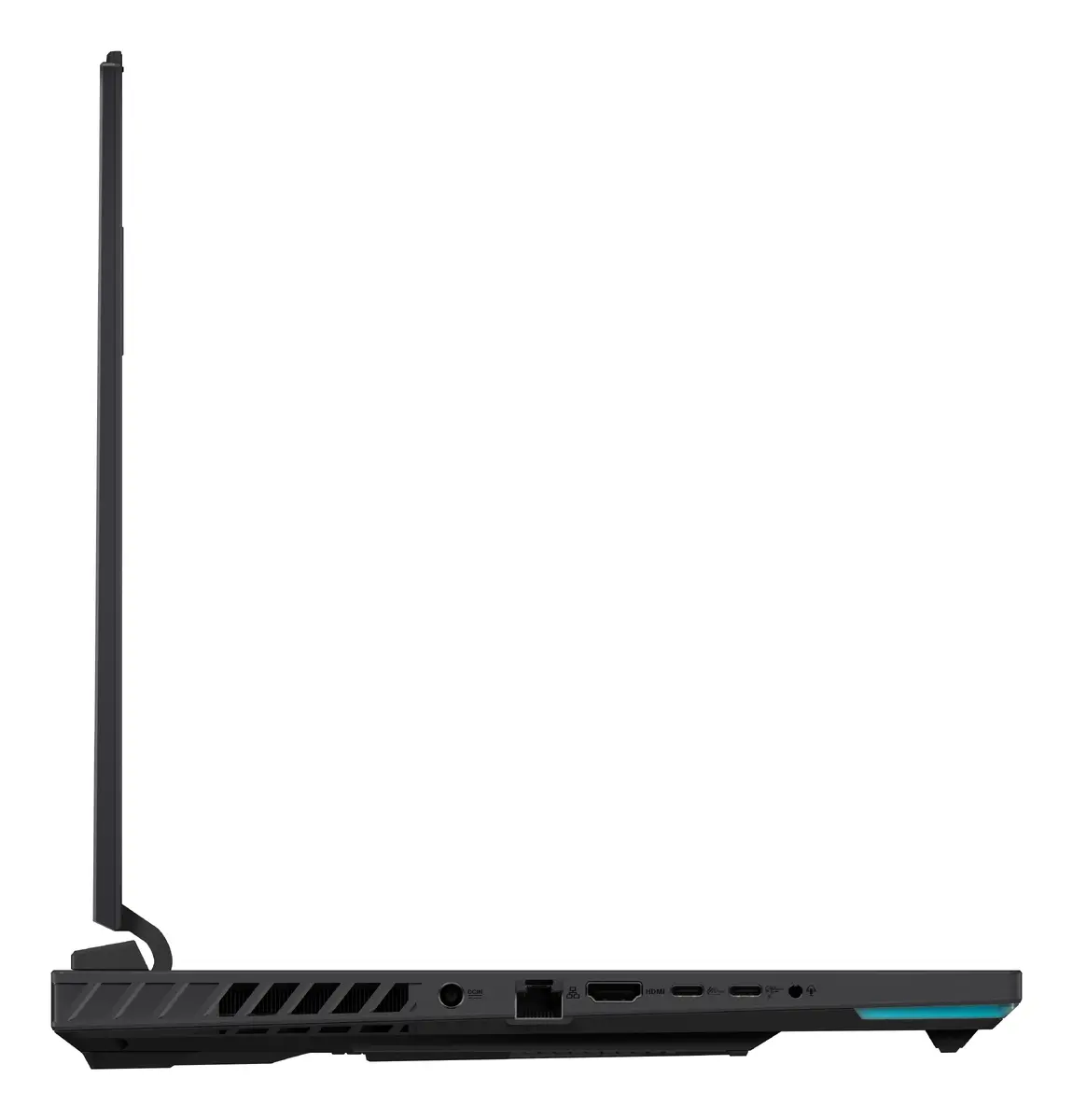
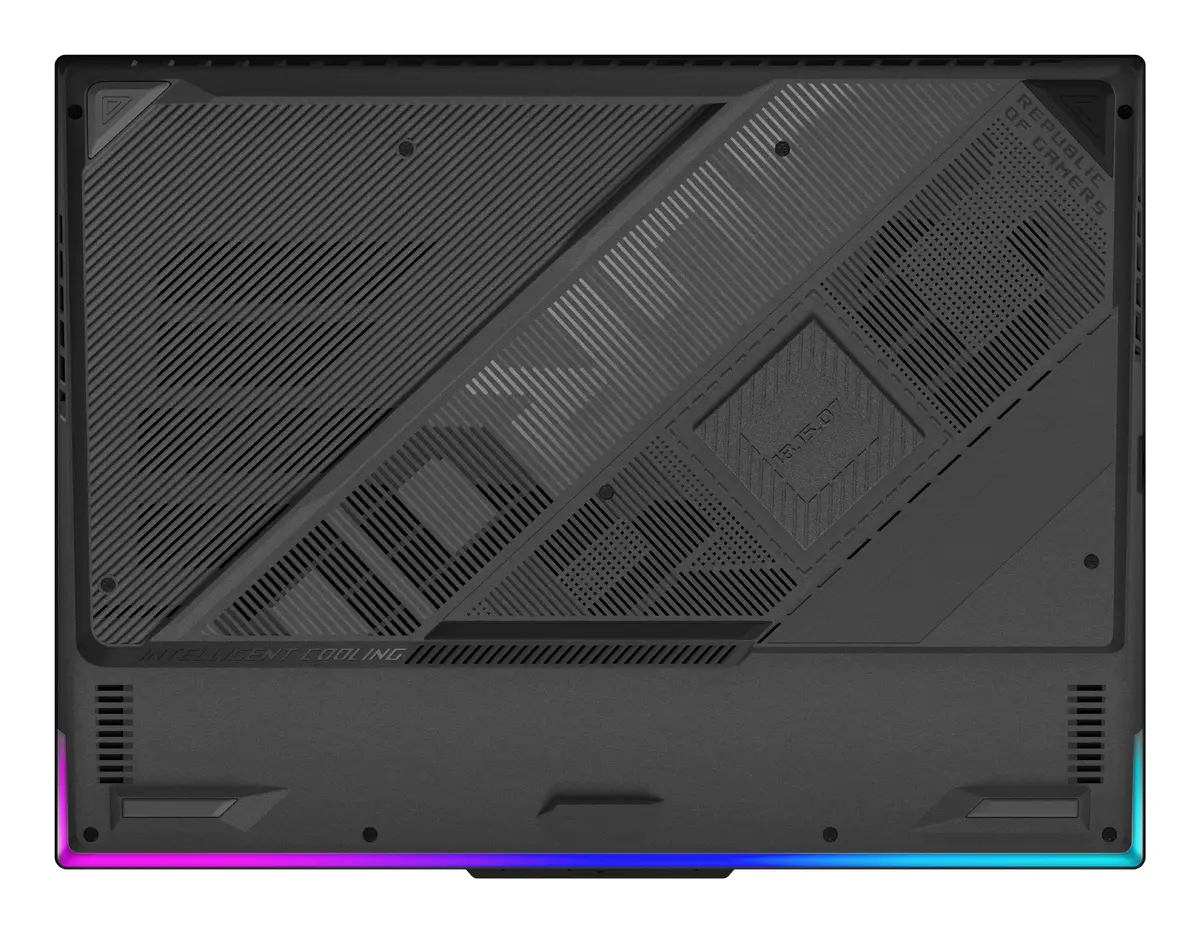
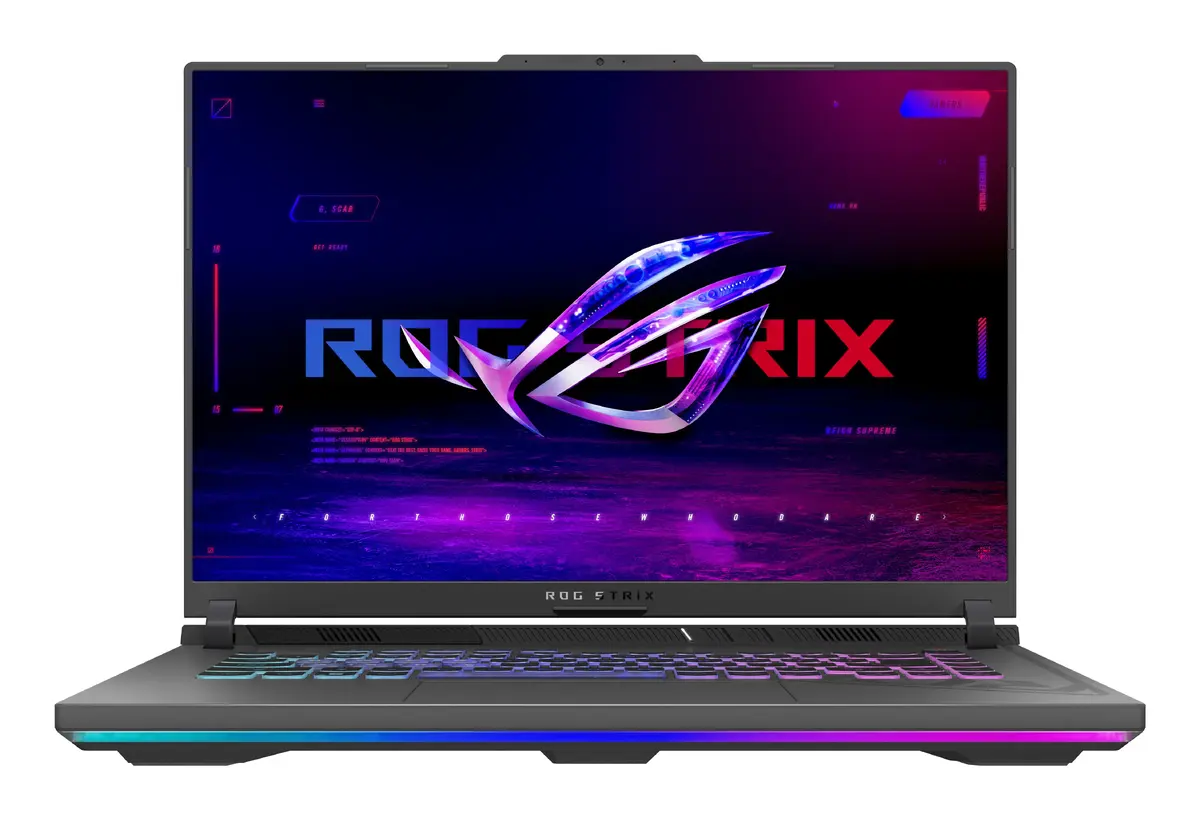
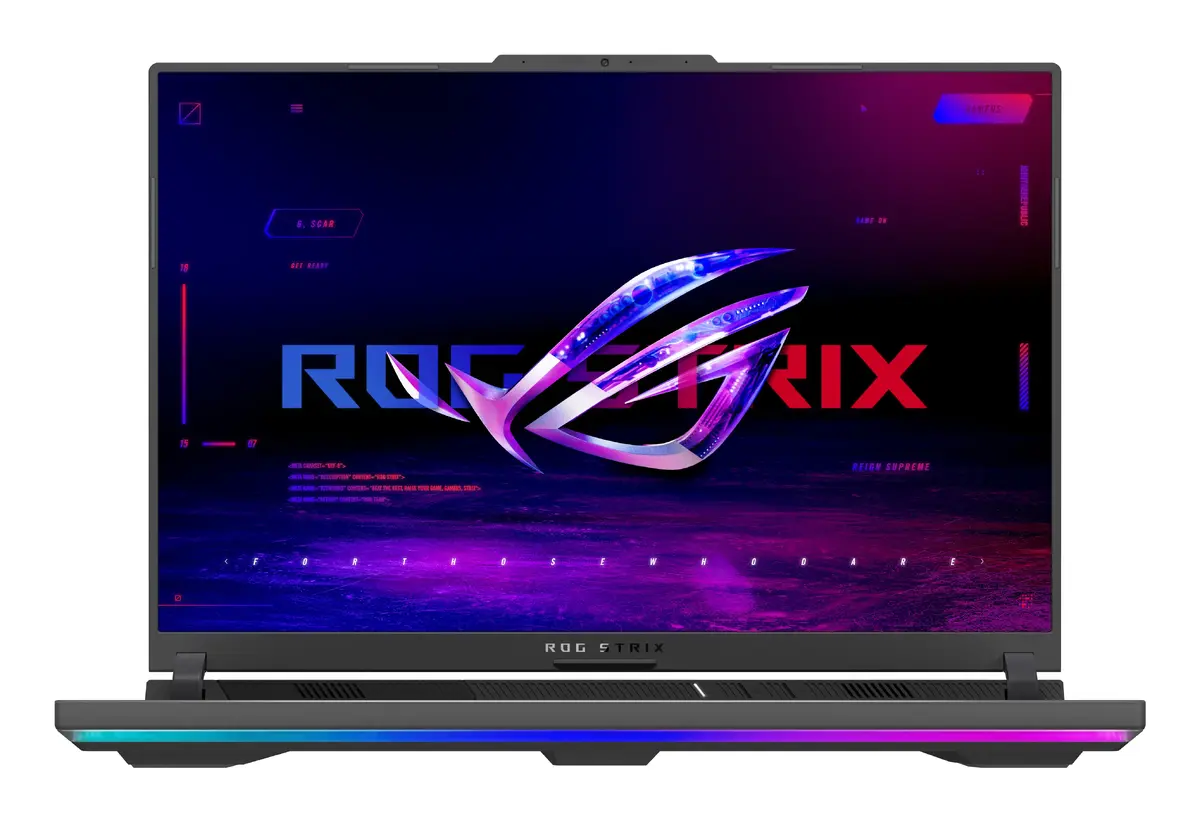
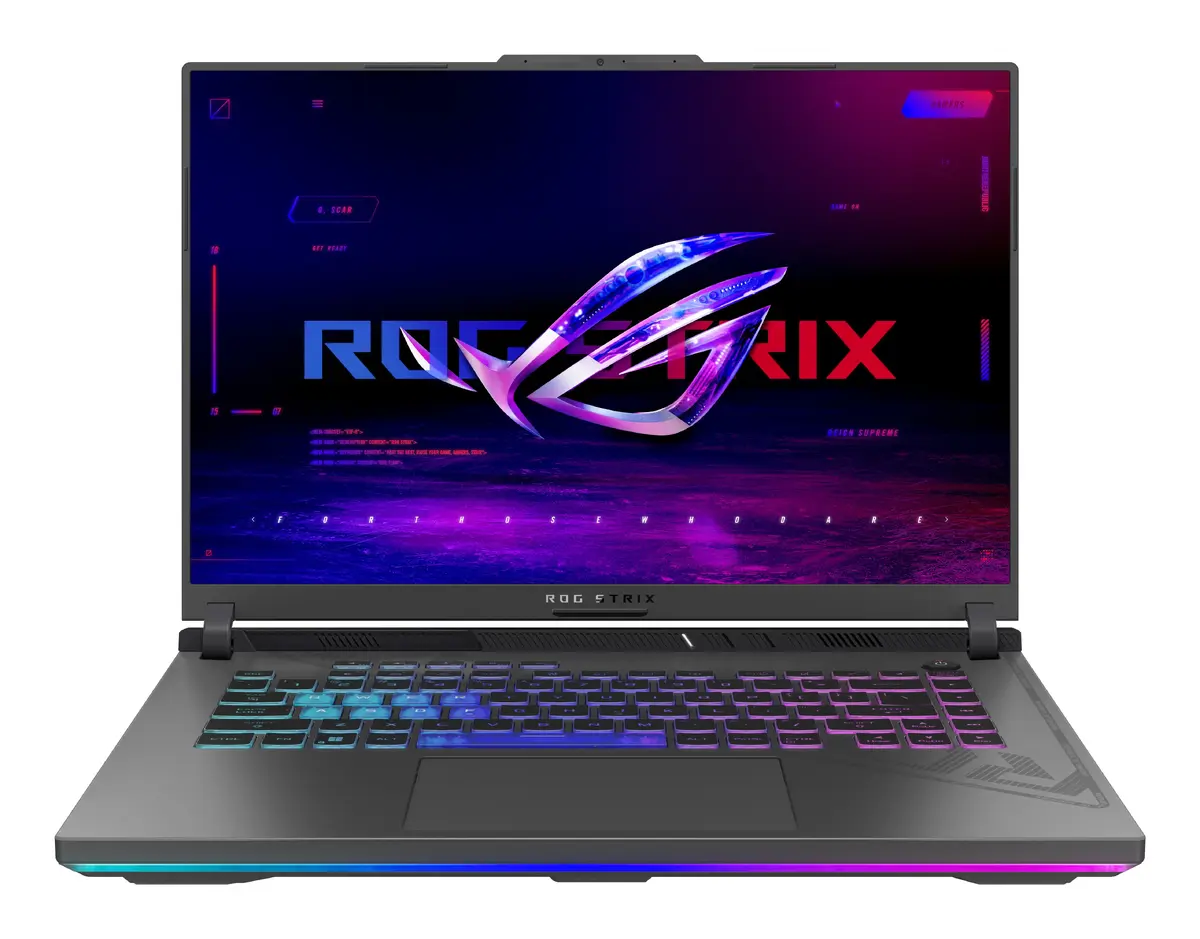
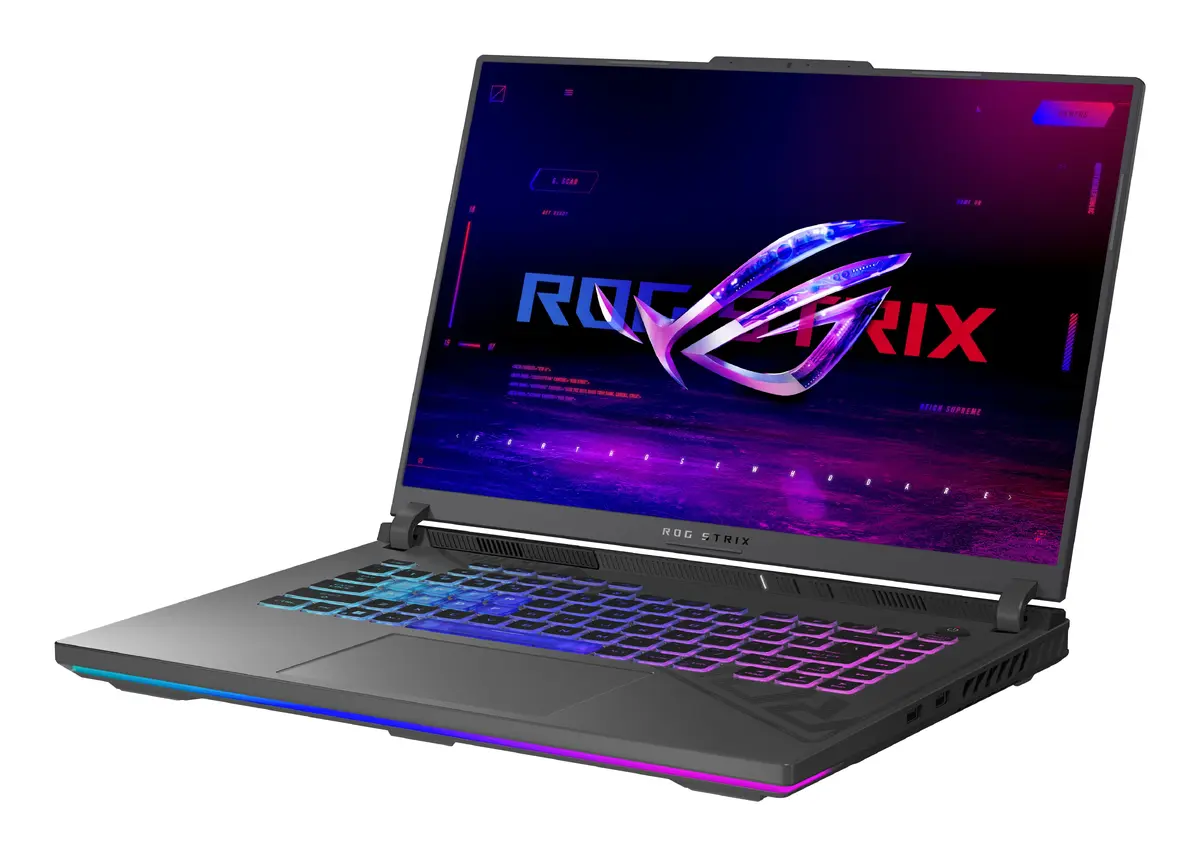
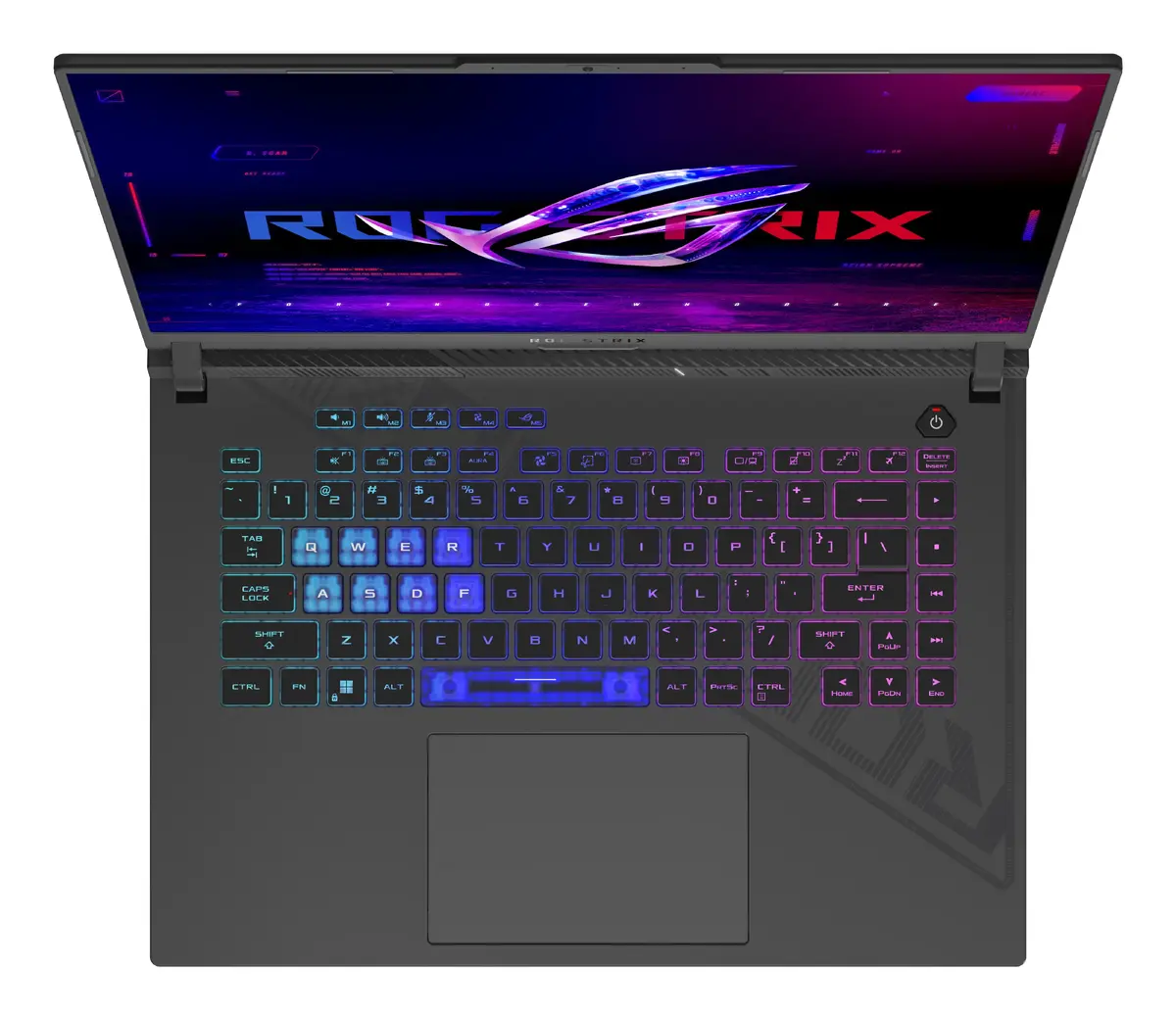
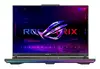
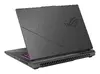
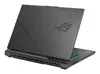
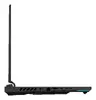
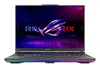
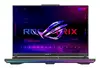
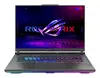
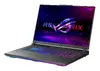
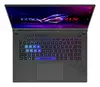
ASUS ROG Strix G16 G614PR-R9161W Laptop, AMD Ryzen 9 8940HX, 16-inch WUXGA, 16GB DDR5, 1TB SSD, NVIDIA GeForce RTX 5070 Ti, Windows 11 Home, Grey
The ASUS ROG Strix G16 G614PR-R9161W is a high-performance gaming laptop engineered for users who demand power, speed, and reliability. Equipped with an AMD Ryzen 9 8940HX processor and the advanced NVIDIA GeForce RTX 5070 Ti graphics card, this machine delivers exceptional processing capabilities and smooth visual performance for modern gaming and professional creative workflows. The 16-inch WUXGA display provides a crisp viewing experience, while the robust internal hardware ensures that even the most resource-intensive applications run efficiently within a durable and stylish grey chassis.
This laptop stands out due to its cutting-edge hardware combination that balances raw computational power with efficient thermal management. The integration of high-speed DDR5 memory and a spacious 1TB SSD allows for rapid data access and seamless multitasking, significantly reducing load times during gaming or heavy software usage. Its display is optimized for clarity and responsiveness, making it an excellent choice for competitive gaming where every frame counts. Furthermore, the inclusion of Windows 11 Home provides a modern, secure, and user-friendly interface that is fully compatible with the latest gaming technologies and productivity tools.
This laptop may not be the ideal choice for users seeking an ultra-portable device for light office work or travel, as its high-performance components and cooling system result in a heavier chassis. Additionally, those who do not require dedicated graphics power for gaming or professional creative tasks might find the hardware specifications exceed their daily requirements.
To begin using your ASUS ROG Strix G16, connect the provided power adapter to ensure the system operates at peak performance. Upon initial startup, follow the on-screen instructions provided by Windows 11 Home to configure your user account, network settings, and security preferences. It is recommended to update the system drivers and the graphics card software through the manufacturer's support portal to ensure optimal compatibility and performance for your specific games and applications.
For the best experience, keep the laptop on a flat, hard surface during intensive tasks to allow for proper airflow. Regularly clean the air vents to prevent dust accumulation, which can impact cooling efficiency and overall system longevity.
{{highlightedFeature.featureTitle}}:
{{getProductFeatureValueById(product, highlightedFeature.featureId)}}
{{ productComparisonGenerationError }}
