
Powerful EcoFlow stations for energy anywhere!
In cart {{totalProductsCount}} item(s)
Your cart is empty
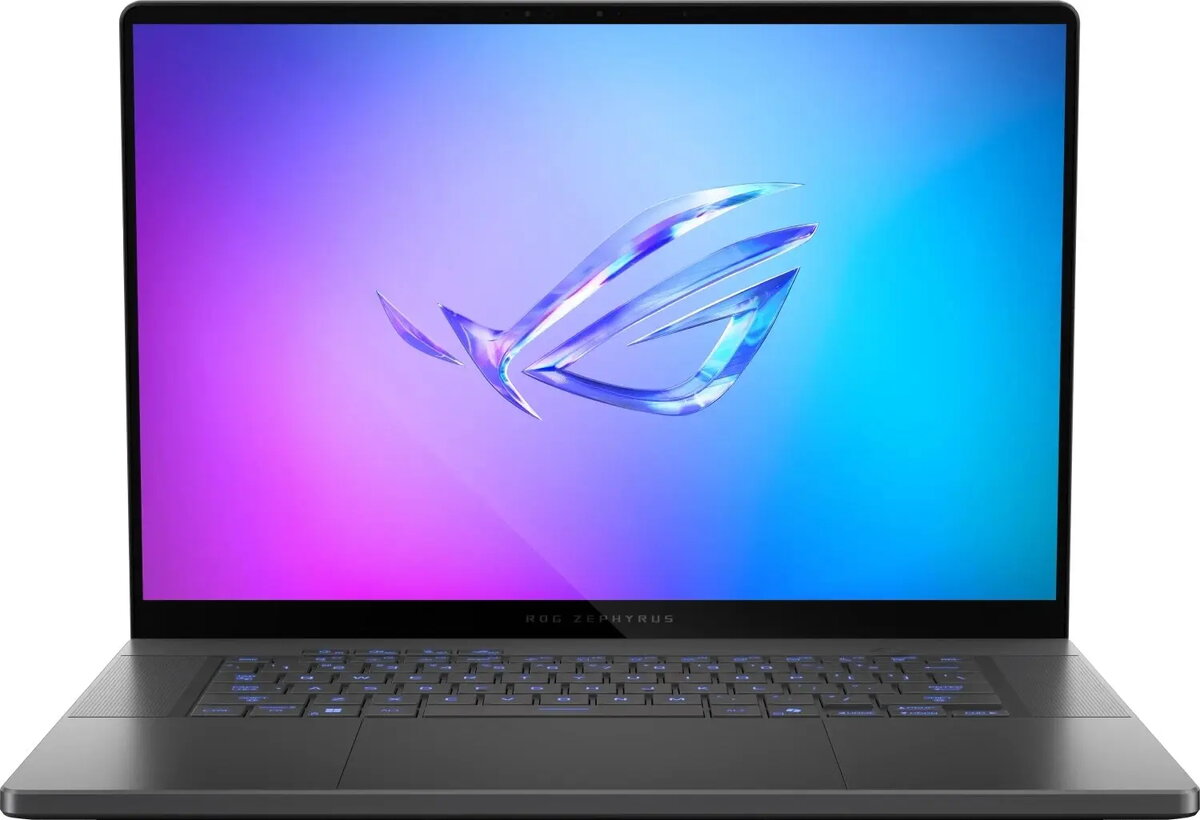
Gaming laptop Asus Zephyrus G16 GU605 — 16-inch Ultra 9 285H, 32 GB RAM, 2 TB SSD, Windows 11, NVIDIA GeForce RTX 5070 Ti, 240 Hz
The Asus Zephyrus G16 GU605 is a 16-inch gaming laptop configured for high-performance gaming, creative work and intensive multitasking. Powered by the Ultra 9 285H processor and paired with an NVIDIA GeForce RTX 5070 Ti GPU, this system combines a high-refresh 240 Hz display with 32 GB of RAM and a 2 TB solid-state drive to deliver fast loading, responsive performance and stable frame rates under demanding loads. It runs Windows 11 and offers a balance of portability and desktop-class power for users who need both speed and a large viewing area.
The 240 Hz panel provides smooth motion and reduced input lag for competitive play, while the RTX 5070 Ti GPU accelerates real-time ray tracing and hardware-accelerated rendering for content creation. Large system memory and a roomy 2 TB SSD support heavy multi-application workflows and quick access to large files. The combination of modern CPU architecture and high-performance graphics ensures reliable thermal and performance scaling during prolonged sessions.
Set up the laptop on a stable, flat surface with adequate ventilation around the chassis to maintain optimal thermal performance. Use the preinstalled Windows 11 setup to configure user accounts and privacy settings, then install or update GPU drivers from the official NVIDIA or Asus support site to ensure best performance. For gaming, select in-game graphics presets that match your desired balance of visual fidelity and frame rate; for content creation, enable GPU acceleration in supported applications to leverage the RTX 5070 Ti. Regularly back up important data from the 2 TB SSD to external storage or cloud services.
To maintain peak performance, keep system drivers and Windows updates current, monitor temperatures during extended sessions, and consider using a cooling pad in sustained heavy-load scenarios. For optimal battery life when unplugged, switch to power-saving or balanced profiles and reduce screen brightness when full performance is not required.
{{highlightedFeature.featureTitle}}:
{{getProductFeatureValueById(product, highlightedFeature.featureId)}}
{{ productComparisonGenerationError }}
