

Save time and money with our discounts!
In cart {{totalProductsCount}} item(s)
Your cart is empty
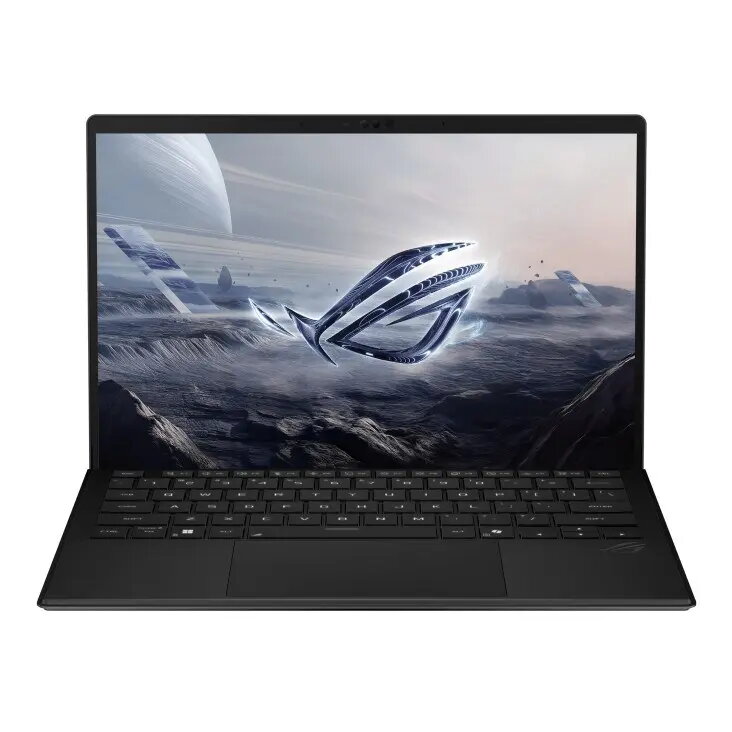
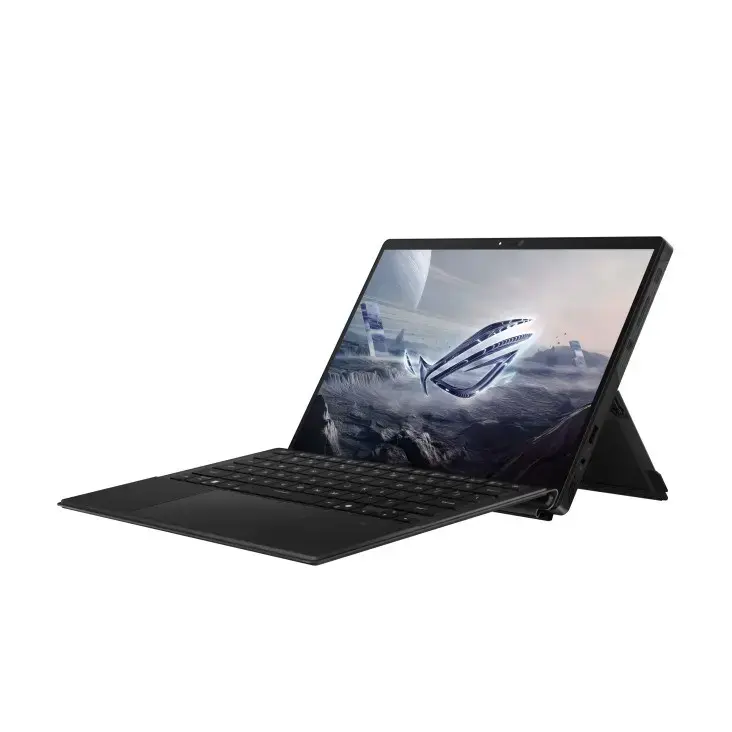
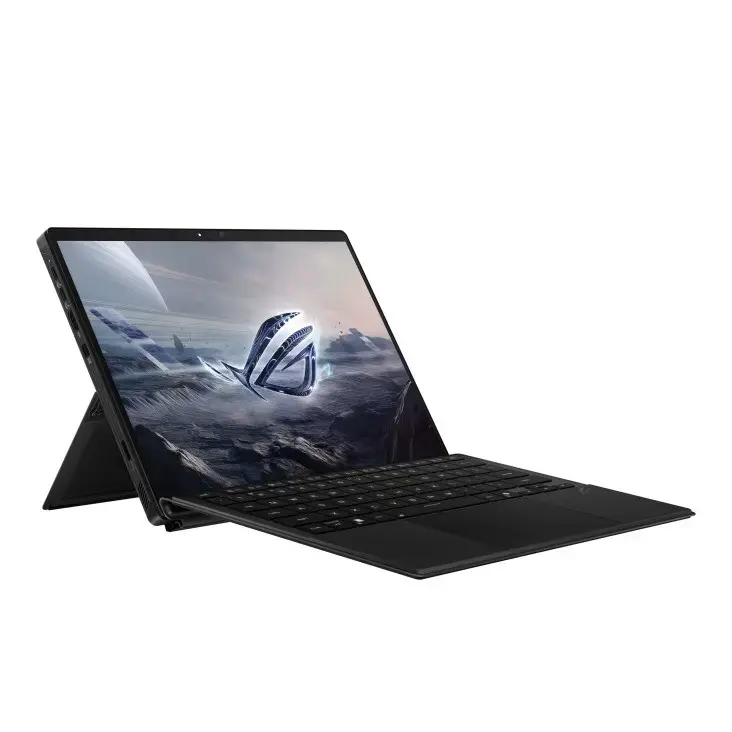
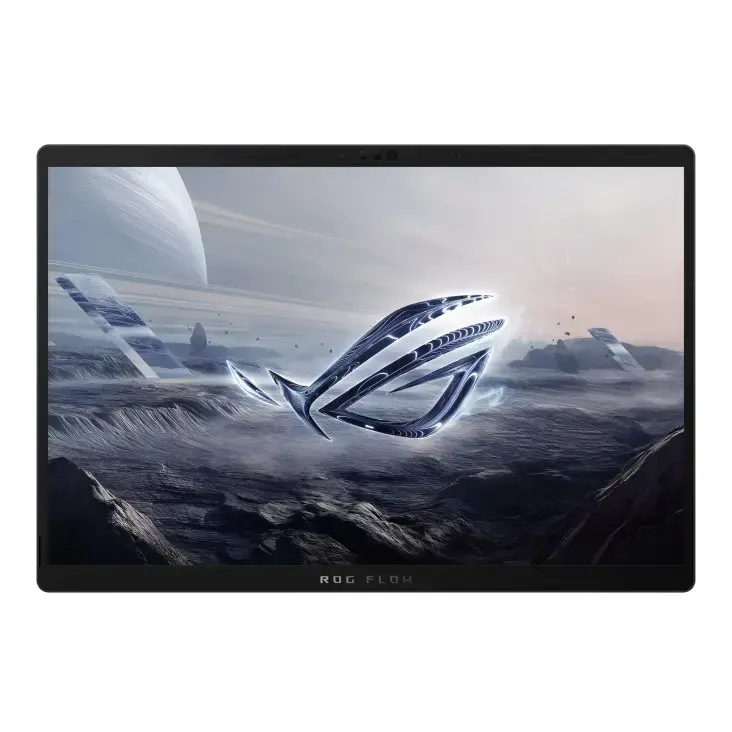
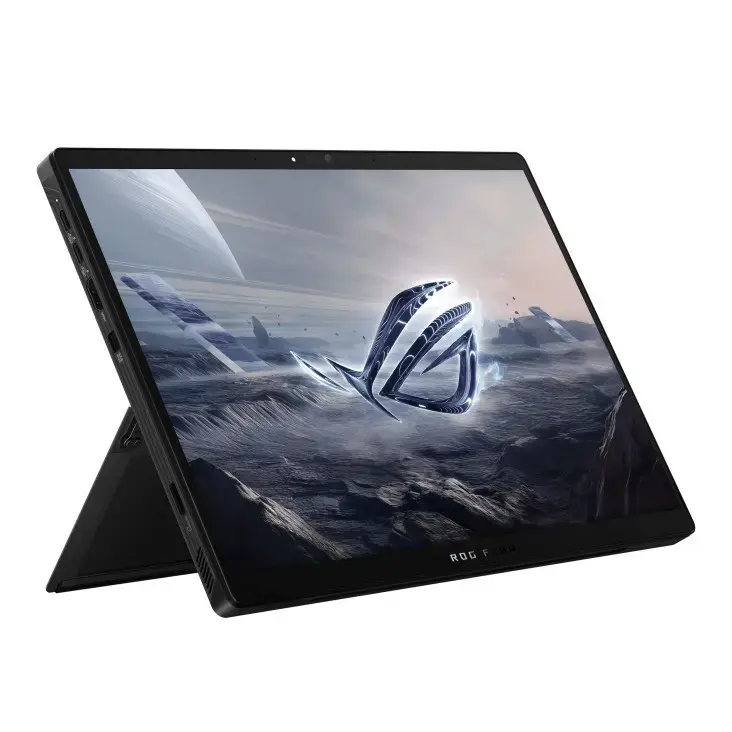
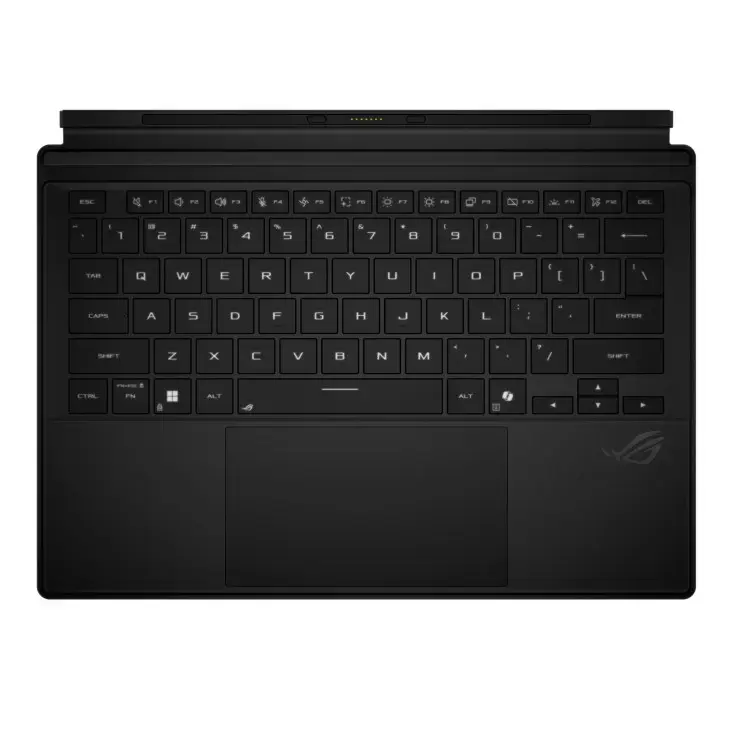
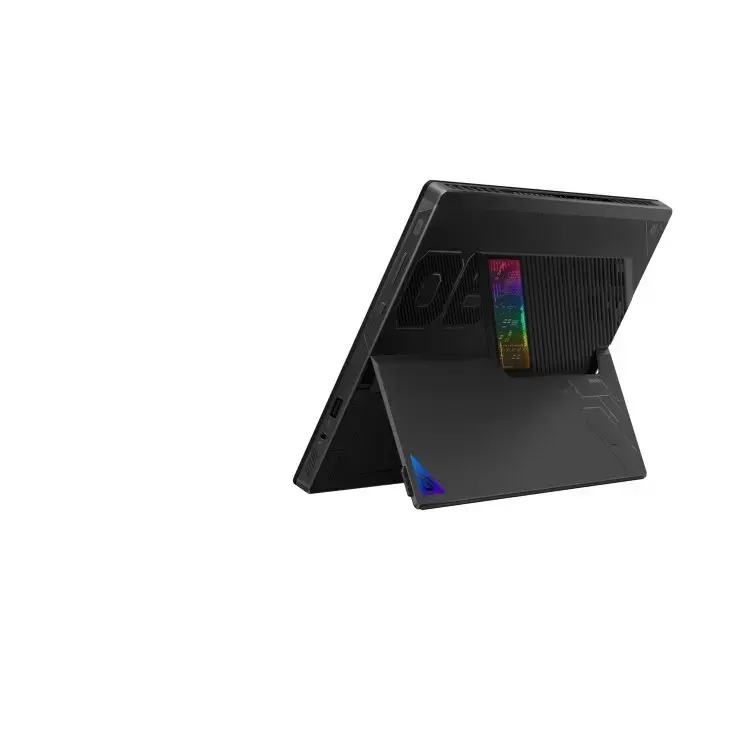
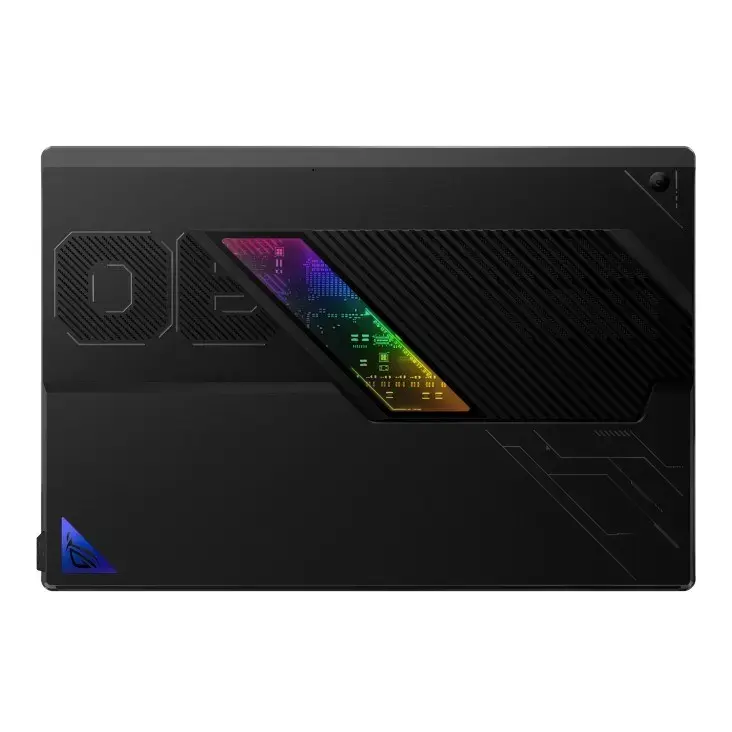
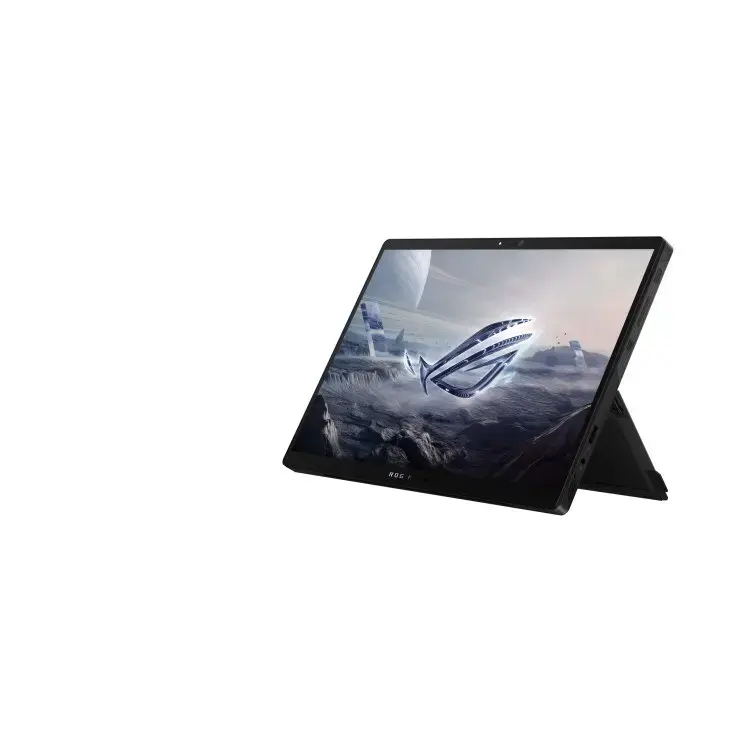
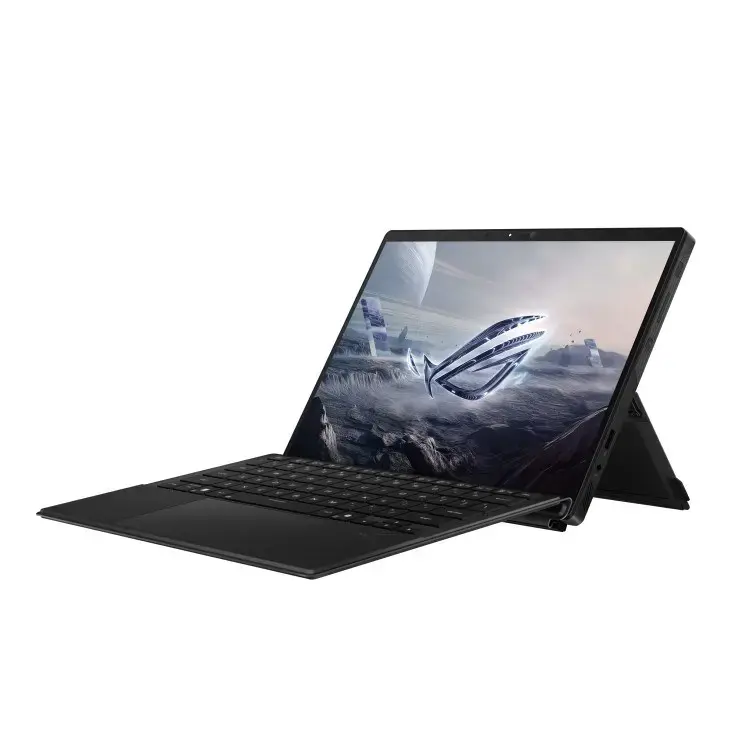
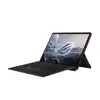
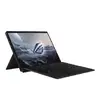
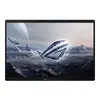
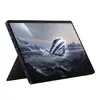
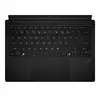
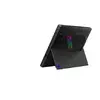
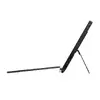
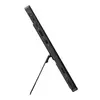
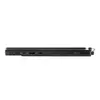
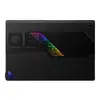
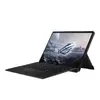
Hybrid 2-in-1 laptop ASUS ROG Flow Z13 GZ302EA-RU089 — Ryzen AI MAX+ 395, 13.4" 2.5K Touch 180Hz, 64GB LPDDR5X, 1TB NVMe, Radeon 8060S, 70Wh
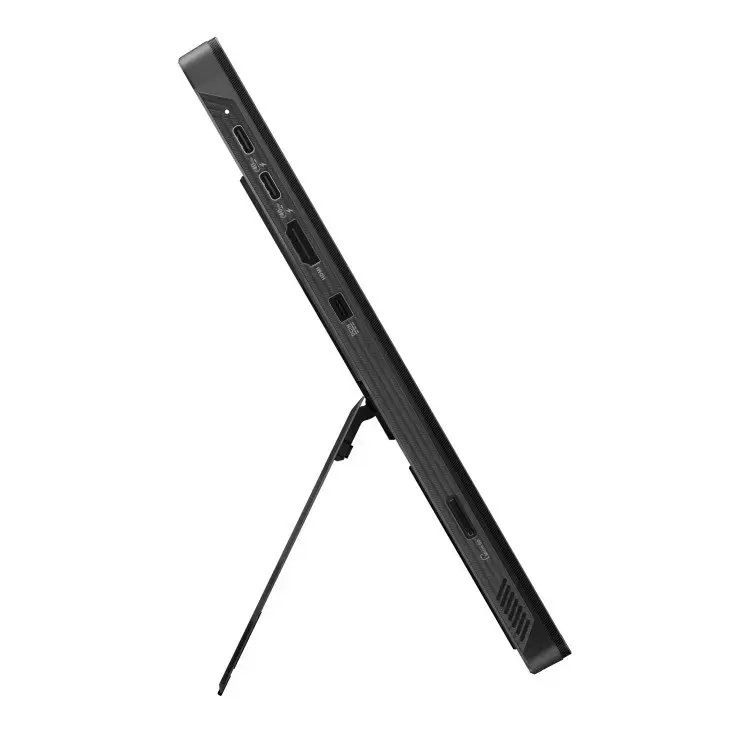
The ASUS ROG Flow Z13 GZ302EA-RU089 is a 13.4" hybrid (2-in-1) laptop designed for compact high-performance computing. It is powered by an AMD Ryzen AI Max 395 processor with up to 5.1 GHz boost, 16 cores and 32 threads, paired with integrated AMD Radeon 8060S graphics. The 13.4" 2.5K (2560 x 1600) IPS-level touchscreen uses a 16:10 aspect ratio, 100% DCI-P3 colour gamut, 500 cd/m² brightness and a 180 Hz maximum refresh rate. The system includes 64 GB LPDDR5x onboard memory and a 1 TB NVMe PCIe 4.0 M.2 SSD. The device features Wi‑Fi 7 (802.11be), Bluetooth 5.4, a 70 Wh lithium‑ion battery and a weight of approximately 1.2 kg. No operating system is preinstalled.
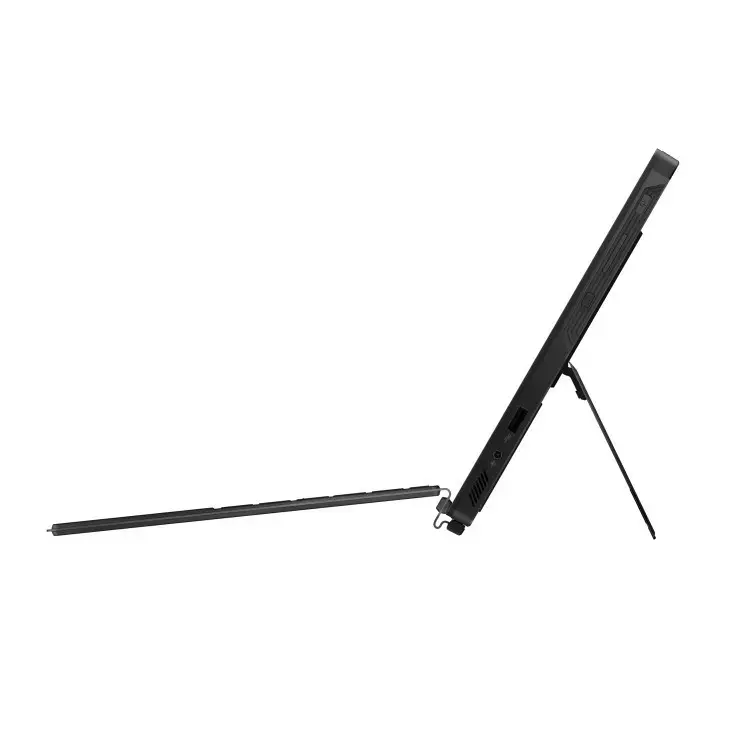
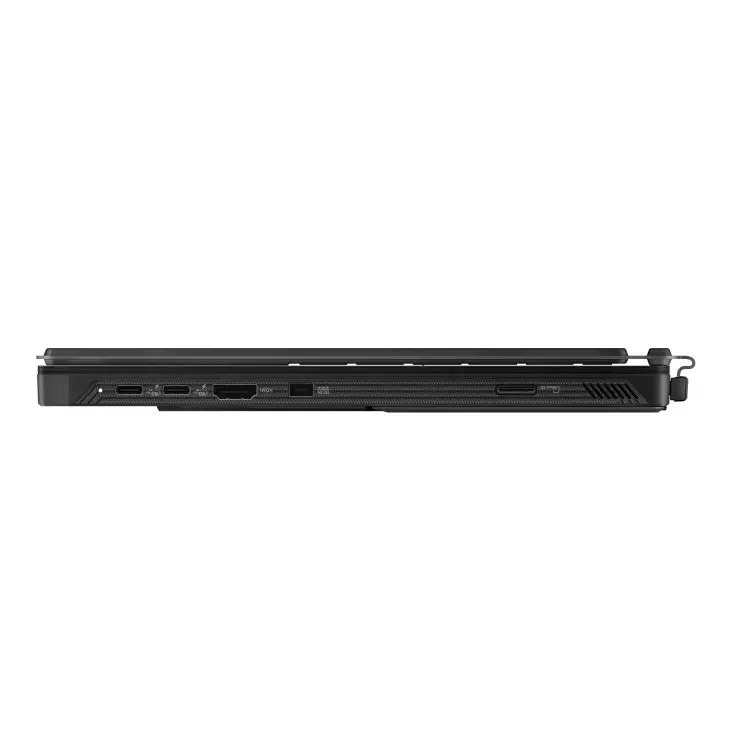
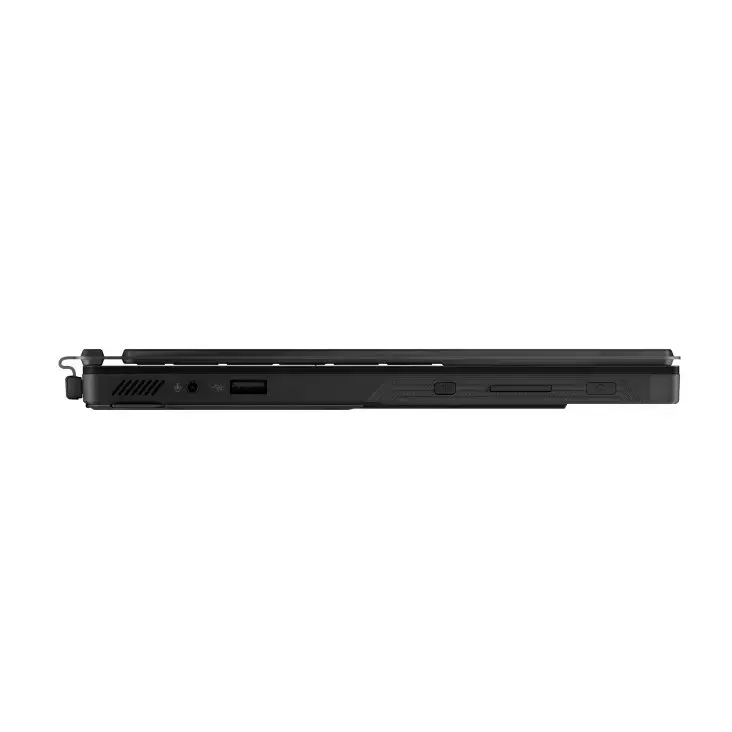
The compact hybrid design combines tablet-style touch input with laptop functionality and a high-refresh 2.5K display suitable for detailed visuals. A high-core-count AMD Ryzen AI Max processor with dedicated neural processing capability delivers strong multi-threaded performance and AI acceleration. Large onboard LPDDR5x memory and a fast PCIe 4.0 NVMe SSD support responsive multitasking and quick storage access. Connectivity includes Wi‑Fi 7, USB4 ports and HDMI 2.1 FRL, while security features such as TPM and password protection are built in.
Power on the ROG Flow Z13 and follow any initial firmware setup. Attach the included AC adapter (100–240 V input, 200 W output) for charging or high-performance use. Use the touchscreen, keyboard and touchpad for input; fold or detach the device as needed to switch between laptop and tablet modes. Connect external displays through HDMI 2.1 FRL or USB‑C/USB4 with DisplayPort Alternate Mode. For storage and system performance, rely on the integrated M.2 NVMe SSD and onboard LPDDR5x memory; no operating system is preinstalled, so install your preferred OS according to official guidelines.
Charge the battery before first use and keep firmware and drivers updated. For optimal thermal performance during demanding tasks, use the device on a hard, flat surface and connect the AC adapter to enable sustained high-power operation.
{{highlightedFeature.featureTitle}}:
{{getProductFeatureValueById(product, highlightedFeature.featureId)}}
{{ productComparisonGenerationError }}
