
JBL speakers and headphones for pure and deep sound!
In cart {{totalProductsCount}} item(s)
Your cart is empty
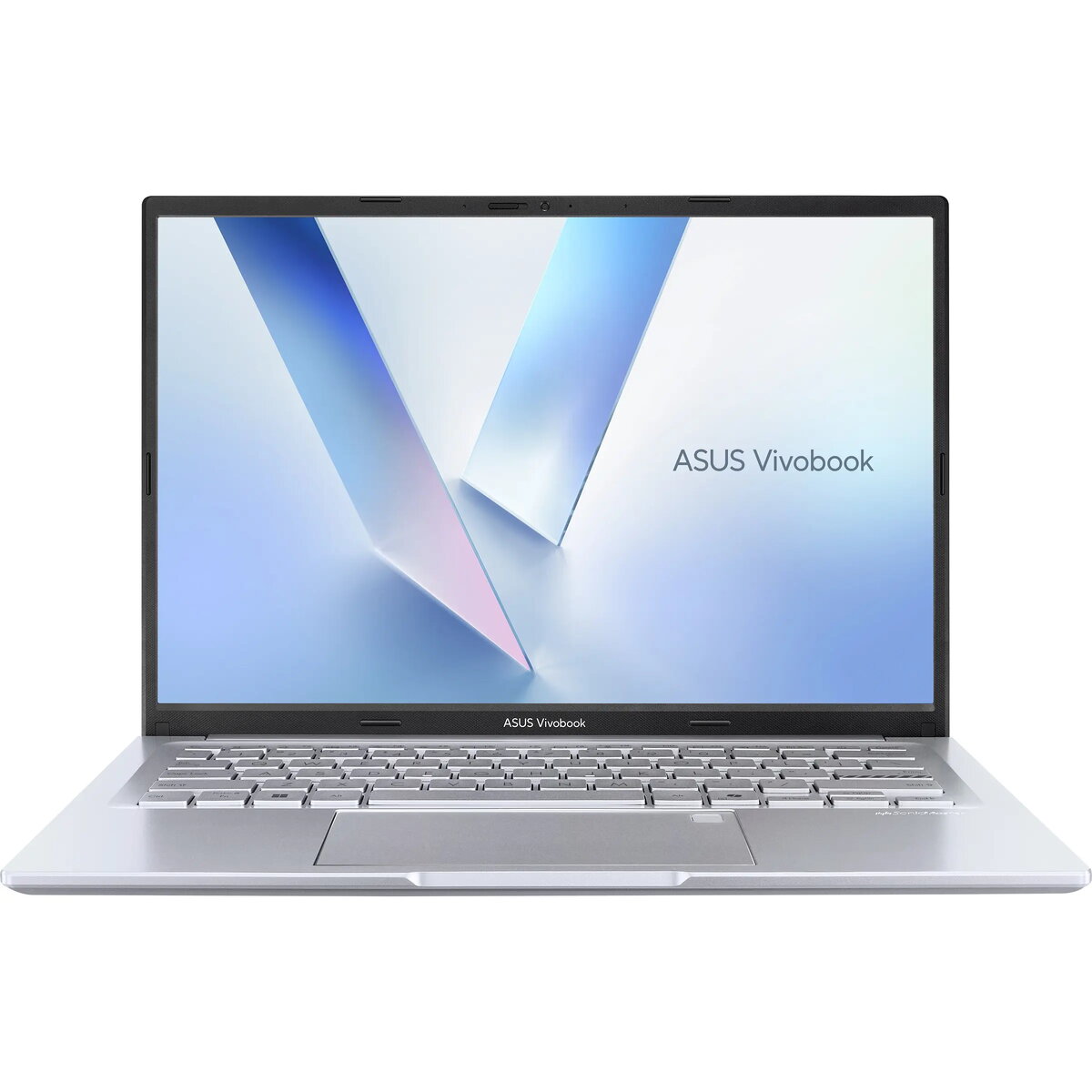
Asus Vivobook 14 M1405NAQ-LY057 Laptop, 14-inch WUXGA, AMD Ryzen 5, 8GB RAM, 512GB SSD, No OS, Silver
The ASUS Vivobook 14 is a compact and efficient laptop designed for daily productivity and versatile use. It features a 14-inch WUXGA anti-glare display and is powered by an AMD Ryzen 5 processor, ensuring smooth performance for everyday computing tasks. The device is built to meet military-grade durability standards and includes practical features such as an ASUS ErgoSense keyboard, AI noise-canceling technology, and an antimicrobial coating for enhanced hygiene.
This laptop offers a robust build quality that adheres to the MIL-STD 810H military standard, ensuring reliability in various environments. The inclusion of the ASUS Antimicrobial Guard Plus helps maintain a cleaner surface, while the 180-degree hinge provides flexibility for different viewing angles. Users benefit from a comfortable typing experience with the ErgoSense keyboard and clear communication during video calls thanks to the integrated AI noise-canceling technology. The device also includes a fingerprint sensor for secure access and a physical webcam cover for added privacy.
This laptop is not designed for demanding professional tasks such as high-end video editing, 3D rendering, or playing modern graphic-intensive games, as it relies on integrated graphics. Additionally, since it comes without an operating system, it may not be suitable for users who prefer a ready-to-use device out of the box without performing software installation.
To begin using the ASUS Vivobook 14, you will first need to install your preferred operating system via an external drive, as the device is delivered without one. Once the OS is installed, connect to your wireless network using the built-in Wi-Fi 6 adapter. You can utilize the various USB ports to connect peripherals, including the included optical mouse. The fingerprint sensor can be configured within your operating system settings to provide quick and secure biometric authentication.
For optimal performance and longevity, ensure the laptop is placed on a flat, stable surface to allow for proper ventilation. Regularly update your drivers and operating system to maintain security and compatibility. Utilize the included USB optical mouse for improved precision during extended work sessions.
{{highlightedFeature.featureTitle}}:
{{getProductFeatureValueById(product, highlightedFeature.featureId)}}
{{ productComparisonGenerationError }}
