
Dreame vacuums for fast and efficient cleaning!
In cart {{totalProductsCount}} item(s)
Your cart is empty
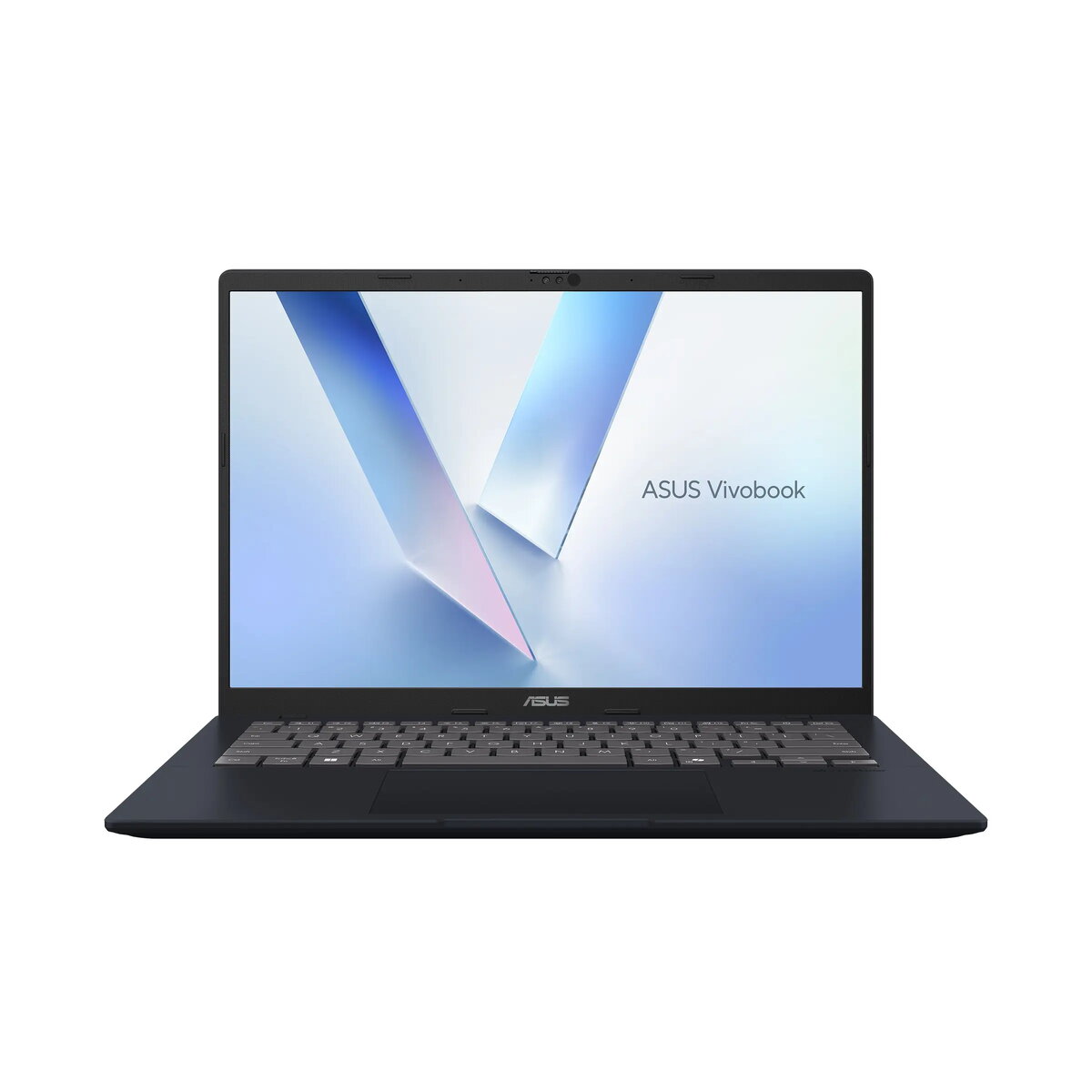
Laptop Asus Vivobook 14 M1407GA-LY010W — 14" WUXGA, AMD Ryzen 7 445, 16GB RAM, 512GB SSD, Windows 11 Home, Blue
ASUS Vivobook 14 (M1407GA-LY010W) is a 14" laptop with a WUXGA (1920×1200) anti-glare IPS display. It runs Windows 11 Home and is powered by an AMD Ryzen 5 150 processor (6 cores, 12 threads, 3.3/4.55 GHz, 16 MB cache). The system includes 8 GB DDR5 onboard plus an 8 GB DDR5 SO‑DIMM for a total of 16 GB RAM, and a 512 GB M.2 NVMe PCIe 4.0 SSD for storage. The laptop features integrated AMD Radeon 660M graphics, a backlit ErgoSense keyboard, Precision touchpad, 720p HD webcam with cover, integrated speakers and microphone, fingerprint reader, and multiple USB ports including USB‑C with display and power delivery support.
The Vivobook 14 combines a compact 14" WUXGA IPS display with DDR5 memory and PCIe 4.0 SSD storage to deliver responsive everyday performance. Its ErgoSense backlit keyboard and Precision touchpad improve typing and navigation comfort, while features such as a fingerprint reader, Windows Hello‑capable infrared webcam, and TPM/Microsoft Pluton provide hardware‑level security. Dual USB‑C ports with display and power delivery support enable flexible connectivity and charging options.
Start the laptop and complete the initial Windows 11 Home setup, including creating or signing in with a Microsoft account if desired. Use the ErgoSense backlit keyboard and Precision touchpad for daily typing and navigation. Connect external displays or peripherals via the USB‑C ports (which support display output and power delivery) or microHDMI. Store files on the internal 512 GB NVMe SSD and expand storage using the available M.2 2280 PCIe slot if needed. Use the fingerprint reader or Windows Hello infrared webcam for quick, secure sign‑in.
For best performance, keep Windows and drivers up to date, use the built‑in thermal management settings when running intensive tasks, and store the laptop on a flat, well‑ventilated surface. Use the included 68 W USB‑C adapter for charging and connect to compatible displays via USB‑C or microHDMI when external screen output is required.
{{highlightedFeature.featureTitle}}:
{{getProductFeatureValueById(product, highlightedFeature.featureId)}}
{{ productComparisonGenerationError }}
