
Dreame vacuums for fast and efficient cleaning!
In cart {{totalProductsCount}} item(s)
Your cart is empty
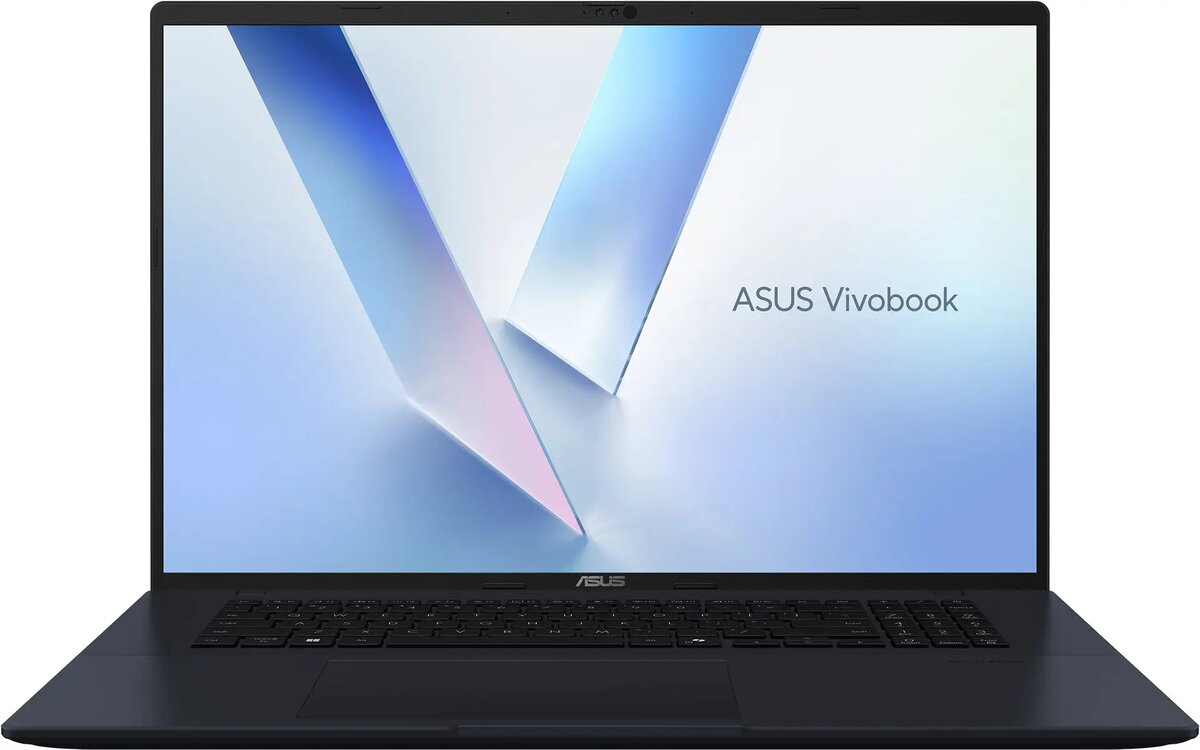
Laptop Asus VivoBook 18 M1807, Ryzen 7 260, 16 GB RAM, 512 GB SSD, 144 Hz display
The Asus VivoBook 18 M1807 is an 18‑inch laptop configured for responsive everyday use and multimedia tasks. It is powered by an AMD Ryzen 7 260 processor, paired with 16 GB of RAM and a 512 GB solid‑state drive, and features a 144 Hz display that delivers smooth motion for video playback and scrolling. This configuration balances fast storage, sufficient memory for multitasking, and a high-refresh panel suitable for content consumption, light creative work and general productivity.
The combination of an AMD Ryzen 7 processor and 16 GB RAM provides consistent performance for running multiple applications and browser tabs. A 512 GB SSD ensures quick system boot, fast application launch and reduced loading times for files. The 144 Hz display offers smoother on-screen motion compared with standard 60 Hz panels, improving the experience for video, web navigation and fast-moving content. The 18‑inch screen size offers a larger workspace for documents, spreadsheets and media without significantly increasing the device's complexity.
Power on the laptop and complete the initial operating system setup following on-screen instructions. Use the SSD for installing the operating system and primary applications to benefit from faster startup and load times. Keep commonly used programs and files on the internal drive, and use cloud storage or external drives for backups and large media libraries. Adjust display refresh rate and power settings in the system control panel to balance smooth visuals with battery life depending on your current task.
For reliable everyday performance, keep the operating system and drivers up to date, maintain at least 10–20% free space on the SSD for optimal responsiveness, and use surge protection when plugging in the laptop at home or office. For extended work sessions, consider adjusting screen brightness and power settings to extend battery runtime, and use external storage or cloud sync for large media projects to preserve SSD capacity.
{{highlightedFeature.featureTitle}}:
{{getProductFeatureValueById(product, highlightedFeature.featureId)}}
{{ productComparisonGenerationError }}
