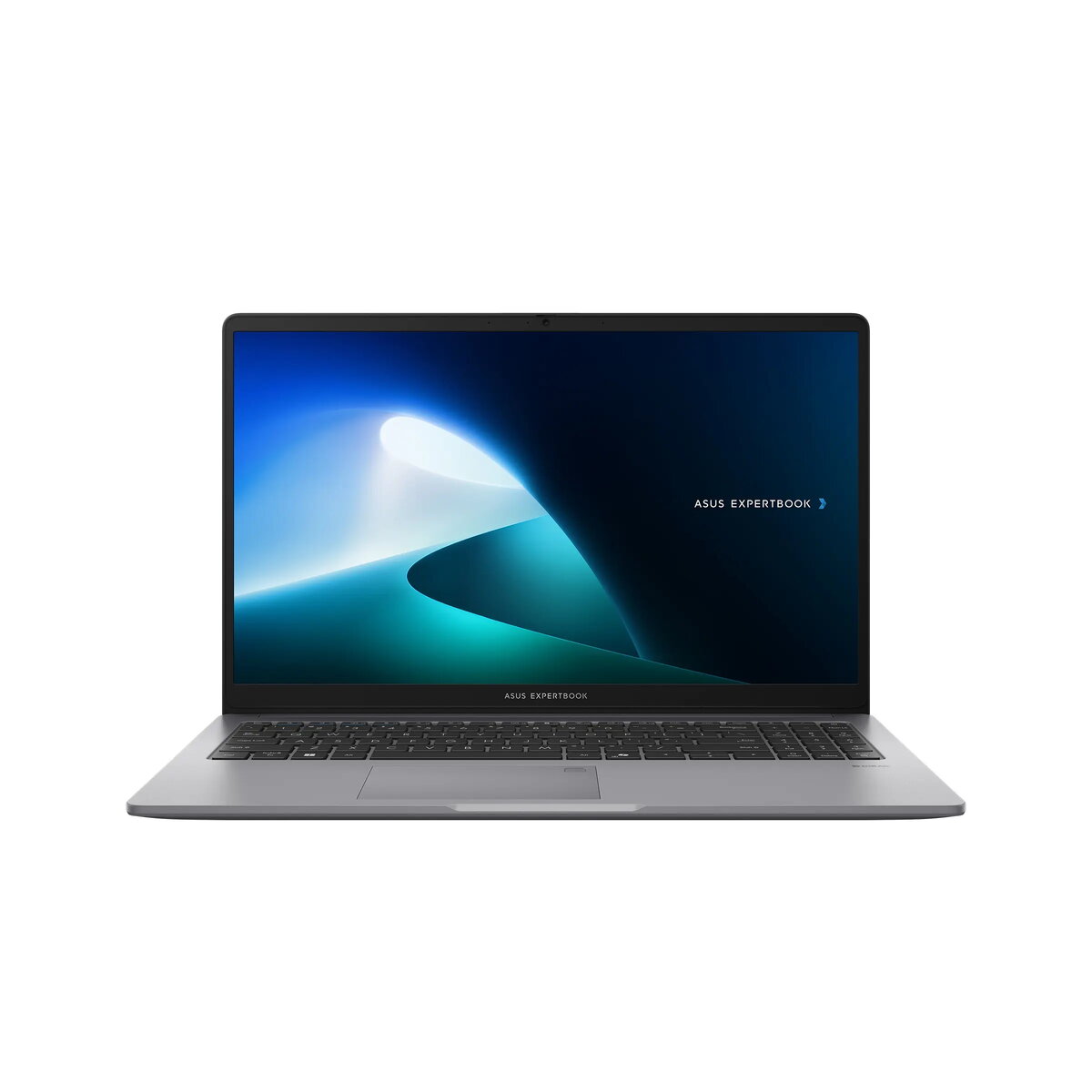
The Asus ExpertBook P1503CVA is a professional-grade laptop designed to meet the demands of modern business environments. Featuring a 15.6-inch Full HD anti-glare display and powered by the Intel Core i3-100U processor, this device offers a reliable foundation for daily office productivity. With 16GB of DDR5 memory and a fast 512GB NVMe SSD, it ensures smooth multitasking and quick access to essential files. The laptop comes pre-installed with Windows 11 Pro, providing advanced security and management features suitable for corporate use.
Advantages
This laptop is built to withstand rigorous daily use, meeting military-grade MIL-STD 810H standards for durability and reliability. The inclusion of a backlit keyboard with a numeric keypad enhances typing comfort and efficiency, especially in low-light conditions. Security is a primary focus, evidenced by the integrated fingerprint reader, TPM 2.0 module, and Kensington security slot, which help protect sensitive data. Connectivity is versatile, offering both USB-C ports with power delivery and display support, alongside traditional RJ45 Ethernet and HDMI ports. The device is also TCO certified, reflecting a commitment to sustainable and responsible manufacturing.
Suitable for
- General office tasks such as word processing, spreadsheets, and email management
- Professional video conferencing and remote collaboration
- Business travel due to its balanced weight and durable construction
- Educational environments requiring a stable and secure computing platform
This laptop may not be suitable for users who require high-performance hardware for intensive tasks like 3D rendering, professional video editing, or modern high-end gaming, as it utilizes integrated graphics. Additionally, it lacks an optical drive and a built-in memory card reader, which may require external adapters for specific media workflows.
Key specifications
- 15.6-inch Full HD (1920x1080) IPS anti-glare display
- Intel Core i3-100U processor
- 16GB DDR5 RAM (expandable)
- 512GB M.2 NVMe PCIe 4.0 SSD
- Windows 11 Pro operating system
- Wi-Fi 6 and Bluetooth 5.4 connectivity
- Integrated fingerprint reader and TPM 2.0 security
- Weight: 1.61 kg
To begin using the Asus ExpertBook P1503CVA, connect the provided 65W USB-C power adapter to charge the battery fully before the first startup. Follow the on-screen Windows 11 Pro setup instructions to configure your user account, network settings, and security preferences, including the fingerprint reader for biometric authentication. Ensure all system updates are installed via the settings menu to maintain optimal performance and security.
What to consider before purchase
- Verify if your specific software requires a dedicated graphics card
- Check if you need external adapters for SD cards or other legacy media
- Consider the available port selection to ensure compatibility with your existing peripherals
- Assess if the 512GB storage capacity meets your long-term data requirements
For optimal longevity, keep the device away from extreme temperatures and ensure the ventilation areas remain unobstructed during operation. Regularly update the BIOS and drivers through the official support channels to benefit from the latest security patches and performance improvements.