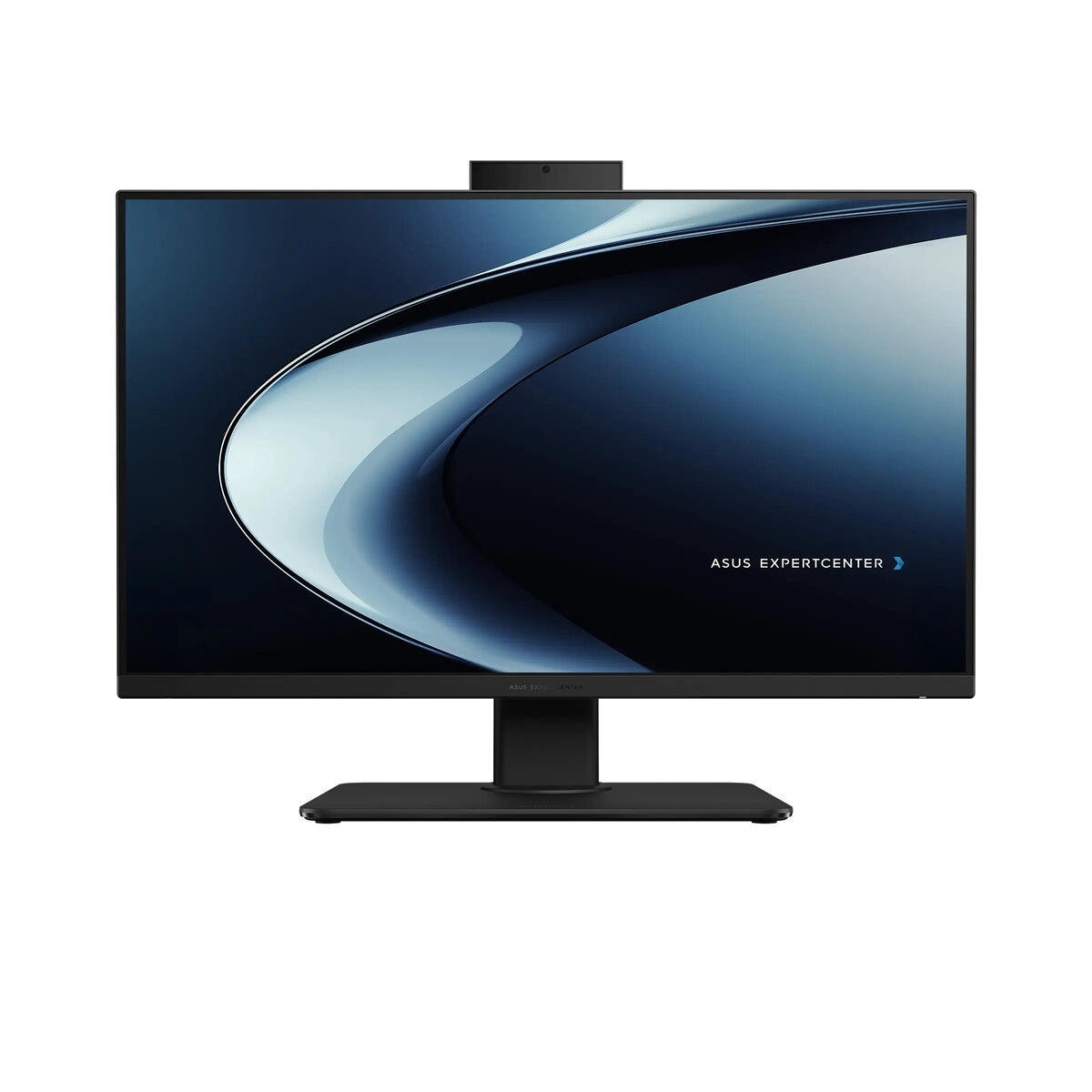
The Asus ExpertCenter P400 is a professional 27-inch All-in-One desktop computer designed to streamline modern office workflows. Combining a sleek black aesthetic with robust internal hardware, this workstation features an Intel Core i7-13700H processor, 16GB of DDR5 memory, and a fast 1TB NVMe SSD. The 27-inch Full HD anti-glare display provides a clear, expansive workspace, while the integrated Windows 11 Pro operating system ensures enterprise-grade security and management capabilities. With its height-adjustable stand and comprehensive connectivity options, this device serves as a reliable, space-saving solution for demanding professional environments.
Advantages
This All-in-One PC offers significant benefits for business users, primarily through its high-performance processor and fast memory, which ensure smooth multitasking across complex applications. The 27-inch display features a 100Hz refresh rate and 100% sRGB color coverage, providing excellent visual clarity and reduced eye strain during long working hours. Security is a core focus, evidenced by the inclusion of a TPM 2.0 module, Kensington lock slot, and an IR webcam that supports Windows Hello for secure, password-free authentication. Furthermore, the ergonomic design, including a height-adjustable stand, allows users to customize their viewing position for maximum comfort, while the 3-year on-site warranty provides peace of mind for corporate deployments.
Suitable for
- General office productivity and multitasking
- Video conferencing and remote collaboration
- Professional content viewing and data analysis
- Space-constrained workstations requiring a clean, cable-managed setup
This device may not be suitable for users requiring high-end dedicated graphics for intensive 3D rendering, professional video editing, or complex gaming, as it relies on integrated graphics. Additionally, it is not designed for users who need to perform extensive internal hardware upgrades beyond memory and storage, or those who require an integrated optical drive for legacy media.
Key specifications
- 27-inch FHD (1920x1080) anti-glare display with 100Hz refresh rate
- Intel Core i7-13700H processor
- 16GB DDR5 RAM (expandable)
- 1TB M.2 NVMe PCIe 4.0 SSD
- Integrated Intel graphics
- 5MP IR webcam with Windows Hello
- Wi-Fi 6E and Bluetooth 5.4 connectivity
- Dolby Atmos audio system
- Multiple USB 3.2 ports and HDMI input/output
How to use
To begin using the Asus ExpertCenter P400, connect the provided power adapter to the DC-in port and plug it into a grounded electrical outlet. Connect the included USB keyboard and mouse to the available USB ports. Press the power button to initiate the Windows 11 Pro setup process, following the on-screen instructions to configure your network and user account. You can adjust the height and tilt of the display using the integrated stand to achieve an ergonomic viewing angle. If you wish to use the device as a secondary monitor for another computer, connect the external source to the HDMI-in port.
What to consider before purchase
- Ensure your desk space can accommodate the 27-inch footprint and the adjustable stand range.
- Verify that your software requirements are compatible with integrated graphics performance.
- Consider if additional RAM or storage will be needed in the future, as there is one free memory slot available.
- Confirm that your office network supports Wi-Fi 6E or Gigabit Ethernet for optimal connectivity.
Usage recommendations: To maintain optimal performance, keep the system updated via the Windows Update service and the pre-installed Asus management software. Regularly clean the anti-glare screen with a soft, dry microfiber cloth to prevent dust buildup. Utilize the Kensington lock slot if the device is placed in a public or shared office area to ensure physical security.