
JBL speakers and headphones for pure and deep sound!
In cart {{totalProductsCount}} item(s)
Your cart is empty
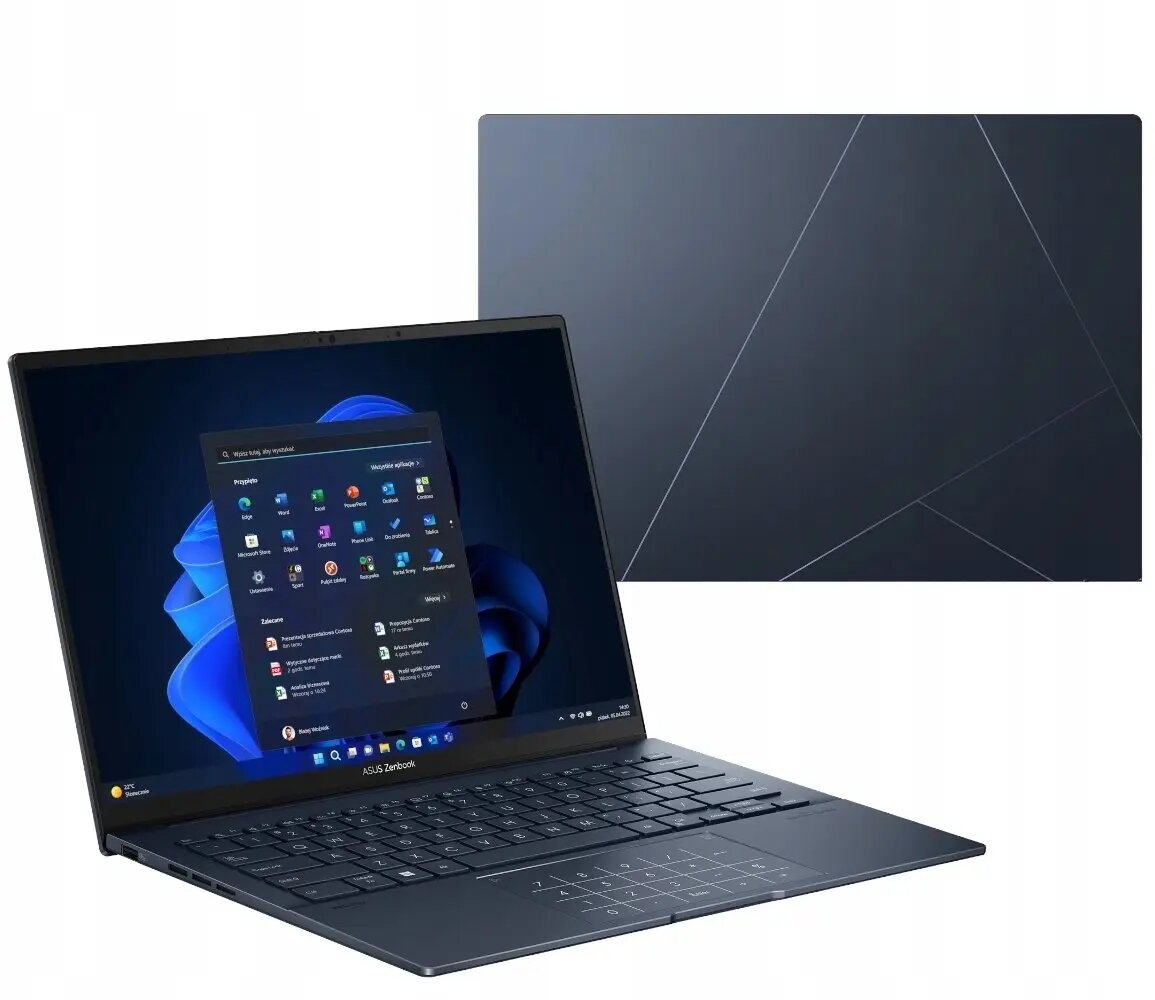
Laptop Asus Zenbook 14 UX3405CA-SU864X — 14" 3K OLED 120Hz Touch, 32GB RAM, 1TB SSD, Windows 11 Pro
The Asus Zenbook 14 UX3405CA-SU864X is a 14" ultraportable laptop featuring a 3K OLED touch display with a 120 Hz refresh rate and 0.2 ms response time. Configured with 32 GB of RAM and a 1 TB SSD and running Windows 11 Pro, this Zenbook balances performance and mobility for users who need accurate color reproduction, fast responsiveness and a compact chassis for on-the-go productivity and creative work.
The high-resolution 3K OLED touch panel delivers deep contrast, wide color gamut and precise touch interaction while the 120 Hz refresh rate and very low response latency improve smoothness for video playback and interactive editing. A large 32 GB memory capacity supports multitasking and demanding professional applications, and the 1 TB solid-state drive offers fast system startup and quick access to large files. Windows 11 Pro provides business-focused features and security suited to professional workflows, and the thin-and-light design enhances portability without compromising connectivity and performance.
Start the laptop and complete the Windows 11 Pro initial setup to configure user accounts, security settings and network connections. Use the touch-enabled OLED display for direct interaction with creative applications or precise navigation; enable recommended color profiles in your photo or video editing software for accurate color grading. Keep the system up to date with Windows updates and driver updates from the manufacturer to maintain display performance and overall stability. Store large projects on the internal 1 TB SSD for the best read/write performance and use available cloud or external backup solutions for redundancy.
For color-critical work, calibrate the display with a hardware colorimeter and select the appropriate color profile in your editing software. When performing sustained heavy workloads, use a stable, flat surface for adequate ventilation and consider connecting to AC power to maintain performance and battery charging. Regularly back up important files from the SSD and keep the operating system and drivers current for reliable day-to-day operation.
{{highlightedFeature.featureTitle}}:
{{getProductFeatureValueById(product, highlightedFeature.featureId)}}
{{ productComparisonGenerationError }}
