
Hurry and order now – up to 50% off!
In cart {{totalProductsCount}} item(s)
Your cart is empty
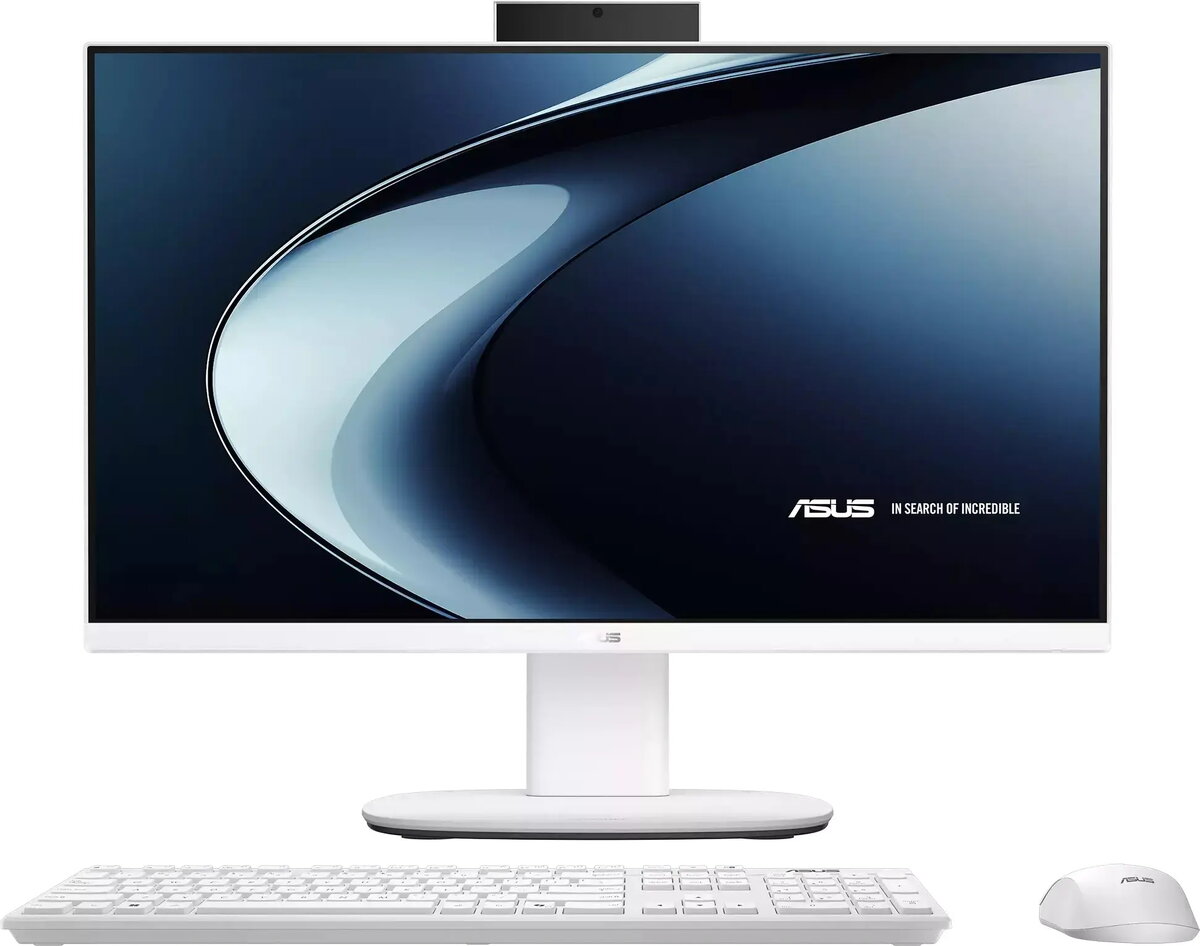
Asus V440VAK All-in-One PC, Core 5 210H, 16GB RAM, 512GB SSD, 23.8-inch FHD Display, Windows 11 Home
The Asus V440VAK is a modern all-in-one desktop computer designed to provide a streamlined computing experience in a compact form factor. Featuring a 23.8-inch Full HD display with a 100Hz refresh rate, this system delivers smooth visuals for daily tasks and media consumption. It is powered by an Intel Core 5 210H processor, supported by 16GB of DDR5 RAM and a 512GB SSD, ensuring responsive performance for multitasking and office applications. The white chassis and integrated design help maintain a clean and organized workspace.
This all-in-one system offers significant space-saving benefits by housing all necessary components within the monitor housing, eliminating the need for a separate desktop tower. The inclusion of a 100Hz refresh rate display provides a smoother visual experience compared to standard monitors, which is beneficial for reducing eye strain during extended use. With 16GB of high-speed DDR5 memory, the computer handles multiple applications simultaneously with ease, while the 512GB SSD ensures fast boot times and quick access to files. The integrated 1080p webcam makes it a ready-to-use solution for video conferencing and remote communication.
This device may not be suitable for users requiring high-end graphical performance, such as professional video editing, 3D rendering, or playing modern, resource-intensive video games, as it relies on integrated graphics rather than a dedicated GPU. Additionally, the all-in-one design limits internal hardware upgradeability compared to traditional desktop towers.
To use the Asus V440VAK, simply connect the power adapter to a wall outlet and attach your preferred keyboard and mouse to the available ports. Upon powering on the system for the first time, follow the on-screen instructions provided by the Windows 11 Home setup wizard to configure your user account, network settings, and regional preferences. Once the initial setup is complete, you can begin installing your necessary software and transferring your files to the internal SSD.
For optimal performance and longevity, keep the ventilation areas clear of obstructions to ensure proper airflow. Regularly update the operating system and drivers through the official support channels to maintain system security and stability.
{{highlightedFeature.featureTitle}}:
{{getProductFeatureValueById(product, highlightedFeature.featureId)}}
{{ productComparisonGenerationError }}
