
Filters you can trust. Pure water every day.
In cart {{totalProductsCount}} item(s)
Your cart is empty
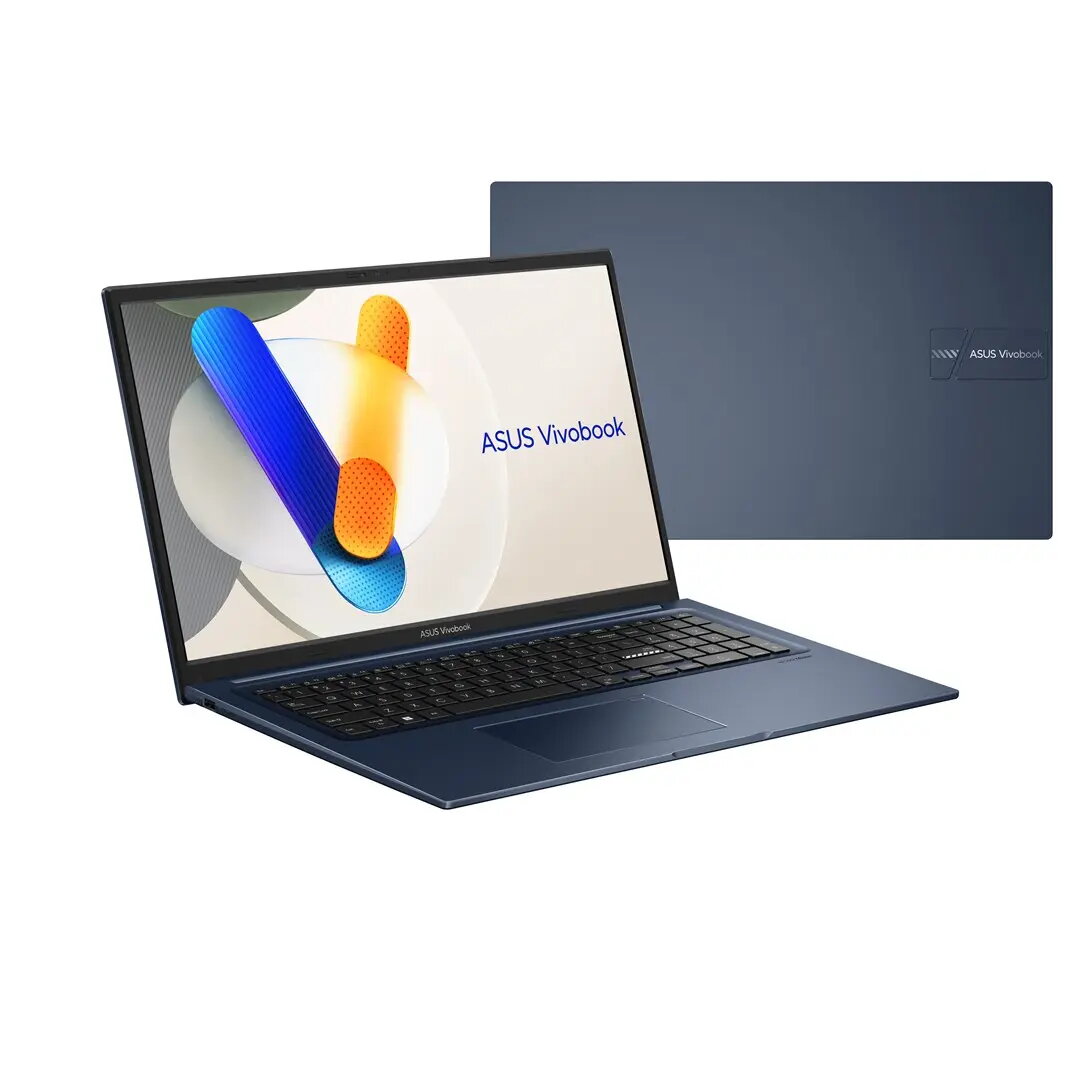
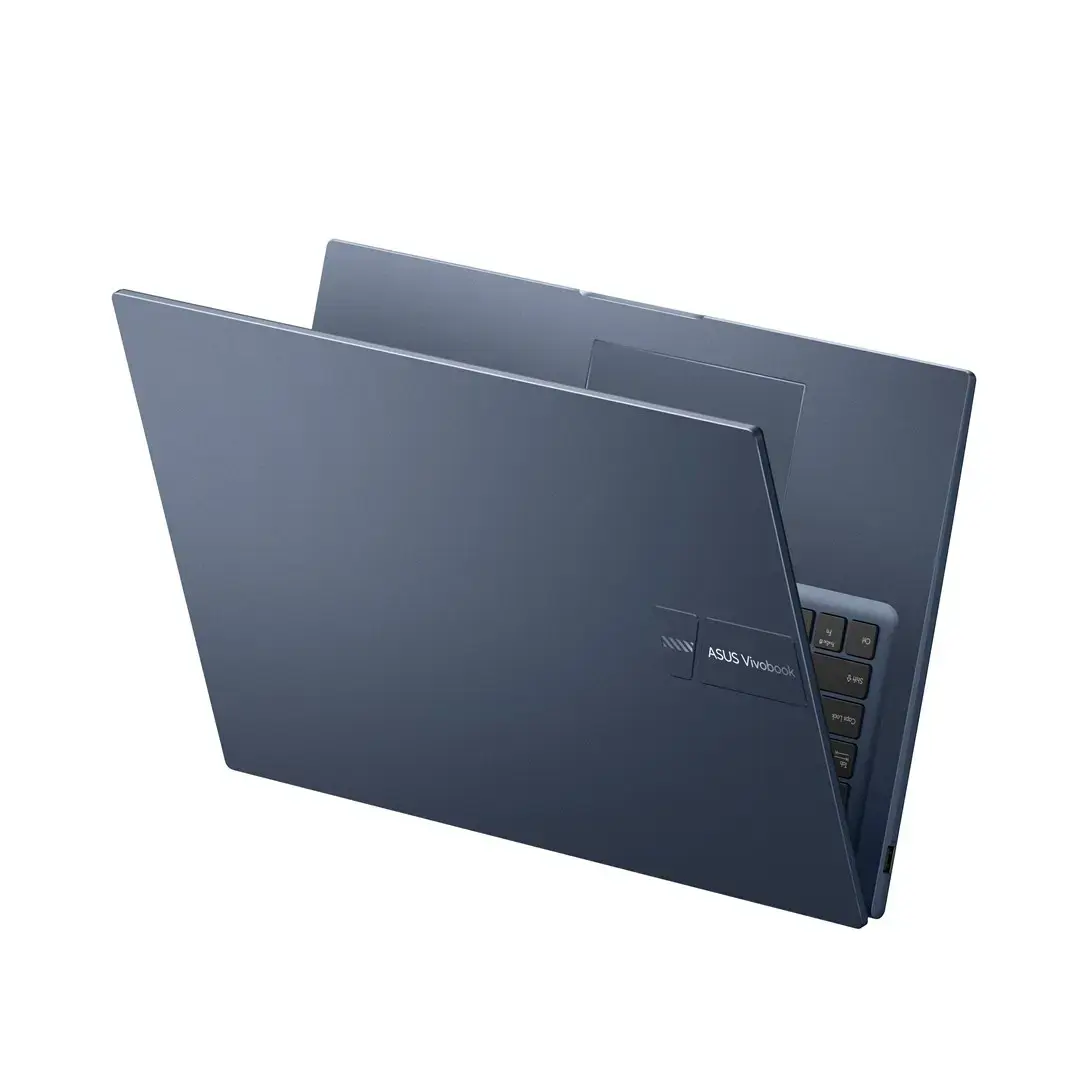
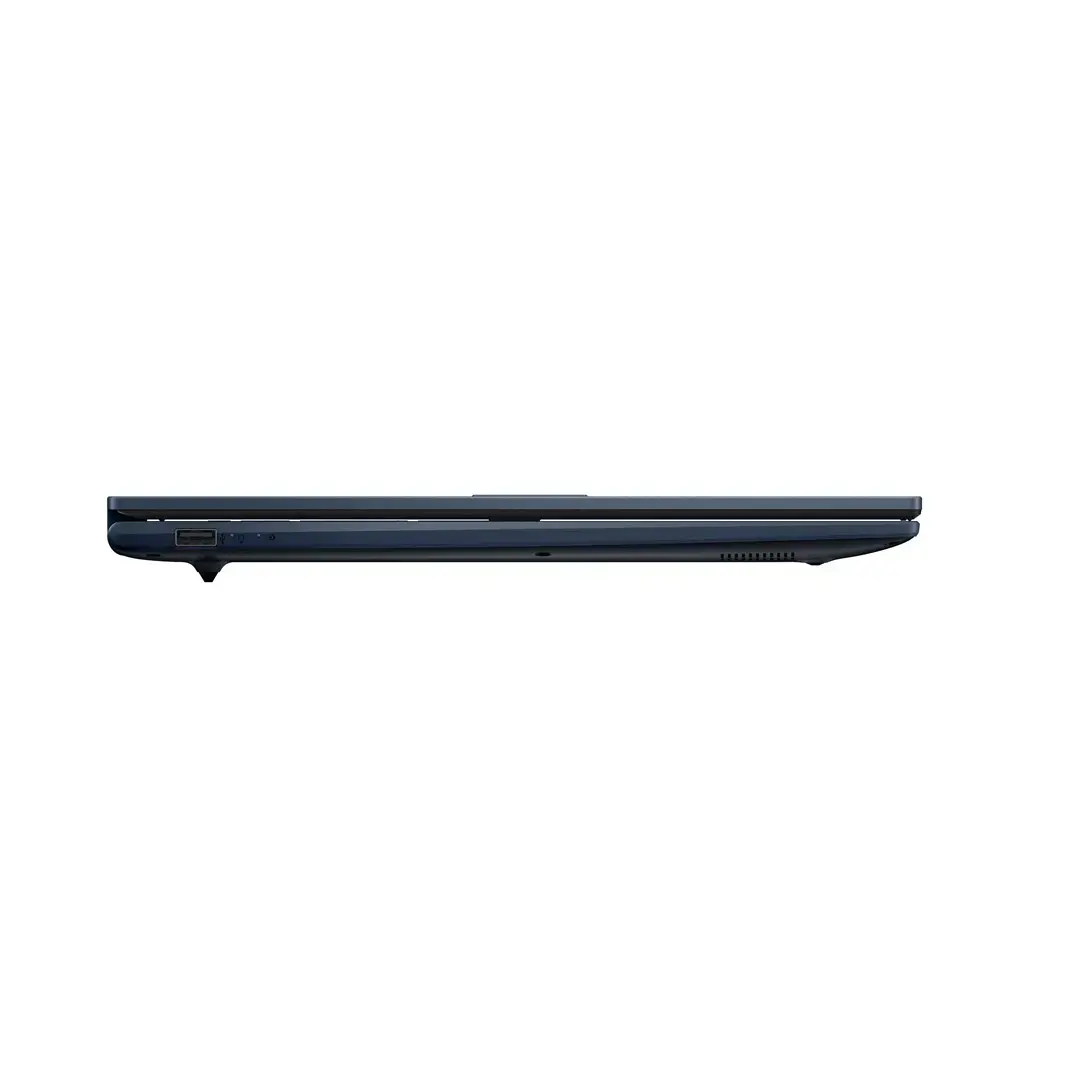
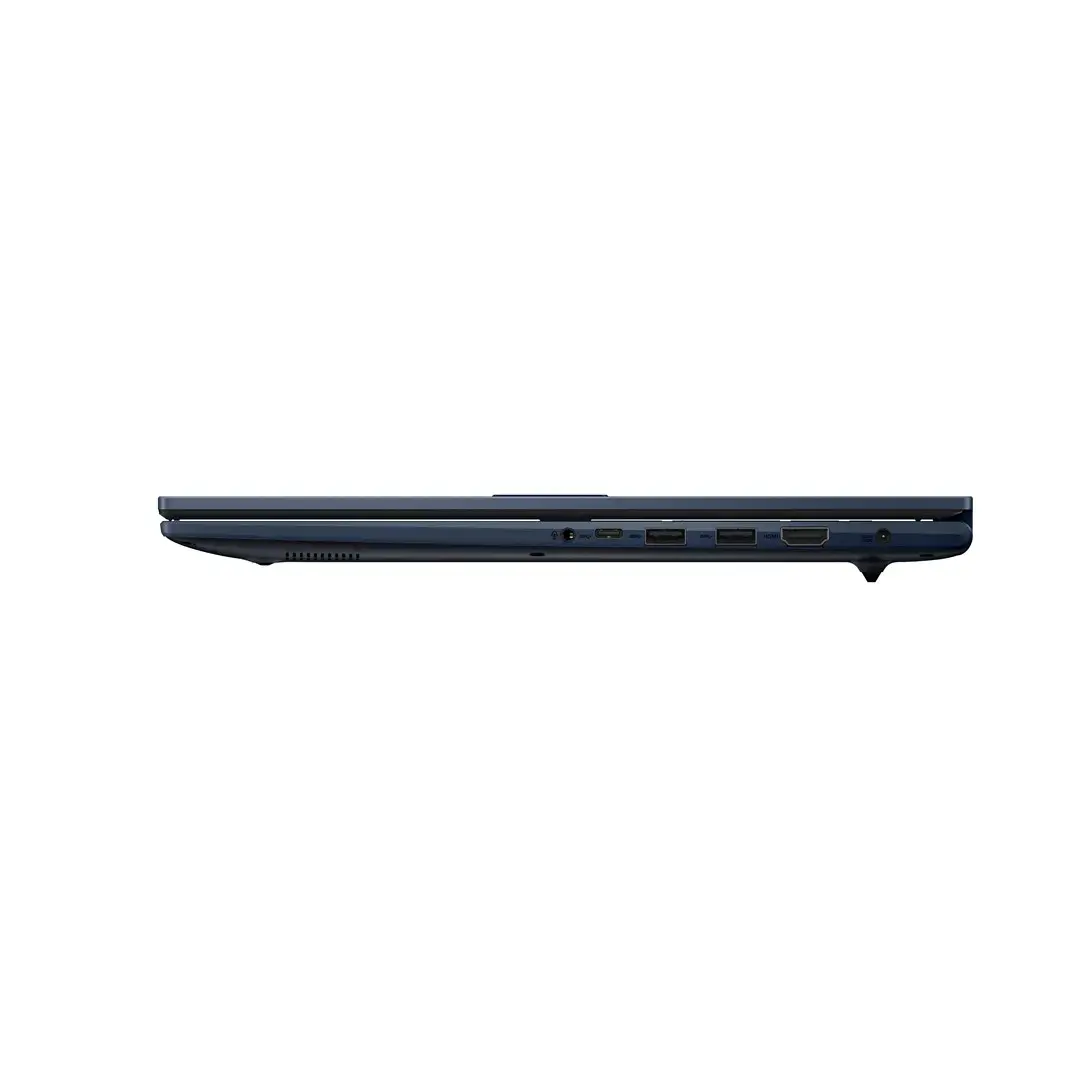
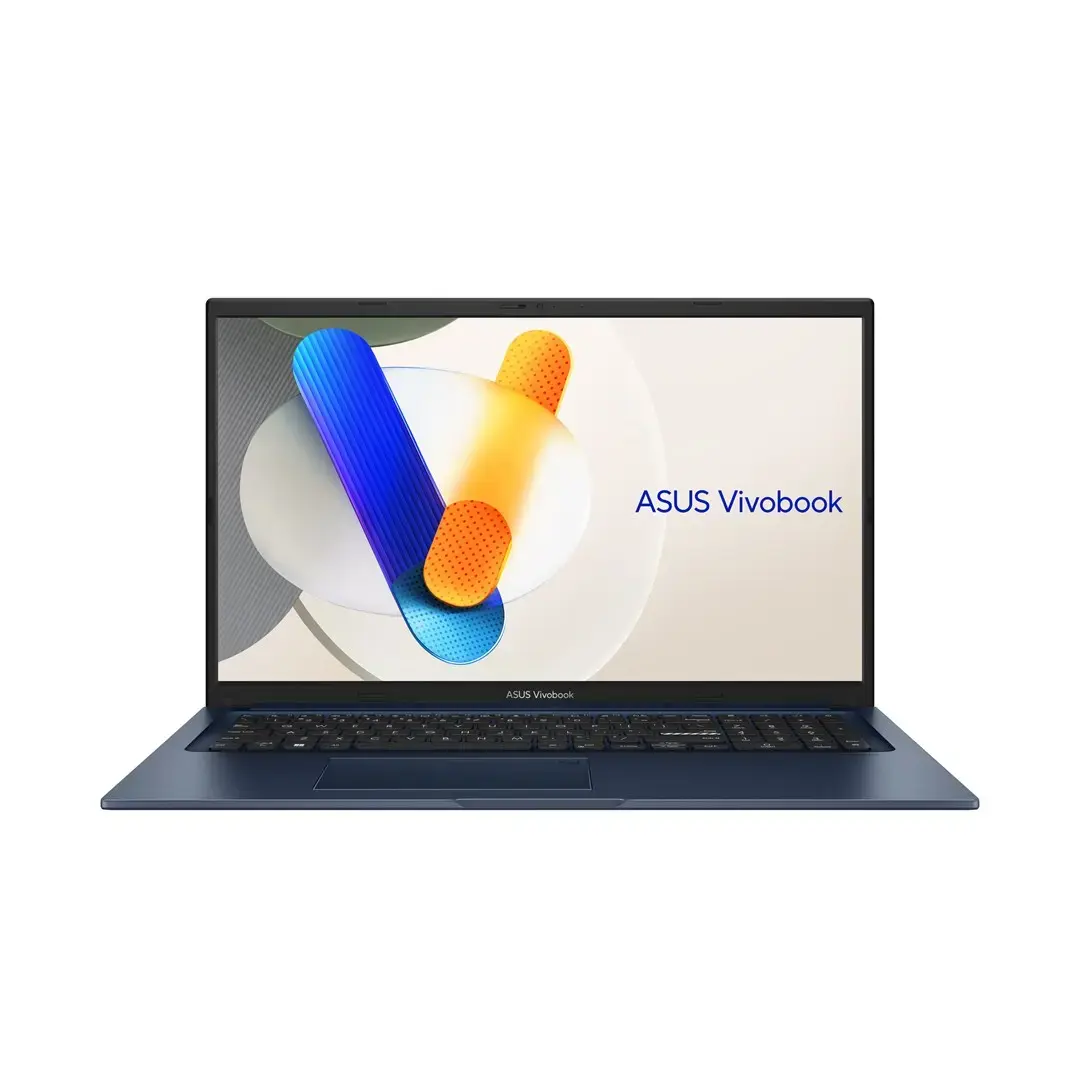
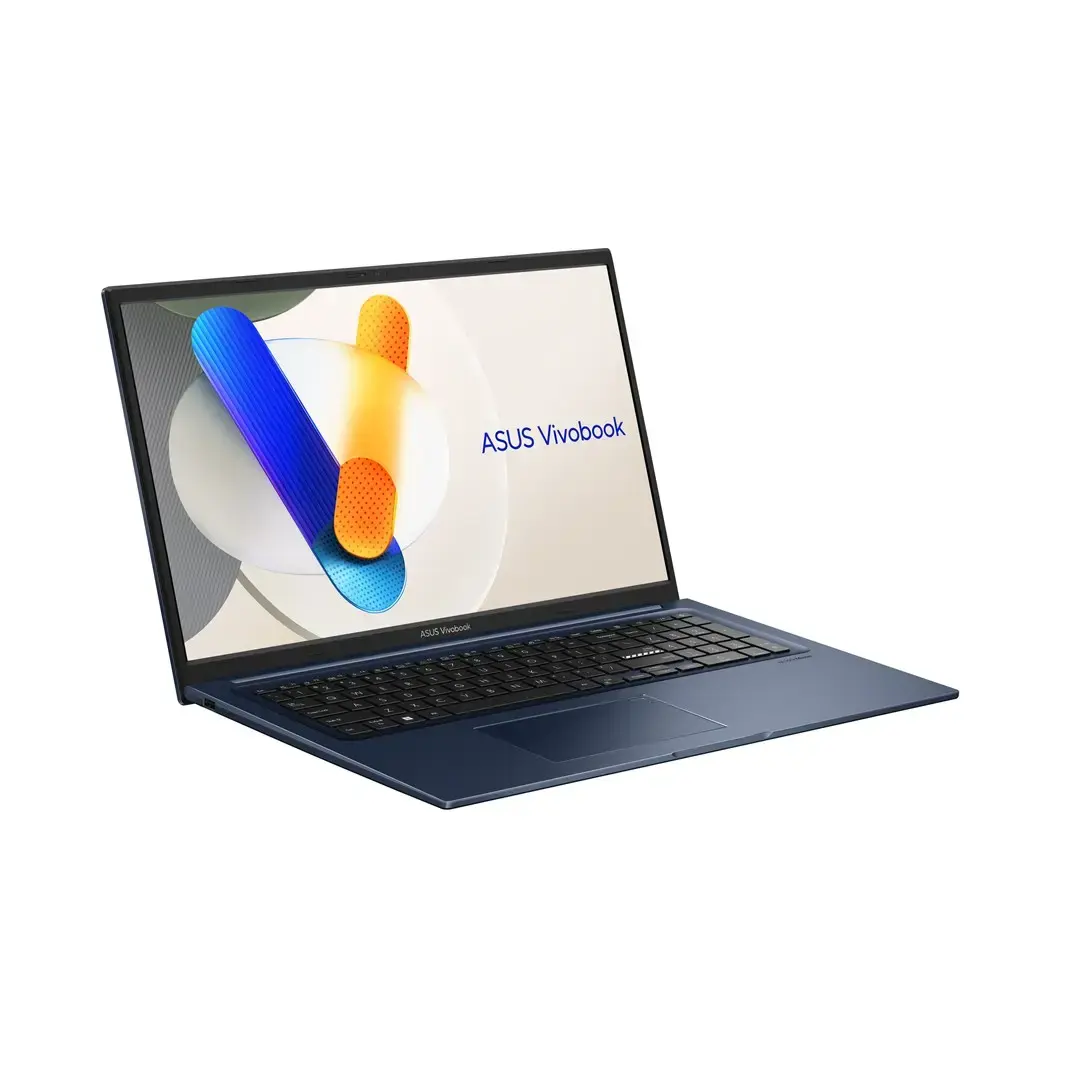
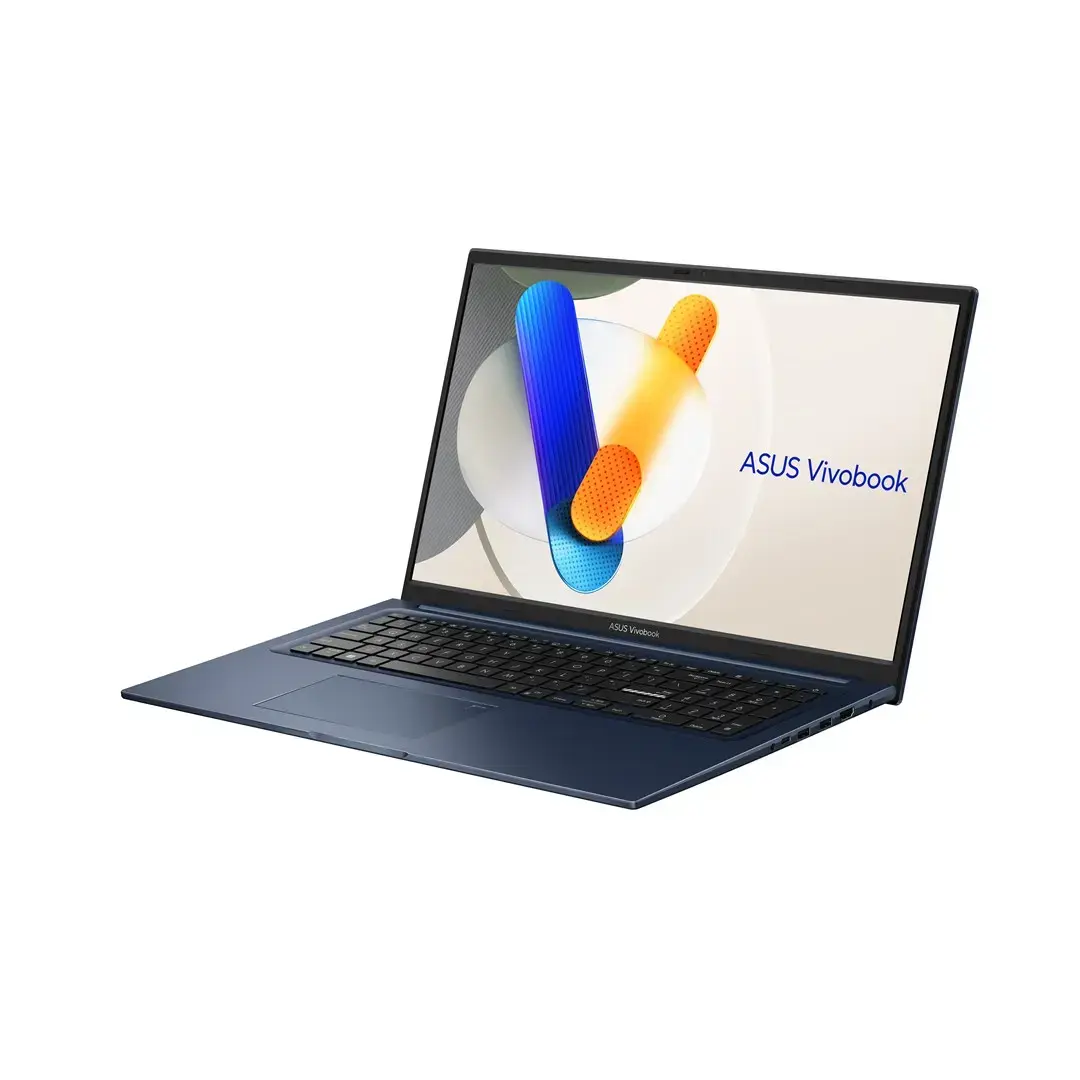
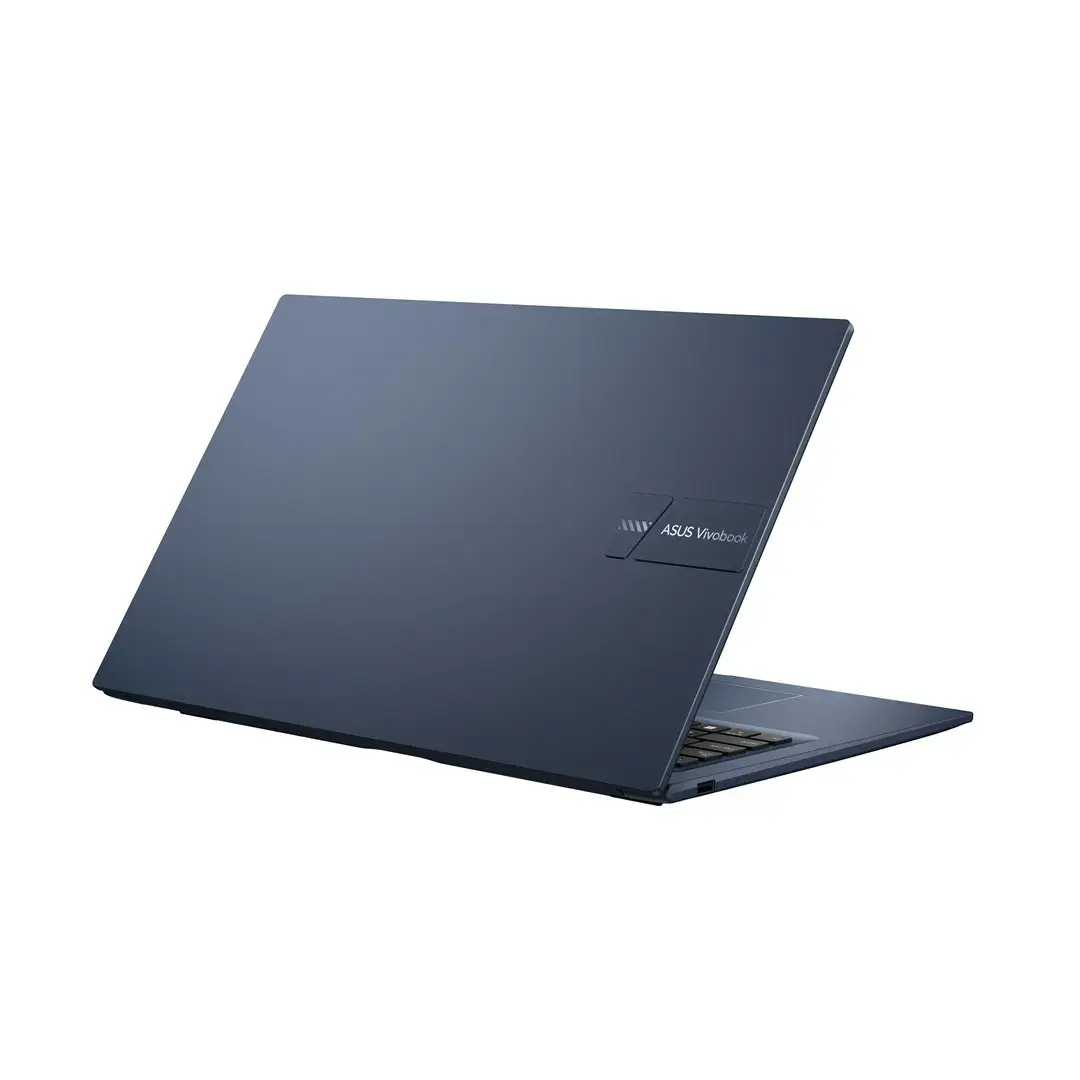
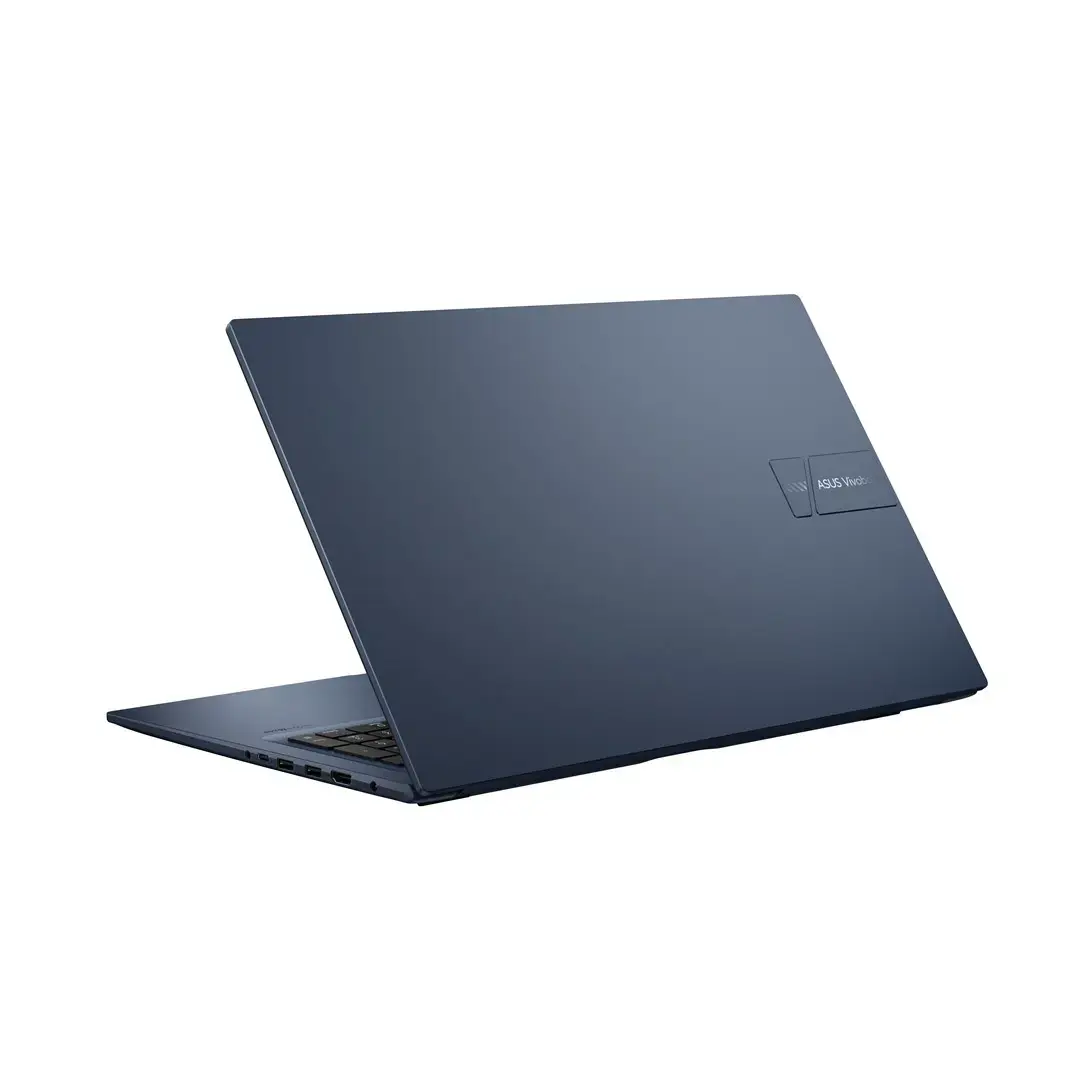
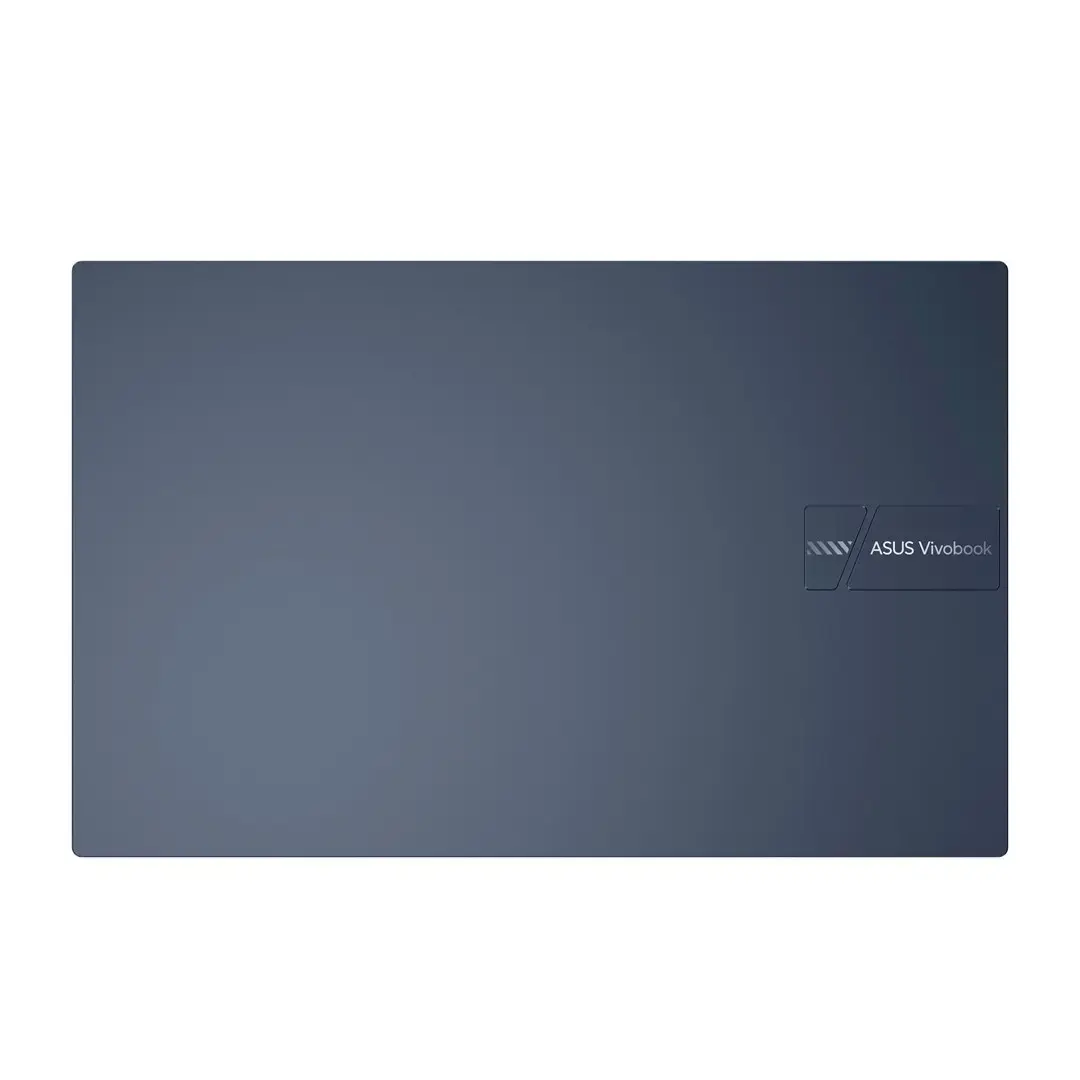
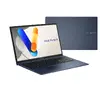
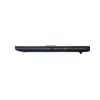
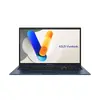
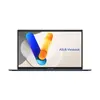
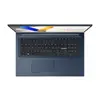
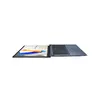
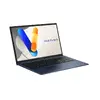
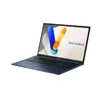
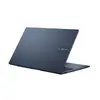
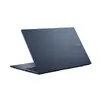
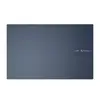
Laptop Asus Vivobook 17 X1704VA-AU1068W Core i5-1240U 17.3" FHD IPS-level 60Hz 250 nits Anti-Glare 16GB DDR5 512GB SSD Intel Graphics WLAN+BT 720p Cam...
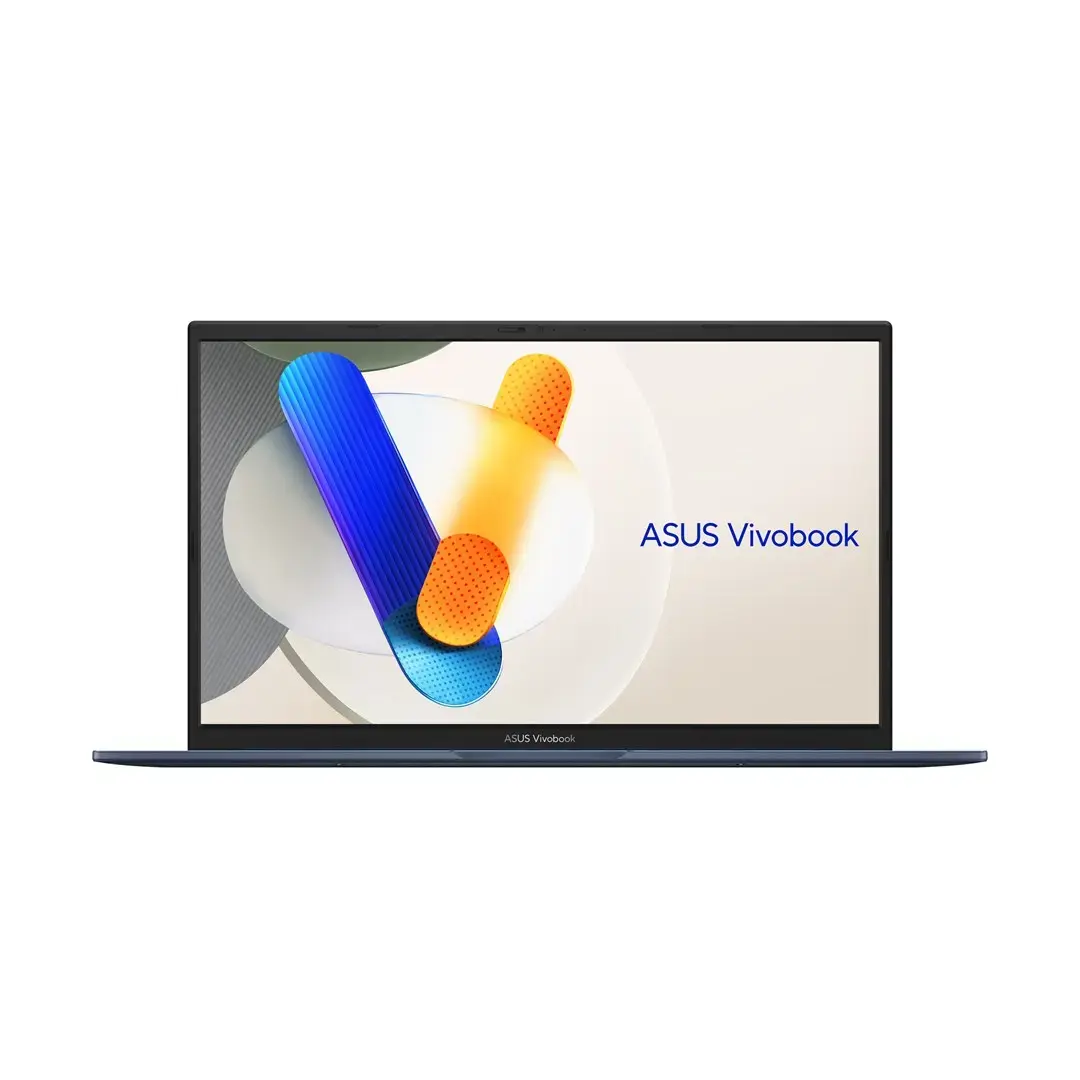
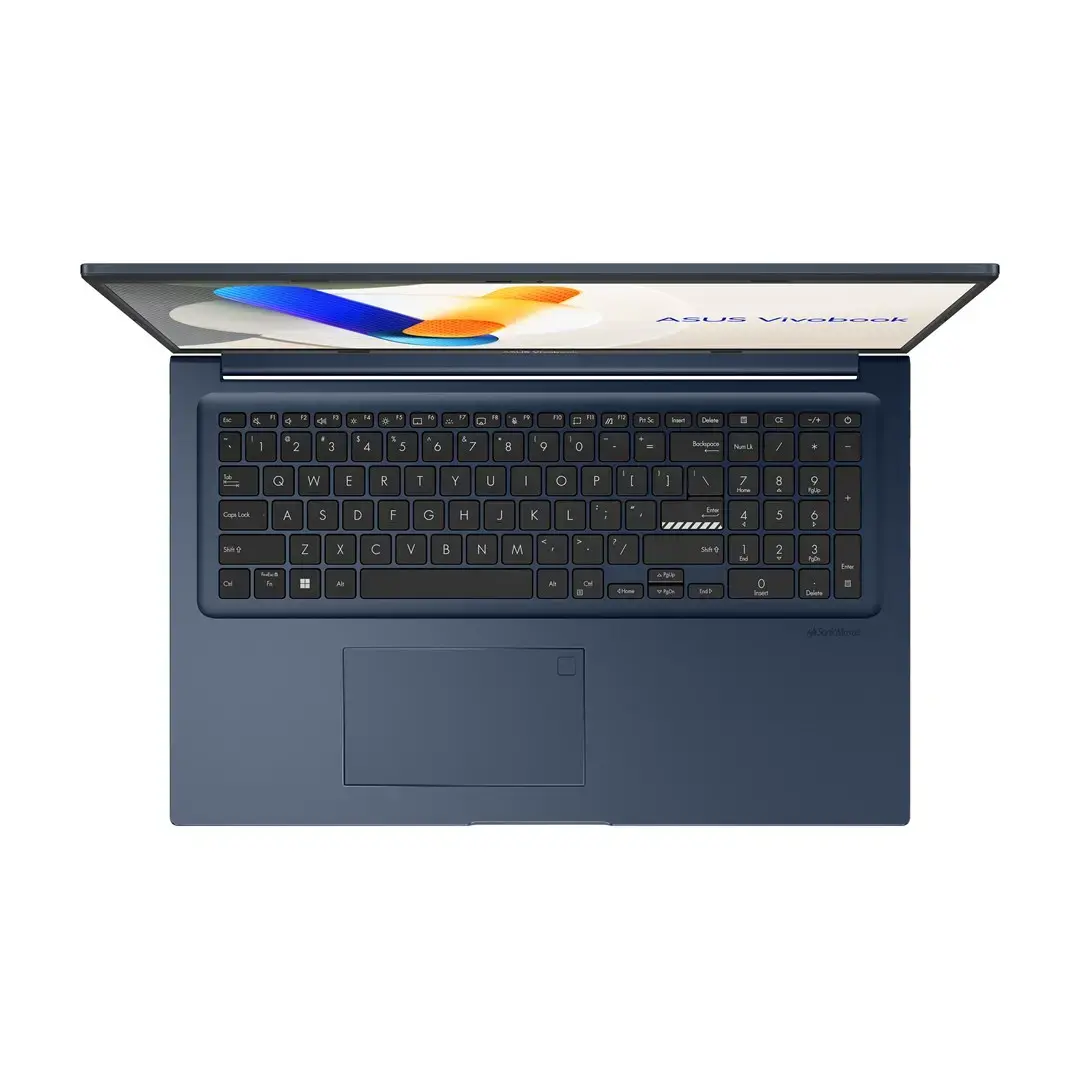
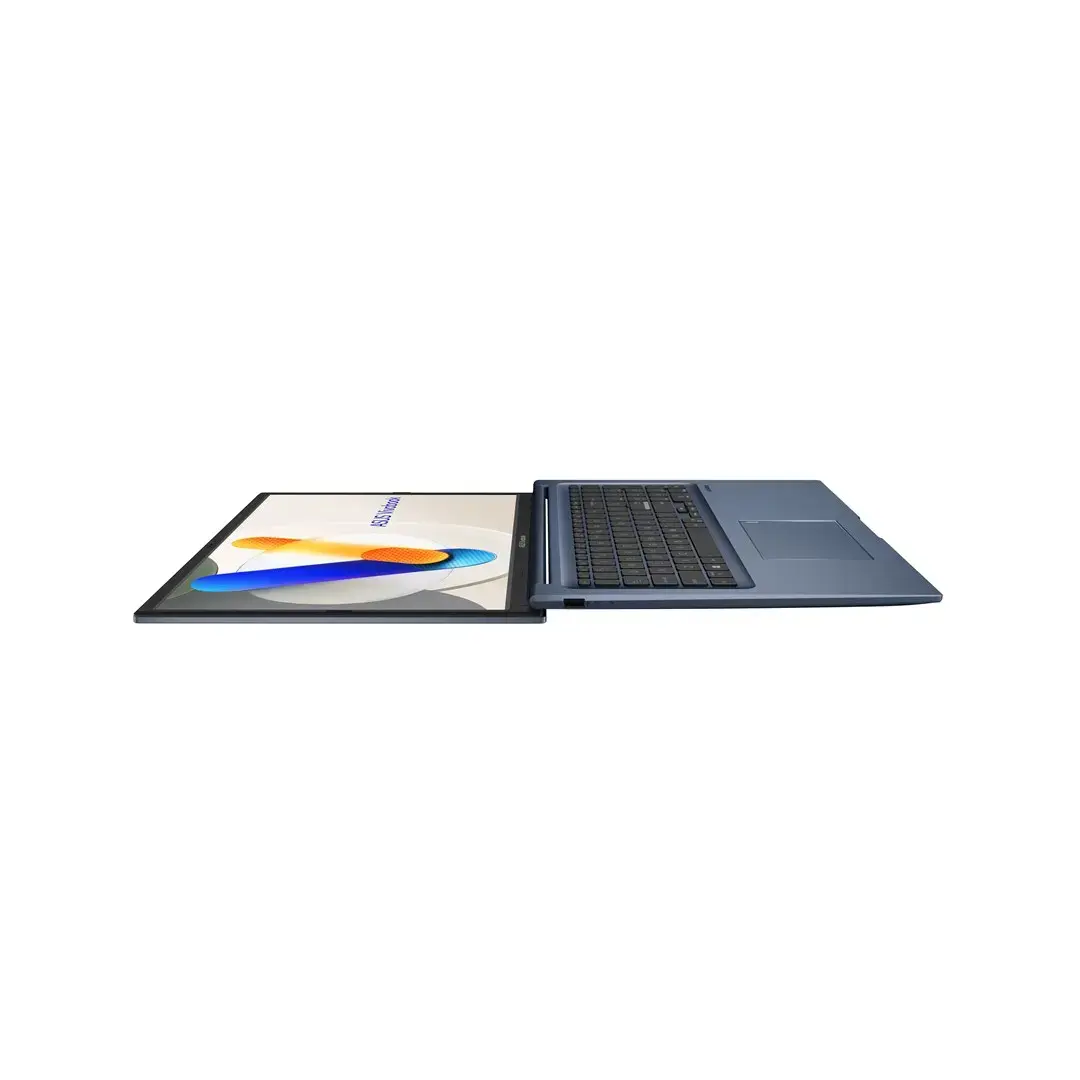
Asus Vivobook 17 X1704VA-AU1068W is a 17.3" laptop designed for everyday productivity, multimedia viewing and remote work. It features a Full HD (1920×1080) IPS-level display with 60Hz refresh rate, 250 nits brightness and an anti-glare coating for more comfortable use in varied lighting. Powered by an Intel Core i5-1240U processor, 16GB of DDR5 memory and a 512GB solid-state drive, this Vivobook balances performance and responsiveness for typical office tasks, web browsing and media playback. Integrated Intel graphics and a 720p webcam provide basic multimedia and video-conferencing capabilities, while built-in WLAN and Bluetooth enable wireless connectivity. The 50Wh battery supports portable use and the system ships with Windows 11.
The large 17.3" Full HD IPS-level screen offers a spacious workspace and improved viewing angles compared with smaller panels, while the anti-glare surface reduces reflections during prolonged use. DDR5 memory delivers faster data bandwidth than previous generations, improving multitasking and application responsiveness. The combination of an energy-efficient 12th Gen Intel Core i5 U-series processor and a 512GB SSD provides a good balance between battery life and fast storage performance. Built-in wireless connectivity and a 720p webcam make the laptop ready for remote meetings and on-the-go productivity without immediate need for extra peripherals.
Unpack the laptop, connect the included power adapter and perform initial Windows 11 setup following the on-screen prompts. Use the system for standard productivity tasks such as document editing, spreadsheets and web-based applications. The 17.3" display is suited to multitasking with multiple windows or side-by-side documents. For video calls, position the laptop so the 720p webcam captures your face at a natural angle and ensure a stable WLAN connection for reliable conferencing. Regularly install Windows updates and drivers to maintain system stability and security.
To extend battery life and maintain display comfort, use balanced or power-saving Windows profiles when mobile, reduce screen brightness in low-light conditions, and enable the laptop’s power management features. For smoother multitasking, keep the operating system and drivers updated and consider closing unused background applications. For better audio or quieter video-conference environments, use a headset with an integrated microphone.
{{highlightedFeature.featureTitle}}:
{{getProductFeatureValueById(product, highlightedFeature.featureId)}}
{{ productComparisonGenerationError }}
