A curated selection of maximum value offers!
In cart {{totalProductsCount}} item(s)
Your cart is empty
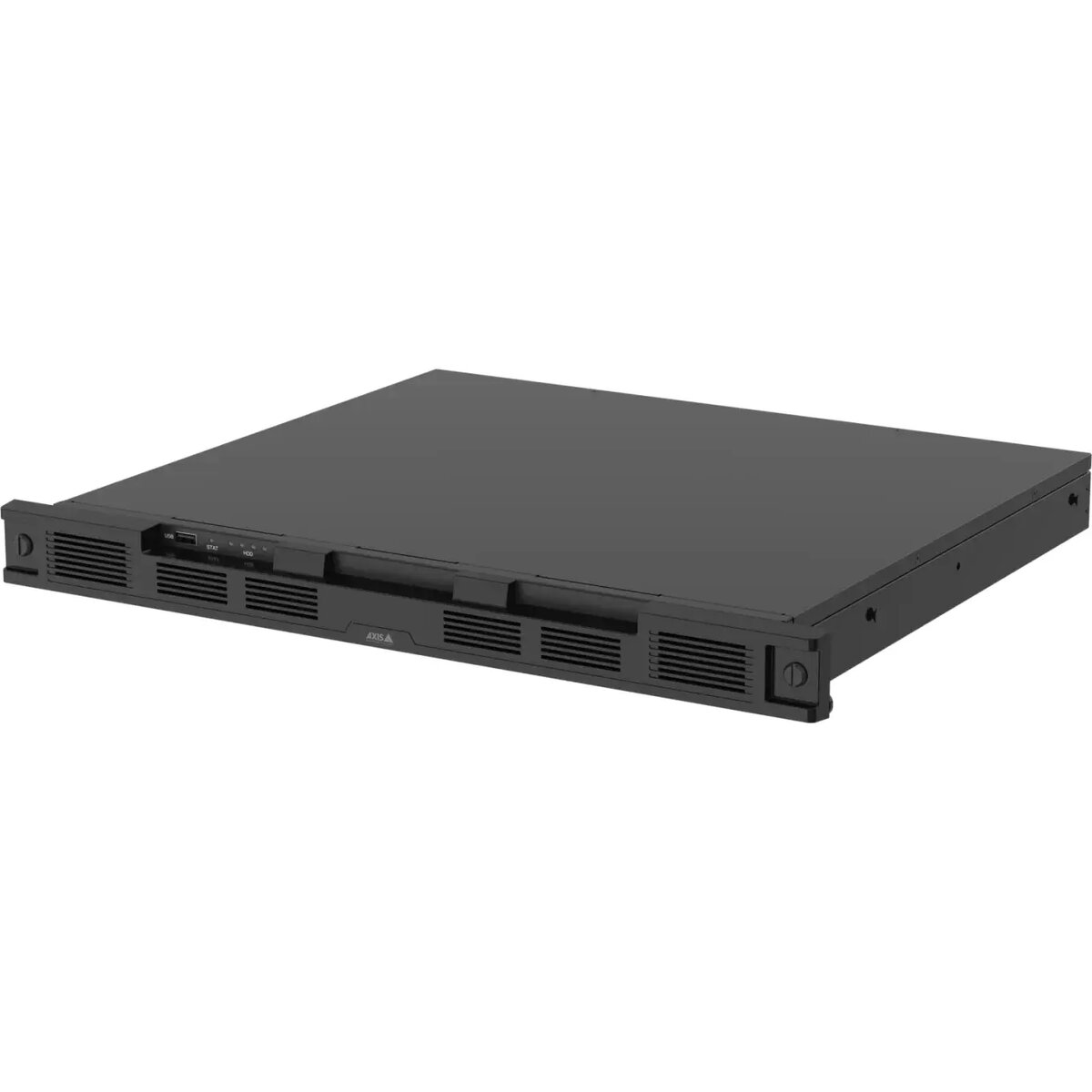
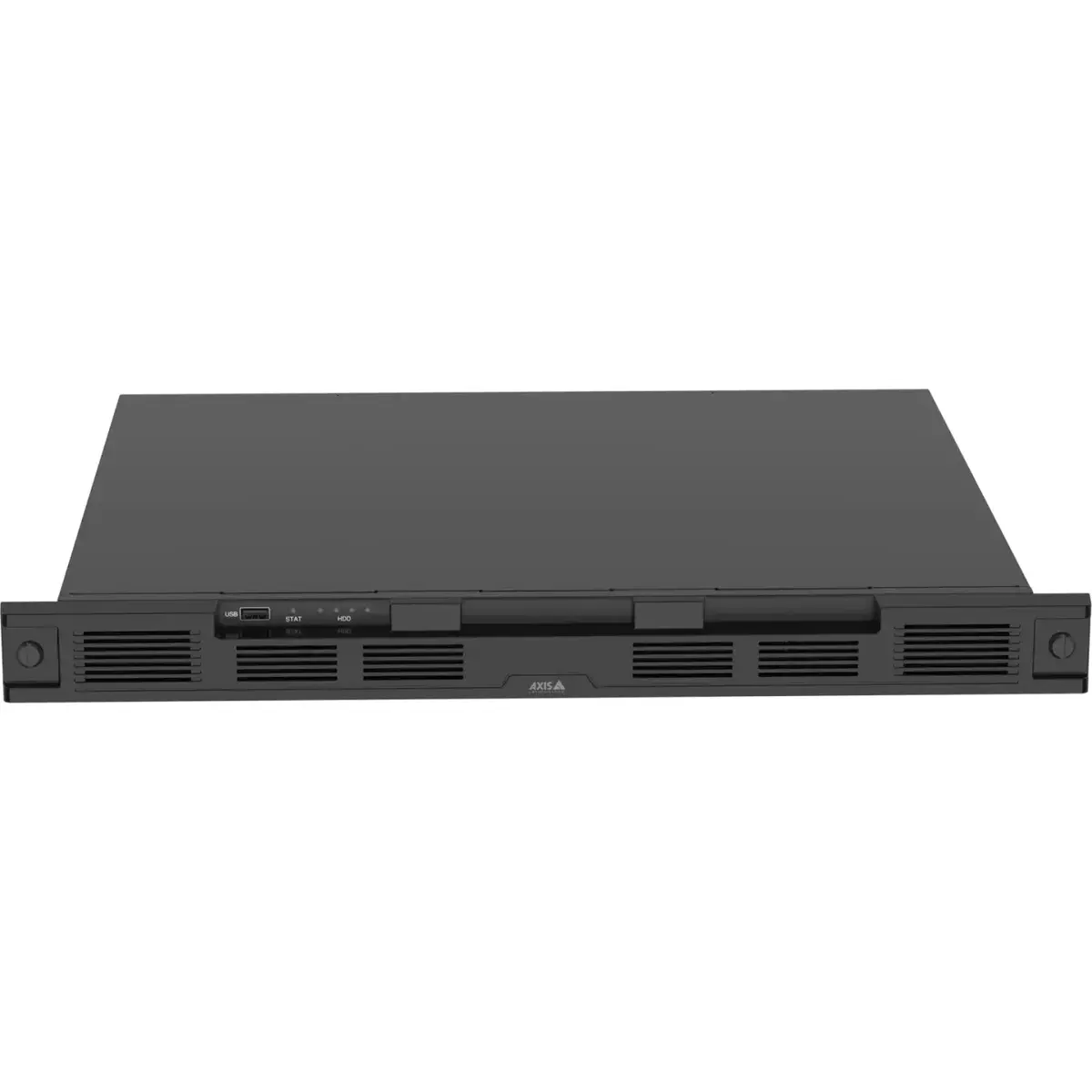
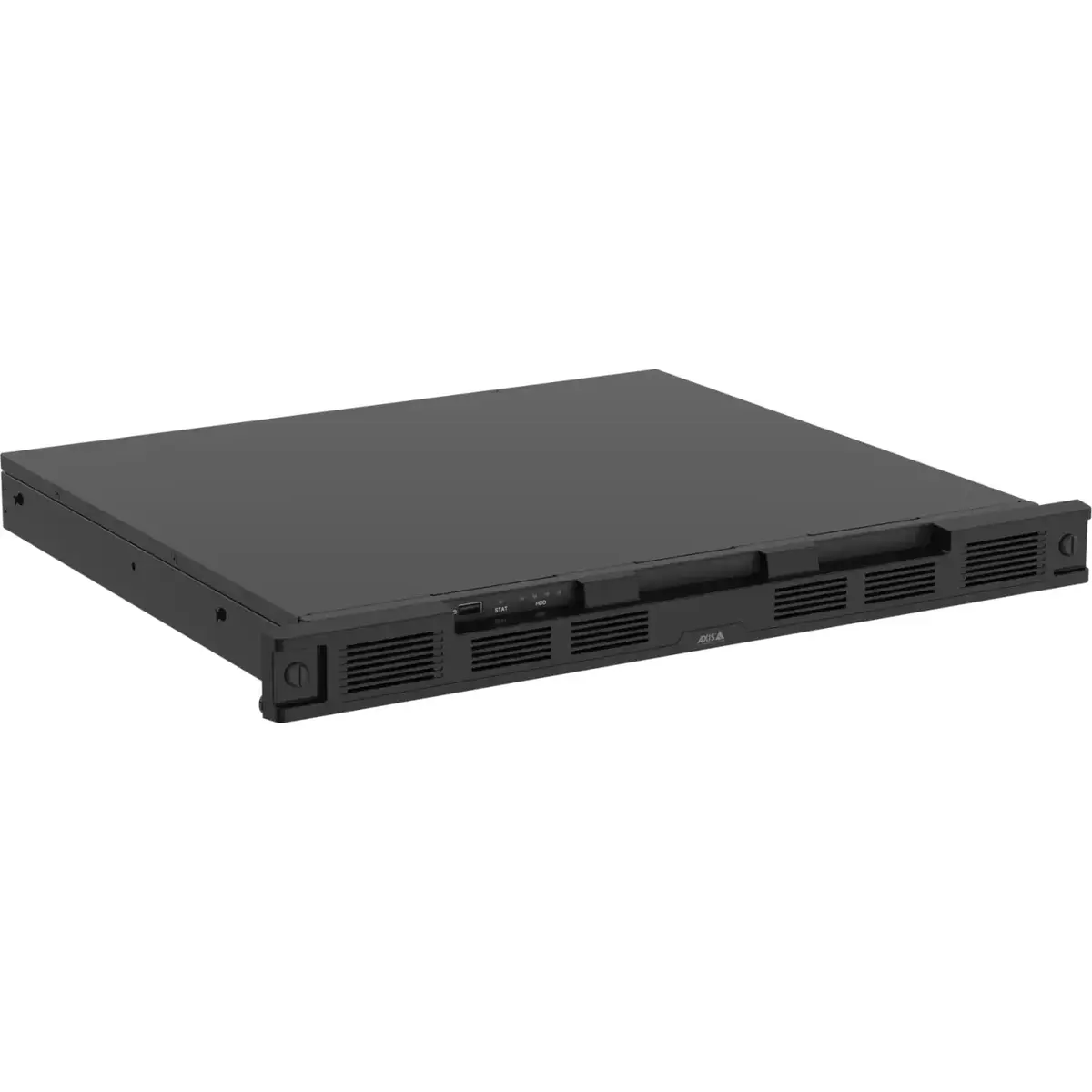
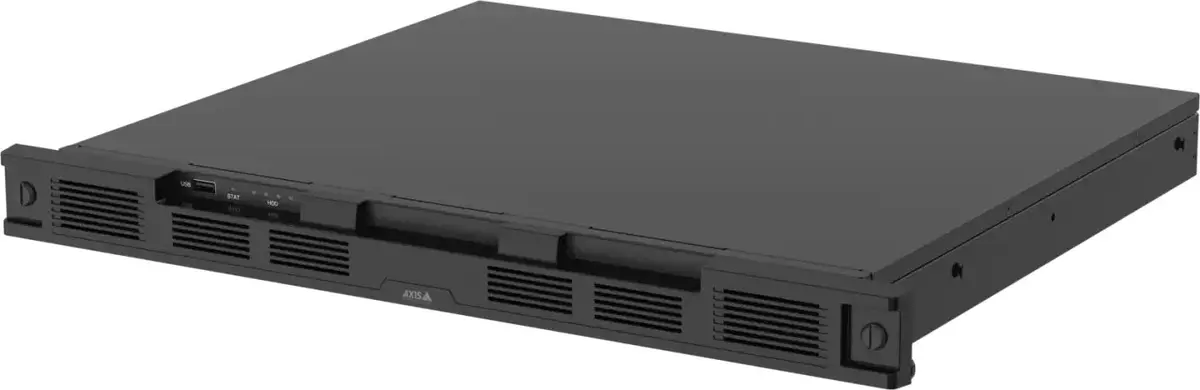
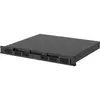
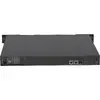
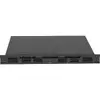
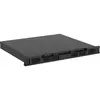
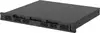
Server AXIS S4000 S1216 rack recording server with 8 TB storage and 16 licenses
AXIS S4000 S1216 rack recording server is a 1U network recorder designed for centralized video recording in medium-sized installations. This variant includes 8 TB of built-in surveillance-grade storage and 16 camera licenses, enabling continuous or event-based archival for up to sixteen video channels. Built on AXIS OS, the recorder provides encrypted storage and transmission, multiple RAID options, and compatibility with AXIS Camera Station Edge and AXIS Camera Station Pro, making it suitable for on-site retention and managed VMS integration.
The AXIS S4000 S1216 offers a compact 1U design that fits standard racks and operates silently to avoid disrupting local environments. Surveillance-grade hard drives and configurable RAID levels (0, 1, 5, 6, 10) reduce the risk of recording gaps and data loss. Integrated cybersecurity features follow the Axis Security Development Model and include certified secure cryptographic key storage. The recorder is produced in a TAA-designated country, complies with NDAA requirements, and is covered by a five-year warranty for dependable support and service.
This 8 TB S1216 configuration may not be sufficient when very long retention periods or large numbers of high-resolution cameras are required; in such cases, consider higher-capacity variants or additional storage solutions. It is intended as an on-site recorder and may not replace cloud-only strategies where off-site long-term archival or cloud-native features are mandatory.
Install the AXIS S4000 S1216 in a standard 19-inch equipment rack and connect it to the local network via the supplied Ethernet ports or through a compatible network switch. Follow AXIS Camera Station Edge or AXIS Camera Station Pro setup procedures to license and assign cameras to the recorder; the included 16 licenses cover up to sixteen camera channels. Configure storage and retention settings, select the appropriate RAID level for redundancy, and enable encryption and network security options through the AXIS OS interface. Regularly apply firmware updates and follow Axis cybersecurity guidance to maintain secure operation.
For typical installations, choose a RAID configuration that balances redundancy and usable capacity (RAID 5 or 6 are common for multi-drive setups). Use AXIS Camera Station Edge for rapid, cloud-assisted deployment or AXIS Camera Station Pro when tighter local management and multi-site setups are required. Schedule regular maintenance windows for firmware updates and perform periodic checks of RAID health and disk SMART status to reduce the risk of recording interruptions.
{{highlightedFeature.featureTitle}}:
{{getProductFeatureValueById(product, highlightedFeature.featureId)}}
{{ productComparisonGenerationError }}