Increases productivity.
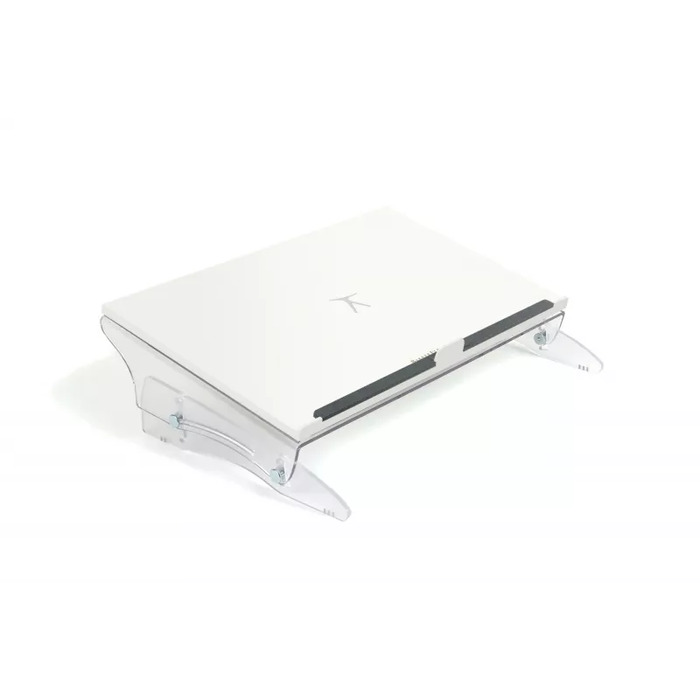
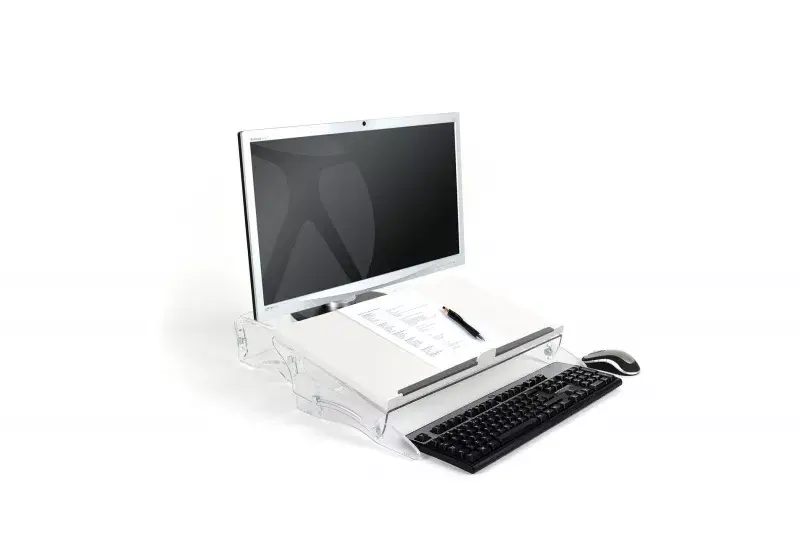
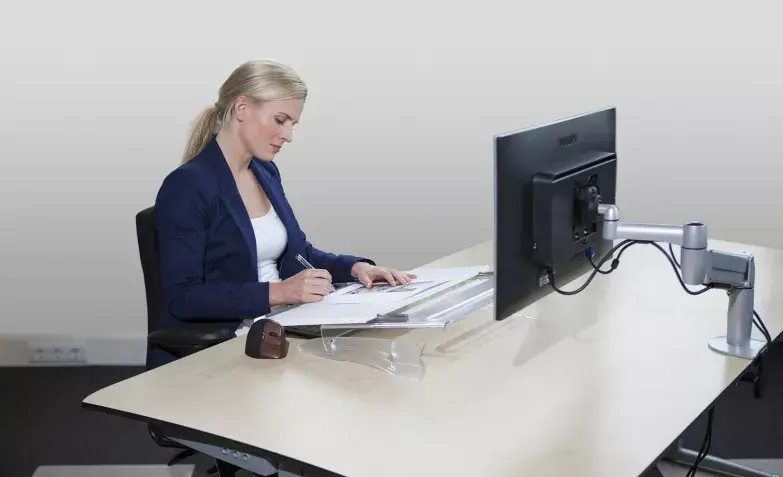
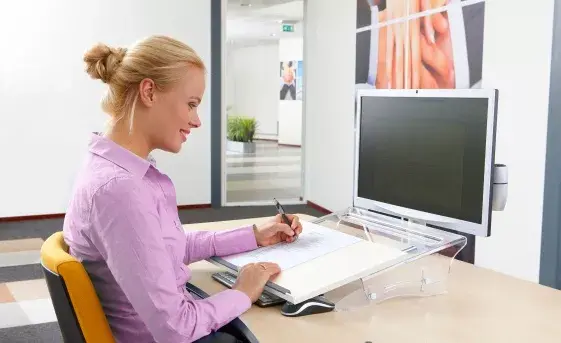
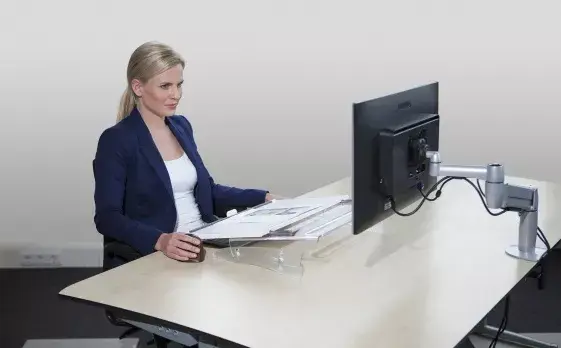
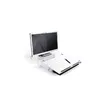
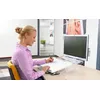
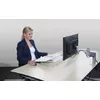
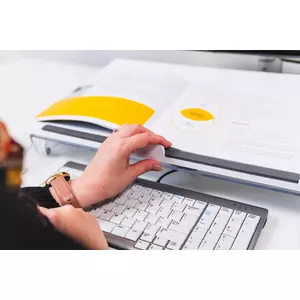
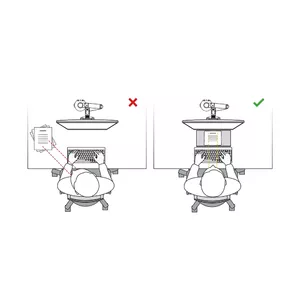
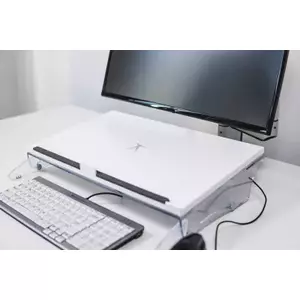
Are you using the space between your monitor and keyboard efficiently? Make the most of the gap between screen and keyboard by placing the FlexDesk 630 there. From now on, put documents, heavy folders, notes, a tablet, or a smartphone in a line between the screen and keyboard on the slightly inclined surface. You will automatically work in a single line with your screen, documents, and keyboard. The documents, folders, notes, tablet, or smartphone rest at the correct angle and height in front of you. This makes it easier to read texts or write notes without bending your neck. You will immediately feel less strain and start working more productively.
Ergonomic background
Are you using the space between your monitor and keyboard efficiently? Make the most of the gap between screen and keyboard and put the FlexDesk 640 there. From now on, place documents, heavy folders, notes, a tablet, or a smartphone in a line between the screen and keyboard on the slightly inclined surface. You will automatically work in one line with your screen, documents, and keyboard. The documents, folders, notes, tablet, or smartphone rest at the correct angle and height in front of you. This makes it easier to read texts or write notes without bending your neck. You will immediately feel less strain and start working more productively.
Make the most of the space between screen and keyboard and maintain a healthy posture in a single line.
Place documents, books, folders, notes, or even a mobile phone on it, and increase your comfort and efficiency with the perfect viewing angle.
Keep your desk tidy. A tidy workspace supports better concentration and higher productivity.
Multifunctionality – Read. Write. Type.
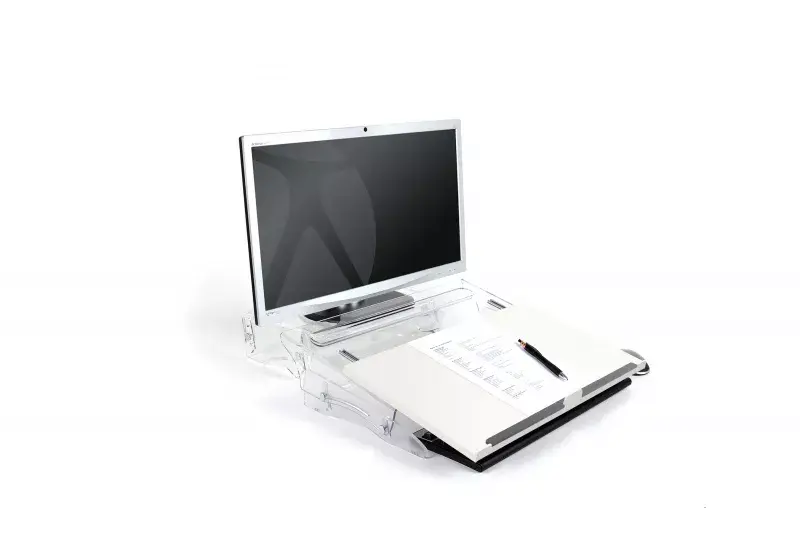
The special feature of the FlexDesk 630 is its multifunctionality. You can easily switch between typing, reading, and writing. The work surface is anti-reflective, which ensures comfortable reading of documents without glare. For writing or taking notes, simply pull the satin work surface toward you using the small handle and slide it over your keyboard. The smooth-running rails allow the surface to slide forward continuously. In the blink of an eye you can create an ergonomic writing area for handwritten notes.