Save time and money with our discounts!
In cart {{totalProductsCount}} item(s)
Your cart is empty
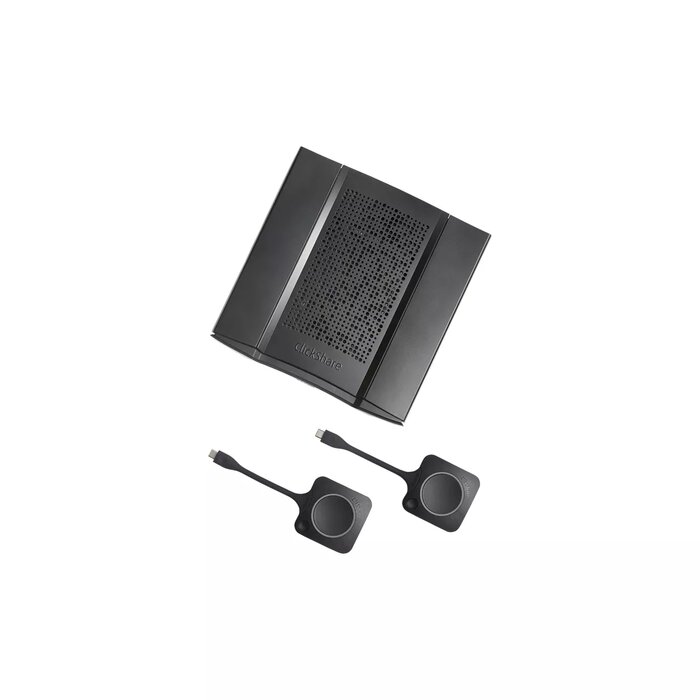
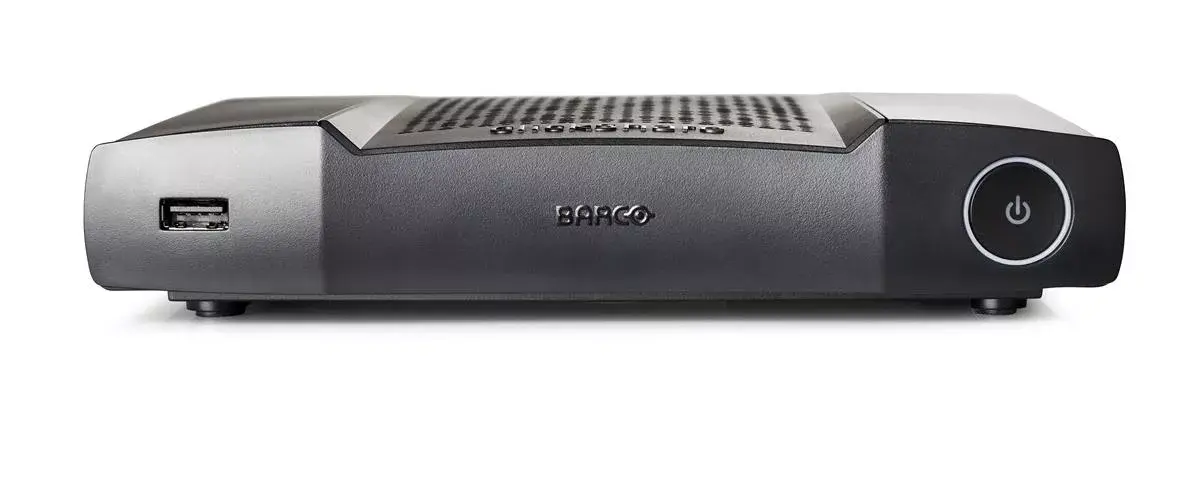
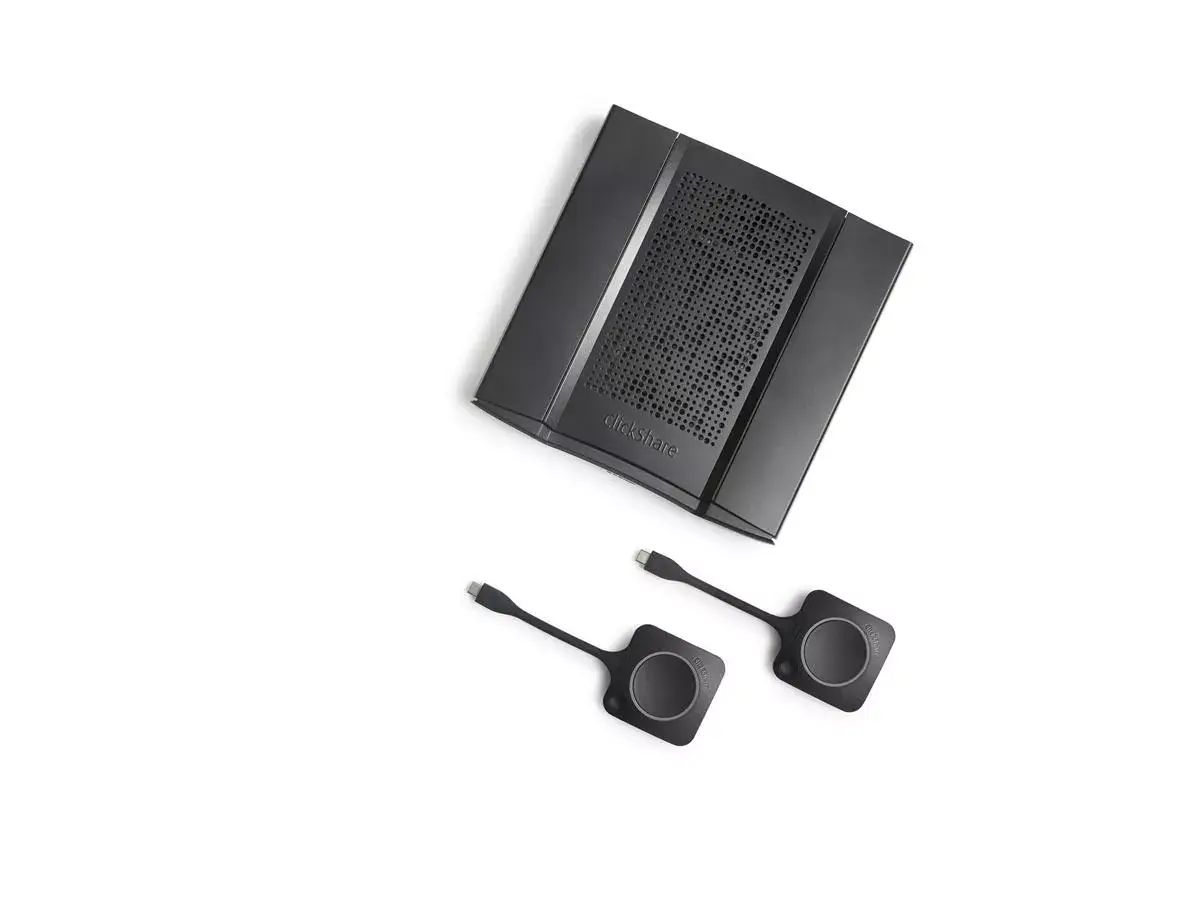
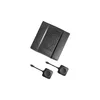
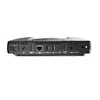
Wireless presentation system Barco ClickShare CX-50
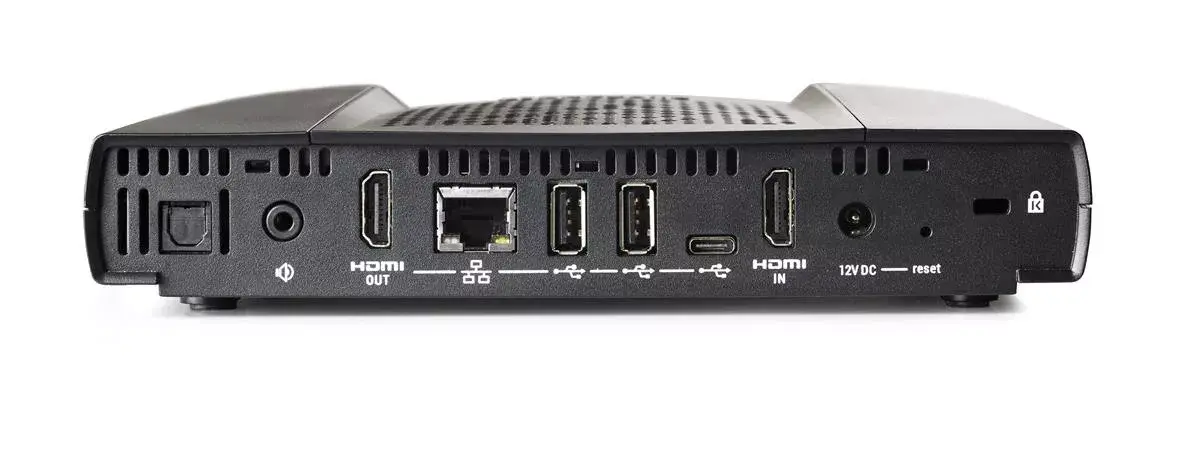
The Barco ClickShare CX-50 is a desktop wireless presentation system designed for medium-to-large meeting rooms and boardrooms. It supports HDMI connections and delivers up to 3840 x 2160 resolution for crisp video content. With Wi-Fi 5 (802.11ac) support on both 2.4 GHz and 5 GHz bands, automatic USB peripheral connection and a Kensington lock slot for physical security, the CX-50 enables cable-free presentations and conferencing while consuming up to 50 W of power. The device is intended to simplify collaboration by allowing presenters to connect in seconds and share AV content with remote participants in high quality.
The ClickShare CX-50 offers fast wireless connection times and supports high-resolution HDMI output to ensure clear visuals during presentations. Its automatic integration with room USB audio-visual peripherals reduces setup time and removes common connectivity issues. Security features such as a Kensington lock slot and enterprise-grade network integration help protect hardware and data. The system is compatible with the ClickShare Button and ClickShare Collaboration App for consistent operation across Windows, macOS and mobile devices, and can be managed centrally via the XMS cloud platform.
Install the ClickShare CX-50 on a stable surface near the room display and connect the HDMI output to the display device. Connect the unit to the room USB AV peripherals and to the local network following your IT policies. Use the ClickShare Button or install the ClickShare Collaboration App on your PC, Mac or mobile device; press the Button or select the app’s share option to initiate a wireless presentation. For conferencing, start your preferred conferencing application on your device and the CX-50 will automatically route audio and video through connected room peripherals.
Place the CX-50 within line of sight of presenting devices for optimal wireless performance, prefer the 5 GHz band for higher bandwidth needs and ensure firmware and XMS cloud management profiles are kept up to date for security and compatibility. When hosting hybrid meetings, verify peripheral connections (camera, microphone, soundbar) before the session and use the ClickShare Collaboration App for touchback and annotation where supported.
{{highlightedFeature.featureTitle}}:
{{getProductFeatureValueById(product, highlightedFeature.featureId)}}
{{ productComparisonGenerationError }}