Leave your address - as soon as the price of the product goes down, you'll know about it right away
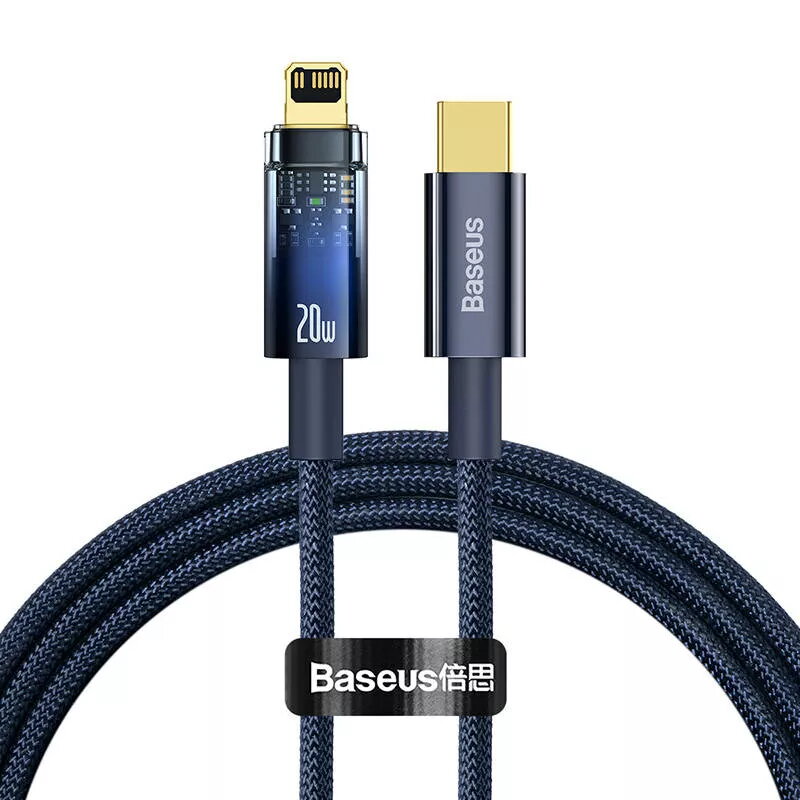
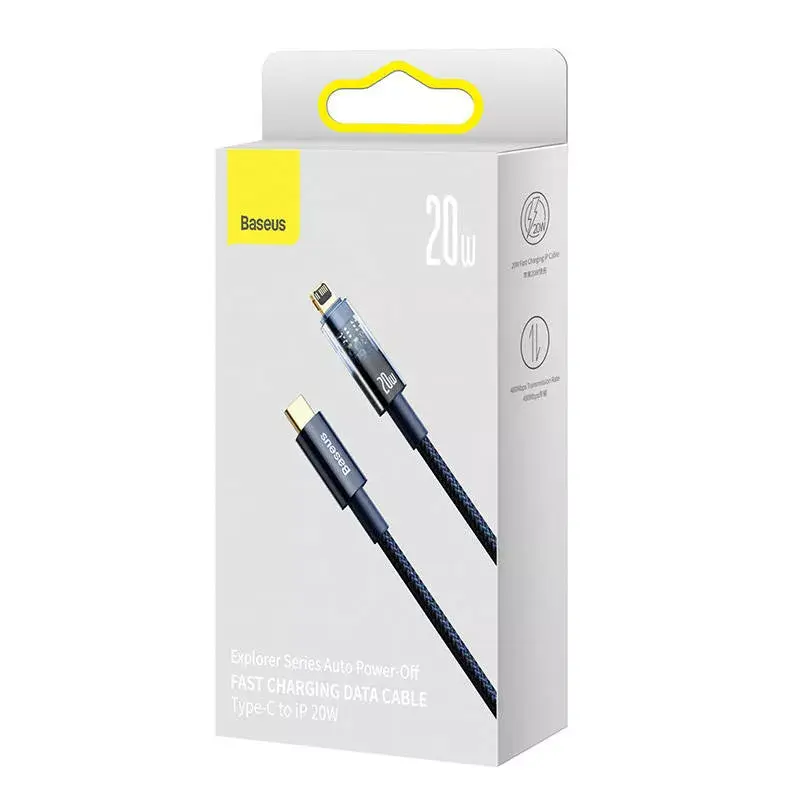
USB-C to Lightning Cable Baseus Explorer 20W 1 m Blue
In cart {{totalProductsCount}} item(s)
Your cart is empty
USB-C to Lightning Cable Baseus Explorer 20W 1 m Blue
Leave your address - as soon as the price of the product goes down, you'll know about it right away
USB-C to Lightning Cable Baseus Explorer 20W 1 m Blue
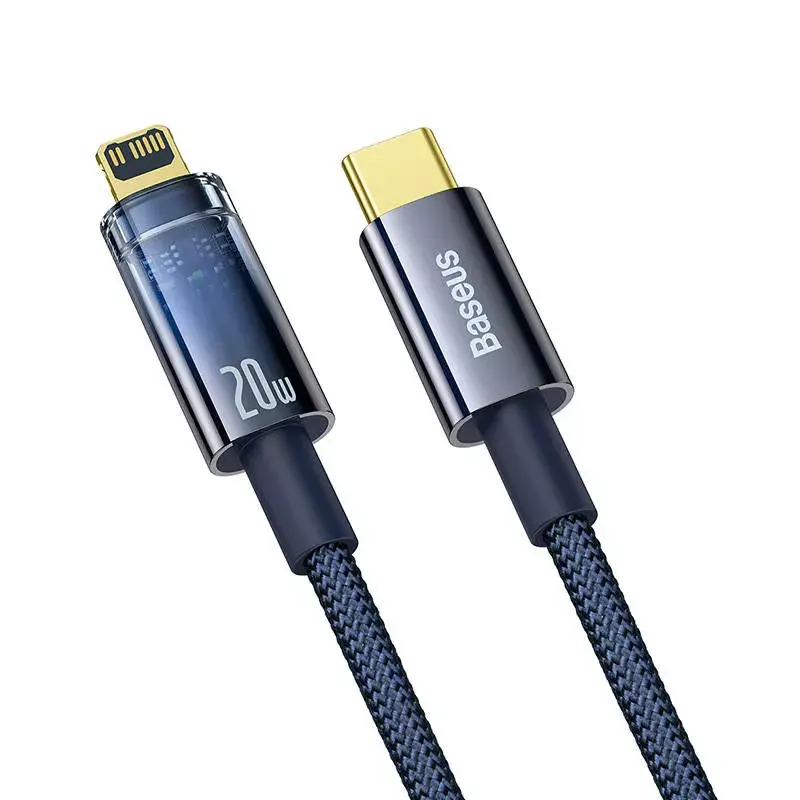
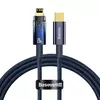
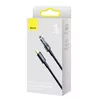
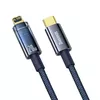
Baseus Explorer USB-C to Lightning Cable 1 m in blue provides a single-ended USB-C to Lightning connection designed for charging and syncing Apple devices with Lightning ports. The cable supports up to 20 W power delivery for faster charging, offers data transfer at USB 2.0 speeds (480 MB/s), and has a transparent connector design with an LED indicator to show charging status. Constructed from durable materials with reinforced stress points, the 1 m length balances daily convenience at home, office or on the go.
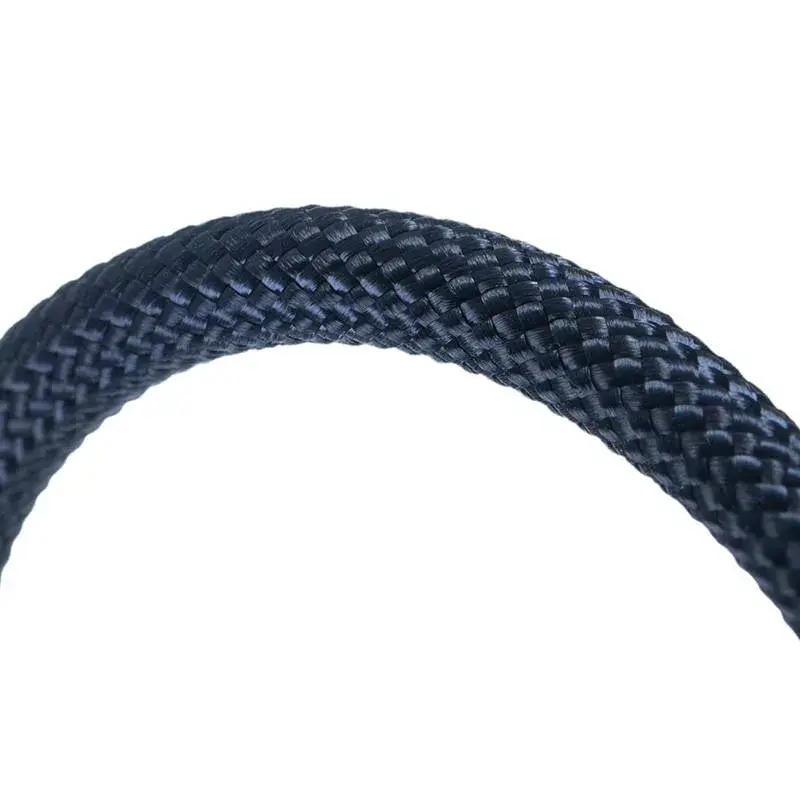
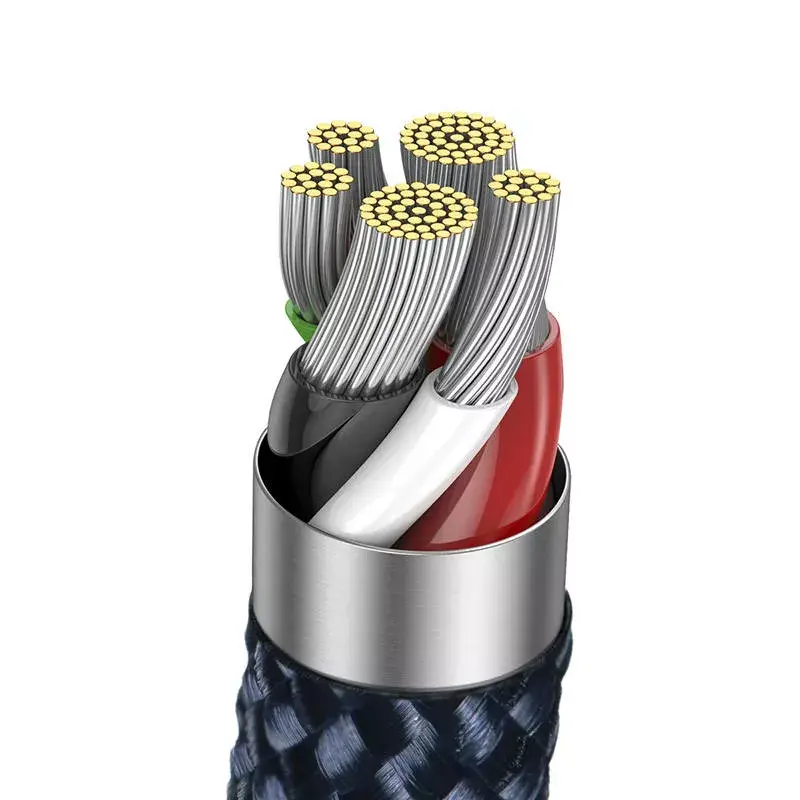
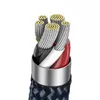
The cable supports fast charging up to 20 W and automatically cuts off power when charging is complete to help prevent overcharging. Data transfer at 480 MB/s allows quick file syncing between devices. Reinforced connector ends, powder metallurgy plug construction and durable outer materials improve resistance to bending, wear and oxidation. The transparent plug design exposes an LED indicator so you can monitor charging status at a glance.
Connect the USB-C end to a compatible USB-C power adapter, power bank or computer port and insert the Lightning end into your Apple device. The LED in the transparent connector shows charging status. When the device reaches full charge, the cable’s automatic power cut function interrupts power flow to help protect against overcharging. For data transfer, connect both ends to the computer and device, then use your operating system’s file transfer tools to copy or sync files.
Use a compatible USB-C power adapter rated for the required output to achieve the fastest charging; avoid excessive bending near connector ends and disconnect by pulling the plug rather than the cable to prolong service life.
{{highlightedFeature.featureTitle}}:
{{getProductFeatureValueById(product, highlightedFeature.featureId)}}