
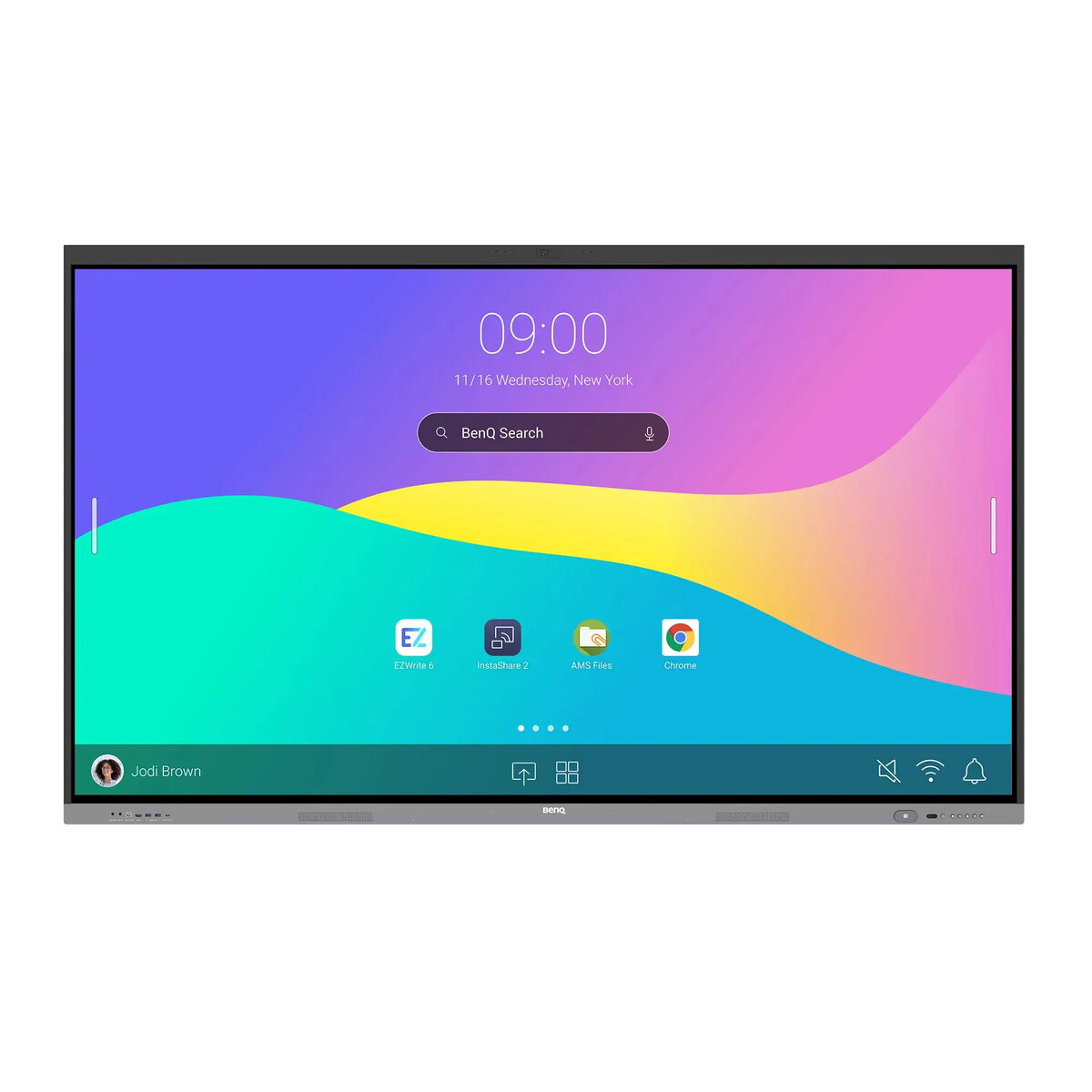
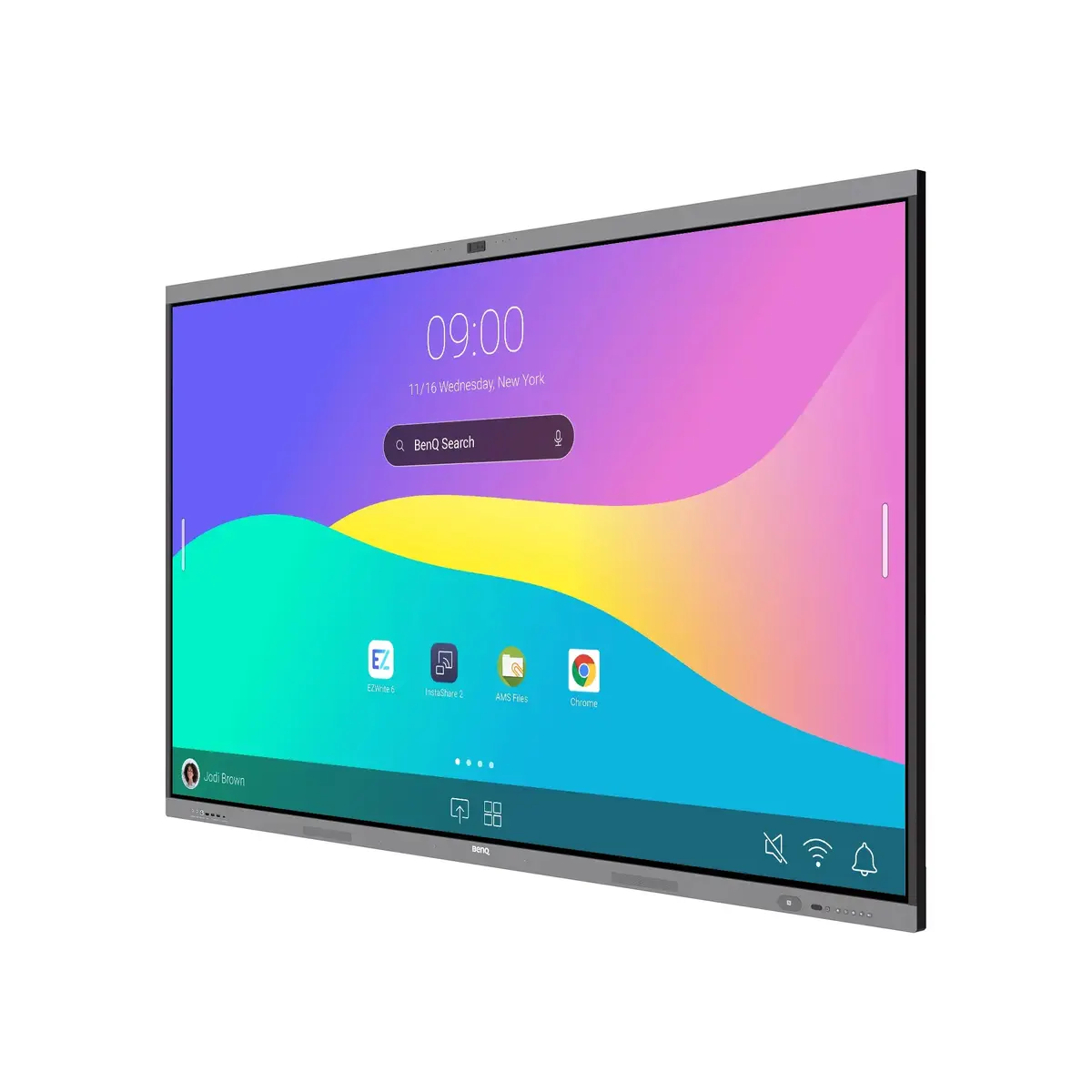
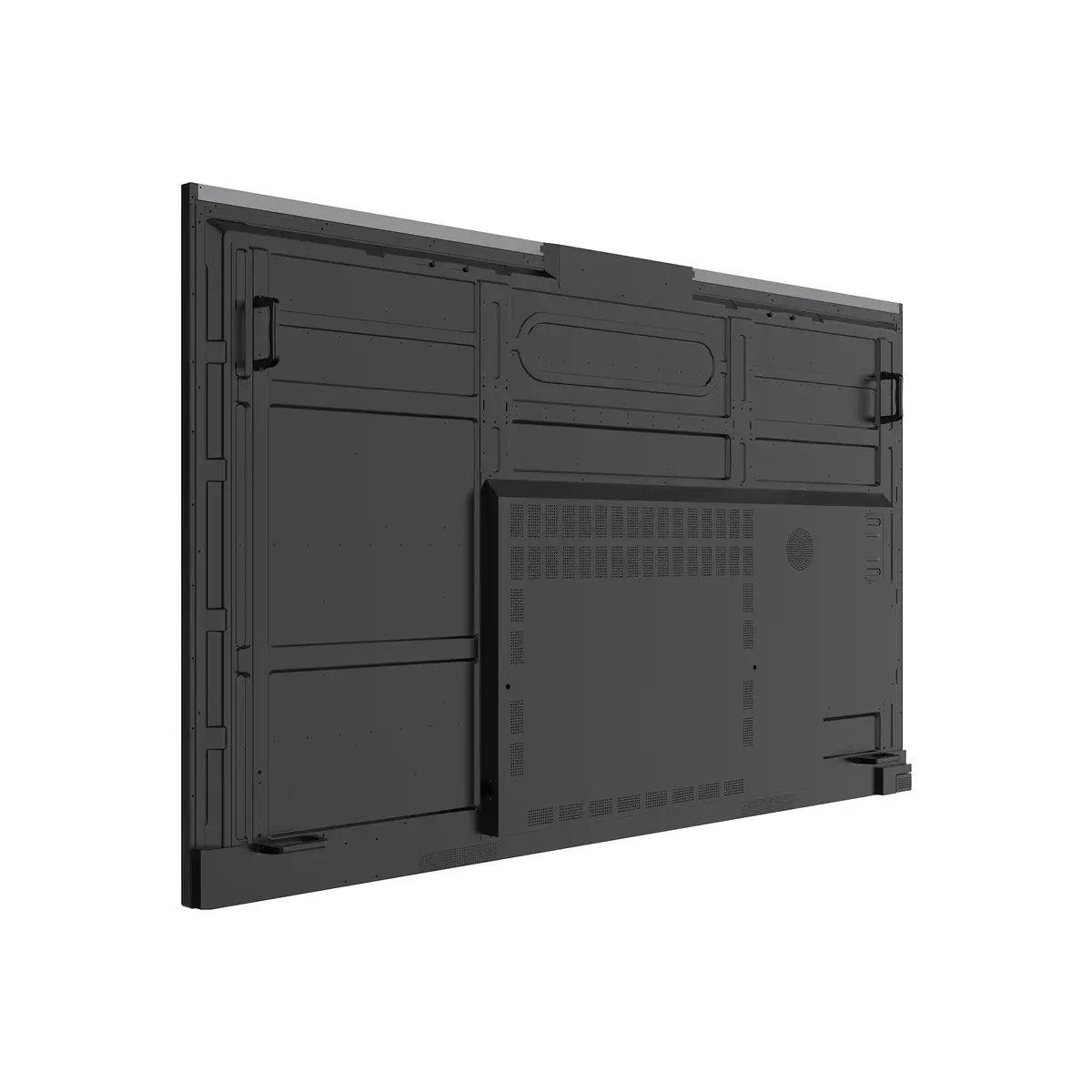
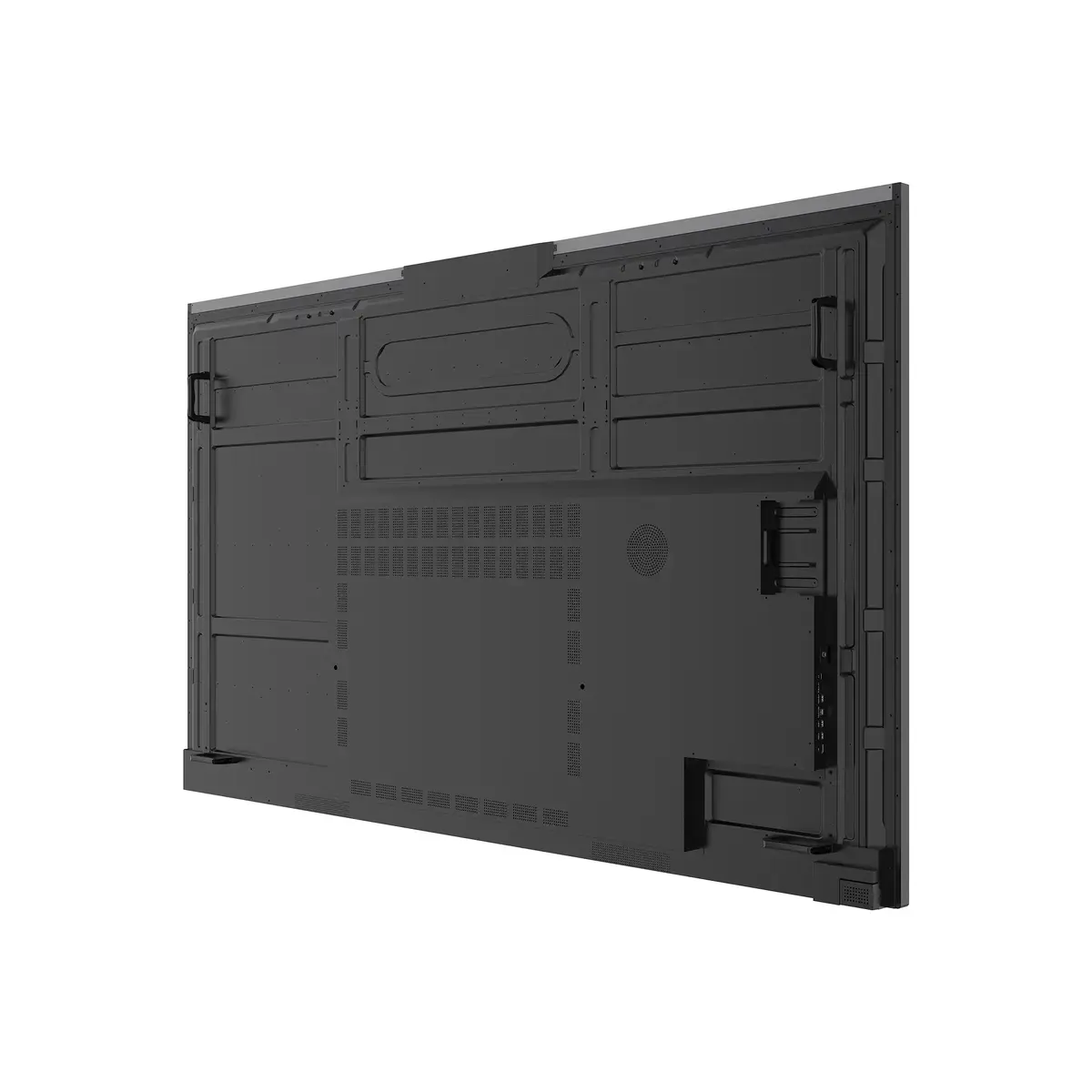
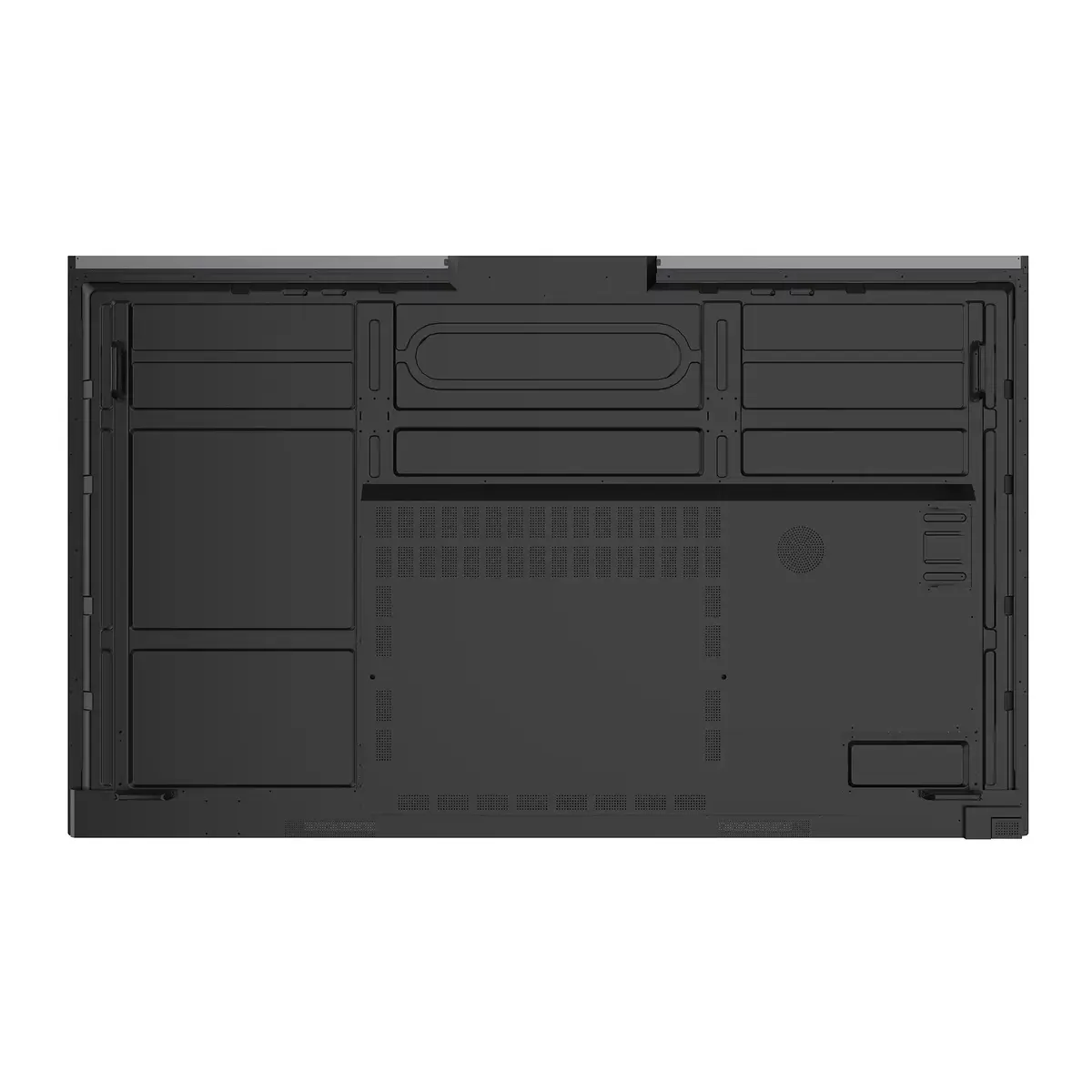
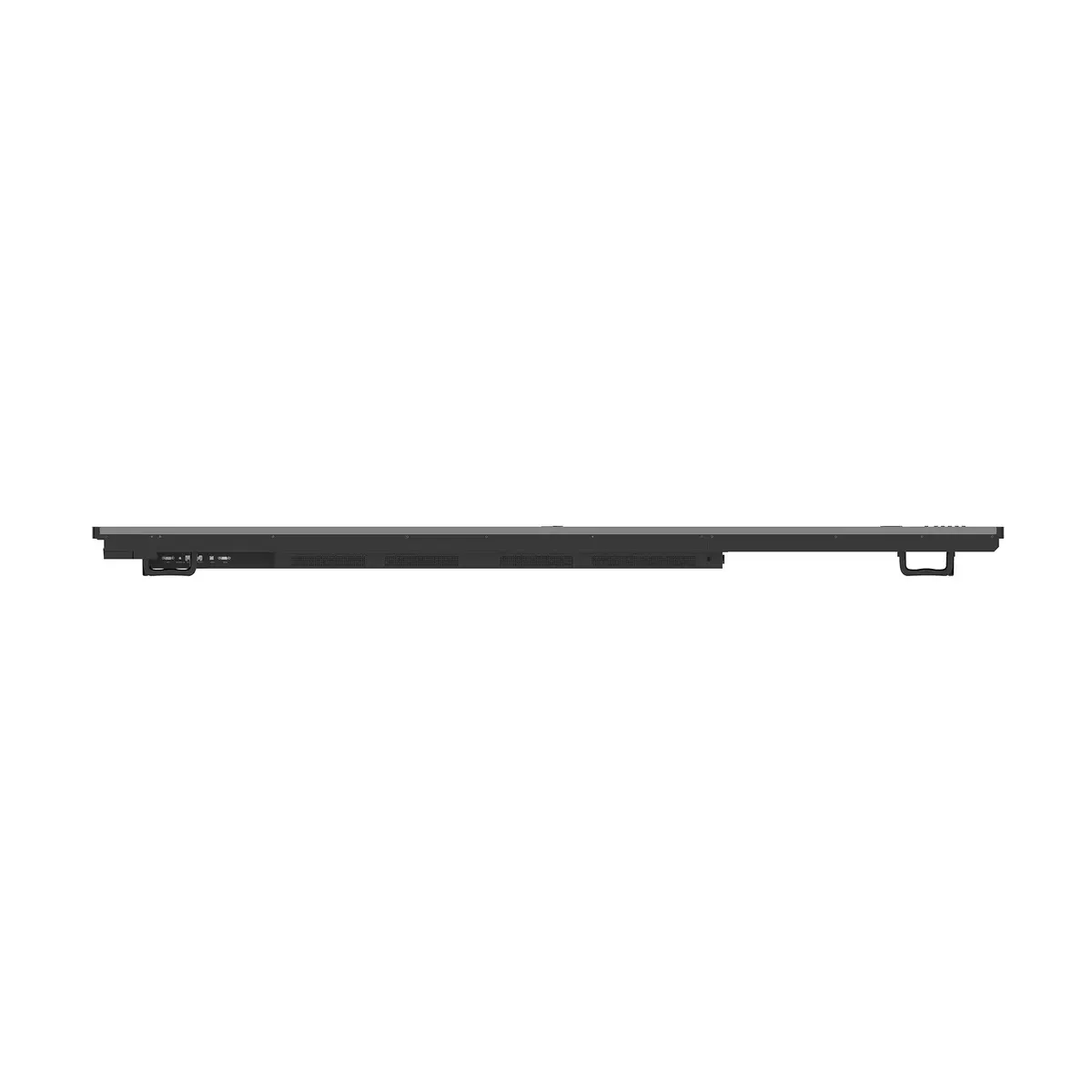
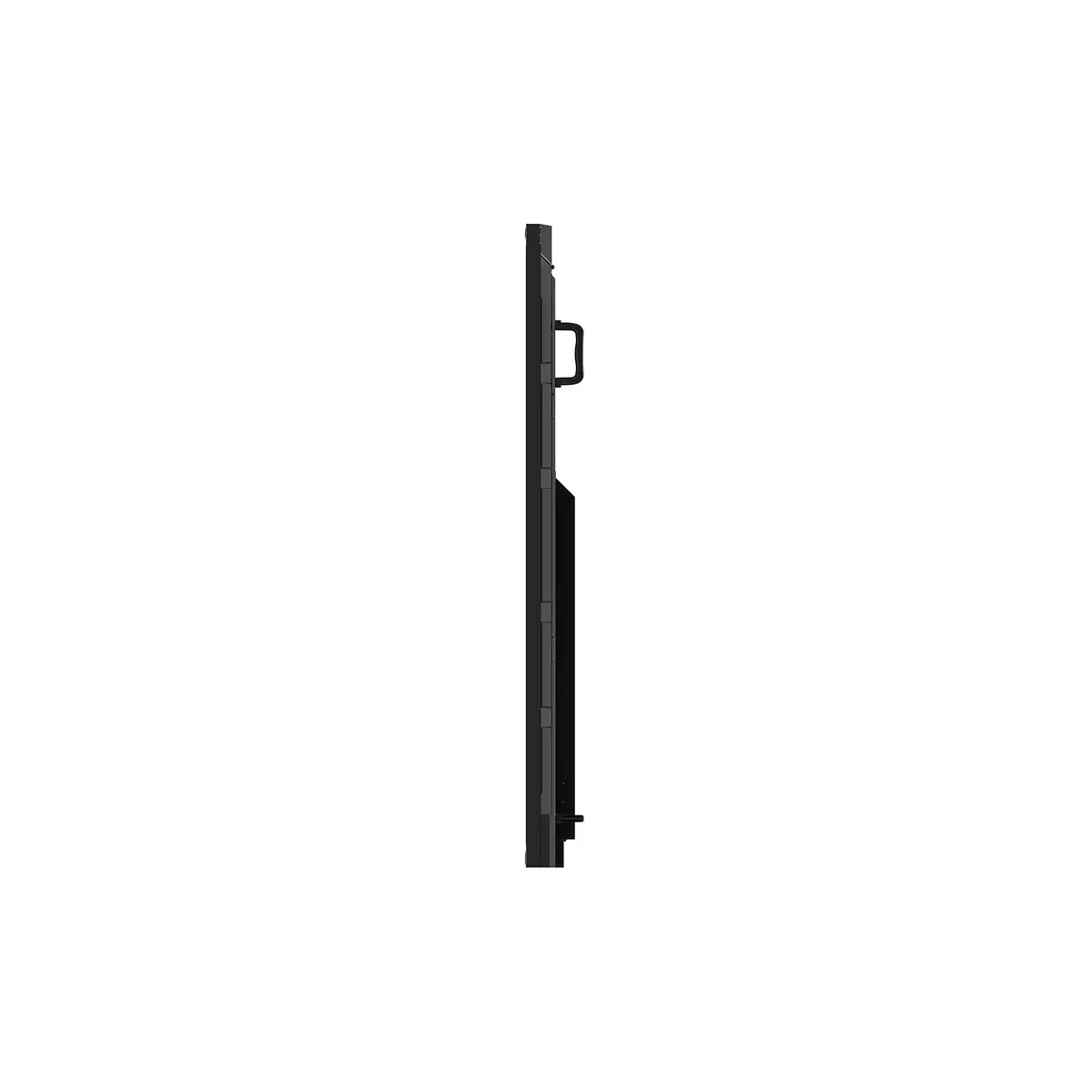
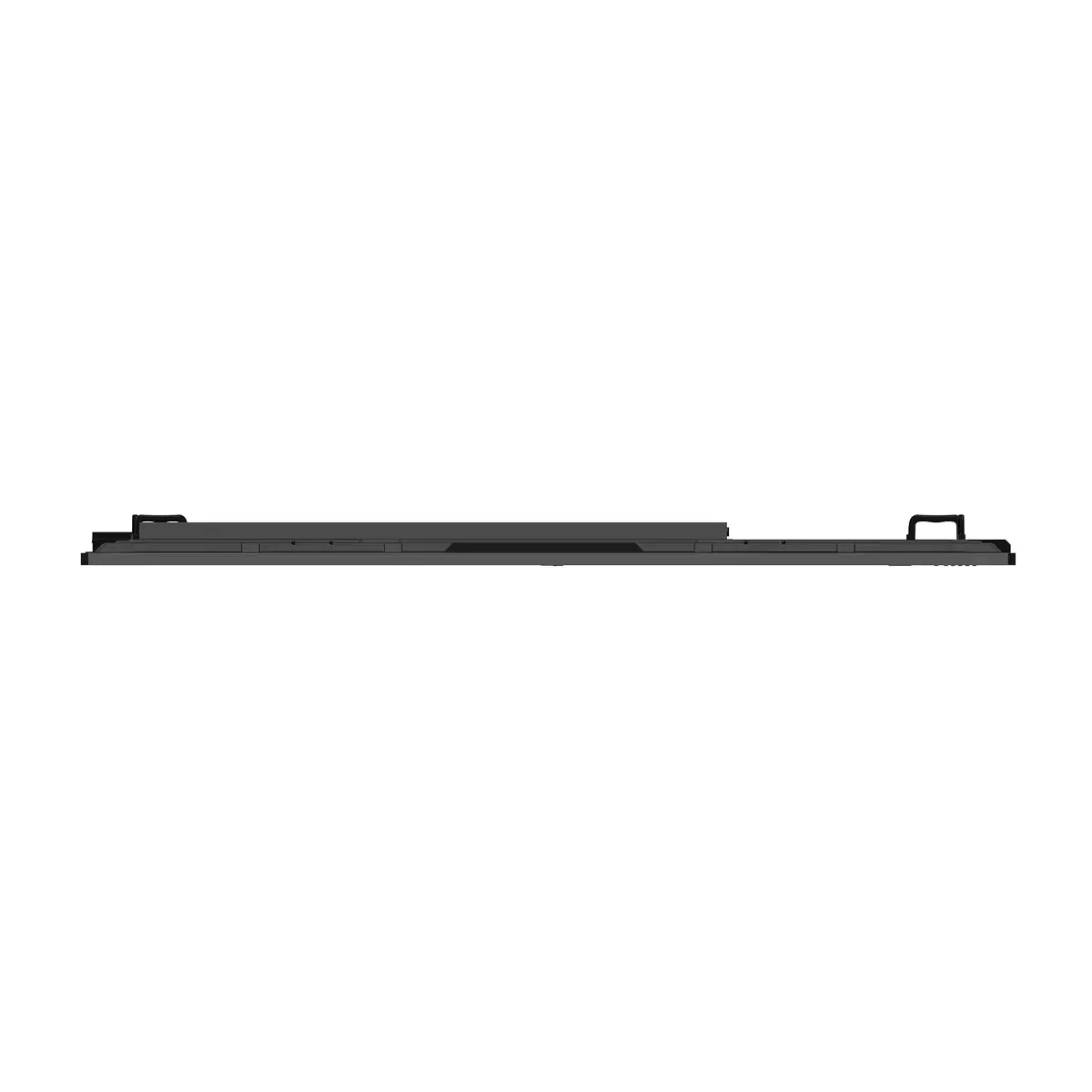
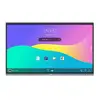
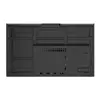
Interactive whiteboard BenQ RE9804FV2 98" 3840x2160 Touchscreen Android 64GB 40W Speakers Black
{{selectedOffer && selectedOffer.price | formatAmount}}
Keep track of price changes
You keep track of price changes
Watch the price drop
Leave your address - as soon as the price of the product goes down, you'll know about it right away
You keep track of price changes
Interactive whiteboard BenQ RE9804FV2 98" 3840x2160 Touchscreen Android 64GB 40W Speakers Black
{{email}}
You keep track of price changes
Interactive whiteboard BenQ RE9804FV2 98" 3840x2160 Touchscreen Android 64GB 40W Speakers Black
{{email}}
{{selectedOffer && selectedOffer.price | formatAmount}}
Offer for legal entity, cashless payment.
Why is an item available only for a legal entity?
This is due to long delivery times and limited product warranties.
This is due to long delivery times and limited product warranties.
Short description
BenQ RE9804FV2 is a 98" interactive whiteboard with a 3840×2160 UHD touchscreen and Android OS. It features an ARM Cortex A73/A53 processor, up to 64 GB internal memory, 500 cd/m² brightness, built-in 40 W speakers, Ethernet (10/100/1000) and IR touch capability. Designed for classrooms, meeting rooms and collaborative work where large-format 4K touch display and integrated audio are required.
Available for order:
1 pcs.
Warranty:
2 Years
SKU:
12405028


Deliver the order:
to the Customer Service Center at Kengaraga 2b, Riga
12.10.2026
{{selectedOffer.officeDeliveryString}}
free
Customer service center
2b. Kengaraga str., Riga, Latvia, LV-1063
12.10.2026
{{selectedOffer.officeDeliveryString}}
free
Courier Delivery
Please note that in case of a large parcel additional delivery costs may apply!
From 53.99 € (Weight: 99.00 kg)

Leasing for legal entities:
from 472.13 euros per month


