
JBL speakers and headphones for pure and deep sound!
In cart {{totalProductsCount}} item(s)
Your cart is empty
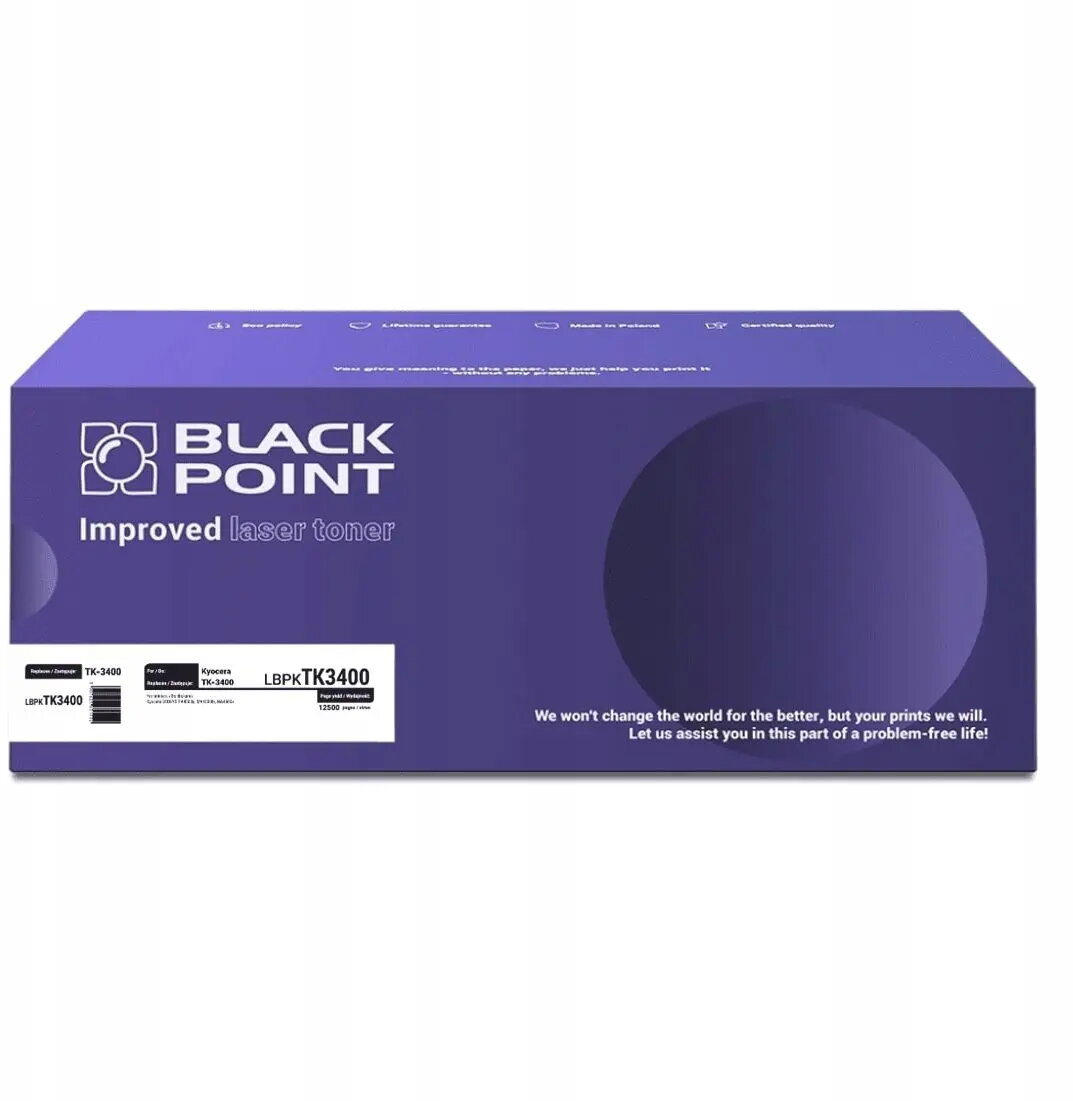
Toner BLACKPOINT TK-3400 compatible for Kyocera printers, black, MPN BLKYOTK3400BCBW
Blackpoint TK-3400 compatible black toner delivers monochrome prints for Kyocera laser printers that accept this replacement cartridge. Designed as an alternative to the original supplier's consumable, this single-unit cartridge supplies black toner for printing business documents, reports and everyday office materials. The cartridge fits compatible Kyocera models and is intended for standard office workflows where reliable black output is required.
This compatible Blackpoint toner provides consistent black density and clear text reproduction suitable for text-heavy documents. It is offered as a single cartridge for easy replacement and inventory management. The cartridge is designed to work with Kyocera printers that accept this format, aiming to deliver steady page yield and predictable performance in routine office printing tasks.
Install the toner into a compatible Kyocera laser printer according to the printer manufacturer’s instructions: power off the printer if recommended, open the toner access panel, remove the empty cartridge and insert the Blackpoint TK-3400 compatible toner until it locks in place. Close the access panel and run a test print or calibration page from the printer menu to verify correct installation and print quality. Handle the cartridge carefully to avoid toner spills; follow local disposal or recycling procedures for used toner cartridges.
For stable print quality, store the cartridge in a cool, dry place away from direct sunlight and install it within the manufacturer’s recommended shelf life. Use printer settings optimized for monochrome text for best results and consult the printer user manual when adjusting density or toner-save modes.
{{highlightedFeature.featureTitle}}:
{{getProductFeatureValueById(product, highlightedFeature.featureId)}}
{{ productComparisonGenerationError }}