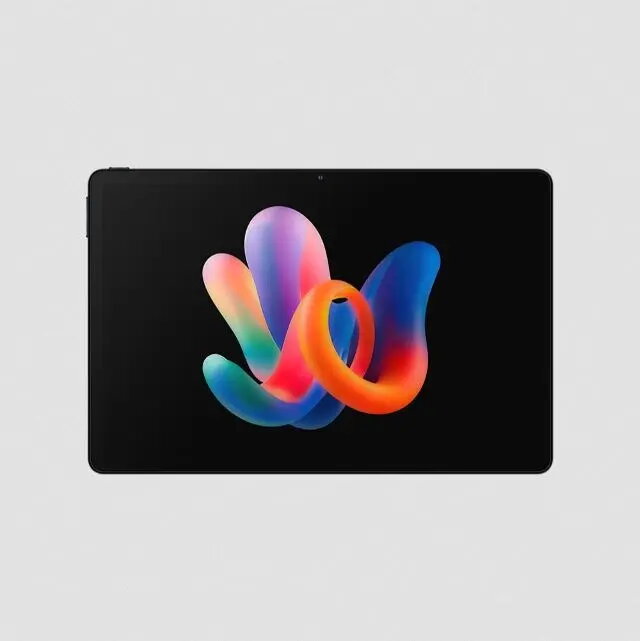
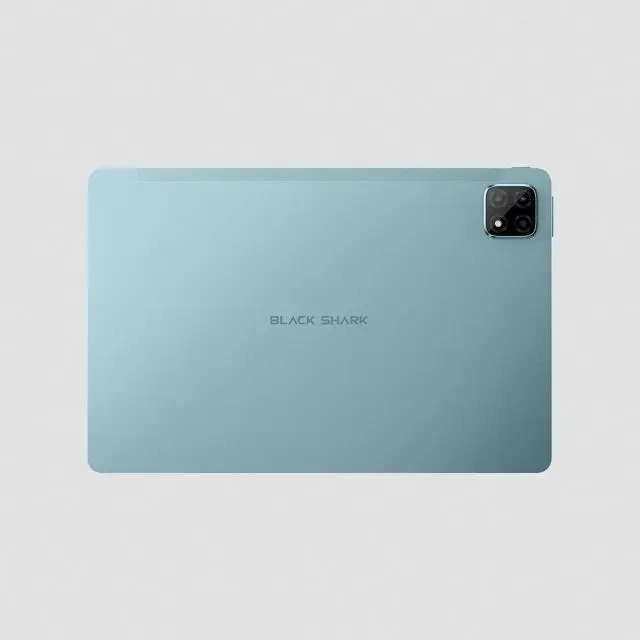
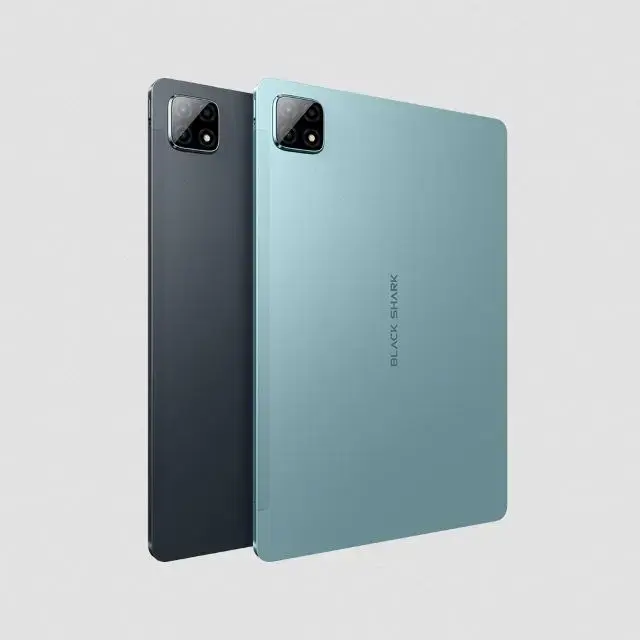
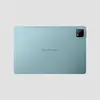
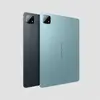
The Black Shark Pad 7 Pro is an 11-inch tablet designed to balance performance and portability for everyday use. Powered by the Helio G100 processor and equipped with 8GB of RAM, this device provides a smooth experience for multitasking, media consumption, and light productivity. With its 256GB of internal storage and support for MicroSD cards up to 1TB, it offers ample space for your files, photos, and applications. The tablet runs on the modern Android 15 operating system, ensuring access to the latest features and security updates.
Advantages
This tablet stands out due to its vibrant 1900 x 1200 resolution touchscreen, which makes watching videos and browsing content highly enjoyable. The inclusion of four built-in speakers delivers an immersive audio experience, while the 8800mAh battery ensures long-lasting usage throughout the day. Its slim 7.4 mm profile and lightweight design make it easy to carry, and the 4G connectivity allows you to stay online even when away from Wi-Fi networks. The combination of a 13MP rear camera and an 8MP front camera provides versatility for capturing moments or participating in video calls.
Suitable for
- Streaming movies and videos
- General web browsing and social media
- Video conferencing and online meetings
- Managing documents and light productivity tasks
- Reading e-books and digital magazines
This device may not be suitable for users requiring high-end professional gaming performance or heavy-duty video editing, as the hardware is optimized for daily tasks rather than resource-intensive creative software. Additionally, it lacks NFC functionality, which may be a limitation for those who rely on contactless features.
Key specifications
- Display: 11-inch touchscreen, 1900 x 1200 resolution
- Processor: Helio G100, 8 cores
- RAM: 8 GB
- Storage: 256 GB internal, expandable via MicroSD up to 1 TB
- Battery: 8800 mAh
- Operating System: Android 15
- Cameras: 13 MP rear, 8 MP front
- Audio: 4 built-in speakers
- Connectivity: 4G, Wi-Fi, Bluetooth 5.3
- Dimensions: 254 x 166 x 7.4 mm
- Weight: 513 g
How to use
To begin using your Black Shark Pad 7 Pro, charge the device fully using the provided USB Type-C cable and charger. Power on the tablet by holding the side button and follow the on-screen instructions to set up your Android 15 environment, including your Google account and Wi-Fi connection. You can insert a MicroSD card into the designated slot to expand your storage capacity if needed. Navigate the interface using the touchscreen, and utilize the built-in cameras for photography or video calls by opening the camera application.
What to consider before purchase
- Check if your mobile carrier supports the 4G bands required for this device.
- Consider whether you need NFC for contactless payments or device pairing.
- Ensure the 11-inch screen size meets your requirements for portability versus viewing area.
- Verify that your preferred applications are compatible with Android 15.
Usage recommendations
To maintain the longevity of your tablet, avoid exposing the device to extreme temperatures and keep the charging port free of debris. Regularly update your software through the settings menu to ensure optimal performance and security.