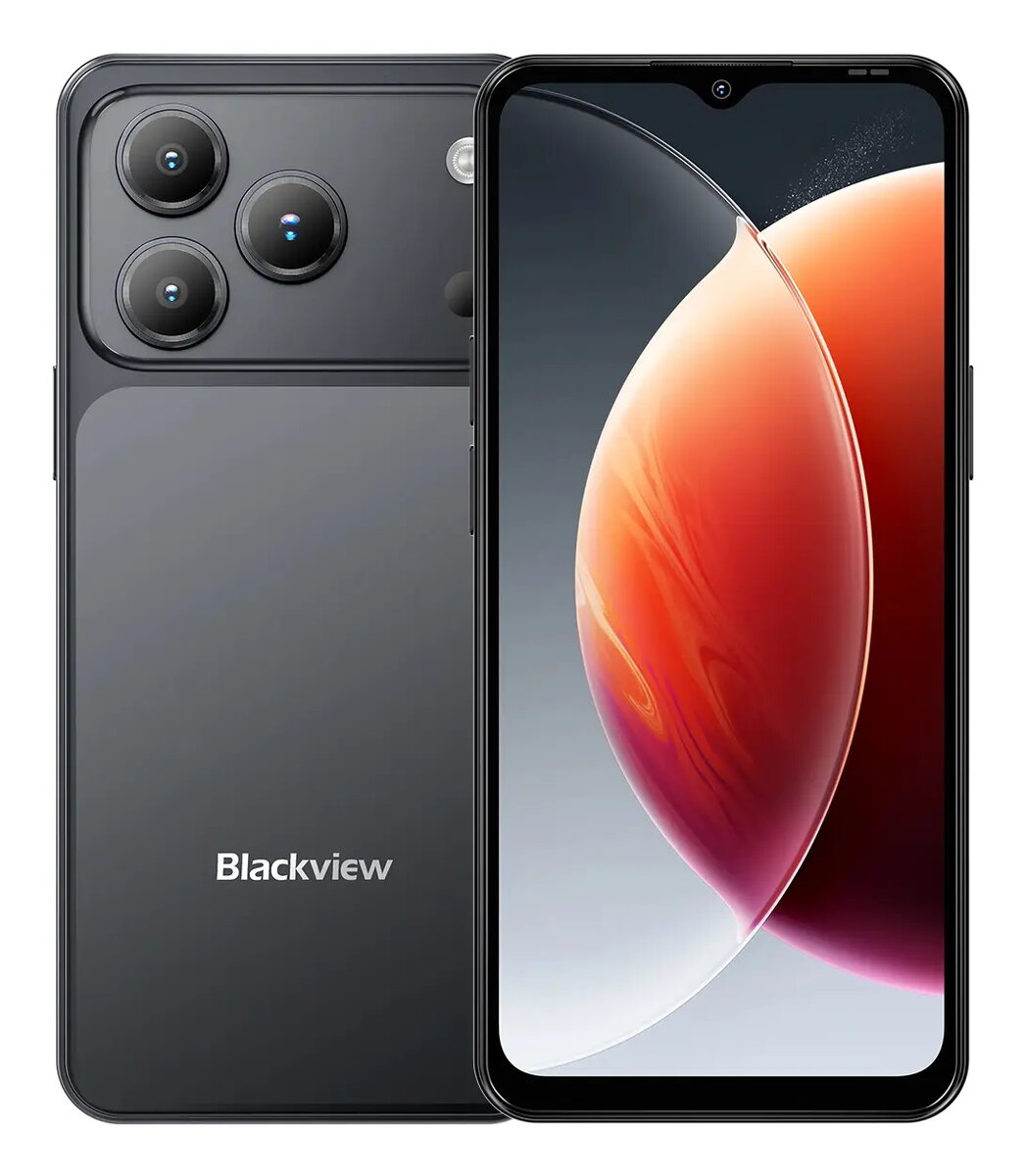
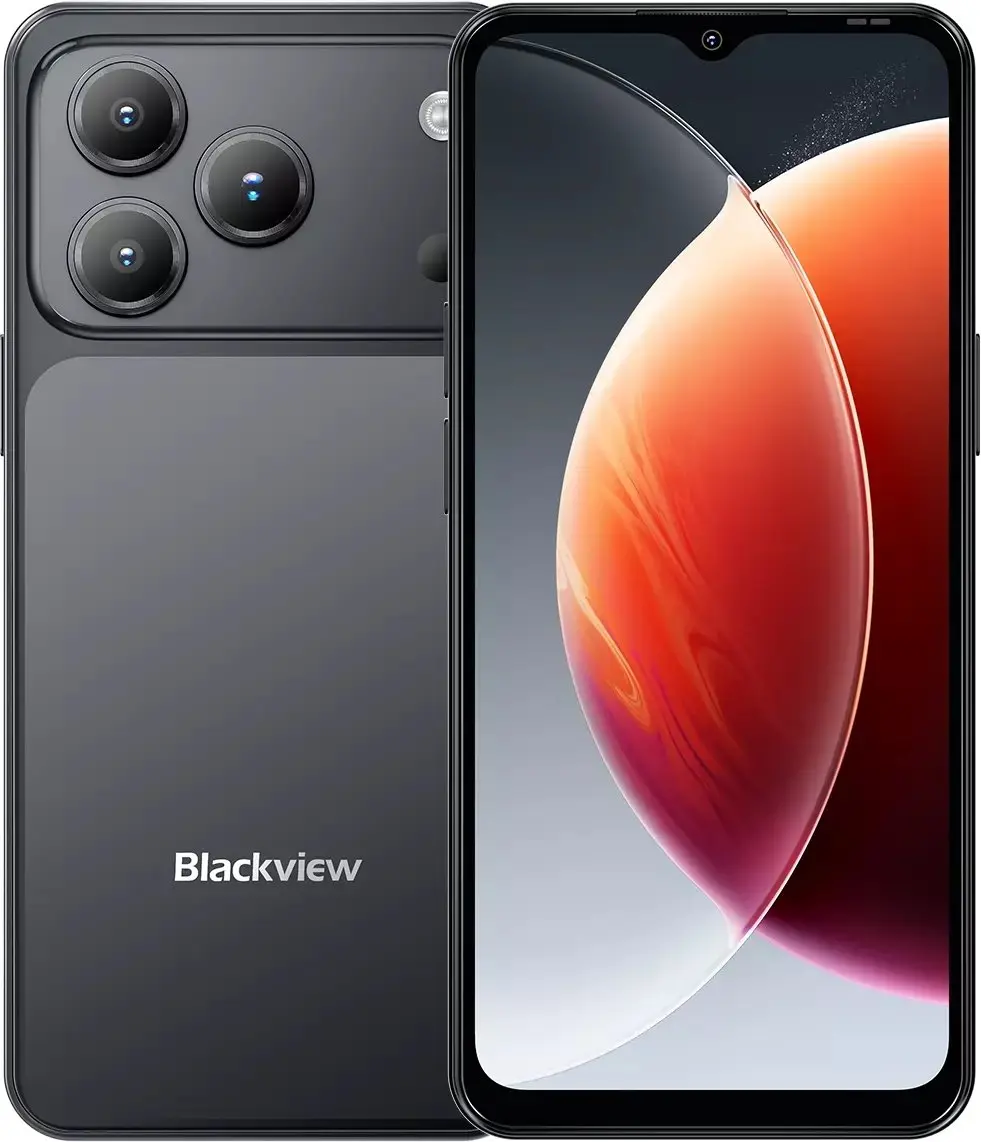
-
Display diagonal:
Size of the display for this product, measured diagonally, usually in inches.
-
6.56 "
-
Display resolution:
The number of distinct pixels in each dimension that can be displayed. It is usually quoted as width × height, with the units in pixels: for example, "1024 × 768" means the width is 1024 pixels and the height is 768 pixels. The higher the number of pixels, the sharper the image.
-
1612 x 720
-
Processor model:
The model number for the processor in a computer.
-
T310
-
Processor family:
A family of processors is a group of processors produced by one company over a short period of time e.g. Intel Pentium processors.
-
Unisoc
-
Processor frequency:
The speed that the microprocessor executes each instruction or each vibration of the clock. The CPU requires a fixed number of clock ticks, or cycles, to execute each instruction. The faster the clocks rate, the faster the CPU, or the faster it can execute instructions. Clock Speeds are usually determined in MHz, 1 MHz representing 1 million cycles per second, or in GHz, 1 GHz representing 1 thousand million cycles per second. The higher the CPU speed, the better a computer will perform.
-
1.8 GHz
-
RAM capacity:
-
4 GB
-
Internal storage capacity:
The amount e.g of data which can be stored inside the device.
-
64 GB
-
Bluetooth:
Bluetooth is a low-power radio technology developed to replace the cables and wires currently used to link or connect electronic devices such as personal computers, printers, and a wide variety of handheld devices including mobile phones. Because it uses radio-wave connectivity, a Bluetooth-enabled device has a constant, established connection to whatever browser it uses. This saves the user the trouble of logging on to check for emails or news updates, for example.
-
Yes
-
Top Wi-Fi standard:
Connection of this device is done via Wi-Fi in a high standard.
-
Wi-Fi 5 (802.11ac)
-
4G standard:
-
LTE-TDD & LTE-FDD
-
SIM card type:
-
NanoSIM
-
Mobile network generation:
-
4G
-
SIM card capability:
How many SIM cards the device can hold.
-
Dual SIM
-
Rear camera flash:
Whether or not the rear camera features its own flash.
-
Yes
-
Front camera resolution (numeric):
-
13 MP
-
Front camera type:
Indicates the type of the camera at the front of the product, dual or single.
-
Single camera
-
Rear camera resolution (numeric):
The resolution of the images produced with the rear camera, given in MP (megapixel. 1 MP = 1 million pixels).
-
32 MP
-
Rear camera type:
Indicates the type of the camera at the back of the product, dual or single.
-
Single camera
-
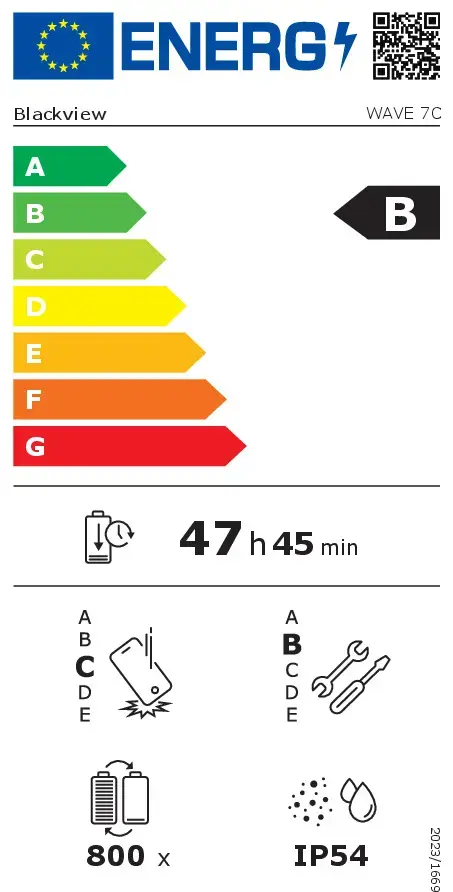
Battery endurance in cycles:
Number of full charge–discharge cycles the battery endures before its capacity significantly decreases.
-
800
-
Position location:
Whether the navigation system can locate the phone's position.
-
Yes
-
Battery capacity:
A measure of the charge stored by the battery. Determined by the mass of active material contained in the battery.
-
5000 mAh
-
USB Type-C charging port:
-
Yes
-
International Protection (IP) code:
The IP code classifies and rates the degree of protection provided against the intrusion (including body parts such as hands and fingers), dust, accidental contact, and water by mechanical casings and electrical enclosures. It is published by the International Electrotechnical Commission (IEC). The digits (characteristic numerals) indicate conformity with the conditions summarized in the tables below. Where there is no protection rating with regard to one of the criteria, the digit is replaced with the letter X. an electrical socket rated IP22 is protected against insertion of fingers and will not be damaged or become unsafe during a specified test in which it is exposed to vertically or nearly vertically dripping water. Another example is the Sony Xperia Z Ultra, one of the first cellular phones to be IP-rated; it is rated at IP58 and marketed as "dust resistant" and can be "immersed in 1.5 meter of freshwater for up to 30 minutes".
-
IP54
-
Repairability class:
Rating of how easy it is to disassemble and repair the device, including parts and manual availability.
-
B
-
Repeated free fall reliability class:
Assessment of device durability after repeated drops from a specified height.
-
C
-
Battery endurance per cycle:
-
2865 min
-
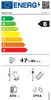
Energy efficiency class:
Rating of how efficiently a device uses energy, affecting power consumption and costs.
-
B
-
Operating system installed:
Type of operating system on a device e.g. IOS on Apple devices, Android for mobile devices.
-
Android 16.0
-
Platform:
Description of a technology platform including a processor, chipset, platform software and wired networking capabilities.
-
Android
-
Form factor:
The shape or design of the product.
-
Bar
-
Weight:
Weight of the product without packaging (net weight). If possible, the net weight is given including standard accessories and supplies. Please note that sometimes the manufacturer leaves out the weight of accessories and/or supplies.
-
0.2 kg
-
Compatible memory cards:
Types of memory cards which can be used with this product.
-
MicroSD (TransFlash)
-
5G standard:
-
Not supported
-
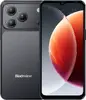
Product colour:
The colour e.g. red, blue, green, black, white.
-
Black