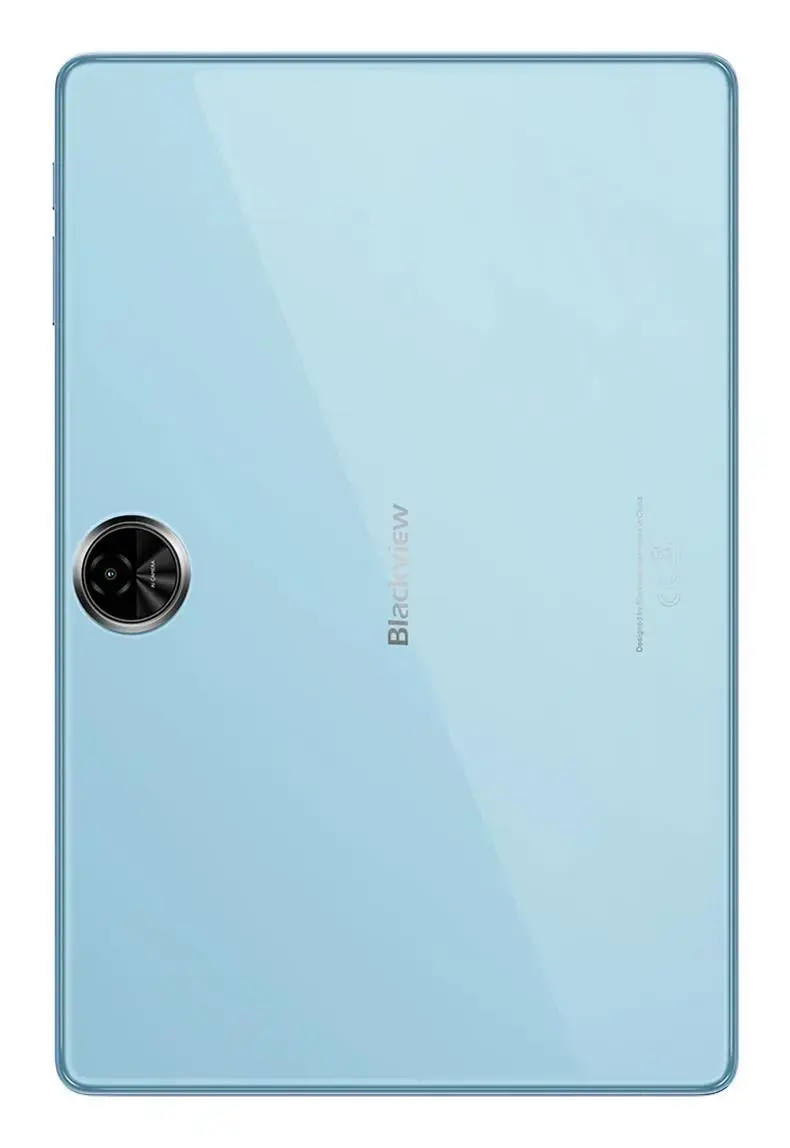
The Blackview Zeno 5 is an 11-inch tablet designed to provide a balanced experience for media consumption, web browsing, and everyday productivity. Featuring a clear IPS display with a resolution of 1280x800 pixels, this device offers a comfortable viewing area for videos and documents. It is powered by a Unisoc T7250 processor clocked at 1.6 GHz, supported by 8GB of RAM and 128GB of internal storage, ensuring smooth operation for standard applications and multitasking. The tablet runs on the Android platform, providing access to a wide range of apps and services, and includes modern connectivity options such as Wi-Fi 5 and mobile network support.
Advantages
The Blackview Zeno 5 stands out due to its versatile hardware configuration, which includes a generous 8GB of RAM for efficient multitasking and 128GB of storage for your files and media. The 11-inch IPS screen provides consistent color reproduction and wide viewing angles, making it suitable for shared media viewing. With integrated mobile network connectivity and Wi-Fi 5, the tablet ensures you stay connected whether at home or on the go. The inclusion of a USB Type-C port simplifies charging and data transfer, while the integrated card reader allows for easy storage expansion to accommodate larger media libraries.
Suitable for
- Streaming movies and online video content
- Web browsing and social media engagement
- Reading e-books and digital documents
- Light productivity tasks and email management
- Educational purposes and remote learning
When it may not be suitable
This tablet may not be the ideal choice for users requiring high-performance gaming or intensive professional video editing, as the processor is optimized for general daily tasks rather than heavy computational loads. Additionally, the 1280x800 resolution may not provide the pixel density required for professional graphic design work.
Key specifications
- Display: 11-inch IPS, 1280x800 pixels
- Processor: Unisoc T7250, 1.6 GHz
- Memory: 8GB RAM
- Storage: 128GB internal storage
- Connectivity: Wi-Fi 5, Mobile network support
- Ports: USB Type-C, Integrated card reader
- Weight: 573 g
- Platform: Android
How to use
To begin using your Blackview Zeno 5, power on the device by holding the side button until the logo appears. Follow the on-screen Android setup wizard to connect to your Wi-Fi network and sign in with your account. You can expand the storage capacity by inserting a compatible memory card into the integrated card reader slot. Charge the device using the provided USB Type-C cable connected to a power adapter. To manage your apps and settings, navigate through the Android interface using the touchscreen gestures.
What to consider before purchase
- Check if your mobile carrier supports the network bands required for mobile data connectivity.
- Consider whether the 128GB storage capacity meets your needs or if you will require an additional memory card.
- Evaluate if the screen resolution is sufficient for your specific media consumption habits.
Usage recommendations: To maintain optimal performance, keep the Android system updated and periodically clear the cache of frequently used applications. Use a protective case to prevent accidental damage to the 11-inch display and ensure the device is kept away from extreme temperatures.