

Leave your address - as soon as the price of the product goes down, you'll know about it right away
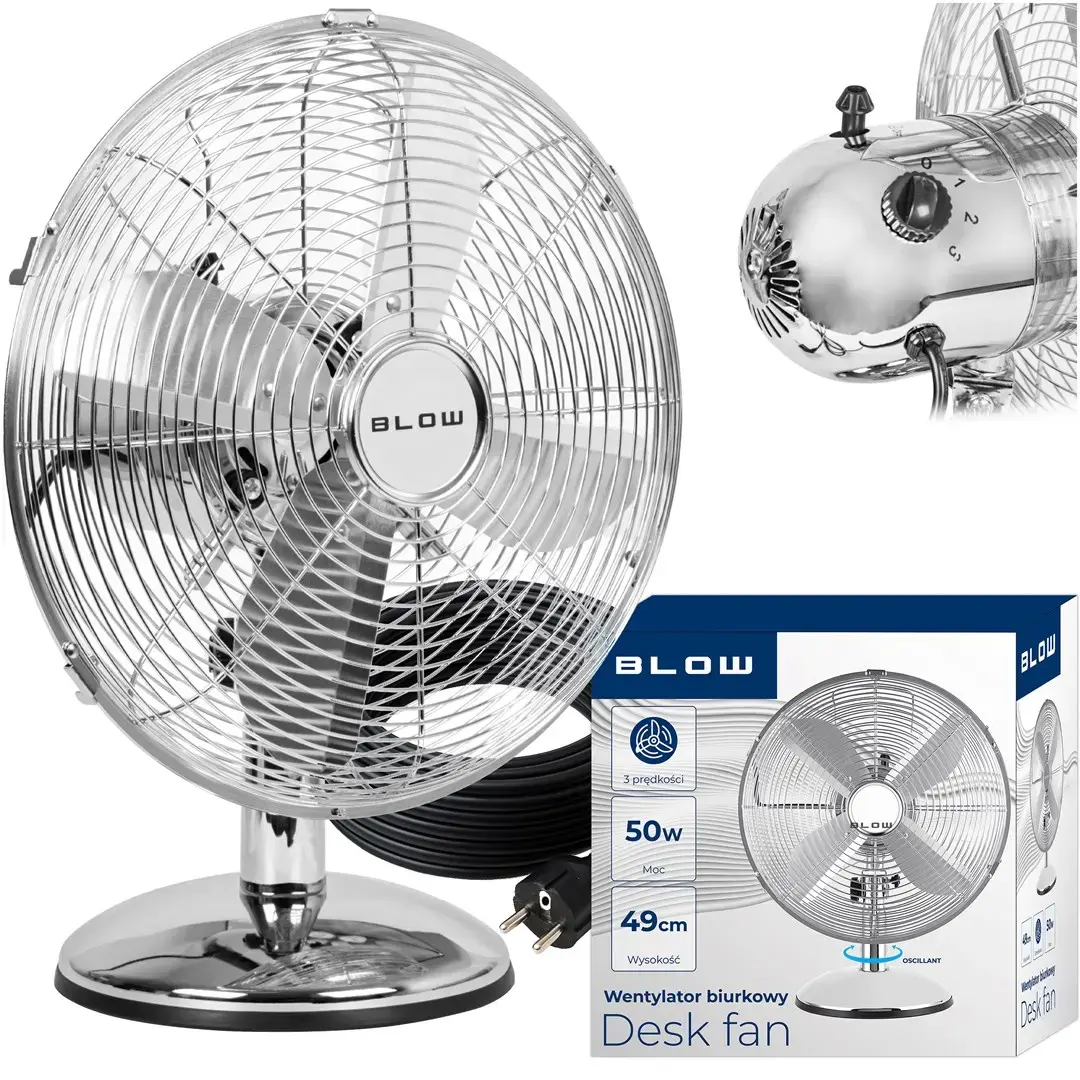
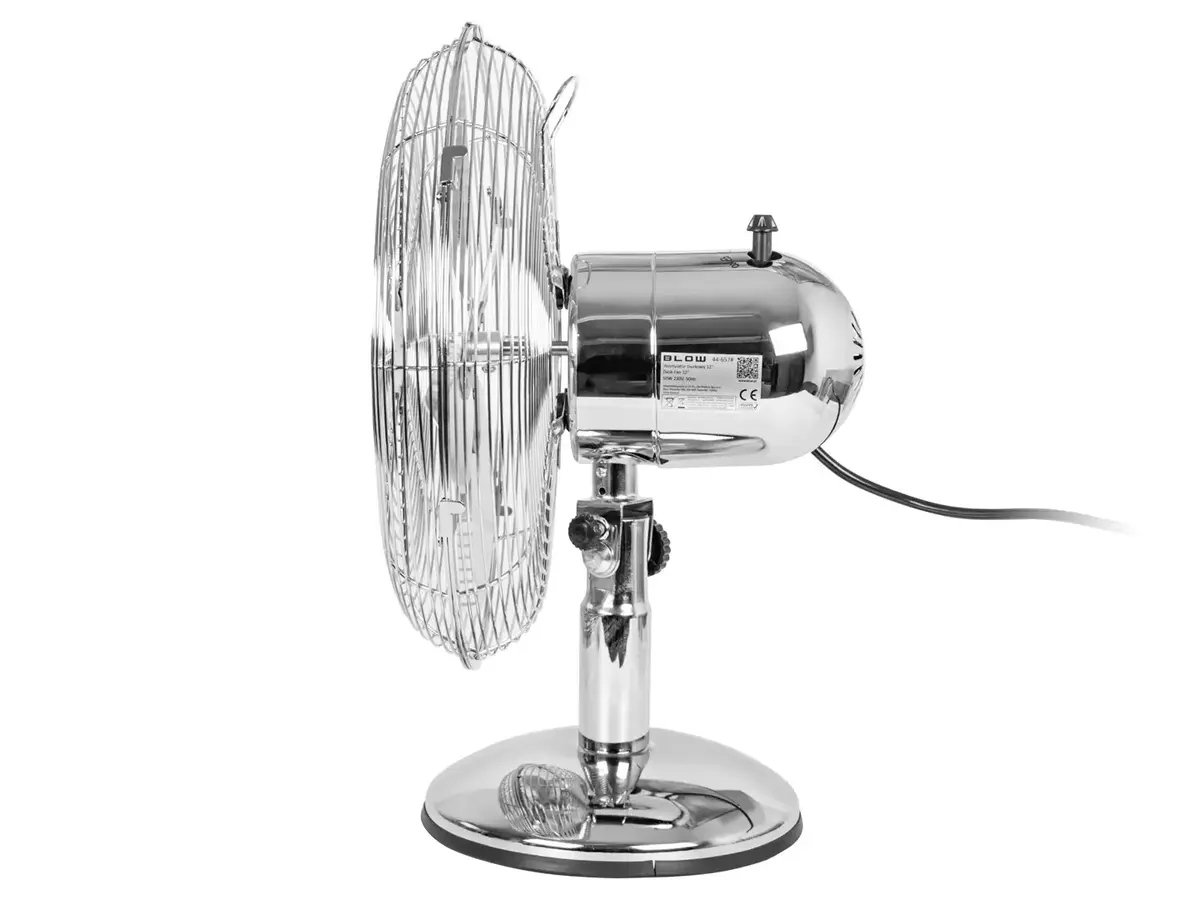
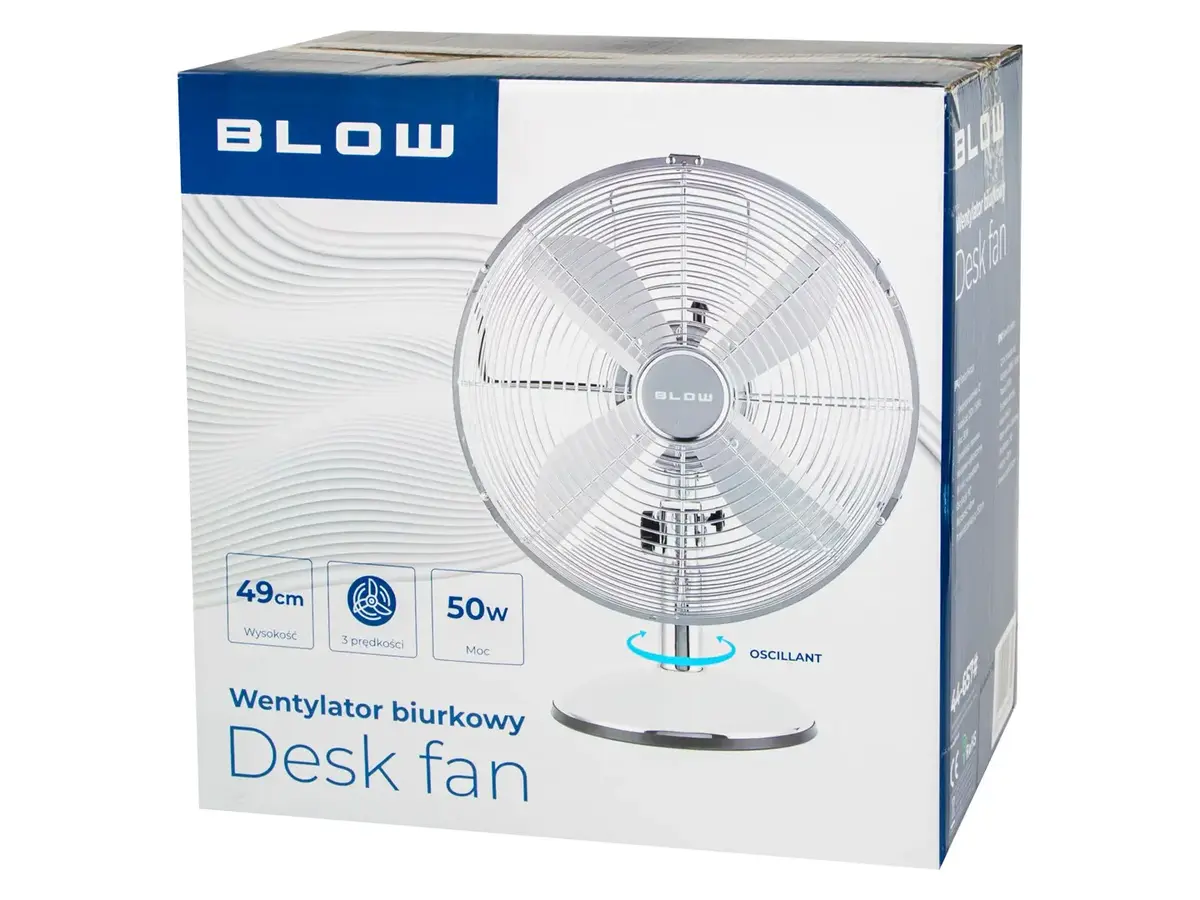
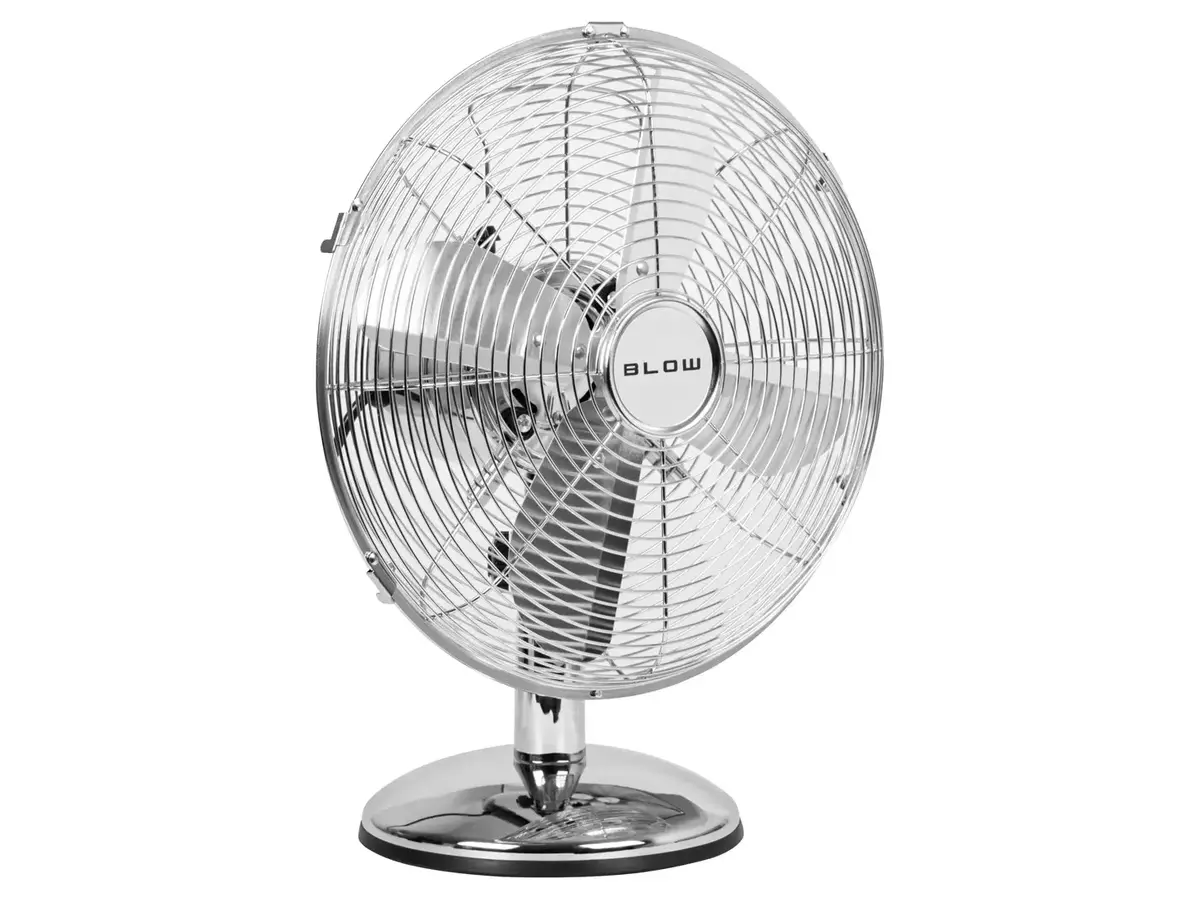
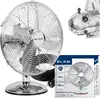
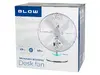
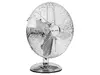
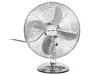
BLOW 12" Desk Fan, 30cm, 50W, 3 Speeds, Oscillating, Silver Metal
In cart {{totalProductsCount}} item(s)
Your cart is empty
BLOW 12" Desk Fan, 30cm, 50W, 3 Speeds, Oscillating, Silver Metal
Leave your address - as soon as the price of the product goes down, you'll know about it right away
BLOW 12" Desk Fan, 30cm, 50W, 3 Speeds, Oscillating, Silver Metal
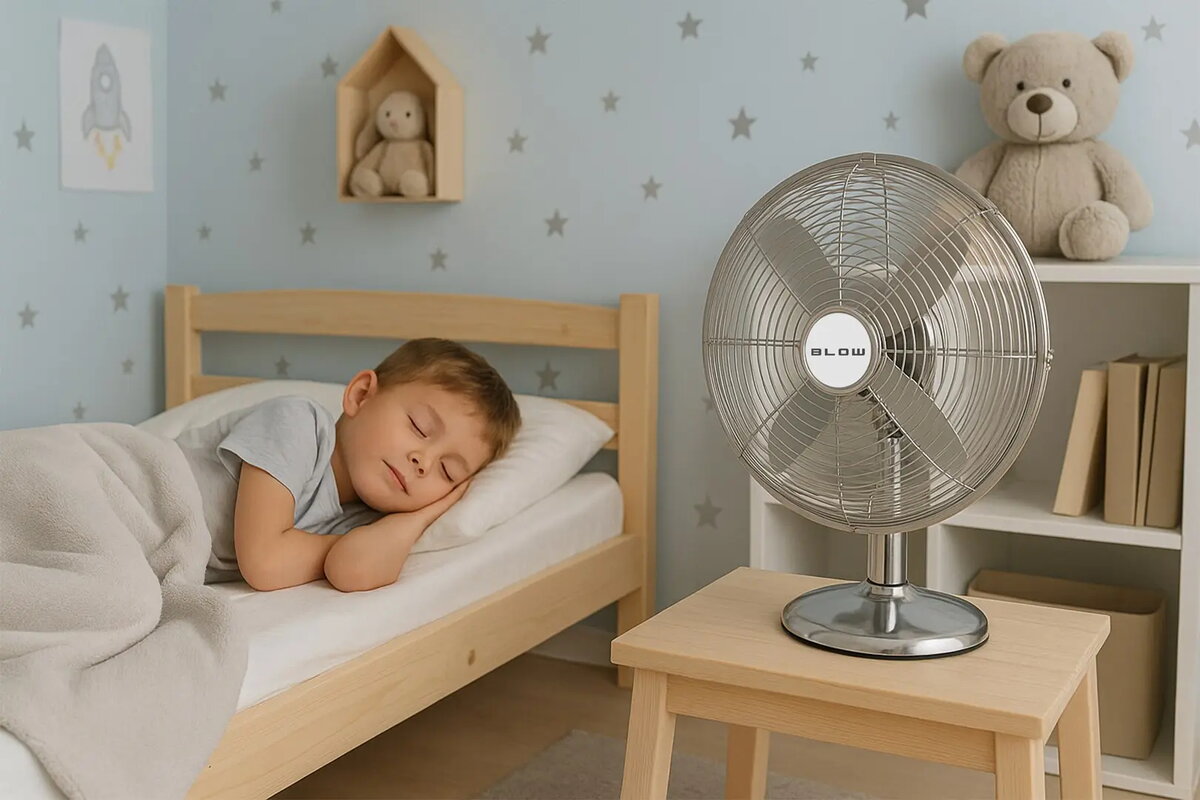
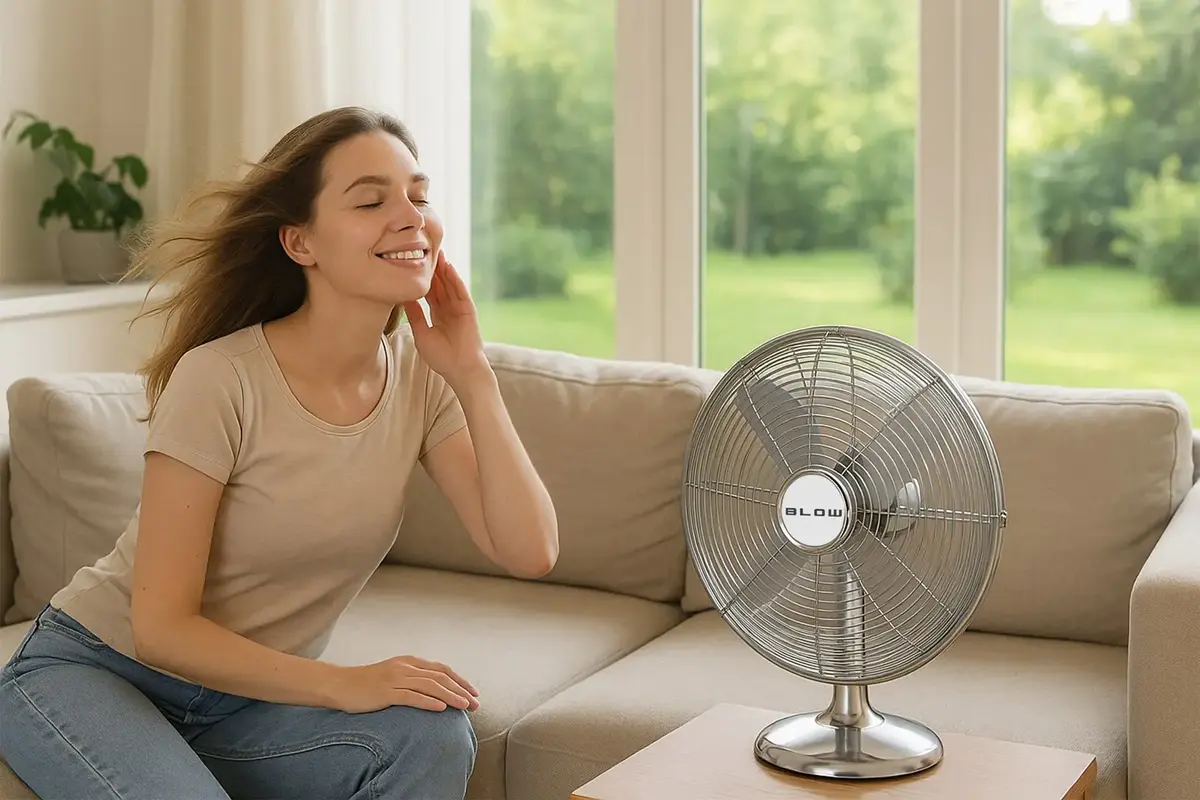
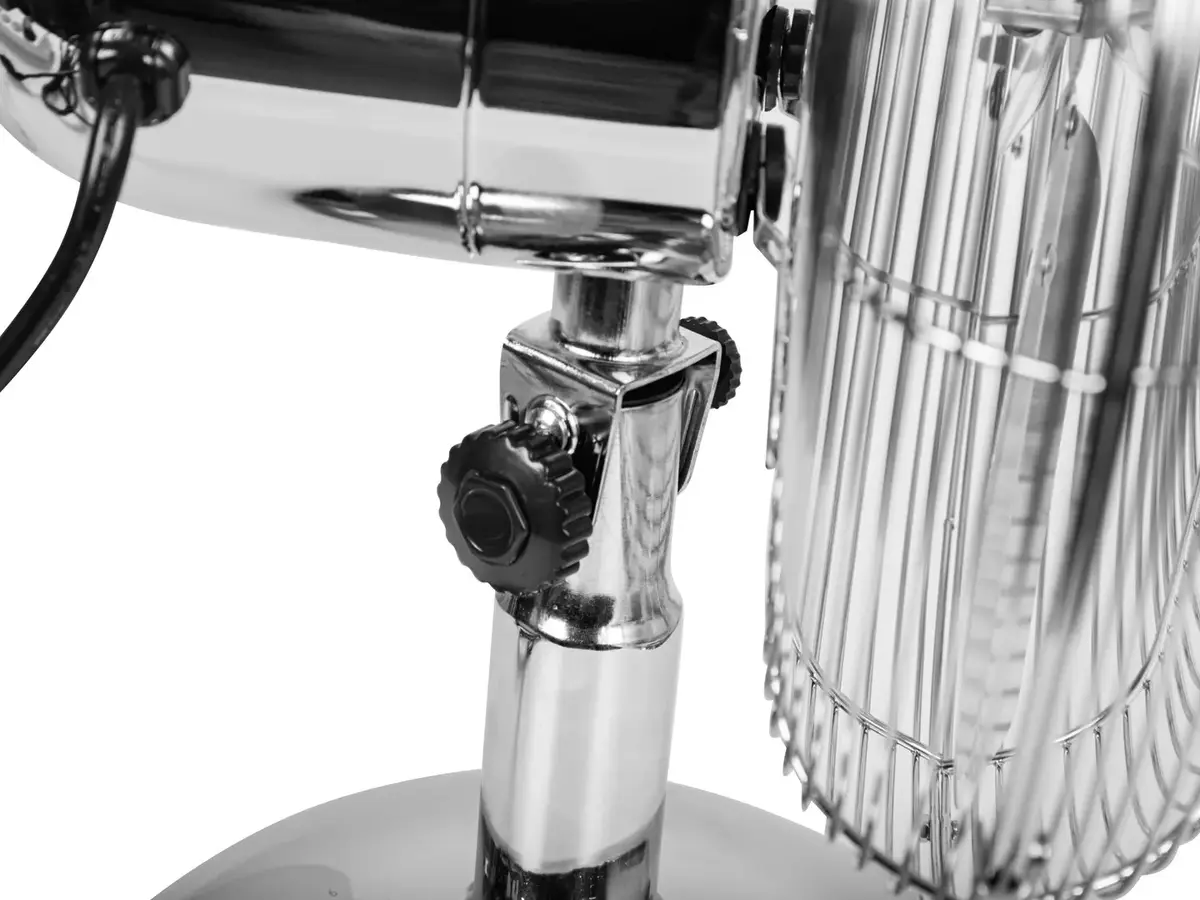
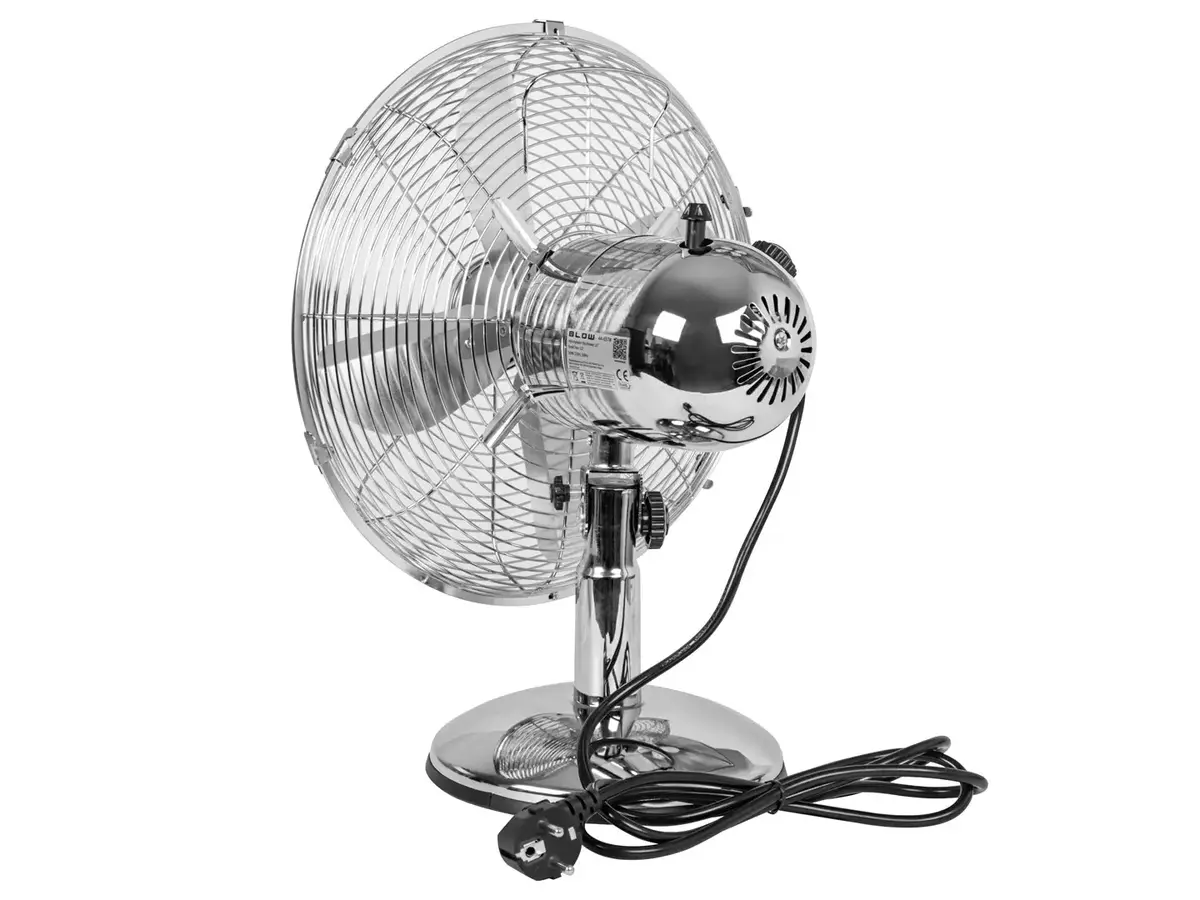
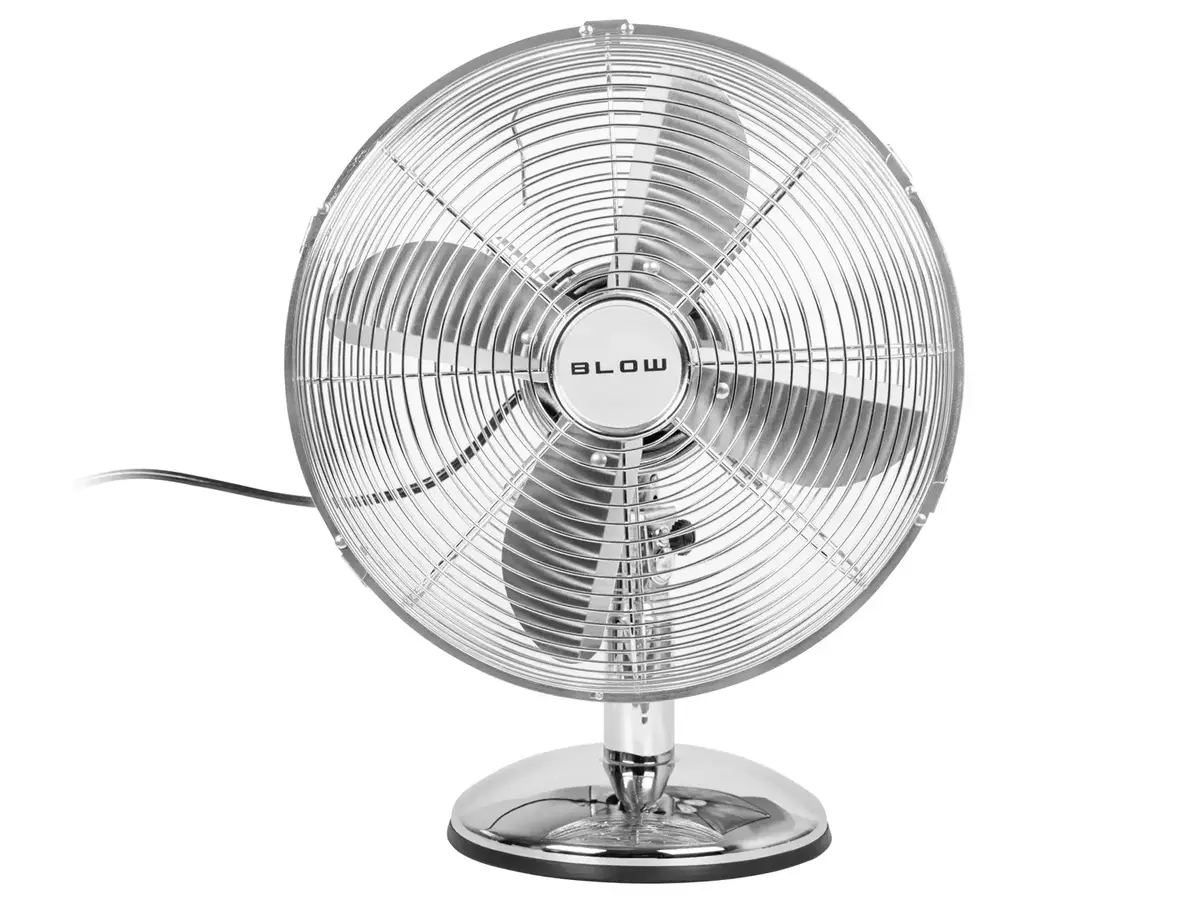
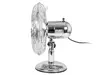
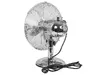
The BLOW 12" desk fan is a robust and efficient cooling solution designed for personal use in homes and offices. With a 30 cm diameter and a powerful 50W motor, this fan ensures consistent air circulation to keep your environment comfortable during warmer days. Its sleek silver metal construction provides durability and a modern aesthetic that fits well on any desk or tabletop surface.
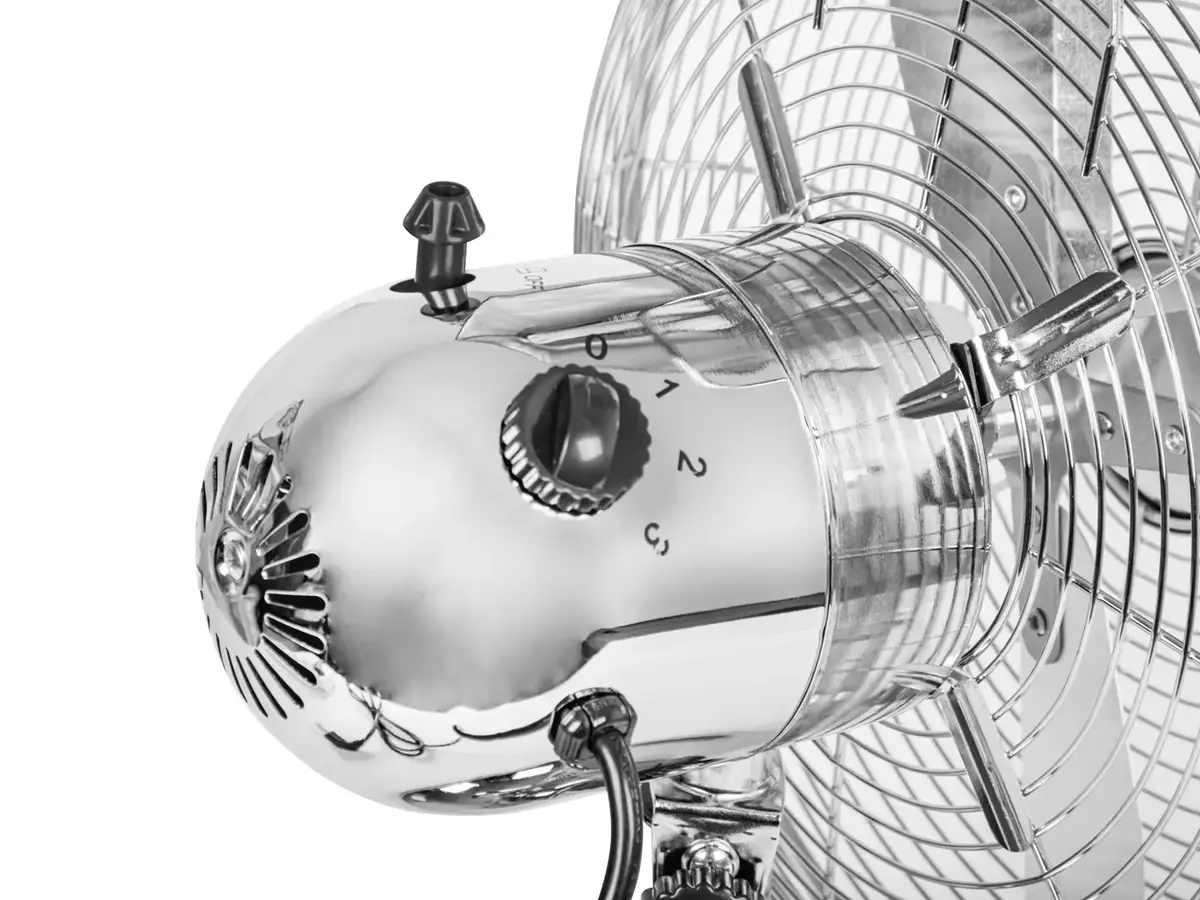
This desk fan offers significant versatility through its three adjustable speed settings, allowing users to customize the airflow intensity based on their immediate needs. The automatic 90-degree oscillation feature ensures that cool air is distributed evenly across a wider area, preventing stagnant air pockets. The inclusion of three aerodynamically designed blades combined with a quiet motor operation makes it an ideal choice for workspaces where concentration is required. Furthermore, the integrated protective grid provides an essential safety layer, ensuring secure operation in busy environments.
This fan is designed primarily for desktop or tabletop placement and may not be effective for cooling large open-plan areas or entire rooms. It is not intended for outdoor use or in environments with high humidity where electrical components could be compromised.
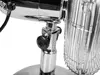
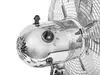
To use the BLOW desk fan, place it on a stable, flat surface such as a desk or table. Ensure the power cable is connected to a standard 230V AC wall outlet. Use the control buttons located on the base to select your desired speed setting. To activate the automatic oscillation, engage the oscillation switch, which allows the fan head to rotate 90 degrees. Always ensure the protective grid is securely in place before turning the device on.
For optimal performance, place the fan at a slight distance from the user to allow for better air mixing. Regularly clean the protective grid and blades with a dry cloth to prevent dust accumulation, which can affect airflow efficiency.
{{highlightedFeature.featureTitle}}:
{{getProductFeatureValueById(product, highlightedFeature.featureId)}}