
Hurry and order now – up to 50% off!
In cart {{totalProductsCount}} item(s)
Your cart is empty
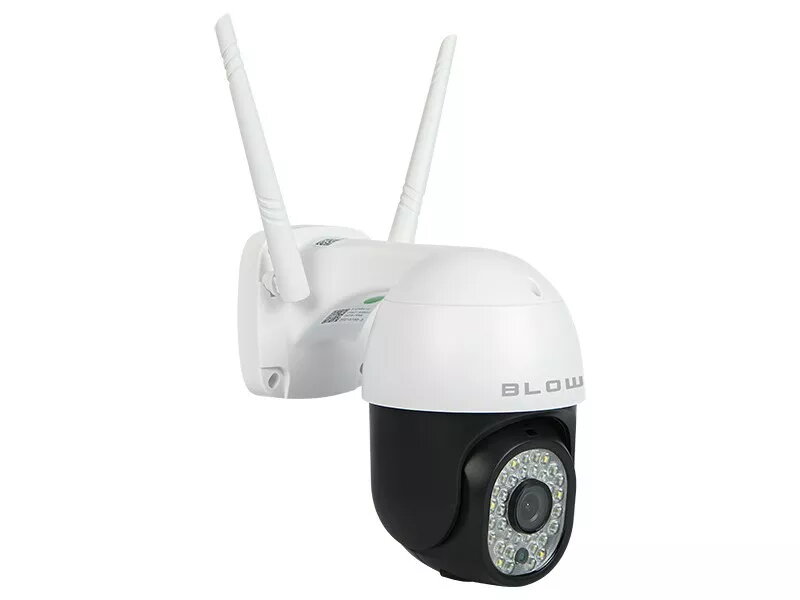
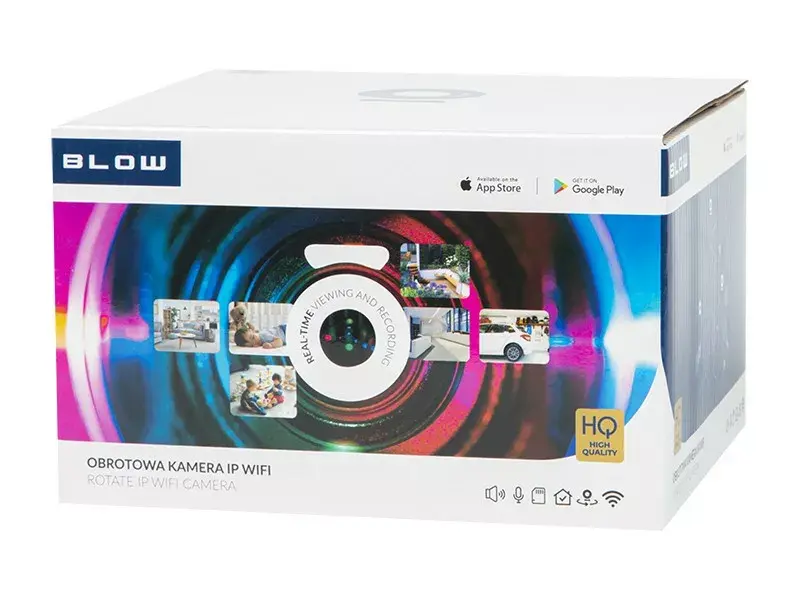
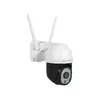
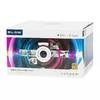
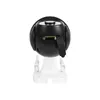
BLOW Camera WiFi H-335 rotating 5 MP PTZ — wireless IP camera, 5 MP resolution, PTZ rotating function
BLOW Camera WiFi H-335 rotating 5 MP PTZ is a wireless IP camera designed for remote video monitoring with a 5 MP sensor and pan/tilt/zoom rotation. The camera connects to a local network via Wi‑Fi for live streaming and recording, and its motorized head provides directional rotation to cover wider areas without repositioning the device. The H-335 model is intended for indoor installation and supports commonly used surveillance workflows such as continuous recording, motion-triggered capture and remote viewing through compatible apps or web interfaces.
The camera combines a high-resolution 5 MP image sensor with PTZ rotation to deliver clear images and flexible framing. Wireless connectivity simplifies installation by reducing cable requirements, while motorized pan and tilt extend monitoring range and make it possible to follow moving subjects within the field of view. Built-in features for live streaming and recording support remote monitoring from mobile devices and computers, and the device is suitable for settings where discreet, adjustable surveillance is needed.
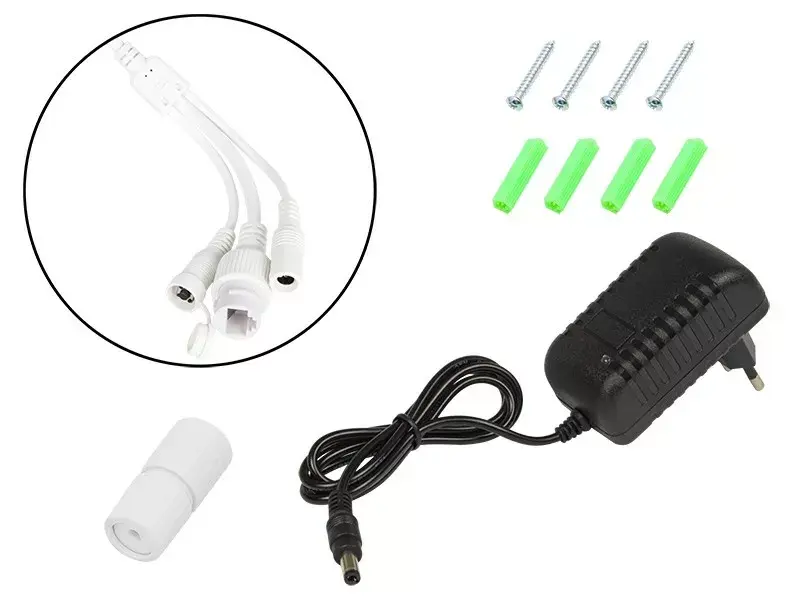
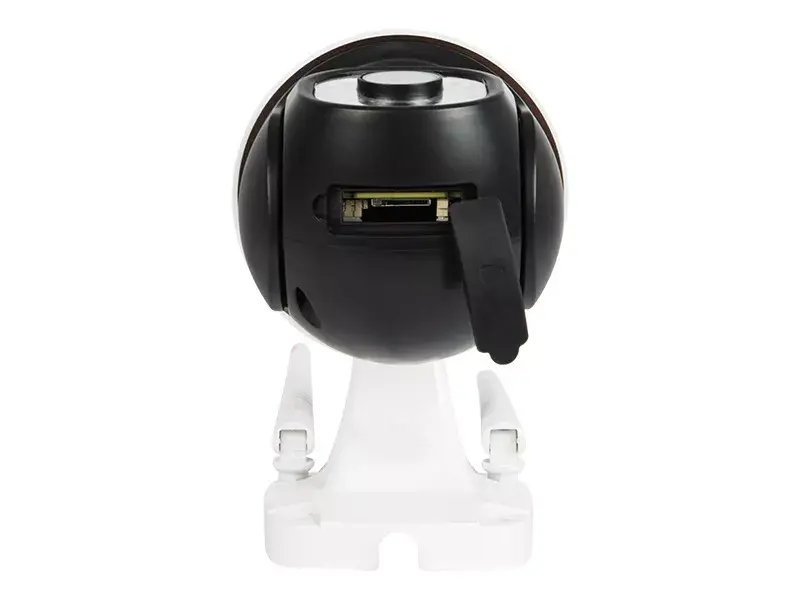
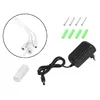
Install the camera on a stable indoor surface or wall mount at a position that provides the desired coverage. Power the unit and connect it to the local Wi‑Fi network following the manufacturer’s setup steps in the device app or web interface. Use the app to perform initial configuration including setting up access credentials, choosing video resolution, and enabling motion detection or recording schedules. Control the pan and tilt functions from the mobile app or web client to adjust the viewing direction or to follow movement within the scene. Configure recording storage options such as local microSD (if supported) or network storage according to your retention needs.
For reliable wireless performance, place the camera within adequate Wi‑Fi signal range and avoid physical obstructions. Position the unit to minimize backlight and direct glare for better image quality. Enable motion alerts and scheduled recording to optimize storage use while maintaining continuous awareness. Regularly check firmware updates and change default passwords to maintain device security.
{{highlightedFeature.featureTitle}}:
{{getProductFeatureValueById(product, highlightedFeature.featureId)}}
{{ productComparisonGenerationError }}