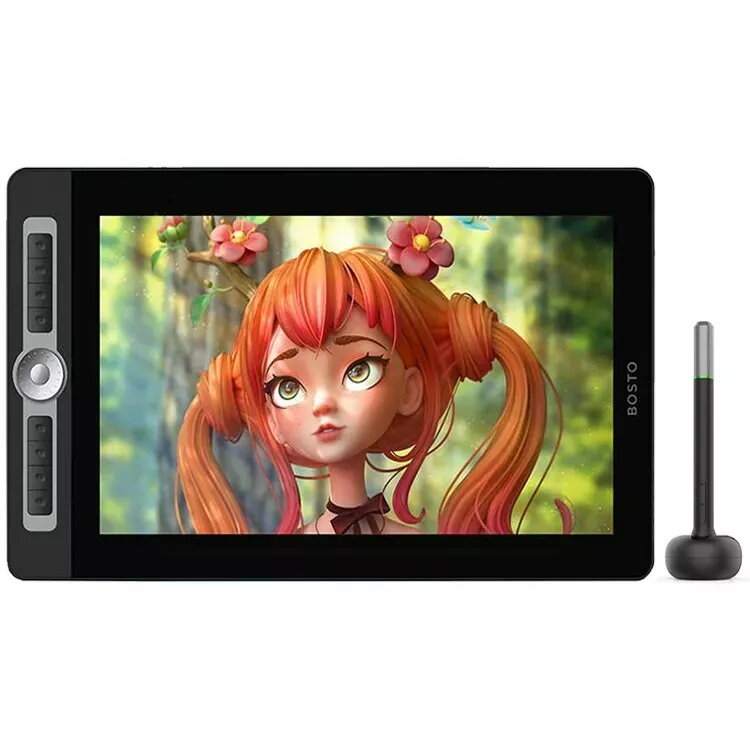
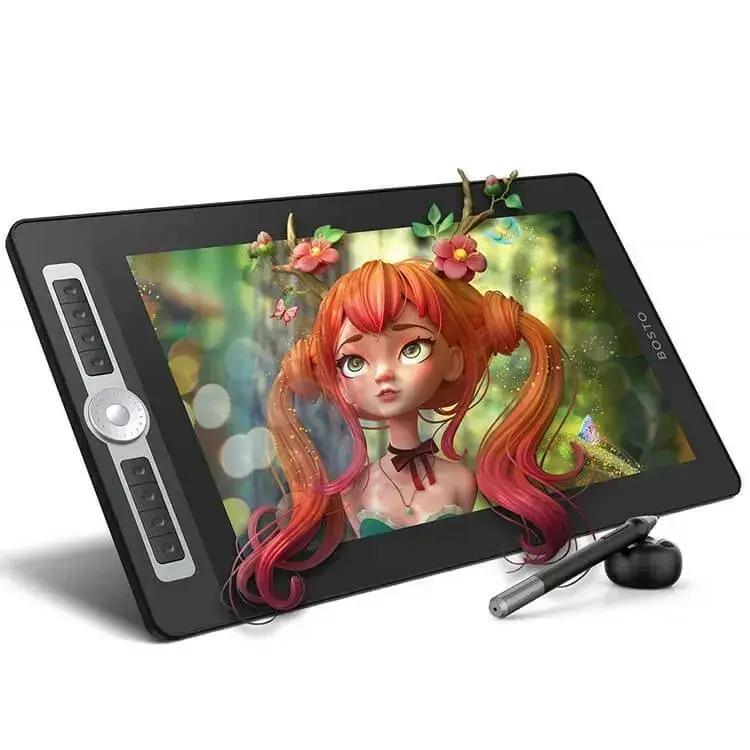
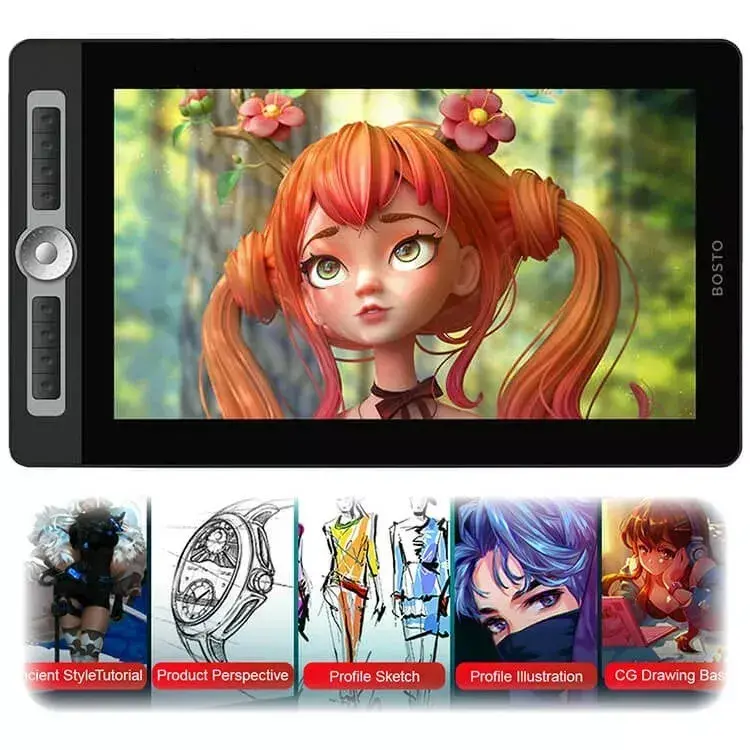
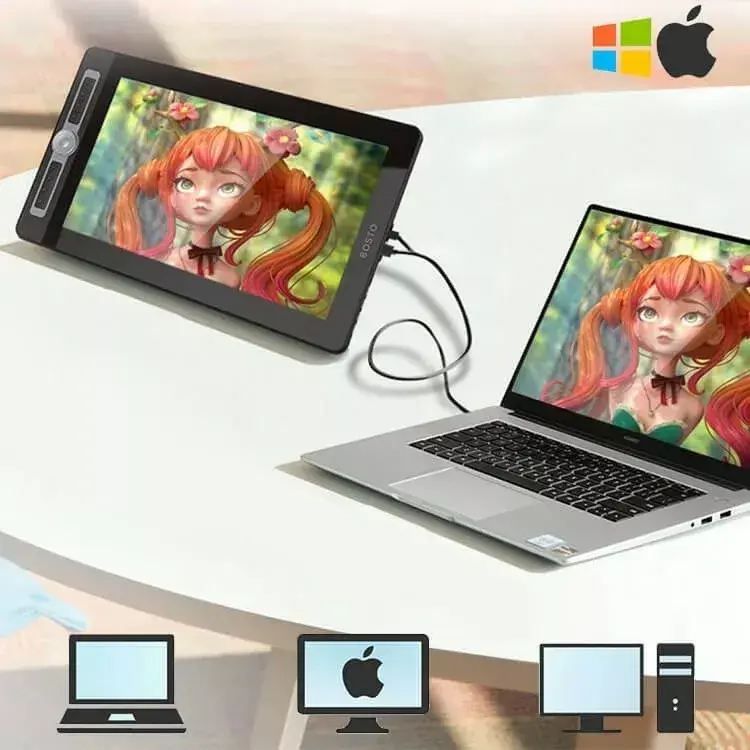
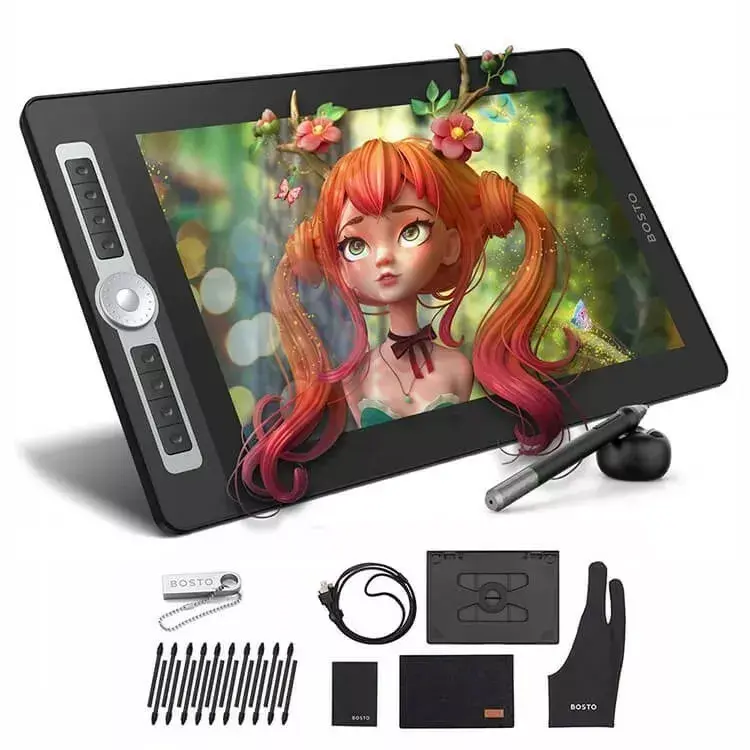
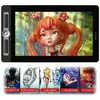
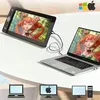
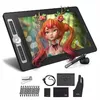
The Bosto BT-16HD PRO is a professional-grade 15.6-inch graphic tablet designed to provide a seamless digital canvas for artists, illustrators, and graphic designers. Featuring a high-definition resolution of 1920x1080 pixels, this device ensures crisp visuals and precise detail for complex creative projects. The integrated display allows users to draw directly on the screen, bridging the gap between traditional sketching and digital workflows.
Advantages
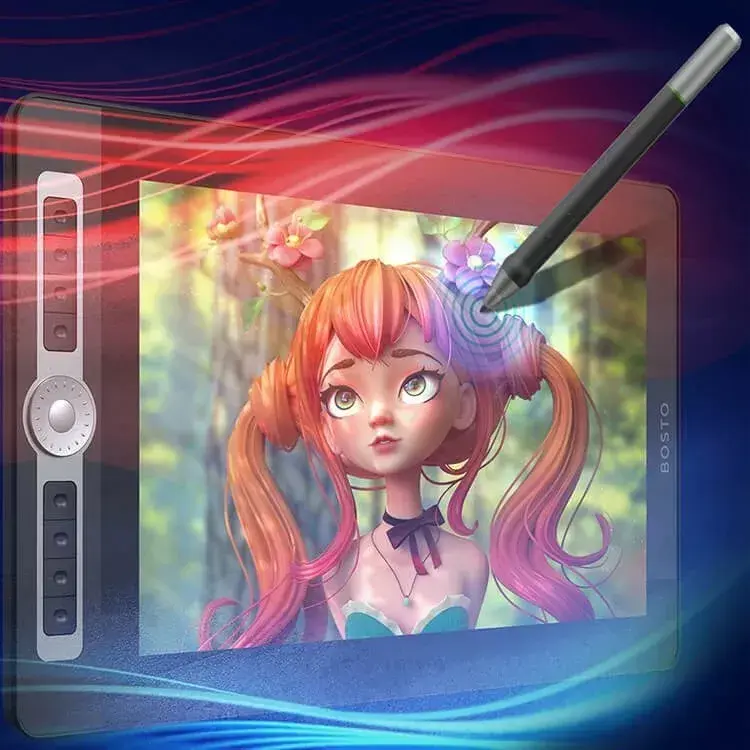
This graphic tablet offers exceptional color accuracy, ensuring that your digital artwork maintains its intended vibrancy and tone across different displays. The included responsive pen provides a natural drawing experience, mimicking the feel of pen on paper with high pressure sensitivity. Furthermore, the device includes customizable shortcut keys that streamline your creative process, allowing for faster access to frequently used tools and commands, which significantly enhances overall productivity during long design sessions.
Suitable for
- Digital illustration and character design
- Photo editing and professional retouching
- Graphic design and layout creation
- Creating sketches and concept art
- Online teaching and digital whiteboard presentations
When it may not be suitable
This tablet may not be the ideal choice for users seeking a standalone device, as it requires a connection to a computer to function. Additionally, individuals looking for a highly portable, battery-powered tablet for outdoor use might find the cable requirements and the need for a host computer restrictive.
Key specifications
- Screen size: 15.6 inches
- Resolution: 1920x1080 Full HD
- Display type: Interactive pen display
- Compatibility: Supports major operating systems
- Input: Responsive pressure-sensitive pen
How to use
To begin using the Bosto BT-16HD PRO, connect the device to your computer using the provided cables and install the necessary drivers from the manufacturer's website. Once the drivers are installed, calibrate the pen to ensure accurate tracking between the stylus tip and the cursor. You can then configure the shortcut keys within the tablet settings menu to match your preferred software workflows. Position the tablet at a comfortable angle and begin your creative work directly on the screen.
What to consider before purchase
- Ensure your computer has the necessary video and USB ports for connectivity
- Check that your computer hardware meets the minimum system requirements for your creative software
- Consider the desk space available for a 15.6-inch display
- Verify compatibility with your specific operating system version
Usage recommendations
For the best performance, keep the screen surface clean using a soft microfiber cloth and ensure the pen nib is replaced if it shows signs of wear to prevent scratching the display.