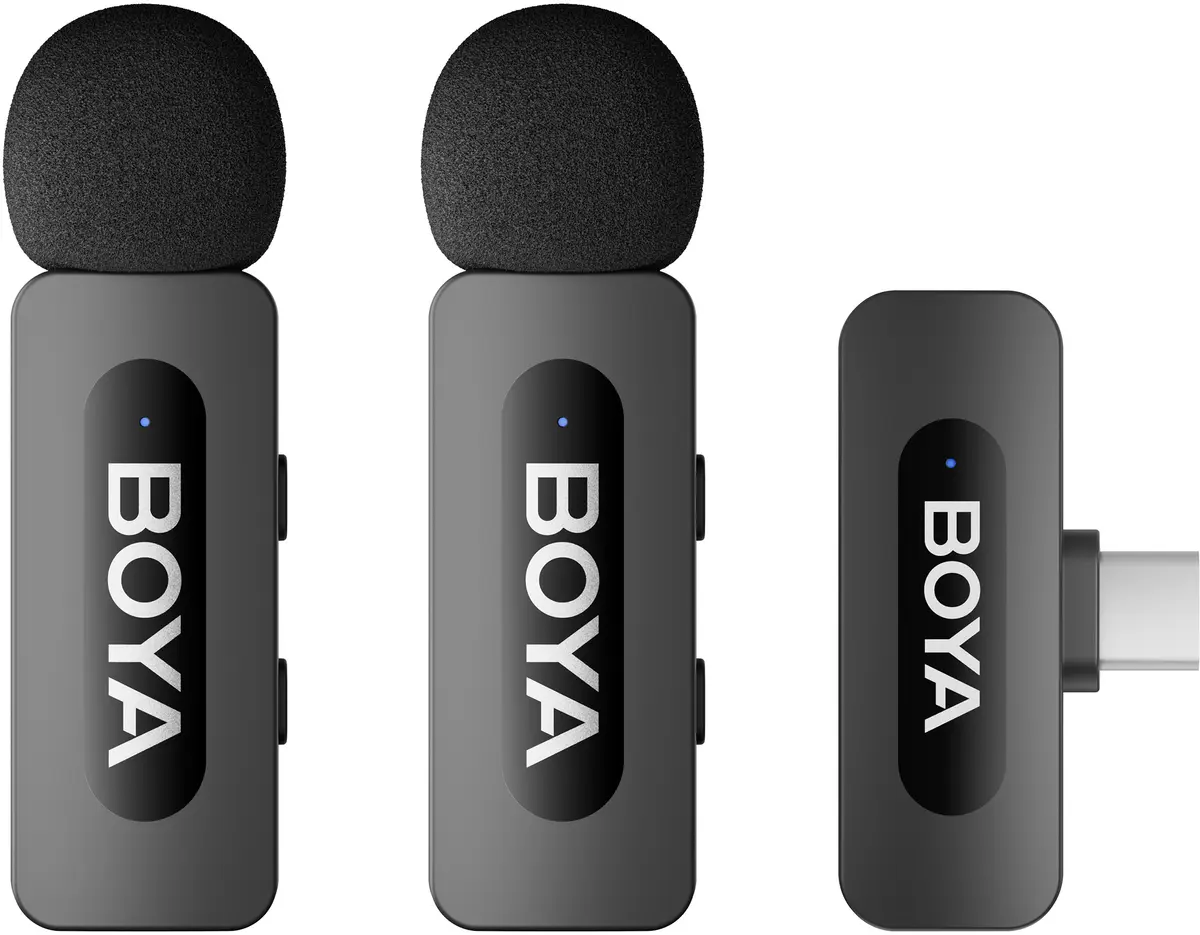
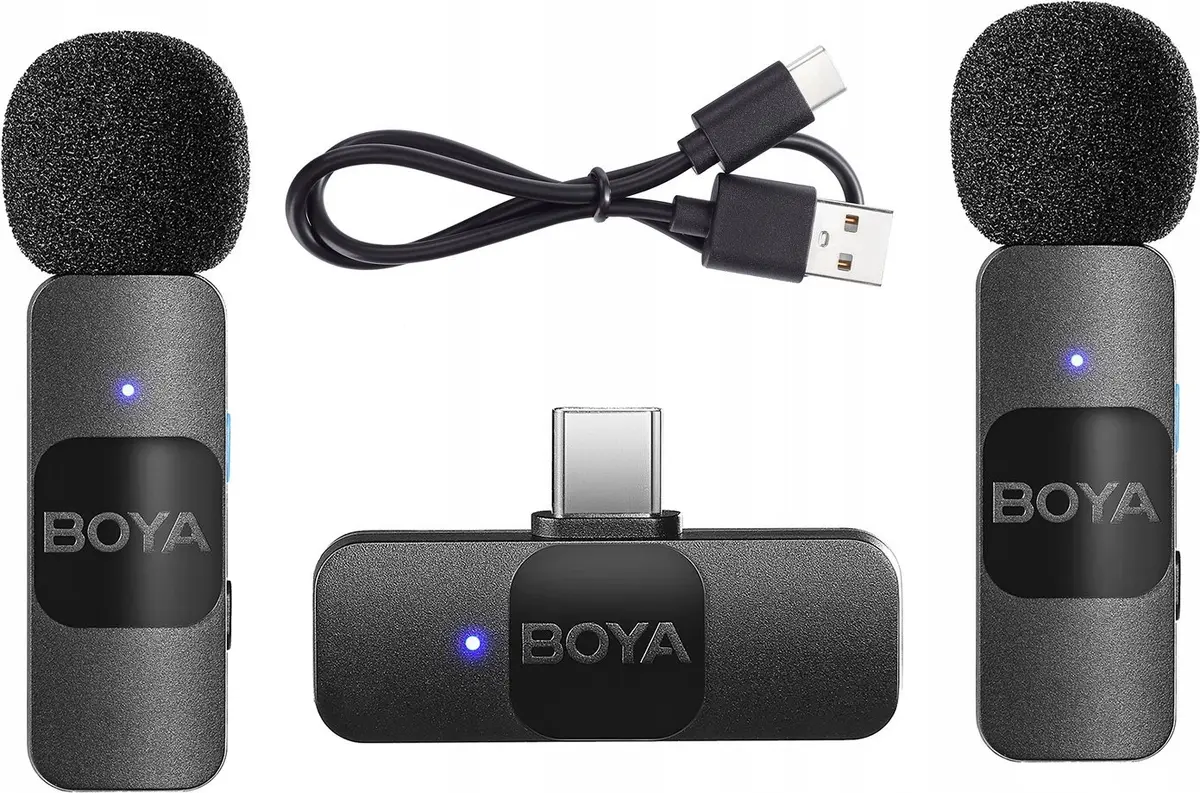
The Boya BY-V20 is a professional-grade wireless microphone system specifically engineered for devices equipped with a USB-C port. This compact audio solution eliminates the need for cumbersome cables, allowing content creators to capture high-quality sound directly into their smartphones, tablets, or laptops. Its plug-and-play design ensures that users can start recording immediately without complex software configurations, making it an essential tool for mobile production.
Advantages
The primary benefit of the Boya BY-V20 is its seamless wireless connectivity, which provides users with complete freedom of movement during recordings. The system is exceptionally lightweight and portable, ensuring it does not add unnecessary bulk to your camera setup. Furthermore, the integrated USB-C connector offers a stable and reliable digital audio transmission, minimizing interference and ensuring clear voice reproduction in various environments. The battery efficiency and quick pairing process further enhance the user experience for those who require rapid deployment in the field.
Suitable for
- Vlogging and video content creation
- Conducting professional interviews
- Recording presentations and lectures
- Live streaming on social media platforms
- Mobile journalism and field reporting
When it may not be suitable
This microphone system is designed exclusively for devices with a USB-C interface and will not function with devices using Lightning or traditional 3.5mm audio jacks without specific adapters. It may also not be the ideal choice for professional studio music recording where high-fidelity multi-track mixing is required.
Key specifications
- Wireless transmission frequency: 2.4GHz
- Connectivity: USB-C plug-and-play
- Polar pattern: Omnidirectional
- Compatibility: USB-C smartphones, tablets, and computers
- Operating range: Up to 50 meters in open areas
How to use
To use the Boya BY-V20, simply plug the receiver into the USB-C port of your recording device. Ensure the transmitter is charged and powered on. Once the indicator lights show a stable connection, the system is ready to capture audio. Clip the transmitter to your clothing, ensuring the microphone is positioned close to your mouth for optimal sound clarity. The device will automatically route the audio input through the USB-C connection, allowing you to record directly using your preferred camera or audio recording application.
What to consider before purchase
- Verify that your device supports external audio input via the USB-C port
- Consider the distance between the transmitter and receiver for optimal signal stability
- Check if your device requires a specific camera app to recognize external microphones
Usage recommendations
For the best audio results, maintain a clear line of sight between the transmitter and the receiver. Avoid placing the microphone too close to clothing or accessories that might cause friction noise during movement.