
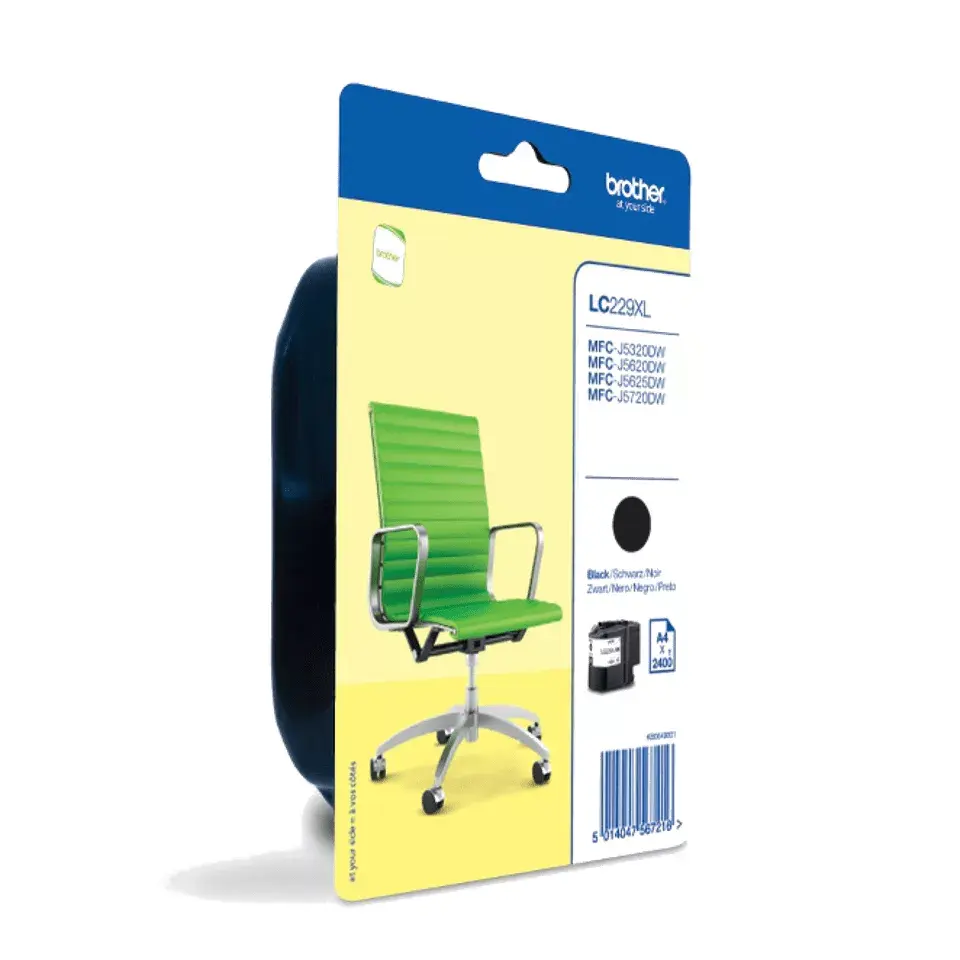
Cartridge Brother LC229XLBKBP Black
39.49 €
{{selectedOffer && selectedOffer.price | formatAmount}}
Offer for legal entity, cashless payment.
Why is an item available only for a legal entity?
This is due to long delivery times and limited product warranties.
This is due to long delivery times and limited product warranties.
Short description
The Brother LC229XLBKBP is an original black ink cartridge designed for Brother MFC-J5320DW, MFC-J5620DW, MFC-J5625DW, and MFC-J5720DW printers. It delivers high-quality prints with sharp text and vibrant images. This cartridge ensures reliable performance and easy installation, making it a perfect choice for home or office use. With a high page yield, it provides excellent value for money, allowing you to print more without frequent replacements.
Available for order:
2 pcs.
Warranty:
2 Years
SKU:
10466523

Cheapest delivery:
Unisend LV
Pick-up points
Unisend LV
Cost
1.79 €
Deliver
{{selectedOffer.parcelStationDeliveryString}}
Customer service center
2b. Kengaraga str., Riga, Latvia, LV-1063
03.08.2026
{{selectedOffer.officeDeliveryString}}
free
Courier Delivery
Please note that in case of a large parcel additional delivery costs may apply!
From 4.99 € (Weight: 0.13 kg)
Parcel couriers
Unisend LV / Venipak Pickup LV / Venipak Locker LV / Latvijas Pasts pakomāts / DPD Paku skapis / Omniva LV / Latvijas Pasts nodaļa
06.08.2026
{{selectedOffer.parcelStationDeliveryString}}
From 1.79 €

Payment Methods:
Bank transfer


