Leave your address - as soon as the price of the product goes down, you'll know about it right away
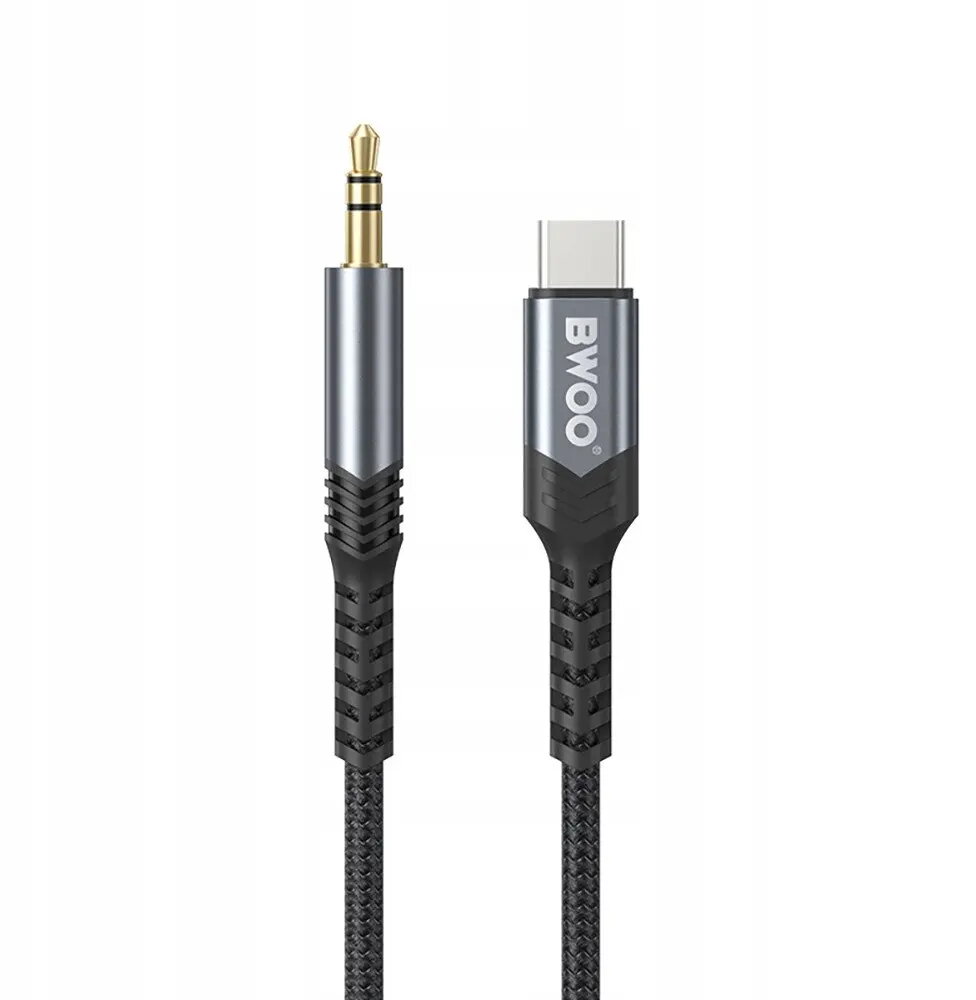
AUX to USB-C cable C2G BO-AUX066 — 3.5mm analog audio to USB-C, black
In cart {{totalProductsCount}} item(s)
Your cart is empty
AUX to USB-C cable C2G BO-AUX066 — 3.5mm analog audio to USB-C, black
Leave your address - as soon as the price of the product goes down, you'll know about it right away
AUX to USB-C cable C2G BO-AUX066 — 3.5mm analog audio to USB-C, black
C2G BO-AUX066 is a black 3.5 mm AUX to USB-C audio cable designed to connect devices with a standard 3.5 mm headphone output to equipment that accepts USB-C audio input. The cable transmits analog stereo audio signals, enabling playback and hands-free audio between smartphones, tablets, laptops and compatible car or home audio systems. The cable is intended for straightforward, wired audio connections where a USB-C input replaces a traditional AUX port.
The cable offers a simple, single-cable solution for analog stereo audio transmission without the need for adapters or wireless pairing. Its compact length and flexible jacket make it easy to route in vehicle interiors or around desktop setups while maintaining a direct wired connection that avoids latency and wireless interference. The USB-C connector provides a reversible plug orientation for convenient insertion, and the 3.5 mm plug is compatible with most standard headphone outputs and audio devices that provide analog line-level signals.
Insert the 3.5 mm plug into the headphone or line-out socket of the source device and plug the USB-C connector into the USB-C audio input of the target device. Ensure both devices are powered on and, if the target device requires it, select the correct input mode to receive analog audio via USB-C. Adjust volume settings on the source and target devices to achieve the desired listening level. For hands-free use, verify that the connected system supports microphone or call audio over analog input if needed.
Use the cable for short- to medium-length connections where a stable, low-latency wired audio link is required. Avoid sharp bends near the connectors and disconnect by holding the connector heads rather than pulling the cable. If audio is not detected, check device compatibility for analog USB-C input and confirm volume or input selection on the receiving device.
{{highlightedFeature.featureTitle}}:
{{getProductFeatureValueById(product, highlightedFeature.featureId)}}