


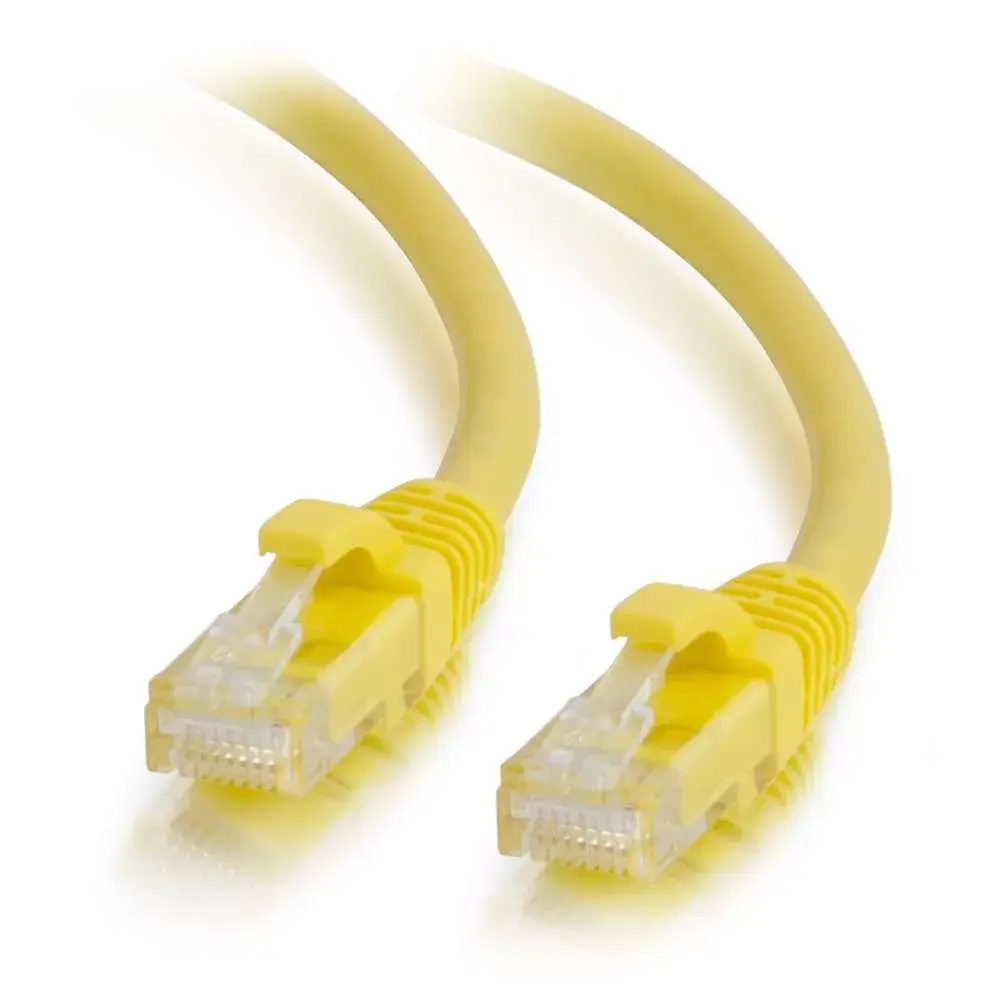
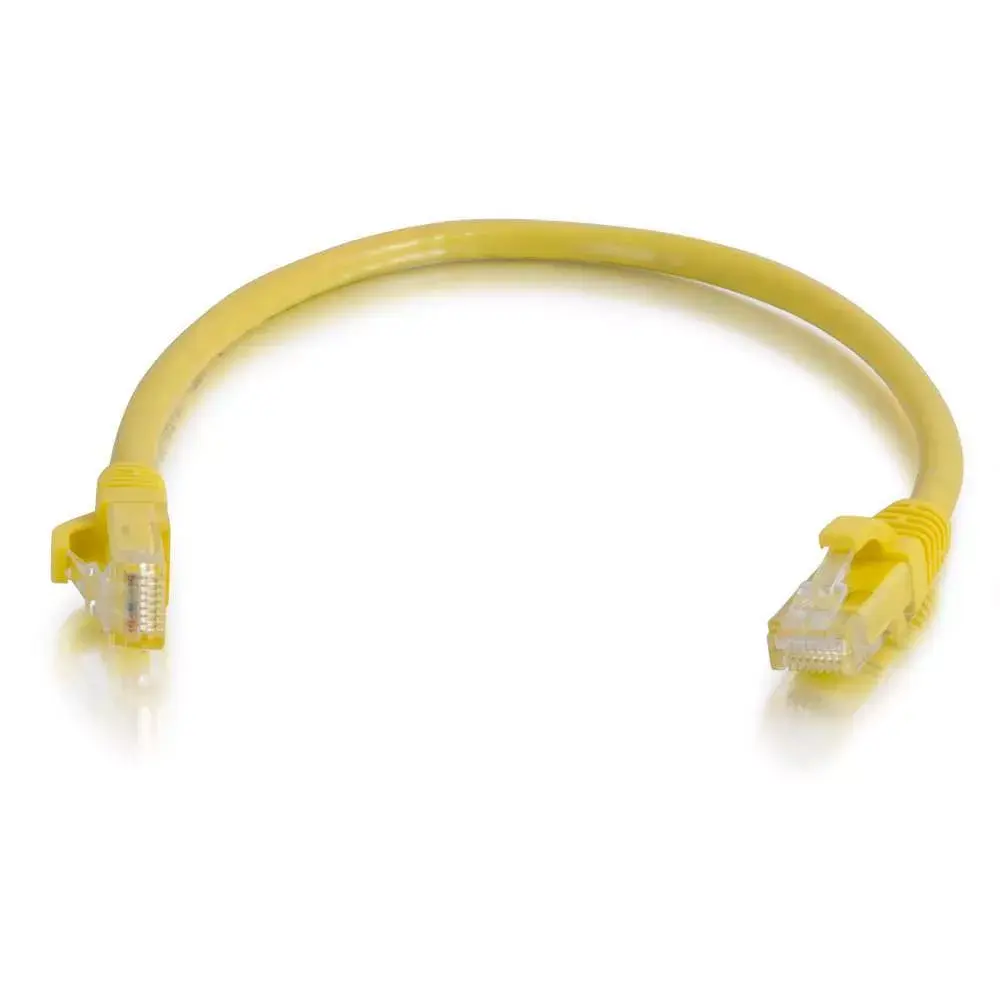
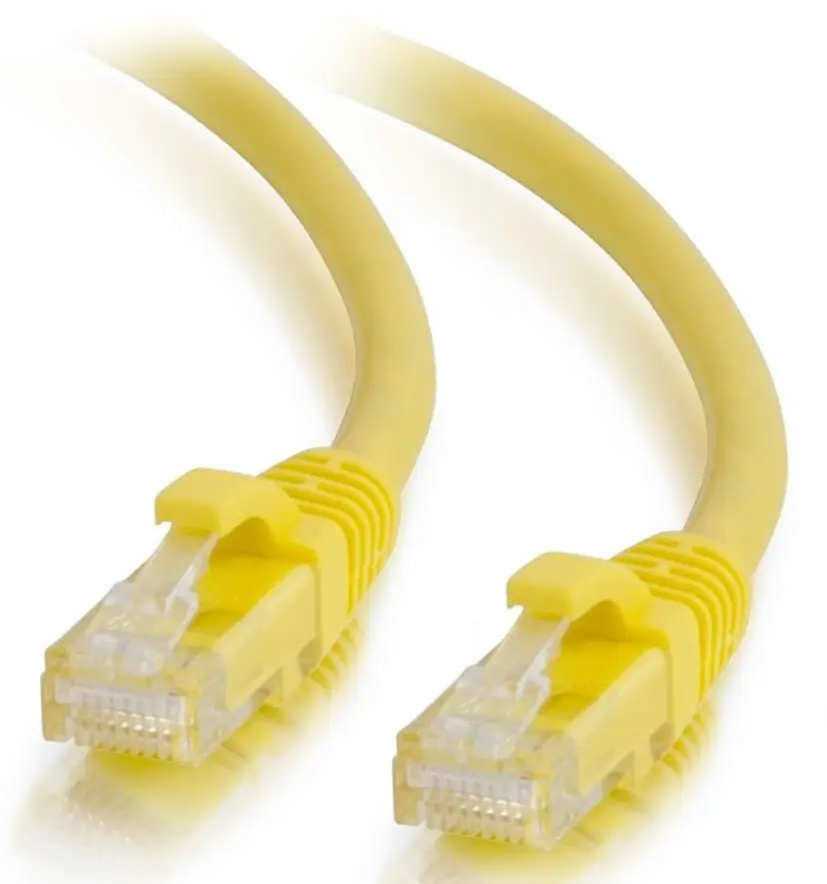
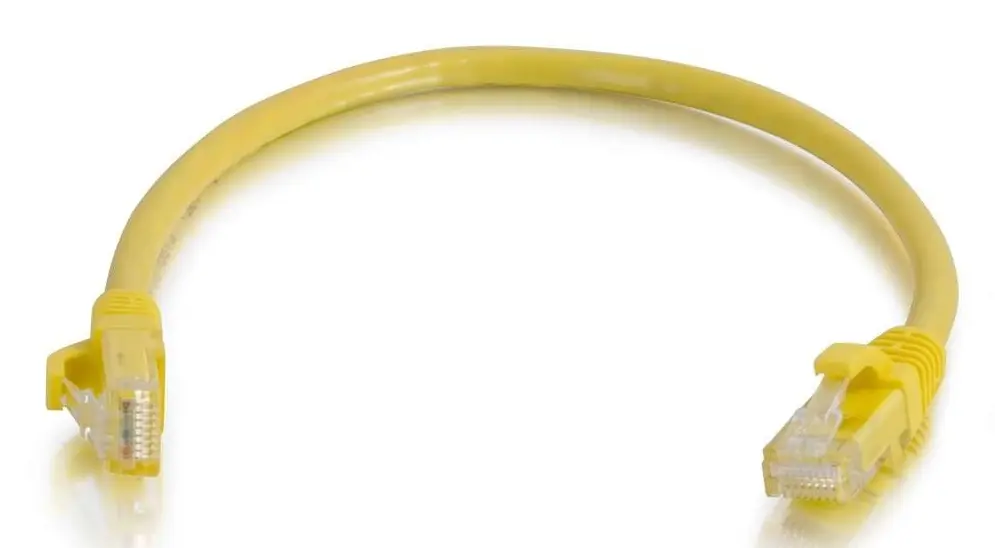
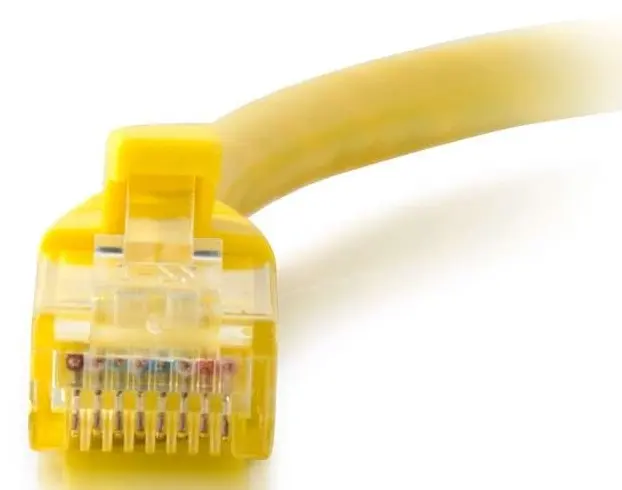
C2G Cat6 0.5m Booted Unshielded UTP Network Patch Cable with RJ-45 Connectors, Gold Plated Contacts and Yellow Jacket
Offer for a legal entity, non-cash payment.
Short description


Cheapest delivery:
Unisend LV
Product information
Description
The C2G Cat6 0.5m Booted Unshielded UTP Network Patch Cable with RJ-45 Connectors is a reliable solution for high-speed Ethernet connections in local area networks. Featuring durable male RJ-45 connectors on both ends, this unshielded twisted pair cable is engineered to handle demanding bandwidth requirements for data, voice, and video transmission. The vibrant yellow jacket allows for easy visual organization and color-coding within server racks, patch panels, or desktop environments, while the compact 0.5-meter length helps minimize cable clutter in tight spaces.
Advantages
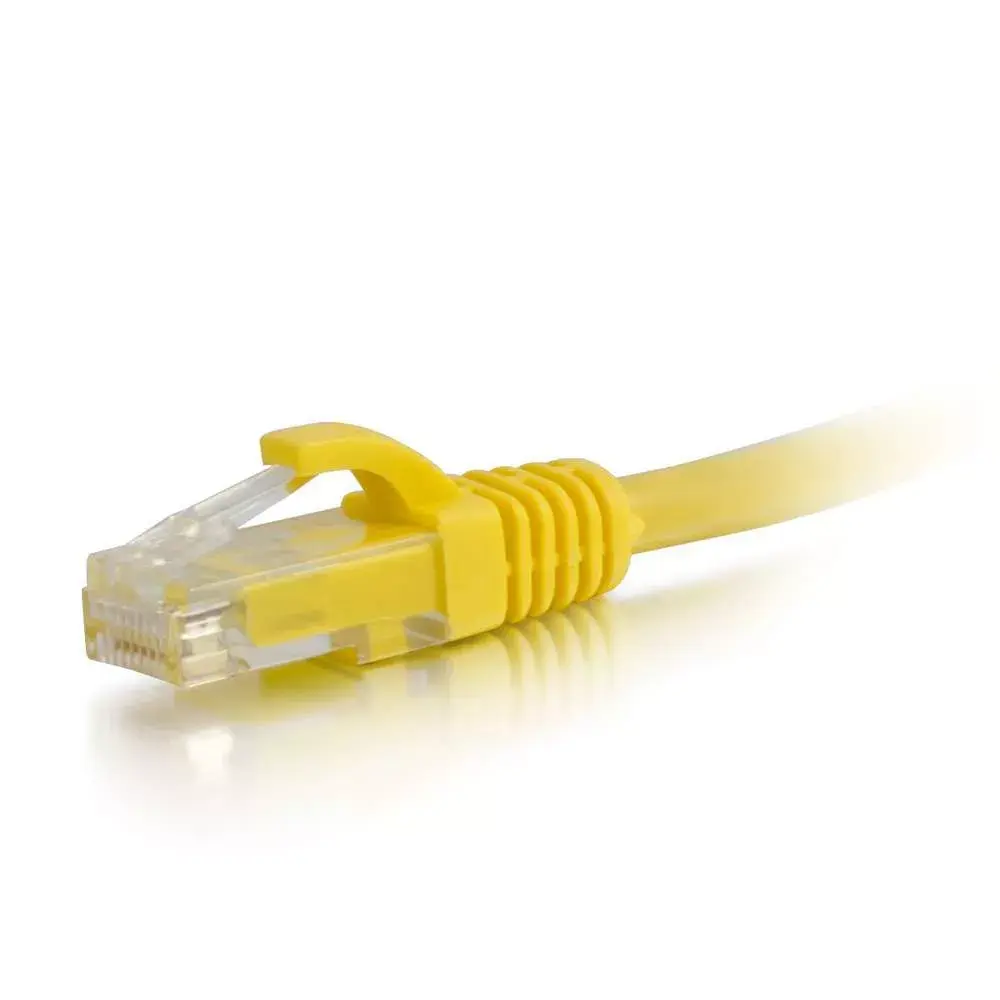
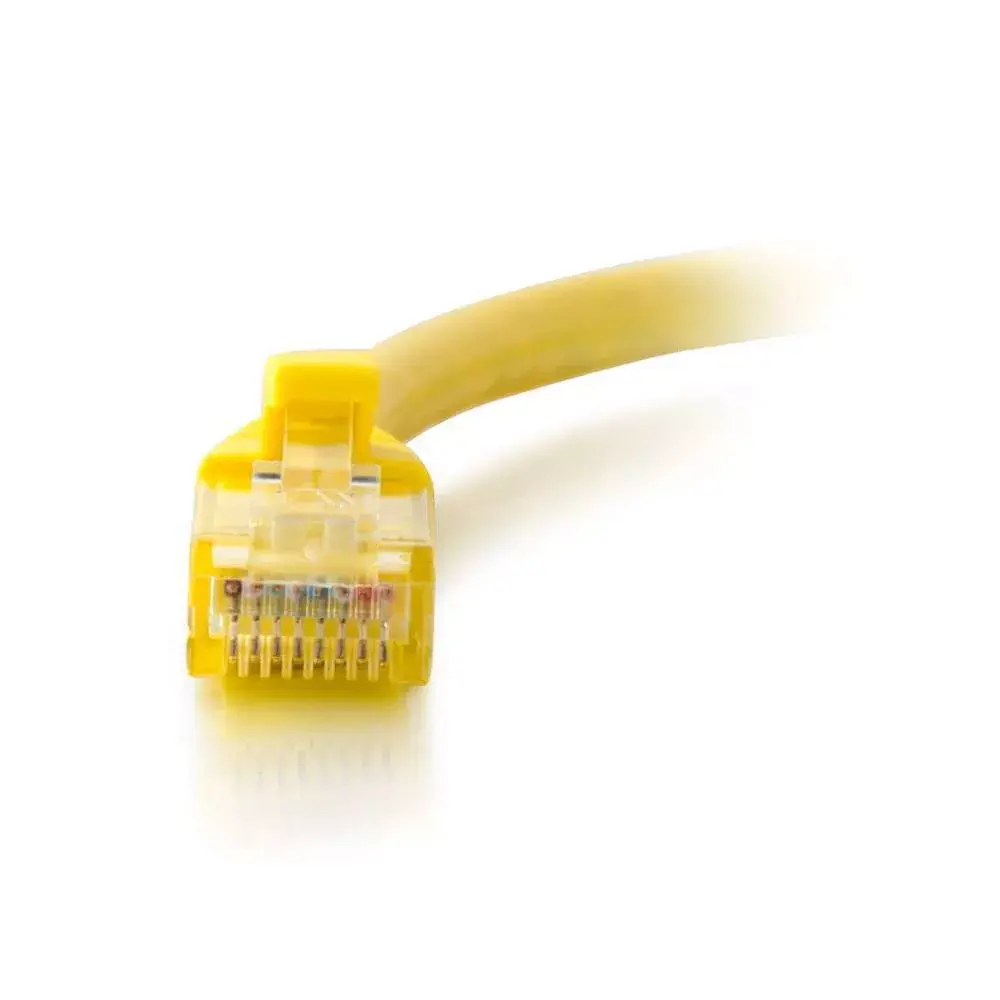
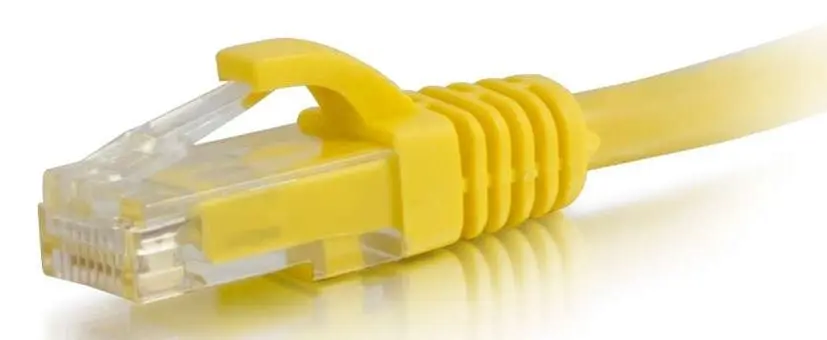
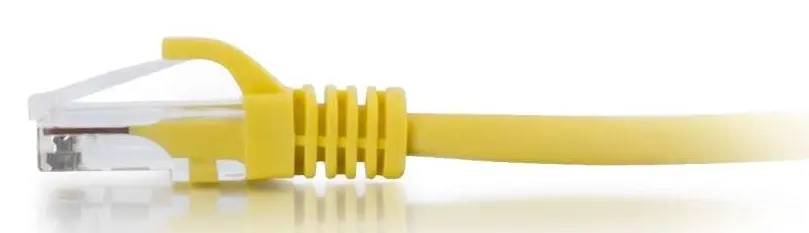
This network patch cable utilizes gold-plated contacts on the connectors to ensure clear and corrosion-free signal transmission over time. The integrated snagless boot protects the latch mechanism from breaking during installation and cable routing, while also offering essential strain relief. Designed as a capable successor to older cabling standards, it seamlessly supports higher bandwidth capacities to ensure stable communication between modern network hardware.
Suitable for
- Connecting desktop computers and laptops to wall outlets or switches
- Linking network switches, routers, and patch panels within a rack
- Short-distance connections in home offices and enterprise data environments
When it may not be suitable
This cable is not designed for long-distance runs because it measures only 0.5 meters in length. It may also be insufficient for environments requiring heavy electromagnetic interference protection, as this is an unshielded UTP cable without metallic shielding layers.
Key specifications
- Cable length: 0.5 m
- Cable standard: Cat6
- Cable shielding: U/UTP (UTP)
- Connector 1: RJ-45 male
- Connector 2: RJ-45 male
- Contact plating: Gold
- Color: Yellow
How to use
To use this patch cable, simply plug one male RJ-45 connector into the Ethernet port of your networking device, such as a router or switch, and insert the other end into the target device port until you hear a secure click. Ensure the connectors are aligned correctly before insertion. The flexible boot can be gently pressed during disconnection to release the locking tab safely without catching on adjacent cables.
What to consider before purchase
- Verify that the 0.5-meter length is sufficient for the distance between your connected devices
- Check if your network hardware utilizes standard RJ-45 Ethernet ports
- Determine whether an unshielded Cat6 cable meets your specific bandwidth and environmental requirements
Usage recommendations
Always route the cable carefully to avoid sharp bends or excessive pulling pressure on the connectors. Use the color-coding advantage of the yellow jacket to easily identify specific network links or device categories in complex installations.
Features
- Connector 2 gender:
- Male
- Connector 1 gender:
- Male
- Connector 2:
- RJ-45
- Connector 1:
- RJ-45
- Cable shielding:
- U/UTP (UTP)
- Cable standard:
- Cat6
- Cable length:
- 0.5 m


