Powerful EcoFlow stations for energy anywhere!
In cart {{totalProductsCount}} item(s)
Your cart is empty
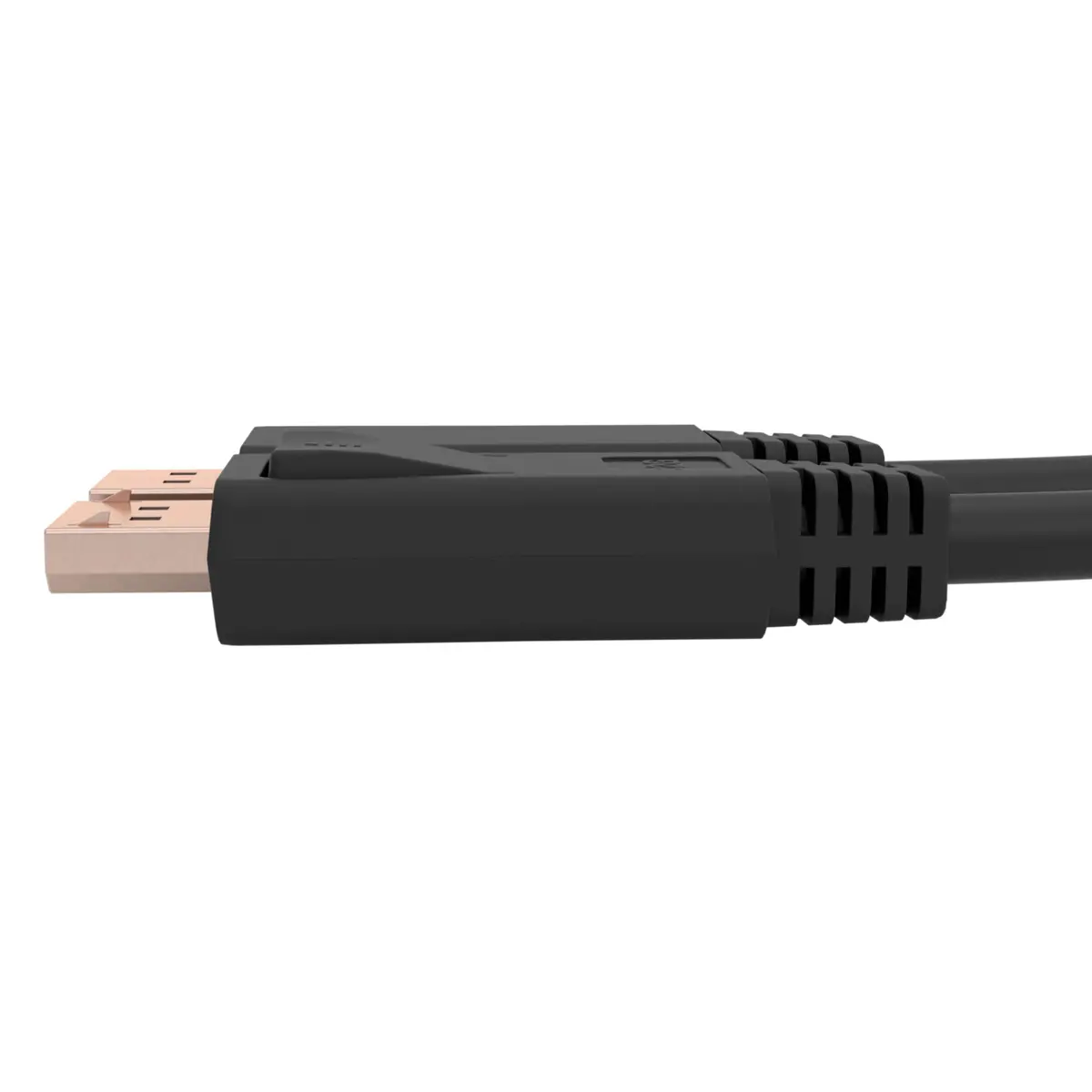
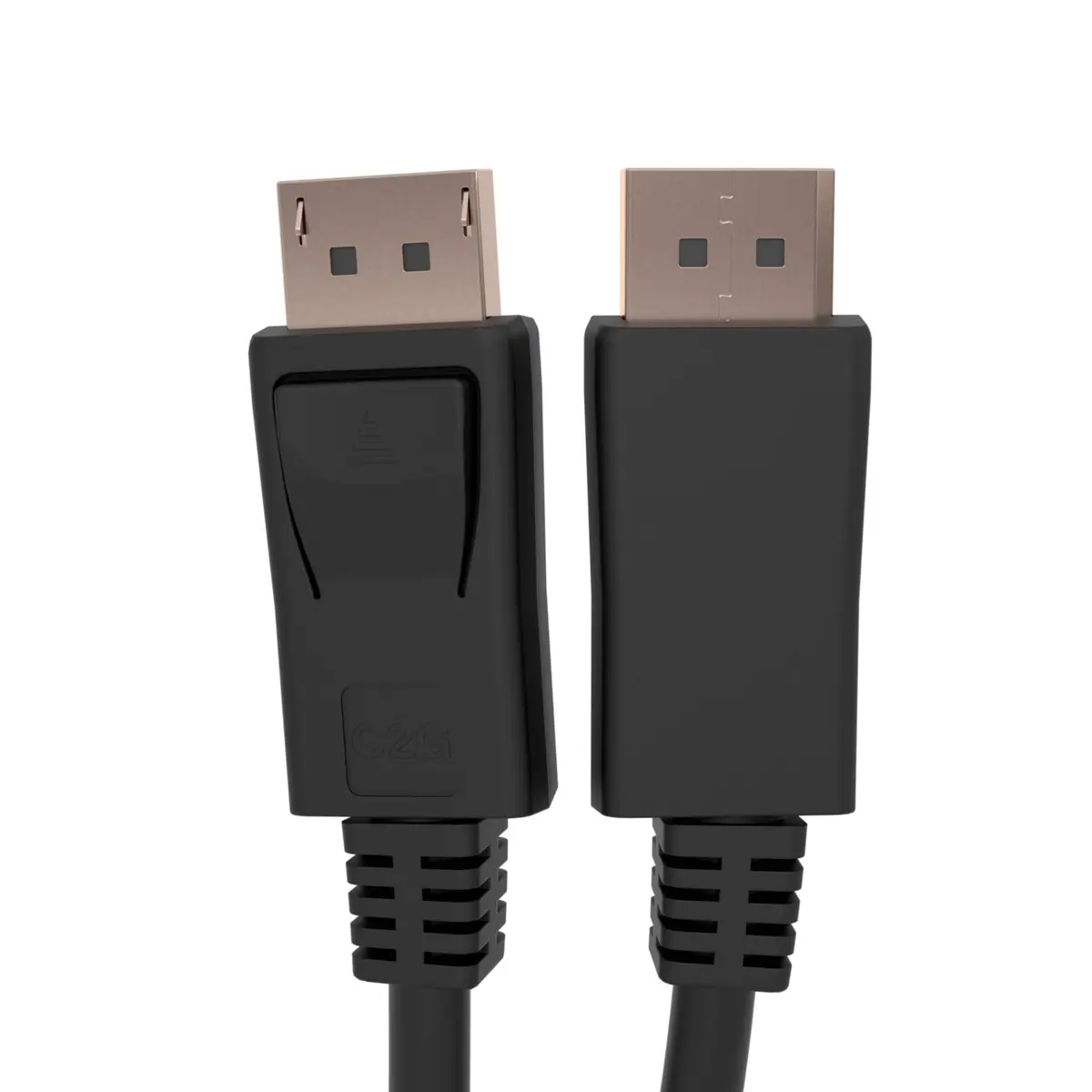
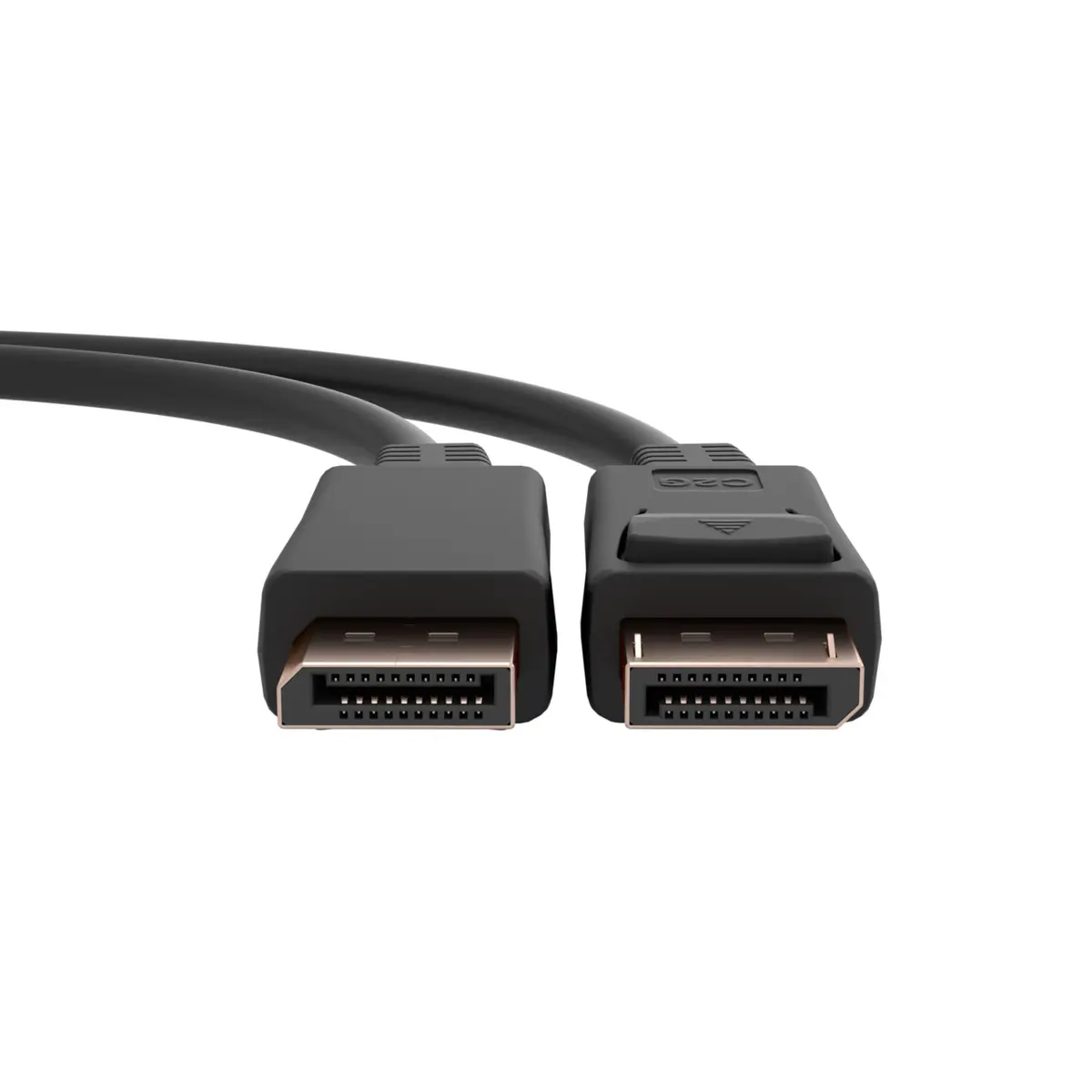
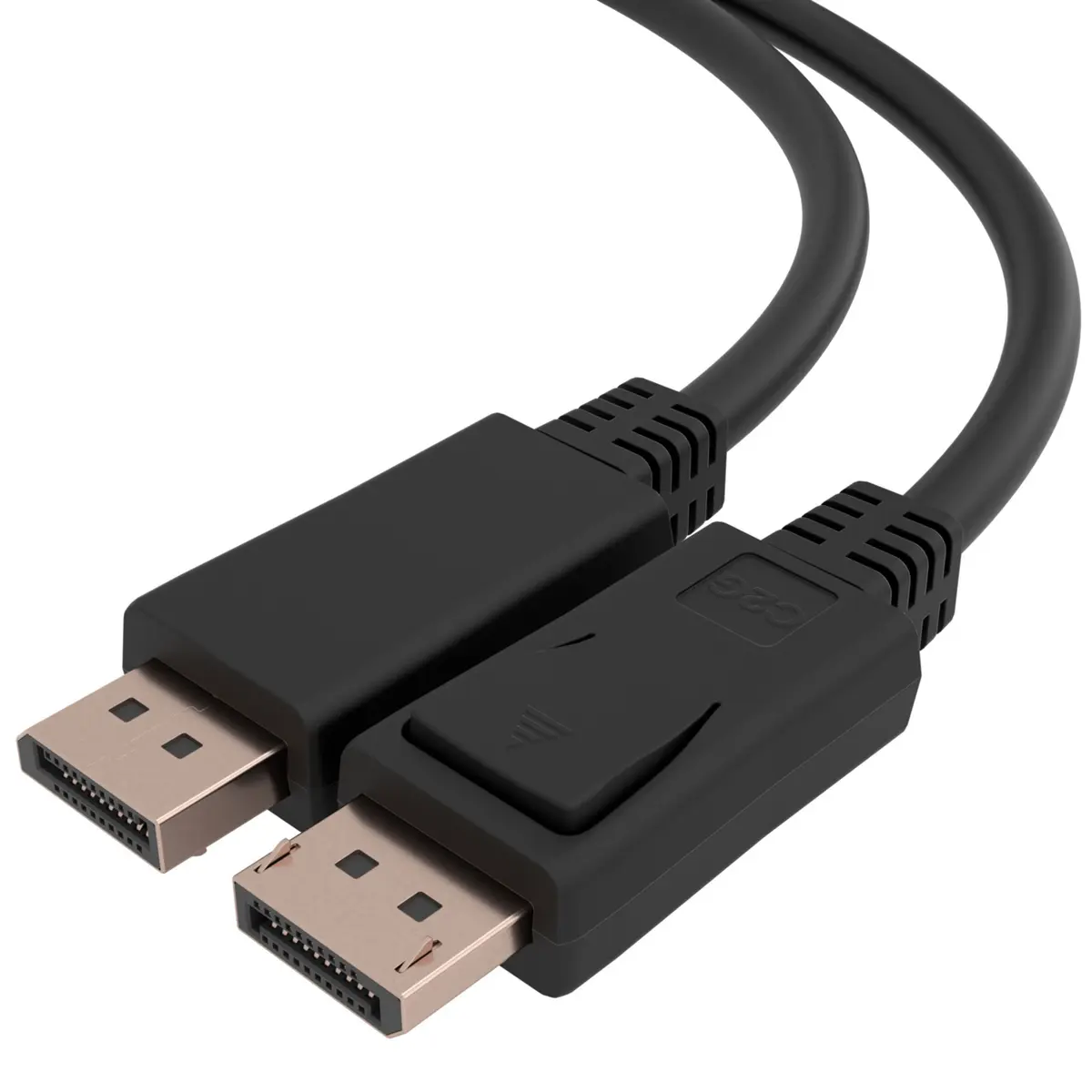
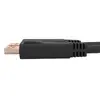
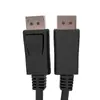
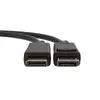
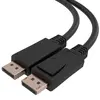
C2G DisplayPort 1.4 Cable with Latches - 1.83m 8K 60Hz TAA-Compliant Black
The C2G DisplayPort 1.4 Cable with Latches is a professional-grade 1.83-meter audio and video connection solution designed to support ultra-high-definition setups. Featuring male DisplayPort connectors on both ends, this bidirectional black cable ensures reliable signal transmission for workstations, high-end monitors, and modern digital displays. Built to meet stringent industry standards, it delivers high-performance uncompressed audio and deep color depth.
This cable ensures secure and stable connectivity through integrated latches that prevent accidental disconnections in busy or professional environments. It handles high-bandwidth requirements effortlessly, supporting resolutions up to 8K at 60Hz with DisplayPort Stream Compression (DSC) or 8K at 30Hz without DSC. The bidirectional design offers versatile installation options, while the TAA-compliant construction makes it suitable for government and institutional use where specific trade agreements are required.
This cable is not designed for devices that utilize non-DisplayPort interfaces such as HDMI, DVI, or VGA without active protocol converters. Additionally, the 1.83-meter length may be too short for large conference rooms or setups where source devices and displays are placed far apart.
Ensure that both your source device and display are powered off before connecting the cable. Insert one male DisplayPort connector into the output port of your computer or source device, ensuring that the latches click securely into place. Connect the other end to the input port of your monitor or display. Power on your equipment and configure your display settings through your operating system to achieve the desired resolution and refresh rate. To disconnect, gently press the release tabs on the connectors before pulling the plug straight out.
Usage recommendations: Handle the cable with care by gripping the connector housings rather than pulling directly on the wire when disconnecting. Avoid sharp bends beyond the minimum bend radius to maintain long-term signal integrity and connector durability.
{{highlightedFeature.featureTitle}}:
{{getProductFeatureValueById(product, highlightedFeature.featureId)}}
{{ productComparisonGenerationError }}