Leave your address - as soon as the price of the product goes down, you'll know about it right away
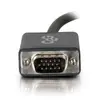
C2G DisplayPort to VGA (D-Sub) video adapter cable 1.83 m model CG54332
In cart {{totalProductsCount}} item(s)
Your cart is empty
C2G DisplayPort to VGA (D-Sub) video adapter cable 1.83 m model CG54332
Leave your address - as soon as the price of the product goes down, you'll know about it right away
C2G DisplayPort to VGA (D-Sub) video adapter cable 1.83 m model CG54332
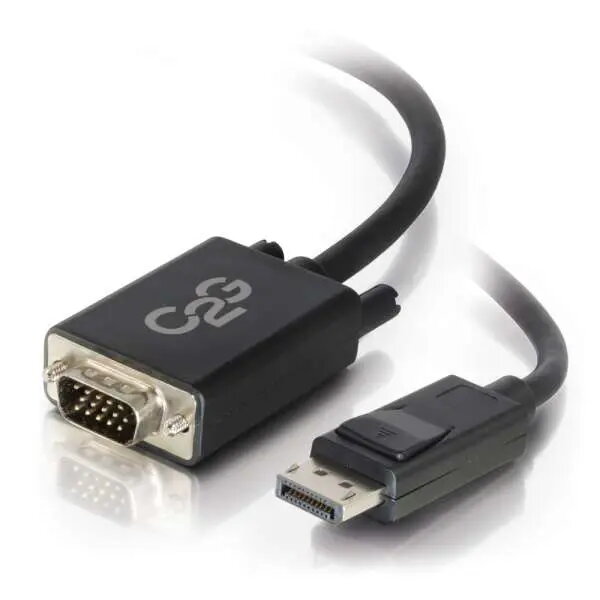
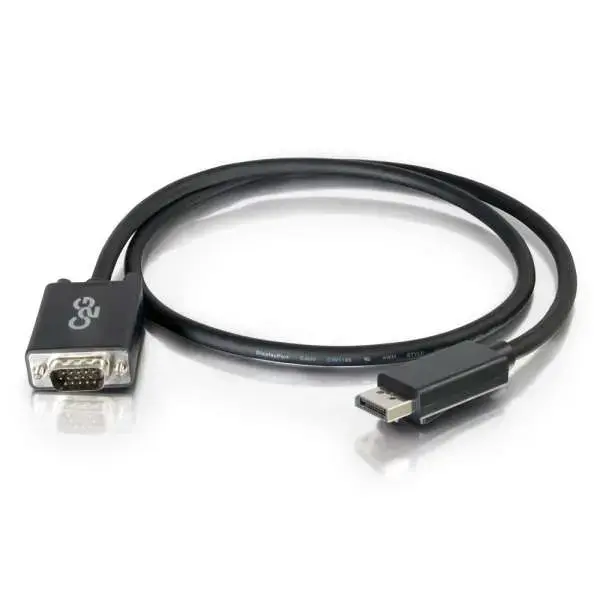
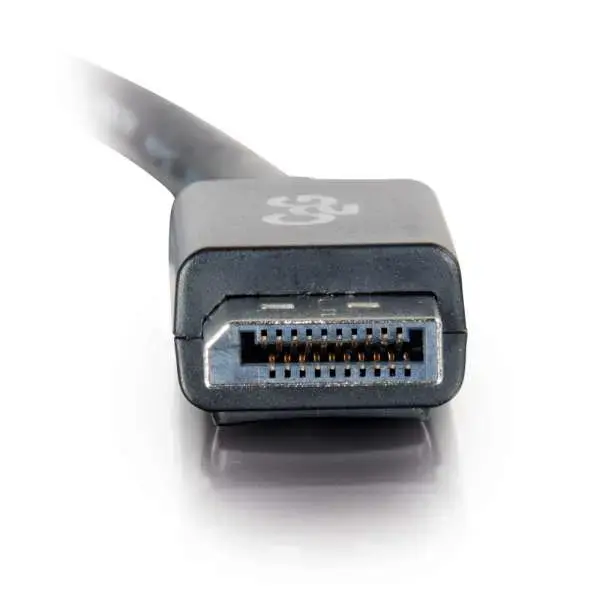
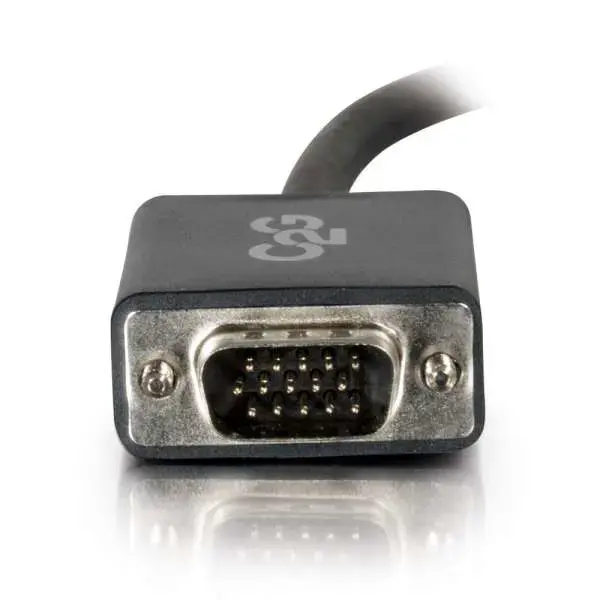
C2G DisplayPort to VGA (D-Sub) video adapter cable model CG54332 is a 1.83 m cable that converts a DisplayPort output to a VGA (HD‑15/D‑Sub) input. It has a DisplayPort male connector on one end and a VGA (HD‑15/D‑Sub) male connector on the other, allowing DisplayPort-equipped computers and laptops to connect to legacy VGA monitors, projectors and displays for analog video signal transmission up to 1920x1200 resolution.
This adapter cable provides a simple, single-cable solution to connect modern DisplayPort sources to VGA-only displays. It transmits an analog video signal and supports resolutions up to 1920 x 1200, offering compatibility with a wide range of older monitors and projectors. The 1.83 m length gives flexibility for typical desktop and meeting-room setups while the compact connectors keep the installation tidy.
This cable converts a digital DisplayPort output to an analog VGA input and only carries video; it does not transmit audio. It is not suitable for displays that require a native digital input such as DVI-D or HDMI for maximum quality, or for setups that need higher resolutions or digital copy-protected content that require active converters.
Plug the DisplayPort male connector into the DisplayPort output on your computer or laptop and connect the VGA male connector to the VGA input on the monitor or projector. Configure the display settings on the computer to select the external monitor or adjust resolution and scaling as needed. No external power is typically required; ensure the source device supports DP-to-VGA passive conversion.
For reliable results, use short cable runs where possible, set the source resolution to 1920 x 1200 or lower, and adjust display scaling in the operating system. If you need audio transmission or higher digital-only resolutions, choose a different adapter or an active converter.
{{highlightedFeature.featureTitle}}:
{{getProductFeatureValueById(product, highlightedFeature.featureId)}}