Dreame vacuums for fast and efficient cleaning!
In cart {{totalProductsCount}} item(s)
Your cart is empty
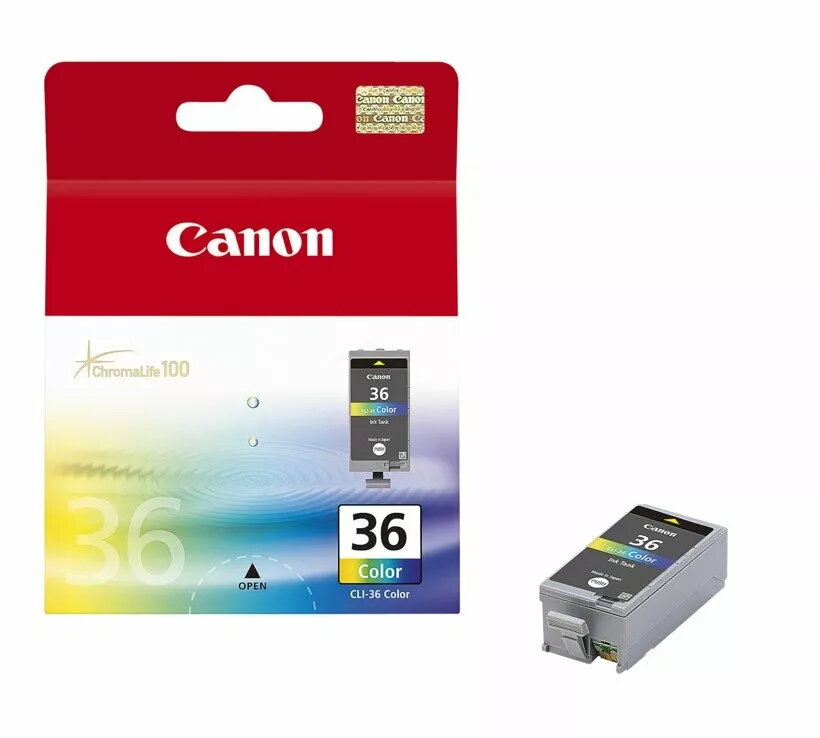
Ink Cartridge Canon CLI-36 Color
The Canon CLI-36 Color ink cartridge supplies color ink formulated for reliable everyday printing. Designed for use in compatible Canon inkjet printers, this cartridge produces clear text, vibrant photos and graphics with consistent color reproduction. The cartridge is user-replaceable and shaped to fit the printer’s cartridge bay for straightforward installation and secure seating during printing.
The cartridge offers reliable color output and consistent droplet size for predictable print quality across documents and images. Its design supports easy replacement and minimal leakage risk, helping to reduce downtime. Using original Canon ink chemistry helps maintain printer performance and color accuracy over time.
Turn the printer on and open the cartridge access cover to allow the cartridge carrier to move to the replacement position. Remove the empty cartridge by gently pressing the release tab and pulling it straight out. Unpack the new Canon CLI-36 Color cartridge, remove protective seals according to the printed instructions, then insert the cartridge into the matching color slot until it clicks into place. Close the access cover and allow the printer to initialize and recognize the cartridge. Run a test print or nozzle check from the printer menu to confirm proper installation and color alignment.
Store cartridges in a cool, dry place away from direct sunlight and extreme temperatures. Use the cartridge within the timeframe recommended by the manufacturer after opening for best color stability. For consistent results, use genuine Canon ink cartridges and perform periodic printhead cleaning as indicated by your printer's maintenance prompts.
{{highlightedFeature.featureTitle}}:
{{getProductFeatureValueById(product, highlightedFeature.featureId)}}
{{ productComparisonGenerationError }}