JBL speakers and headphones for pure and deep sound!
In cart {{totalProductsCount}} item(s)
Your cart is empty
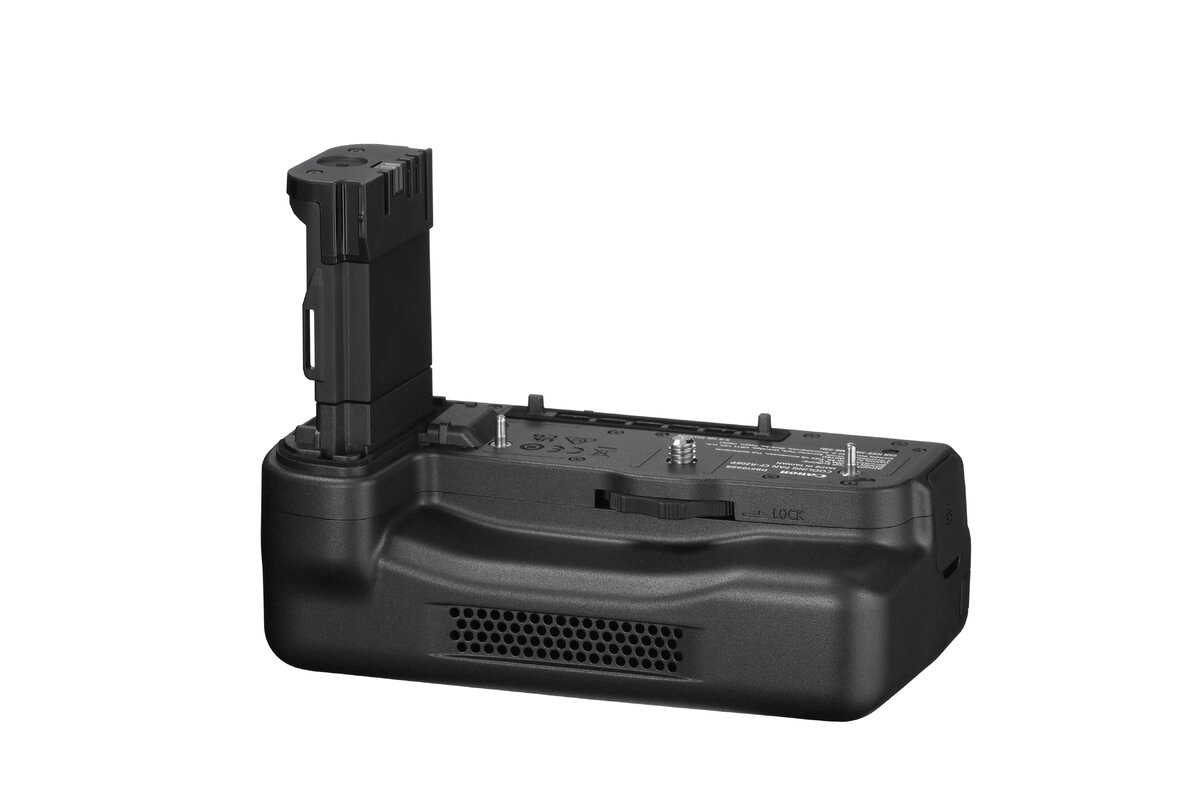
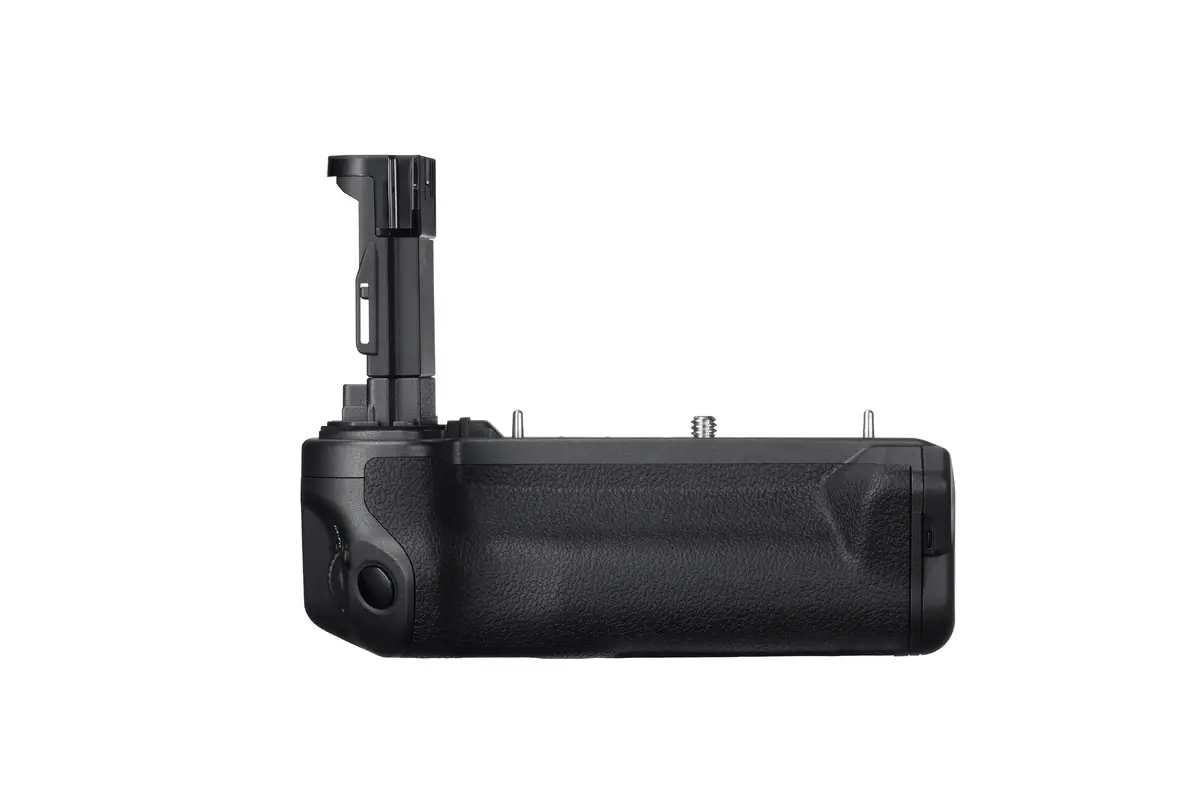
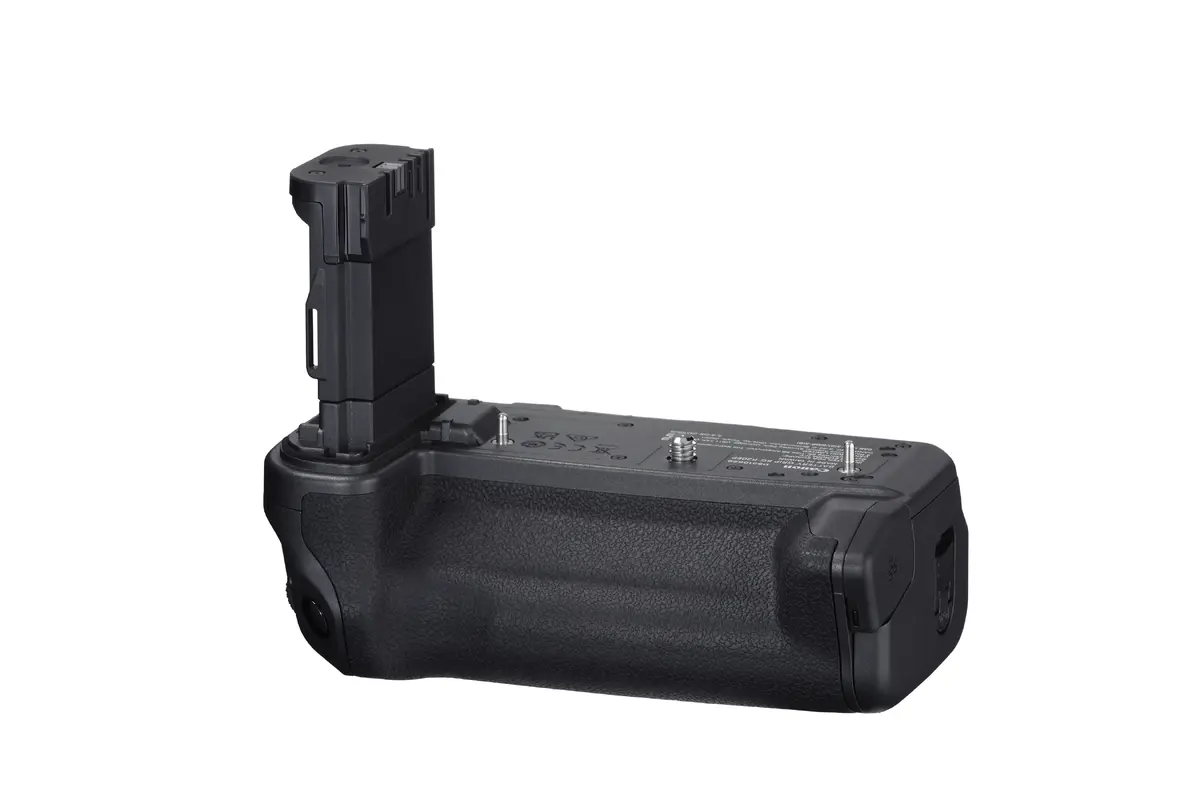
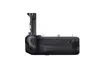
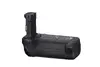
Cooling fan Canon for EOS R5 Mark II CF-R20EP Black, replacement cooling fan (1 pc)
The Canon replacement cooling fan CF-R20EP is a single-piece accessory designed to assist thermal management for the Canon EOS R5 Mark II during extended still shooting and intensive video recording. Finished in black and engineered for compatibility with the specified camera model, the fan helps maintain operating temperature and reduces the risk of overheating when the camera is used for long takes, high-resolution capture or continuous burst shooting. The unit accepts two LP-type batteries and offers variable fan speeds to balance cooling performance and battery consumption.
The CF-R20EP replacement cooling fan delivers targeted airflow to the camera body while preserving a compact footprint and straightforward installation. Variable speed settings let users select higher airflow for demanding shoots or lower speeds to conserve battery life and reduce noise. The fan is intended as a direct replacement part that matches the camera’s form factor, ensuring proper fit and consistent cooling performance under load.
Install the CF-R20EP by aligning the fan unit with the designated mounting area on the camera body and securing it according to the camera’s service or accessory instructions. Insert two compatible LP-type batteries to power the fan. Use the fan’s speed control to choose the appropriate airflow level based on shooting conditions: higher speed for prolonged video recording or high-temperature environments, lower speed to extend battery runtime and minimize operational noise. Periodically inspect the fan intake and exhaust for dust or debris and clean gently with compressed air when the camera is powered off.
For predictable thermal performance, use the multi-speed settings to match cooling to workload and ambient temperature. Avoid exposing the fan unit to liquids and store spare batteries separately to prevent drain. If persistent overheating occurs, verify camera firmware and settings, and consult authorized service for further diagnosis.
{{highlightedFeature.featureTitle}}:
{{getProductFeatureValueById(product, highlightedFeature.featureId)}}
{{ productComparisonGenerationError }}